
Did a site deployment cause our search drop?
Short answer
Check whether the drop starts within 48 hours of a deploy and affects only the templates that deploy touched. Then compare the rendered DOM against the raw HTML response, because the most common deploy failures are invisible in the browser and obvious to a crawler. Four causes account for most cases: a staging noindex or robots.txt reaching production, a JavaScript rendering change, a canonical or hreflang template error, and altered URL patterns without redirects.
Establish timing before anything else
Two facts settle whether a deploy is even a candidate.
When did the drop start? Use Search Console's daily view rather than GA4, because GSC is closer to what the crawler experienced. Identify the first day clicks or impressions departed from the baseline.
What shipped in the preceding 48 hours? Not just marketing releases. Infrastructure changes, CDN configuration, dependency upgrades, and CMS updates all count and are frequently forgotten.
If the drop predates the deploy, stop here and investigate elsewhere. If it starts within 48 hours and the affected pages match the templates that changed, you have a strong candidate.
The scope test matters as much as the timing. A deploy that touched only blog templates cannot explain a drop across product pages.
Four failures cause most deploy-related drops
1. Staging directives reaching production. A noindex header or Disallow: / in robots.txt carried over from a staging build. Invisible to anyone browsing the site, catastrophic to a crawler. Fetch robots.txt directly and check response headers, not just the HTML meta tag, because an X-Robots-Tag header does the same job and is easier to miss.
2. Rendering changes. A framework upgrade or a shift from server-side to client-side rendering can leave content that a browser shows and a crawler doesn't retrieve. Compare the raw HTML response with the rendered DOM. If your main content only exists in the second, that's your cause. Google's documentation on AI features confirms the same access requirements apply to AI surfaces, so a rendering failure costs you citations as well as rankings.
3. Canonical and hreflang template errors. A canonical tag pointing at the homepage across a whole template will collapse that section. So will hreflang tags that reference URLs returning 404.
4. URL pattern changes without redirects. A trailing slash convention, a case change, or a new path structure creates a full set of new URLs and orphans the old ones. See Did a redirect or URL change lose us rankings?.
| Failure | Symptom | Fastest check |
|---|---|---|
| Staging directives in production | Sitewide collapse, no visible page change | Fetch robots.txt, inspect response headers |
| Rendering change | Content visible in browser, absent to crawler | Raw HTML versus rendered DOM |
| Canonical or hreflang template error | One whole section drops | Inspect one page per affected template |
| URL pattern change without redirects | Old URLs orphaned, new ones unranked | Crawl the pre-change URL list |
The five checks, in order
1. Fetch robots.txt. Direct request, production domain. Ten seconds.
2. Check response headers on three top templates. Look for X-Robots-Tag. Ten seconds each.
3. Compare raw HTML against rendered DOM. View source versus inspect element on a key page. If content appears only in the rendered version, rendering is your problem.
4. Verify canonical, hreflang, and structured data on one page per affected template.
5. Check Search Console coverage. A spike in Excluded, or pages moving from Indexed to Discovered, confirms the crawler agrees with you.
Five checks, under twenty minutes, and they resolve the large majority of deploy-related drops.
When it wasn't the deploy
Correlation in time is not proof. Three things produce a coincidence.
A concurrent algorithm update. Check whether the wider community reported movement in the same window.
A gradual decline crossing a threshold. The deploy is when you noticed, not when it started. Pull 90 days of daily data and check whether the slope predates the release.
A seasonal inflection. If your category turns down every year in that week, the deploy is innocent. See How do I tell seasonality from a real SEO decline?.
The scope test is the strongest evidence available to you. If the drop affects pages the deploy never touched, the deploy is not the cause regardless of how well the dates line up.
Fix the process, not just the incident
The reason deploy-caused drops go undetected for days is that nobody is watching the crawler's view of the site continuously.
Two changes remove most of the recurrence risk. Add a pre-deploy check for robots.txt, noindex headers, and canonical correctness on staging. And log every deploy with its affected URLs at the moment it ships, so the next investigation starts with a timestamped list instead of a Slack search. Method in How do I keep track of which site changes caused which traffic changes?.
Wire deploy-time detection in Analyze AI
The useful trigger here is the deploy itself, not a schedule, because you want the check to run before anyone notices a traffic change.
Agent Builder accepts webhook triggers on an HMAC-signed endpoint, so your CI pipeline or CMS posts the deploy event directly and the agent runs within seconds of release.
Start (webhook, fired on deploy) → Code (parse the payload for changed URL patterns and templates) → Fetch URL on robots.txt and three affected templates → Code (check for noindex, X-Robots-Tag, canonical target, and whether main content is present in the raw response) → GSC Indexing Status on the affected paths → GSC Page Performance Summary (capture the pre-deploy daily series as the frozen before-state) → Conditional (if any check fails, branch to alert) → Prompt LLM (name the failing check and the affected template) → Send Notification to the engineering and SEO channels.
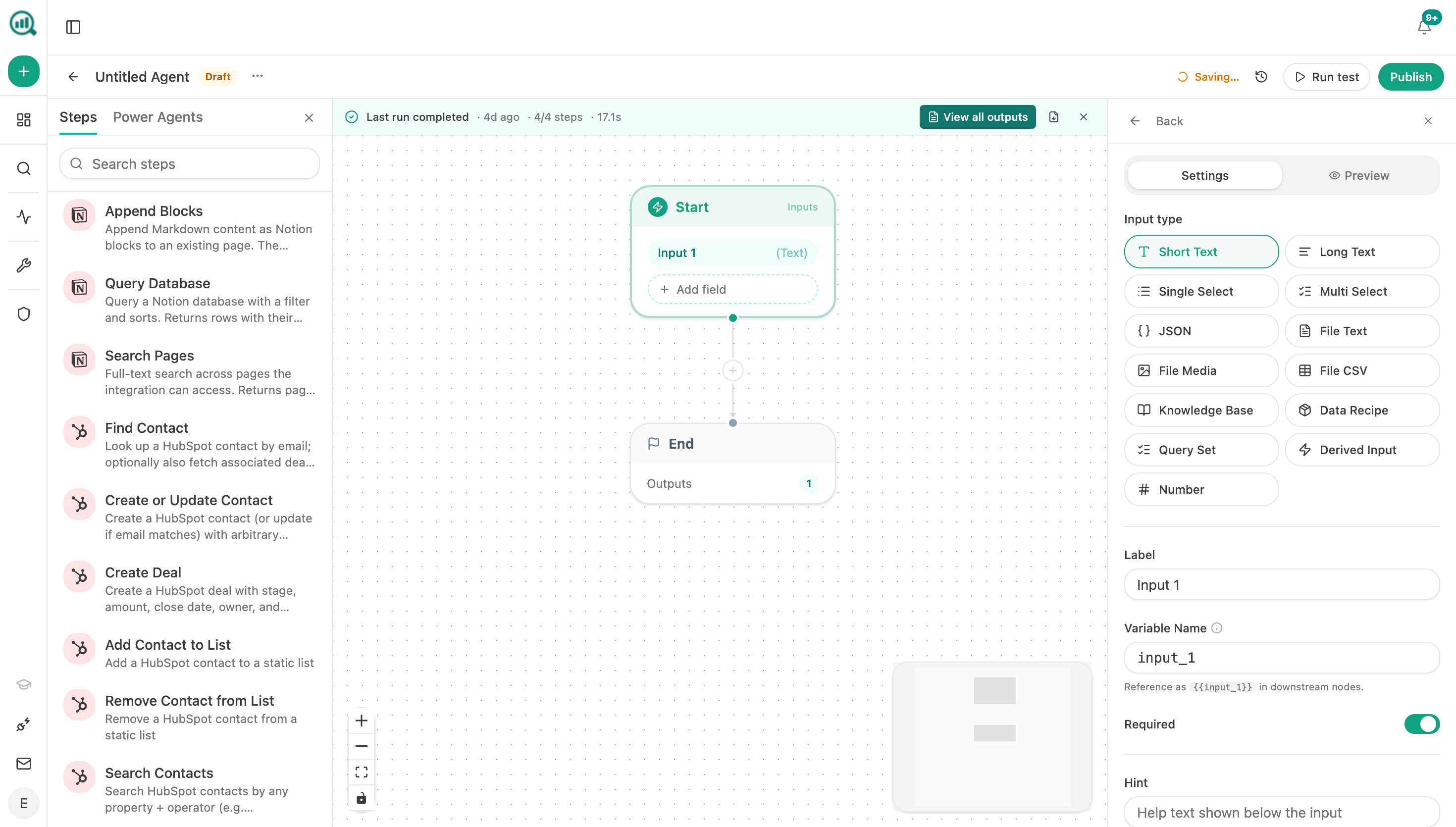
Two parts are doing the real work. Capturing the pre-deploy baseline at deploy time means you always have a clean before-series to compare against, which is the thing retrospective investigations never have. And the Conditional keeps the agent silent on healthy deploys, so the alerts stay meaningful rather than becoming noise people filter out.
Pair it with a daily GSC Indexing Status check, since a noindex leak usually shows in coverage a day or two before it shows in clicks.
FAQ
Related answers
- My traffic dropped 40% overnight — how do I figure out what caused it?
- Did a redirect or URL change lose us rankings?
- Is this page underperforming because of content or because it isn't indexed?
- How do I keep track of which site changes caused which traffic changes?
Want indexability checked automatically on every deploy? Start a free Analyze AI trial and wire your pipeline to a webhook agent.