
My traffic dropped 40% overnight — how do I figure out what caused it?
Short answer
Overnight drops are almost never algorithmic. Algorithm updates roll out over days and affect queries unevenly, while a cliff-edge fall on a single date points to something you or your platform changed. Work the first hour in order: confirm the drop is real in Search Console, check whether tracking broke, then check indexability, robots.txt, and the most recent deploy. That sequence resolves the large majority of cases before you start theorising.
Rule out the false alarm first
A meaningful share of overnight drops never happened. Before investigating the site, spend five minutes ruling out the measurement.
Is the drop in Search Console too? GA4 falling while GSC clicks hold means you have a tracking problem, not a traffic problem. That single comparison is the highest-value check available and it takes a minute.
Did the tag change? A deploy that removed or broke the analytics snippet produces a perfect cliff at the exact deploy time. Real traffic drops rarely land that cleanly.
Is it a consent or cookie banner change? A new default can stop a large share of sessions being recorded.
Is it a data delay? GA4 and GSC both lag, and the most recent days are provisional.
If Search Console clicks fell too, the drop is real and you move on.
The first-hour runbook, ordered by base rate
Work these in sequence. They're arranged by how often each turns out to be the cause, not by how technically interesting they are.
1. robots.txt. Fetch it directly. A Disallow: / reaching production is the single most common cause of a true overnight collapse, and it usually arrives with a staging deploy.
2. Noindex tags. Check the response headers and the rendered HTML on your top templates. Staging environments carry noindex by default and it ships more often than anyone expects.
3. Server errors and availability. Pull status codes from your logs or CDN for the drop window. Sustained 5xx responses during a crawl window will de-index pages fast.
4. The most recent deploy. What shipped in the 48 hours before the drop? See Did a site deployment cause our search drop?.
5. Redirects and URL changes. A migration or a changed URL pattern loses rankings if redirects are wrong or chained. See Did a redirect or URL change lose us rankings?.
6. Manual action or security issue. Check the Manual Actions and Security Issues reports in Search Console. Rare, but unambiguous when present.
7. Canonical and hreflang errors. A template change that points canonicals at one URL will collapse a whole section.
Read the shape of the drop
The pattern tells you where to look, and it's faster than guessing.
| Shape | Likely cause |
|---|---|
| Every page, same day, cliff edge | robots.txt, noindex, tag removal, or outage |
| One template or section only | A change to that template |
| Gradual over 5 to 10 days | Algorithm update or a de-indexing cascade |
| One country or device only | Hreflang, CDN routing, or a rendering failure |
| Branded queries only | Brand or reputation event, not technical |
| Non-brand only, branded stable | Ranking or SERP-composition change |
A cliff edge across everything is technical. A slope across some things is algorithmic or competitive, and it belongs in a different investigation. See How do I find the most likely cause of a traffic anomaly?.
What not to do in the first hour
Don't roll back everything. A blanket revert destroys the evidence and makes the cause unknowable. Identify the change first.
Don't submit a reconsideration request unless you have an actual manual action.
Don't publish new content to compensate. It won't rank in time and it adds variables to an active investigation.
Don't announce a cause before you've verified it. The first theory is wrong often enough that saying it out loud costs credibility you'll need later.
Once it's fixed, capture what happened
Whatever you find, write it into a change log with the timestamp, affected URLs, and the expected recovery window. The next incident will be investigated by someone who wasn't in the room today.
The most valuable field is the one you fill in before you know the outcome: what you expected the fix to do. It's what turns an incident into something the team learns from. See How do I keep track of which site changes caused which traffic changes?.
Catch the next one before someone notices
The uncomfortable part of an overnight drop is usually not the cause. It's that three days passed before anyone looked.
Agent Builder supports scheduled and webhook triggers, so detection can run continuously rather than depending on someone opening a dashboard. A daily monitor:
Start (schedule, daily 6am) → GSC Page Performance Summary (daily series, all top pages) → GSC Indexing Status → GA4 AI Traffic Overview → Code (compare yesterday against a trailing 28-day baseline, compute the deviation per page and per template, and classify the drop shape as sitewide, template-level, or query-segment) → Conditional (only continue if deviation exceeds the threshold) → Prompt LLM (name the shape, list the candidate causes in runbook order, and state which check to run first) → Send Notification to the SEO channel.
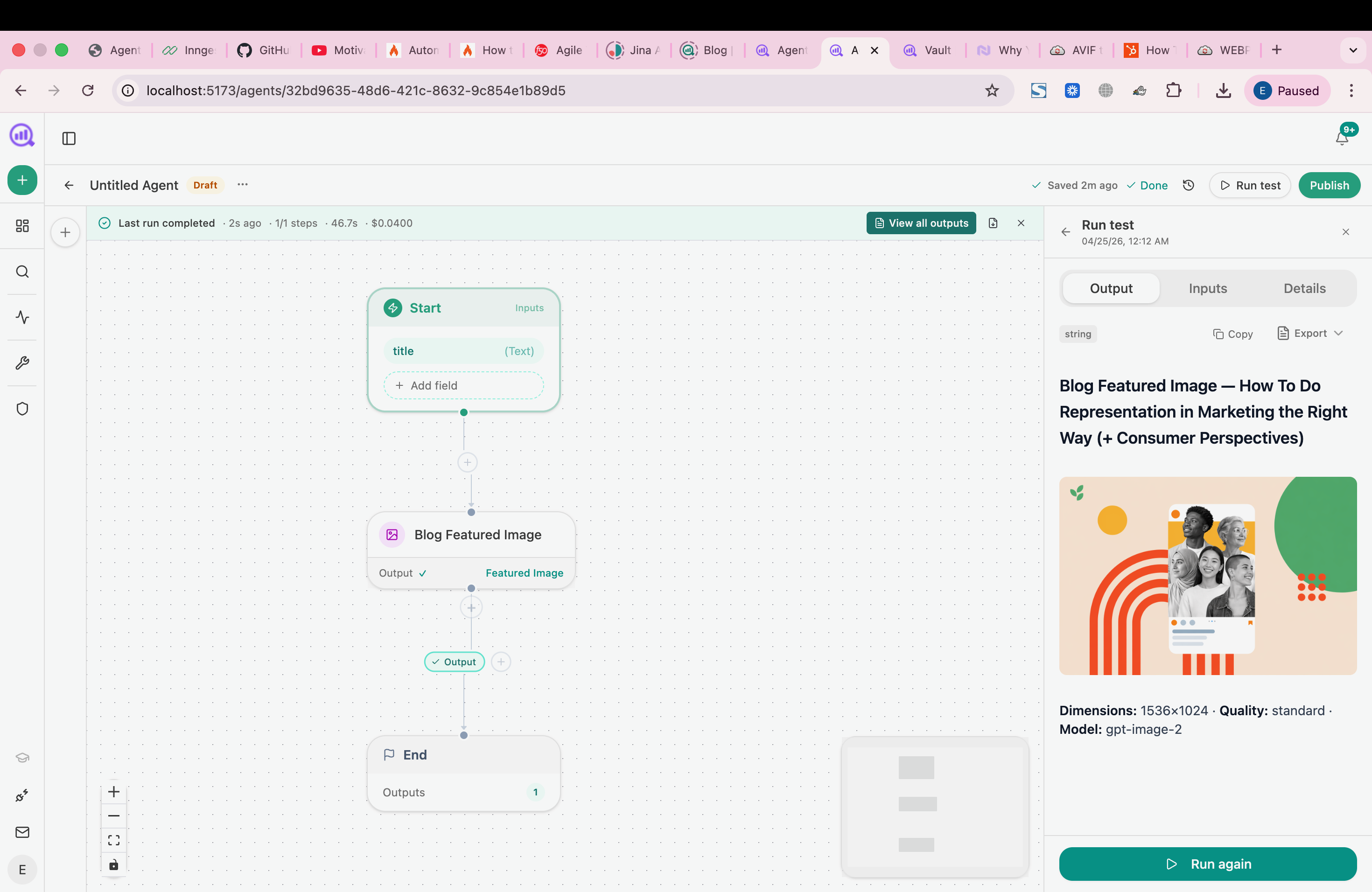
Two things make this useful rather than noisy. The Conditional means it stays silent unless something genuinely moved, so people keep reading the alerts. And classifying the shape rather than just reporting a number means the alert arrives with a hypothesis, which is what turns a 6am notification into a ten-minute fix rather than a day of investigation.
Pair it with the same agent watching your indexing status, because a robots.txt or noindex change usually shows there before the traffic falls.
FAQ
Related answers
- Did a site deployment cause our search drop?
- How do I find the most likely cause of a traffic anomaly?
- Which pages and queries explain most of my organic decline?
- Is this page underperforming because of content or because it isn't indexed?
Want a daily monitor that alerts with a hypothesis instead of a number? Start a free Analyze AI trial and connect Search Console.