
What should a content-refresh brief contain?
Short answer
Seven fields: the diagnosis, the before-state numbers, the specific changes required, what must not change, the target query and intent, the review date, and who signs it off. The first two are what separate a refresh brief from a writing brief. Without the diagnosis you get a longer version of the same page, and without the before-state you can never prove it worked.
Fill the seven fields
| Field | What goes in it |
|---|---|
| Diagnosis | Why this page declined, in one sentence, with the evidence |
| Before-state | Clicks, impressions, average position, citations, conversions for the trailing quarter |
| Required changes | The specific edits, as a list |
| Do not change | Elements that are working and must survive |
| Target query and intent | The one query this page owns, and what the searcher wants |
| Measure on | The date you will check, not before |
| Approver | Who signs off the factual claims |
Most refresh briefs contain fields three and five and nothing else, which is why so many refreshes produce a nicer page and no recovery.
Write the diagnosis before the instructions
The diagnosis is the field that changes the work.
"Traffic is down 40%, please improve" produces padding. "Position held at 4, click-through fell 38% after an AI summary appeared above the results, competitors unchanged" produces a different piece of work entirely, and probably a title and opening rewrite rather than a content expansion.
Get it from a proper look rather than an assumption, which is how do I diagnose why a page declined before rewriting it.
If the diagnosis turns out to be a format mismatch, stop and reclassify the work. A refresh brief cannot turn an article into a tool.
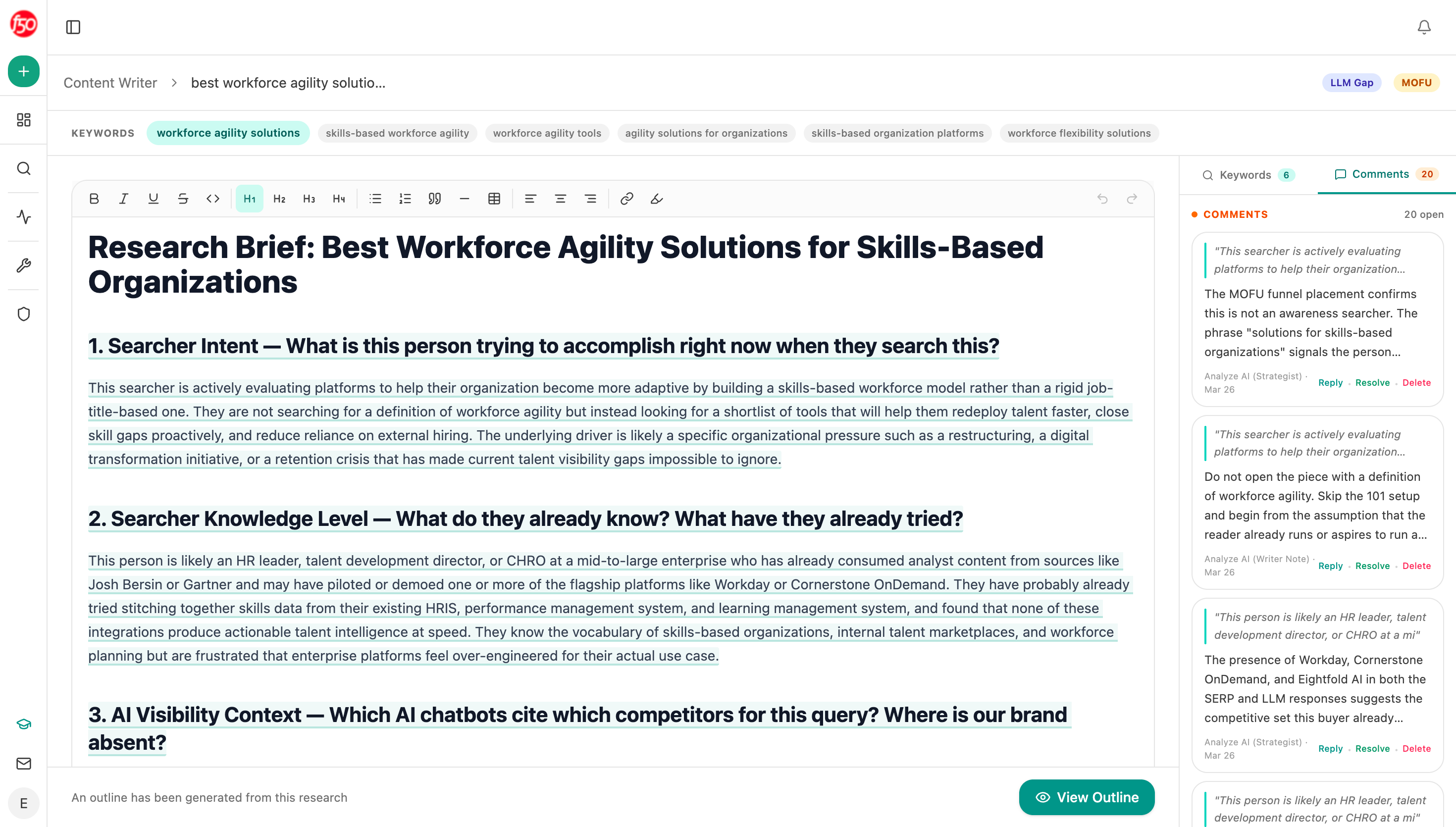 Keeping the research and its comments attached to the brief is what stops the diagnosis being lost between the audit and the writer.
Record the before-state, in numbers
This field takes two minutes and it is the one people skip, then regret.
Record the trailing quarter for: clicks, impressions, average position for the target query, citations in AI answers, and sales conversations attributed to the page. Put the actual figures in the brief, not a link to a dashboard that will show different numbers later.
Two reasons. You cannot prove a refresh worked without a baseline, and the baseline has to be frozen at brief time or it moves under you. And it forces the person writing the brief to look at the data, which occasionally kills the refresh before it starts.
Analyze AI supplies most of this in one place: GSC nodes for clicks, impressions and position, Citation Pages for the AI side, and HubSpot for outcomes. How do I record exactly what changed in a refresh so I can prove it worked covers the record you keep afterwards.
Say what must not change
This is the unusual field and it prevents the most expensive kind of failure.
A refresh routinely removes the thing that was working. The worked example that earned the links, the table that gets cited, the opening paragraph that answers the question in forty words. A writer improving flow deletes it without knowing it mattered.
So list them. Two or three items, named specifically, with a note on why. Anything that appears in your Citation Pages data as a cited passage belongs here, since in our own state of AI search research page authority barely predicted citation across the 4,824 pages we checked, meaning the citation came from what the page says rather than from the domain.
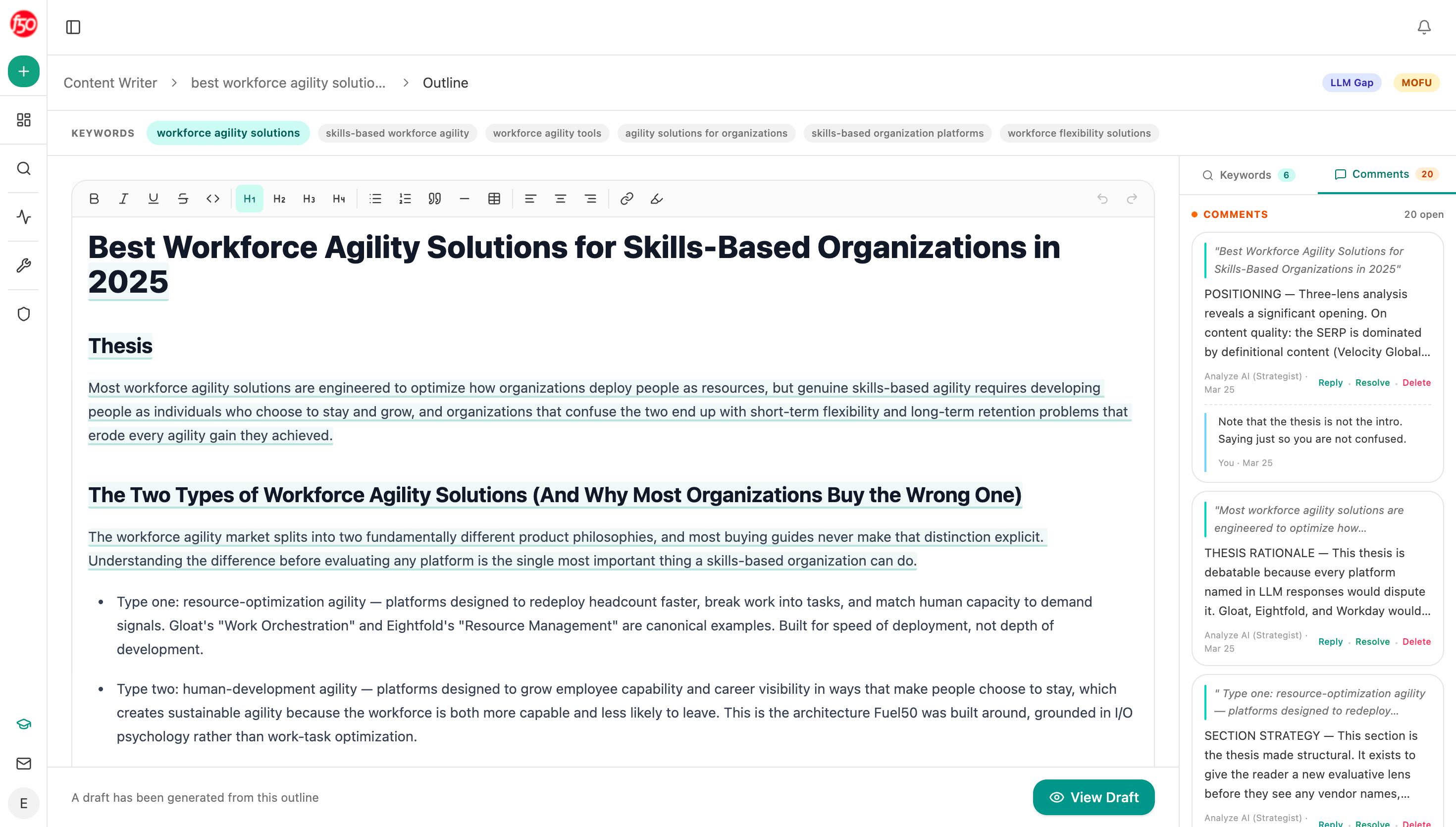 Building the outline from the research keeps the diagnosis in front of the writer instead of behind them in a separate document.
Set the measurement date in the brief
Put the check date in the brief itself rather than deciding later.
Four to eight weeks after publication for ranking effects, and one full sales cycle for conversion effects. Note that Google's generative AI performance report shows impressions with no clicks and no query data, so the AI side of your before-state has to come from your own tracked prompts rather than from Search Console. Writing it down stops two failures: checking at week two and concluding it failed, and never checking at all.
How long after a refresh should I measure results covers the gates the date should clear.
Generate the brief from the data
Start (manual, the page URL) → GSC Page-Keyword Breakdown for 16 months of clicks, impressions and position → Citation Pages for AI citations on that URL → HubSpot Search Deals for attributed conversations → Content Optimizer fetching the live page and returning its gaps → Google Search for the current top ten and their formats → Prompt LLM assembling the seven fields, with the before-state frozen as figures → Export DOCX.
Freezing the before-state as figures inside the artifact is the part to copy. A brief that links to a live dashboard is a brief with no baseline, because the dashboard will show something different by the time anyone checks.
FAQ
Related answers
- How do I diagnose why a page declined before rewriting it?
- How do I record exactly what changed in a refresh so I can prove it worked?
- How long after a refresh should I measure results?
- How do I compare my declining page with the pages that now win the SERP?
Brief the diagnosis, not just the rewrite
Analyze AI assembles the before-state, the page gaps and the current top ten into a refresh brief with the baseline frozen.
Start your free trial