
How long after a refresh should I measure results?
Short answer
Four to eight weeks for rankings, and one full sales cycle for revenue. Before you read anything, check three gates: the page has actually been recrawled, its position has stopped moving week to week, and you have enough sessions for the change to be readable. Checking at week two produces a false negative and a reversed decision.
Clear the three gates in order
Time alone is the wrong trigger. These three are what the time is for.
Gate one: has it been recrawled? Use the URL Inspection tool in Search Console and look at the last crawl date. If the page has not been recrawled since you published, nothing you are measuring reflects the change. On large or slow-crawled sites this alone can take two or three weeks.
Gate two: has the position stopped moving? Pull weekly average position since publication. Rankings usually wobble for a fortnight after a substantive edit before settling. Measuring mid-wobble tells you about the wobble.
Gate three: do you have enough sessions? You need roughly 1,000 sessions or 30 conversions in the window to read a conversion change, and a few hundred clicks to read a click-through change. A low-traffic page may need a full quarter regardless of how fast the first two gates clear.
Use different windows for different outcomes
| What you are measuring | When to check | Why |
|---|---|---|
| Recrawl and indexing | 3 to 14 days | Nothing else means anything until this passes |
| Impressions and position | 4 to 8 weeks | Wobble settles, then the new level shows |
| Click-through rate | 4 to 8 weeks | Needs impressions to accumulate |
| AI citations | 2 to 6 weeks | Moves faster than rankings |
| Conversions | One full sales cycle | Nothing to do with search timing |
The citation row is worth noticing. Assistants react faster than rankings do, so a refresh often shows up in your citation data weeks before Search Console moves. Analyze AI's Citation Pages view and the citation-magnets recipe are the earliest read you will get on whether the new version answers the question better.
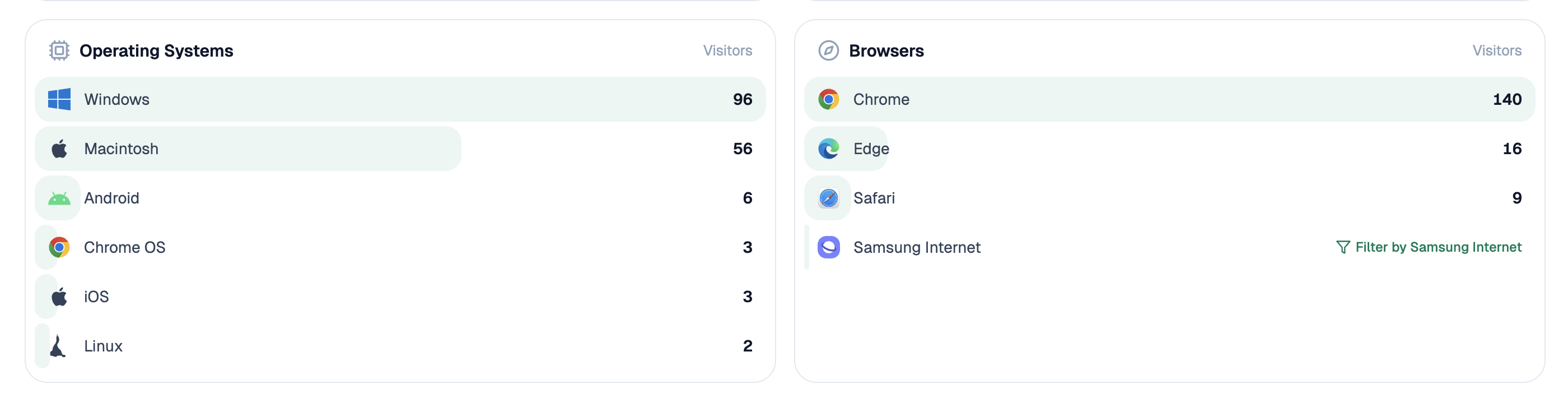 Assistant-referred sessions are reported separately, so the AI side of a refresh can be read without waiting for the classic channel to move.
Compare against the frozen baseline, not against last month
The measurement is only as good as what you compare it to.
Use the before-state you froze in the refresh record, and match the window length. A trailing quarter before against a trailing quarter after. Comparing four weeks after against the previous twelve is a common error that makes almost every refresh look like a failure.
Also compare against the same period a year earlier where you can, so a seasonal upswing does not get credited to your edit. That is why the record matters, and it is covered in how do I record exactly what changed in a refresh so I can prove it worked.
Know when a flat result is still a win
A refresh that holds a page steady while the result page around it got harder is a success that looks like nothing.
Two situations where this happens. A new competitor entered the top five and you kept your position. Or an AI summary appeared above the results, and when one is present Pew Research found a source link was clicked in about 1% of visits, which drags click-through down for everyone on the page.
So check what changed around you before calling a flat result a failure. Holding position while the page below you lost 30% is worth knowing and worth reporting.
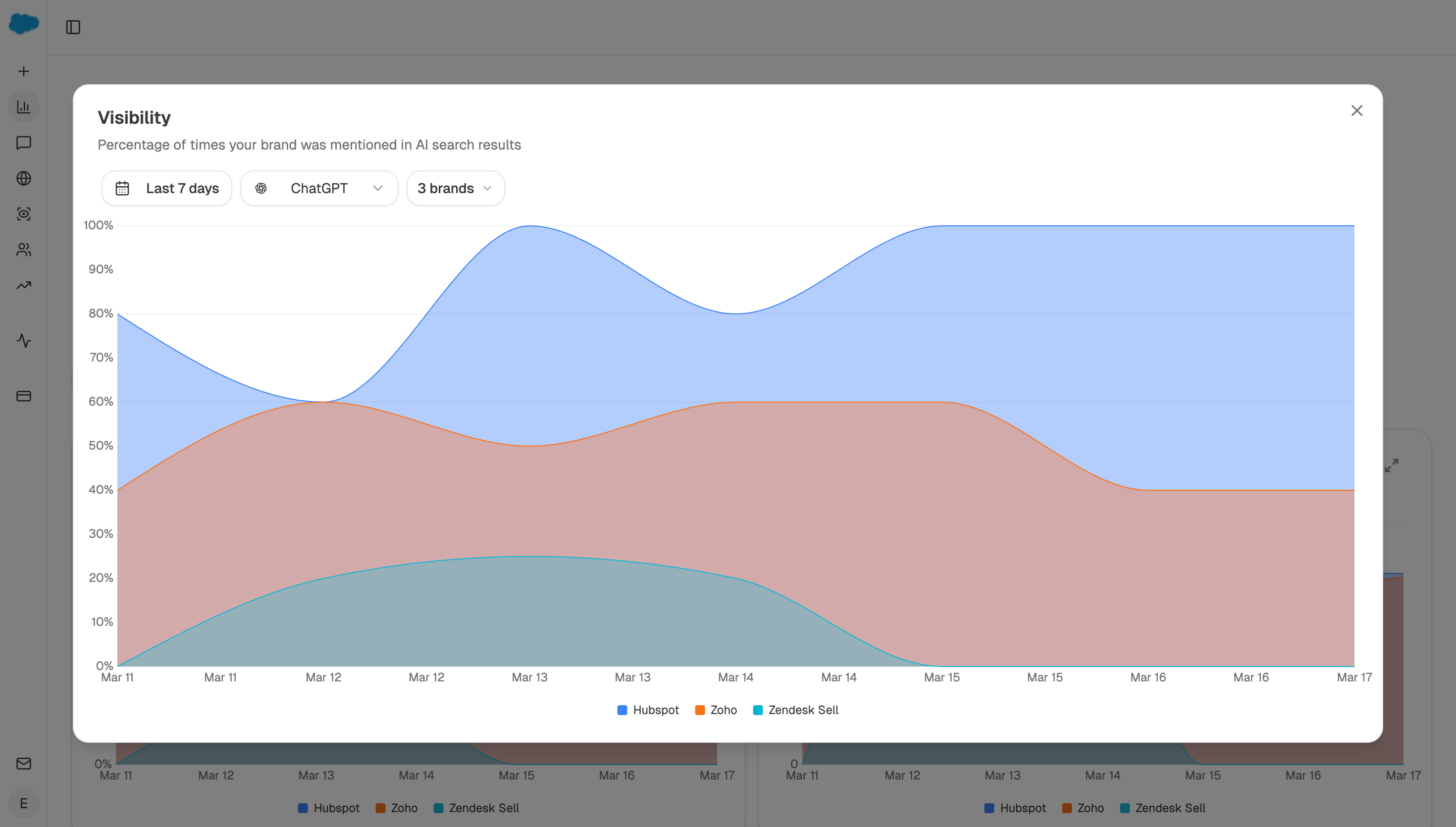 Reading the trend rather than a single point is what separates a settled result from a page still moving.
Automate the check date
Start (webhook, fired when a page is republished) → Wait node until the measurement date recorded in the brief → GSC Page-Keyword Breakdown for the window since publication and the matched window before → Code node checking whether position has been stable for two consecutive weeks → Citation Pages for the AI-side movement → Conditional holding the report if position is still moving → Send Notification with the before and after figures side by side.
The Wait node plus the stability check is the design choice. It stops the two failures at once: nobody checks, or somebody checks too early and reverses a refresh that was still settling.
FAQ
Related answers
- How do I record exactly what changed in a refresh so I can prove it worked?
- How do I prove maintenance created more value than new content?
- What should a content-refresh brief contain?
- How do I diagnose why a page declined before rewriting it?
Measure when the page is actually ready
Analyze AI waits for the date in the brief, checks the ranking has settled, and reports before and after side by side.
Start your free trial