
How do I separate first-touch, assisted, and last-touch organic revenue?
Short answer
Capture first touch and last touch in two separate cookies that write under different rules, then derive assisted from the page views in between. Report all three as parallel columns and never add them together, because each one counts the same deal from a different angle. Summing them produces a marketing contribution figure larger than your total revenue, which is how these reports get thrown out.
The capture layer
Three data points, three different write rules. Getting the rules wrong is why most implementations produce a report where every column shows the same thing.
First touch: write once, never overwrite. On the visitor's first session, store landing page, source, medium, and timestamp. 12-month expiry for B2B.
Last touch: overwrite every session. Same fields, updated on each visit.
Assisted: not a cookie. These are the page views recorded against contacts between the first and last touch, and they live in your marketing automation or CRM rather than in a cookie.
Then map all of them to CRM properties and, critically, copy them from contact to opportunity on deal creation. A field that stops at the contact record lets you attribute leads and never revenue.
The three-way report
| Column | Counts | Weight | Answers |
|---|---|---|---|
| First-touch revenue | Deal value against the first organic page | 100% | Which content creates demand |
| Assisted revenue | Deal value against intermediate pages | 30 to 50%, divided | Which content sustains consideration |
| Last-touch revenue | Deal value against the final page | 100% | Which content closes |
Set the assisted weight from your median touches per deal, then freeze it. Under 8 touches means 45 to 50%, 8 to 20 means 35 to 45%, over 20 means 30 to 35%.
And divide the weighted value across the assisting pages rather than applying the full weight to each. Six pages each credited at 40% of a $50,000 deal invents $70,000 that doesn't exist.
The rule about summing
You cannot add these columns. The same deal appears in all three, so the total would count it three times.
If someone needs a single marketing contribution figure, give them sourced revenue, which is the first-touch column, and present assisted separately as supporting context. Any attempt to blend produces a number that exceeds company revenue and ends the conversation badly.
What the three-way split actually diagnoses
The value isn't the three numbers. It's the shape they make together, and there are three patterns worth knowing.
High first-touch, low last-touch. A demand creator. Top-funnel content and comparison pages usually sit here. They introduce you and hand off. Cutting them because last-touch shows little is the expensive mistake this report exists to prevent.
Low first-touch, high last-touch. A demand harvester. Pricing pages, branded search, and Direct live here. They convert people who already decided, so scaling them produces far less than the last-touch number implies.
High assisted, low on both ends. The persuasion layer. Product-adjacent JTBD content and technical documentation typically. This content rarely captures a lead and rarely closes one, and deals with these pages in the journey close at materially higher rates. It's the content most likely to be cut by a first-and-last-touch-only report.
That third pattern is the reason to build the assisted column at all.
The touch none of the three columns record
A share of first touches now happen inside an AI answer that produced no session. Your first-touch cookie will faithfully record whatever page the buyer eventually landed on, usually your homepage via branded search, and label it the origin.
Our own state of AI search research, covering more than 22,000 answers, found Google AI Mode returns a citation-rich answer in 97.4% of matched B2B queries and Perplexity in 93.2%. Pew Research found that when an AI summary appears, users click a source link in only about 1% of visits.
So expect your first-touch column to over-credit branded search and Direct. Size the correction with a signup survey rather than assuming the cookie caught it. See How do I combine "how did you hear about us?" answers with analytics data?.
How Analyze AI assembles the three columns
The mechanical work here is a three-way join across CRM records, page-view history, and Search Console, which is why most teams build it once and never refresh it.
HubSpot's node surface covers 26 operations including contact search, deal search, association, and note creation, so the join runs inside one workflow. The Branch node is what makes the three-way split clean: each case handles one attribution type with its own logic path, rather than trying to express all three in a single prompt.
On the query side, GSC Page-Keyword Breakdown returns every query driving clicks to a given page, which lets you extend the report from revenue-per-page to revenue-per-query-per-attribution-type.
A workable chain:
Start (schedule, 1st of month) → HubSpot Get CRM Objects (closed-won last 4 quarters, first and last touch fields) → HubSpot Search Contacts (page-view history for associated contacts) → Branch (three cases: first-touch, assisted, last-touch, each computed on its own path) → Code (apply the frozen assisted weight and divide across pages) → GSC Page-Keyword Breakdown on the top pages → Prompt LLM (build three columns, classify pages as creator, harvester, or persuasion layer) → Excel export → Send Email to CMO.
The classification step is where this report earns its keep. Handing a content lead a list labelled "these twelve pages are your persuasion layer" is far more actionable than three columns of revenue they have to interpret themselves.
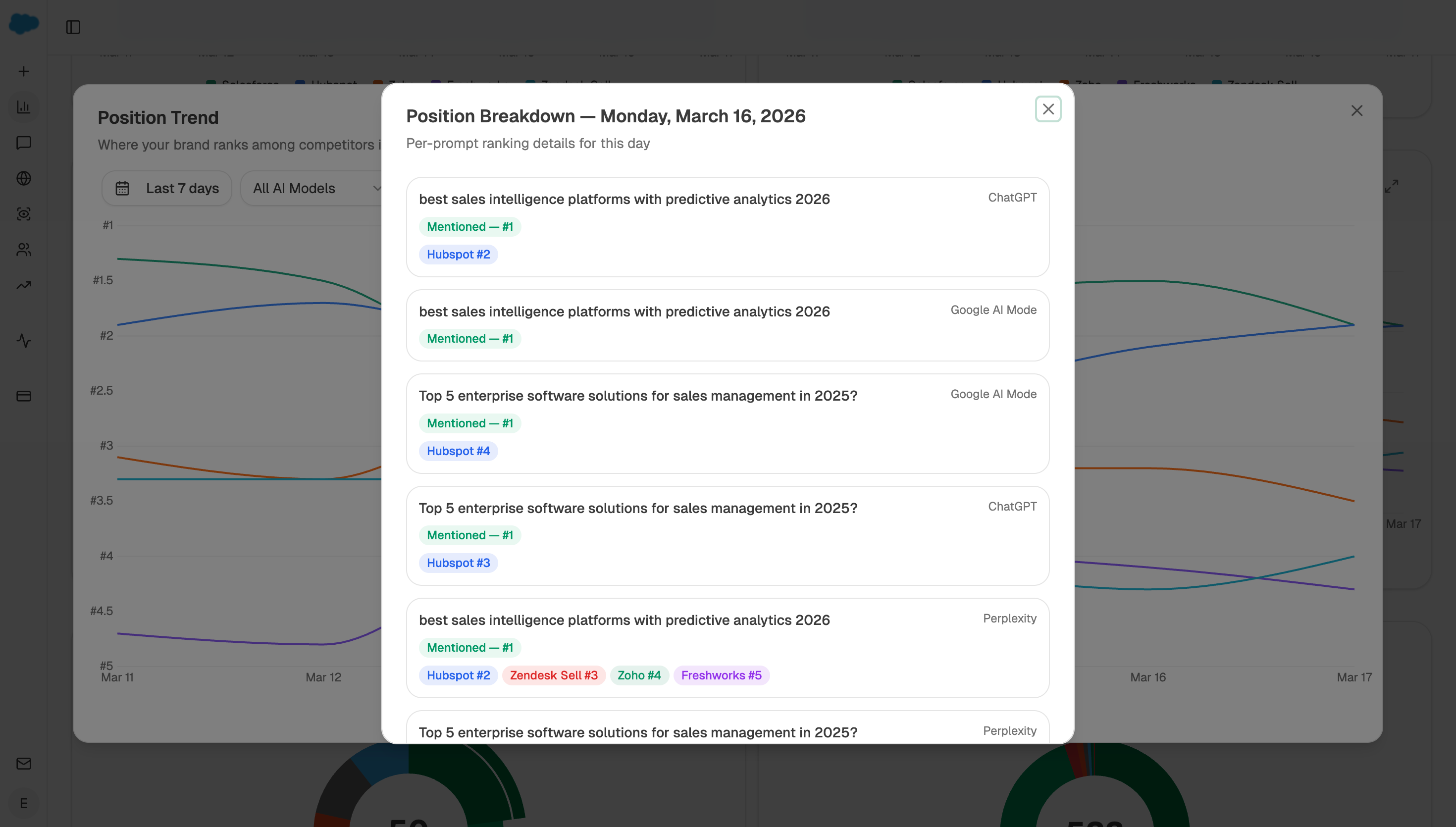
For the AI-search correction that none of the three columns capture, prompt tracking runs alongside and tells you which surfaces were positioned to make the introduction your first-touch column credited elsewhere.
FAQ
Related answers
- Which attribution model should I use for a long B2B buying journey?
- How should I value content that influences a deal but doesn't create the lead?
- Which pages and queries influenced a deal even when they weren't the first or last touch?
- How do I measure organic-influenced pipeline without claiming false precision?
Want the three-way split rebuilt automatically each month? Start a free Analyze AI trial and connect GA4, GSC, and your CRM.