
How do I connect Search Console data to CRM opportunities and revenue?
Short answer
Search Console has no user or session identifier, so you can't join it to a CRM record directly. The join runs through the landing page: Search Console gives you query-to-page, your form passes the page into the CRM as a hidden field, and the opportunity inherits it. That makes the landing page your join key, and it means a missing hidden field breaks the entire chain no matter how good the rest of your setup is.
Why there's no direct join
Search Console reports aggregate query and page performance. It deliberately contains no user identifier, no session ID, and no way to trace an individual click. Queries below a volume threshold are withheld entirely.
So any claim of "revenue by keyword" is a derived estimate, not a lookup. The derivation runs through the page:
Query → Page from Search Console. Page → Session from GA4. Session → Lead from your form's hidden field. Lead → Opportunity → Revenue from your CRM.
Every link is real data. The uncertainty enters at the first step, because a page usually ranks for many queries and you're distributing its revenue across them by share of clicks.
Build the chain
Step 1. Add the hidden fields. first_landing_page, first_source, and first_touch_date on every form, populated from a first-touch cookie that writes once and never overwrites. Sync to the contact record.
Step 2. Carry them to the opportunity. Fields that stop at the contact let you attribute leads but not revenue, which is the version your CFO doesn't care about.
Step 3. Export Search Console at page-and-query level. You need both dimensions together, not page totals and query totals separately.
Step 4. Compute each query's click share of its page. If a page received 1,000 clicks and one query drove 300, that query owns 30% of the page's attributed revenue.
Step 5. Multiply through. Page revenue from the CRM, times query click share, gives estimated revenue per query.
The two places it breaks
The hidden field is missing or not syncing. This is the common one. The form collects it, the CRM field exists, but the mapping was never configured, so every record shows blank. Check a sample of ten recent contacts before you build anything downstream.
The field gets overwritten on later visits. If your cookie writes on every visit rather than only the first, every contact will show whichever page they last landed on, which is usually your pricing page. Your report will then claim pricing is your best-performing content, which is an artefact rather than a finding.
Test both by pulling ten contacts and checking whether first_landing_page values look plausible and varied.
Where the estimate is weakest
Be honest about three limits when you present this.
Branded queries inflate whichever page they hit. A page ranking for both a category term and your brand name will absorb branded revenue that the content didn't create. Split branded from non-branded before reporting. See How much of our organic revenue is new demand versus branded demand capture?.
Withheld queries leave a gap. Search Console suppresses low-volume queries, so your click shares won't sum to the page's total. Report the covered percentage rather than silently normalising.
First touch isn't the whole journey. This chain gives you sourced revenue. Influenced revenue needs a different method entirely. See Which pages and queries influenced a deal even when they weren't the first or last touch?.
The AI-search complication
A growing share of the buyers who eventually convert never generated a Search Console click at all. They saw you in an AI answer, didn't click, and arrived later through branded search or Direct.
Our own state of AI search research, covering more than 22,000 answers, found Google AI Mode returns a citation-rich answer in 97.4% of matched B2B queries. Google's own documentation on AI features confirms AI Mode and AI Overviews may fan a query out across subtopics and sources, which means the page that influenced the buyer may never appear against the query they started from.
The practical consequence: your query-to-revenue model describes the click-through path accurately and says nothing about the citation path. Report it as sourced-organic revenue rather than as total organic contribution.
How Analyze AI runs this join
Search Console is exposed through eight nodes in Analyze AI, and two of them are the ones this analysis actually needs.
Page-Keyword Breakdown returns every query driving clicks to a specific page, which is the click-share denominator. Keyword-Page Breakdown does the inverse, showing every page a query sends clicks to, which is how you catch cannibalisation before it corrupts your revenue split. The other six cover top pages, top keywords, page performance time series, and indexing status.
On the CRM side, HubSpot's node surface covers 26 operations including contact and deal search, so the join runs inside one workflow rather than across three exports.
A working chain, with a Loop because you want this per page rather than in aggregate:
Start (schedule, 1st of month) → GSC Top Pages for Site (last 90d) → Loop / For Each over the top 50 pages → GSC Page-Keyword Breakdown per page → HubSpot Get CRM Objects (closed-won with first_landing_page populated) → Prompt LLM (compute query click share, distribute page revenue, flag branded queries separately, report covered percentage) → CSV export → Send Email to CMO and finance.
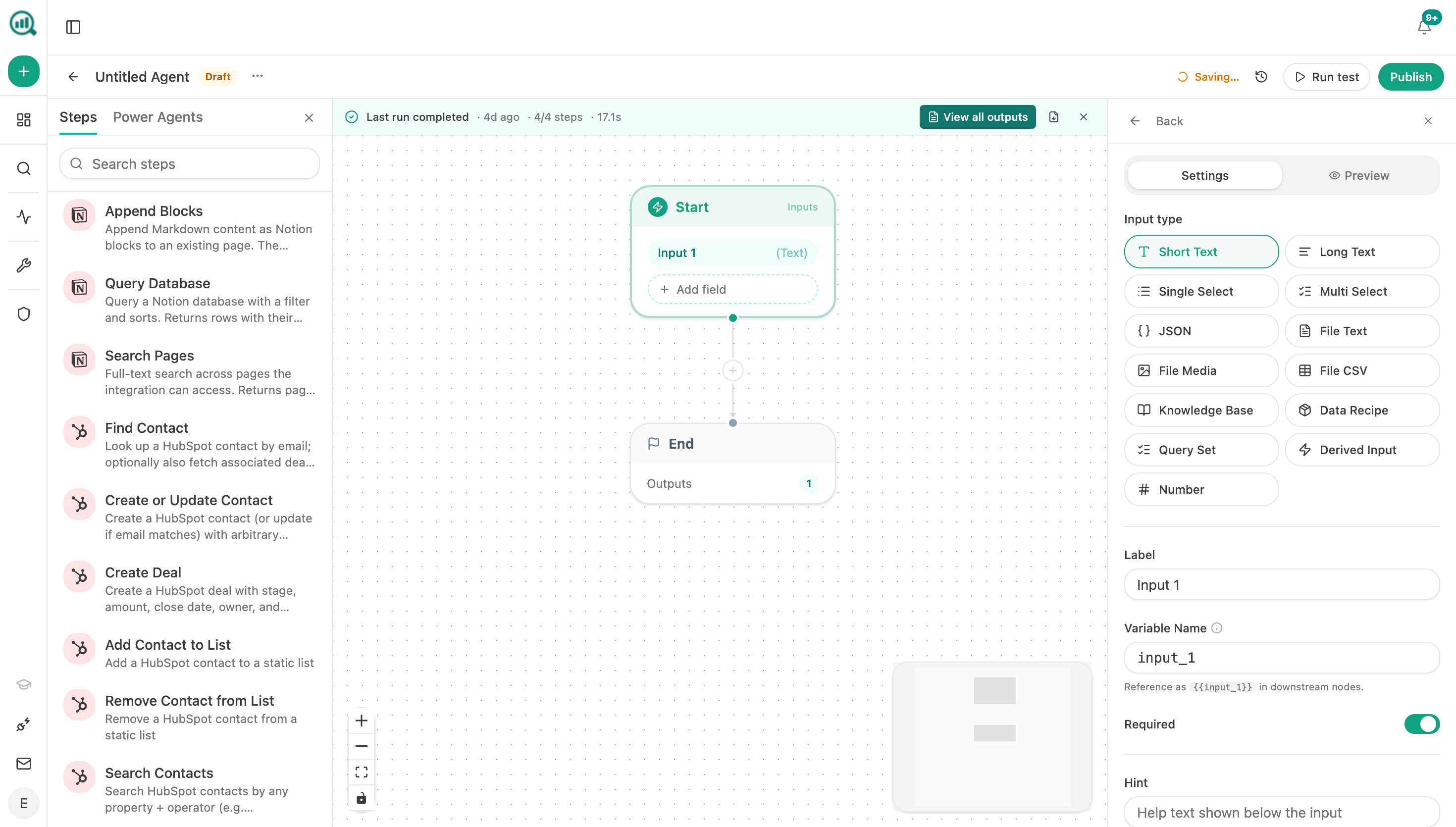
Two details worth borrowing. The Loop node is what makes this page-level rather than site-level, and page-level is the only version anyone can act on. The CSV export attaches as a downloadable artifact to the run and to the agent's artifact library, which matters because finance will want to reconcile your revenue figures against theirs and a spreadsheet survives that conversation better than a dashboard screenshot.
If you'd rather write the attributed revenue back onto each page record instead of exporting it, the Notion and HubSpot write nodes handle that in one more step.
FAQ
Related answers
- How do I map organic landing pages to the customers they eventually produce?
- How do I prove SEO is generating revenue and not just traffic?
- How do I separate first-touch, assisted, and last-touch organic revenue?
Want Search Console joined to CRM revenue without a monthly export ritual? Start a free Analyze AI trial and connect GSC, GA4, and HubSpot.