
Should different search intents get different CTAs?
Short answer
Yes, and it is one of the cheapest wins available. Someone searching what a term means and someone searching for alternatives to a competitor are at completely different points, so asking both for a demo wastes one of them. Match the call to action to what the person searched, and use one per page rather than stacking three.
Map the search to the call to action
The mapping is short. Find the main search sending traffic to a page, decide which row it belongs in, and use that call to action.
| What they searched | Where they are | The right call to action |
|---|---|---|
| "what is X", "X meaning" | Learning | A calculator, or the next article |
| "how to do X" | Doing it themselves | A template or checklist |
| "best X tools", "X software" | Building a shortlist | A comparison page, or a trial |
| "[competitor] alternatives" | Comparing you to someone | A comparison page, then a trial |
| "[competitor] vs [competitor]" | Deciding | A trial, or a demo |
| "X pricing", "X cost" | Ready | A demo, or a signup |
| "X not working", "X error" | Stuck | The fix, then the product that prevents it |
Two rows deserve attention. The bottom row is the only one where a demo is the obvious answer, and yet most sites put a demo button on all seven. And the last row converts far better than people expect, because someone with a broken thing is highly motivated.
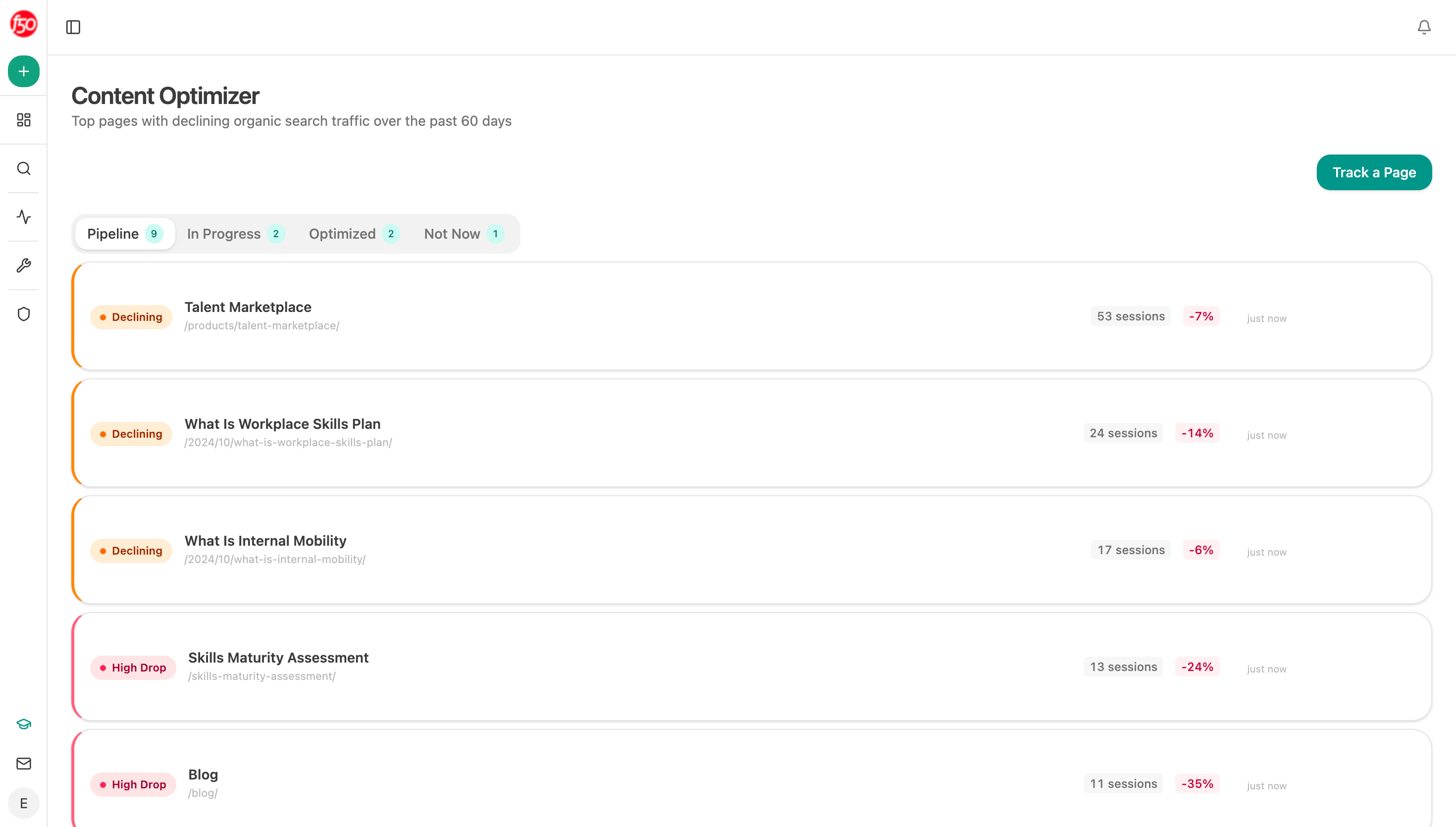 The optimizer reads each page against the question it answers, which is how you find the ones pointing at the wrong next step.
Find each page's real search first
Do not assign calls to action based on what you think a page is about. Use the search that actually sends it traffic.
Open the page and keyword breakdown in Search Console and take the top search per page. Pages regularly surprise you. A page written as a product explainer often ranks for a "what is" search, which means it is collecting learners while asking them for a demo.
Analyze AI does this in one step with the Page-Keyword Breakdown node, which returns the searches behind each page so you can sort your library into the seven rows at once.
Use one call to action, not three
Stacking is the most common mistake here, and it feels reasonable. Give people a demo, a trial and a newsletter, and let them choose.
What happens instead is that fewer people take any of them. A visitor arriving with a half-formed question does not want to evaluate three options, so they postpone all three and leave. Three choices also means three things competing for the same space, which usually means none of them get a proper explanation.
Pick one per page based on the table. Keep a demo link in the header for anyone who is ready, and leave the body of the page to do one job.
Say what happens next, not what to click
The wording matters less than the mapping, with one exception that is worth getting right.
Tell people what happens after they click. "Book a demo" describes an action for you. "See how your pages score in 3 minutes" describes an outcome for them, and it tells them the time cost up front, which removes the main reason people hesitate.
This matters more on the earlier rows, where the visitor has no reason yet to trust that your call will be worth their half hour.
Ask what happens when people arrive already informed
Increasingly buyers arrive later in the process than your page assumes, because they researched somewhere else first.
Our own state of AI search research found assistants build answers from very different sources depending on the surface. Lists, comparisons and reviews were 34.4% of what Perplexity cited and 33.1% of Google AI Mode, against 13.9% of ChatGPT, where company sites and product pages made up 68.8%.
Google's AI features documentation confirms there is no separate format to qualify for, so this is about what gets picked rather than what is eligible. That has a direct effect on your calls to action. A visitor who arrives from a comparison-heavy answer has already built a shortlist, so they belong on the fourth or fifth row even if the page they land on is a "what is" article. Analyze AI shows you which assistants send you visitors through AI Traffic Analytics, and the Sources view shows what kind of content they were reading first.
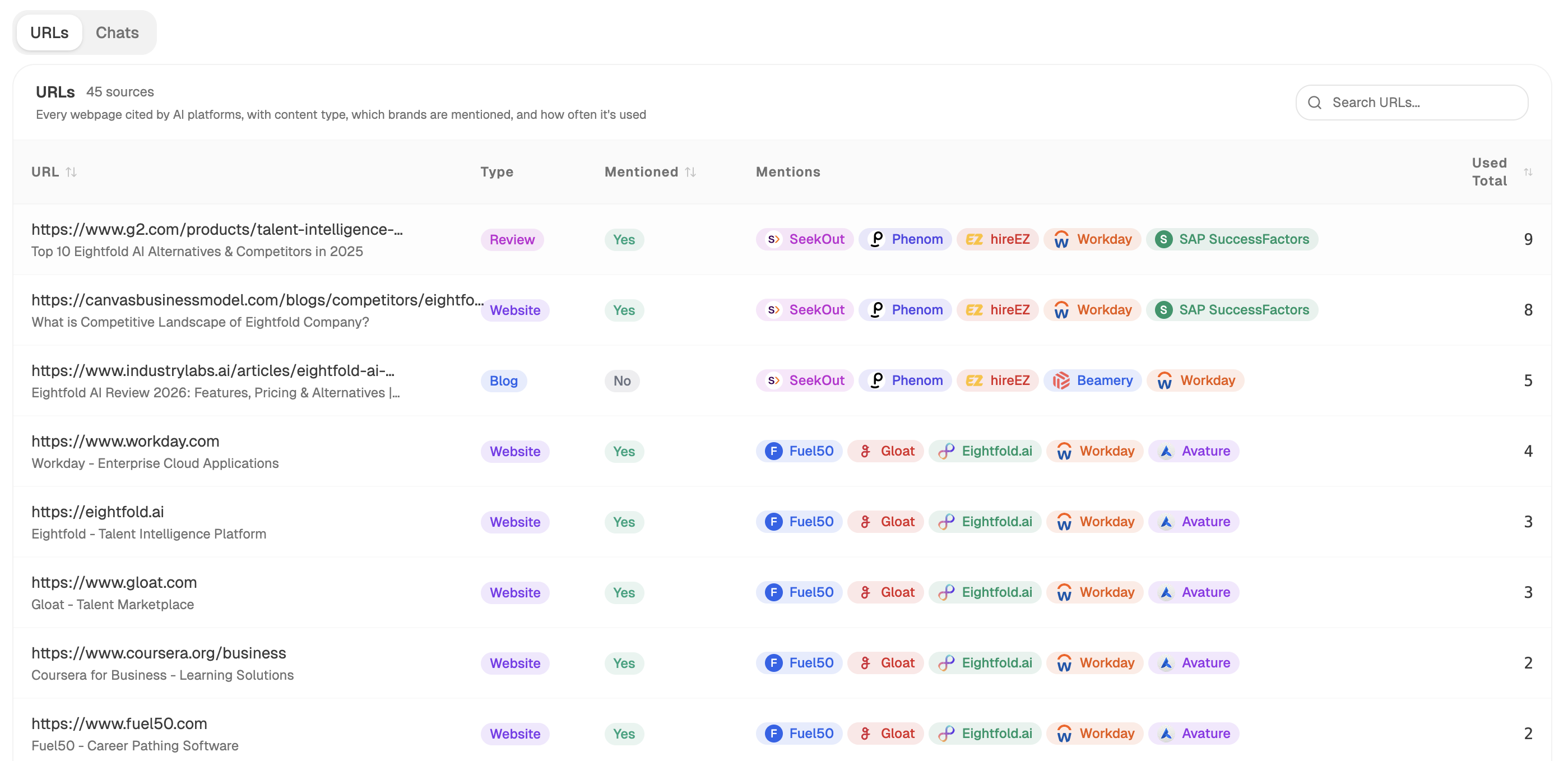 Sources shows what kind of content buyers were reading before they arrived, which tells you how far along they already are.
Audit the whole library in one pass
Start (manual, your published pages as a file-csv) → GSC Page-Keyword Breakdown for the main search per page → Prompt LLM sorting each page into one of the seven rows → GA4 Page Breakdown for the current button click rate → Conditional flagging pages whose call to action does not match their row, or that carry more than one → Export Excel with the recommended swap per page.
Flagging pages that carry more than one call to action is the check most audits miss. Mismatches are easy to spot by eye, and stacking is invisible until you count.
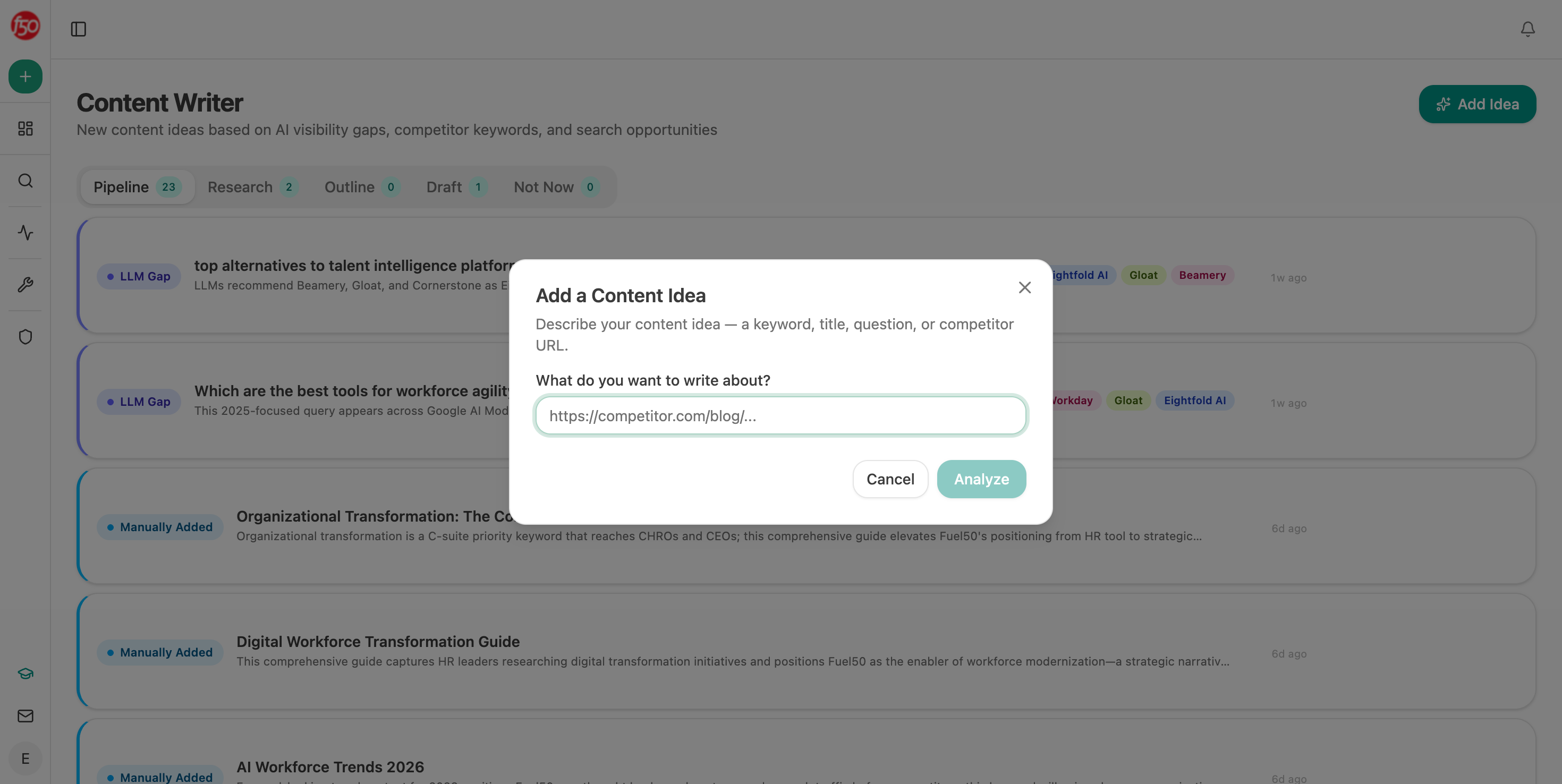 Returning the audit as a queue makes it work to be done rather than a report to read.
FAQ
Related answers
- What should the next step be for a visitor who isn't ready for a demo?
- Why do people read our content but never take the next step?
- How do I move a reader from an educational article into product evaluation?
- How do I tell whether low conversion is caused by intent, trust, offer, UX, or pricing?
Match every page to the step its reader would take
Analyze AI finds the real search behind each page, sorts your library by intent, and lists the calls to action worth swapping.
Start your free trial