
When is deleting or redirecting old content better than updating it?
Short answer
Answer three questions in order. Is anyone still searching for this? Does the URL hold links or rankings worth keeping? Does it cover an intent no other page of yours covers? A no to the first sends you to redirect or delete. A yes to the second means redirect rather than delete, always. Only a yes to all three justifies the work of updating.
Work the decision tree
Each step is a single check and the order matters, because the cheapest disqualifier comes first.
Is there still demand? Look at category impressions across everyone rather than yours. If the topic itself collapsed, updating buys you a better position on nothing.
Does the URL hold equity? Check referring domains and whether it still ranks anywhere in the top fifty. Any links at all means you redirect rather than delete.
Does it serve an intent nothing else covers? If another page of yours already answers this better, you have a merge on your hands rather than a refresh.
| Demand | Equity | Unique intent | Action |
|---|---|---|---|
| No | No | No | Delete |
| No | Yes | No | Redirect to the closest relevant page |
| Yes | No | No | Merge into the page that already covers it |
| Yes | Yes | No | Merge, keeping this URL if it has the stronger links |
| Yes | Any | Yes | Update |
The second row is the one people get wrong by deleting. A dead topic on a URL with fifteen referring domains is still worth redirecting, because those links keep working for whatever you point them at.
Never delete a page with links
This is worth stating on its own because it happens constantly during clean-ups.
A page with inbound links has value independent of its content. Deleting it throws that away permanently and returns a 404 to every person and crawler that follows one of those links. Redirecting it to the nearest genuinely relevant page keeps the value and gives the visitor somewhere useful to land.
The exception is a redirect with no plausible destination. Sending an article about a discontinued product to your homepage helps nobody and is treated as a soft 404 anyway. In that case, keep the page, mark it clearly as archived, and stop linking to it internally.
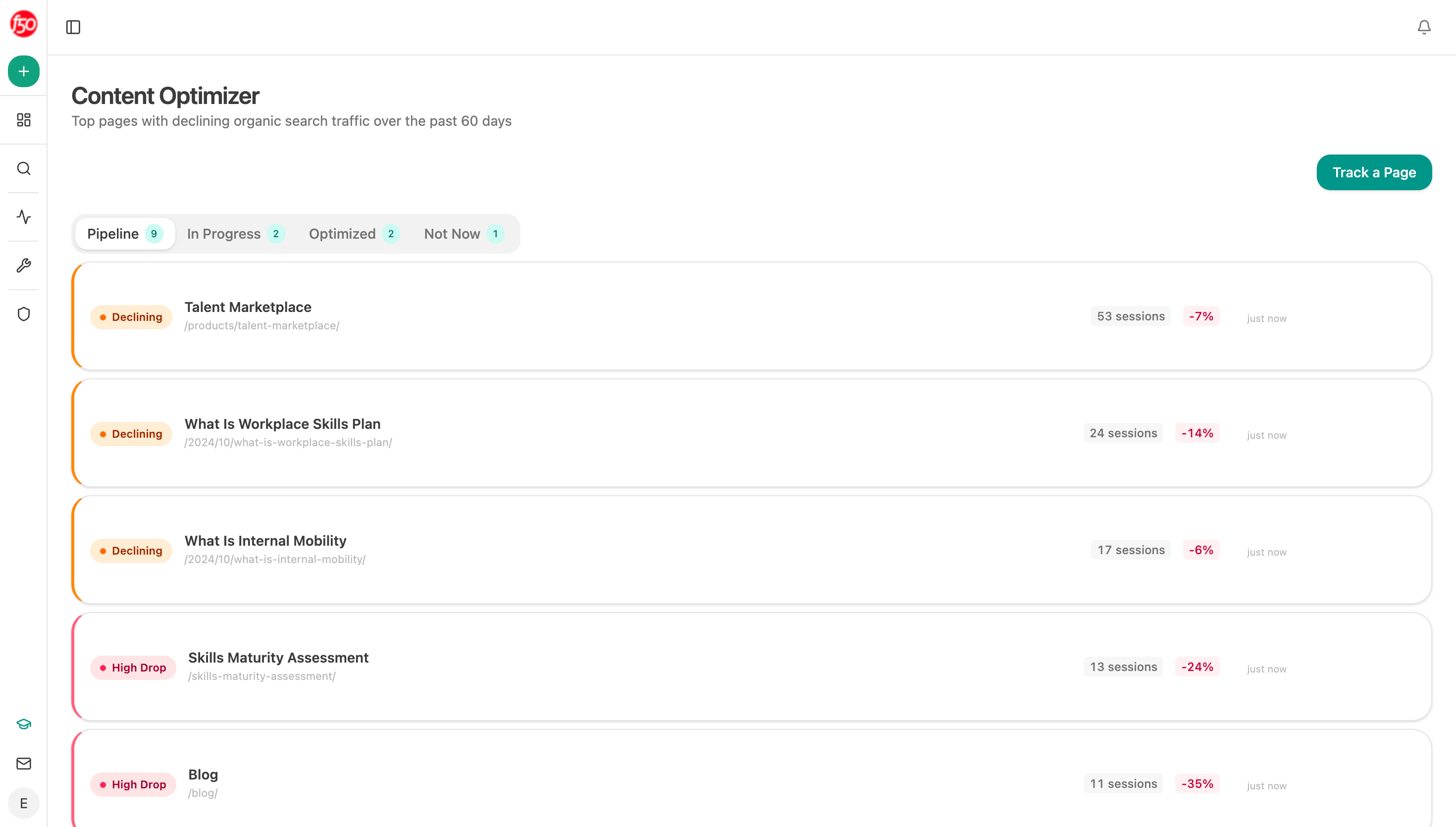 Reading the live page before deciding is how you find out whether it still covers something no other page of yours does.
Check what you would be removing from AI answers
There is a cost to deletion that traditional audits miss entirely.
A page can send almost no traffic and still be used as a source in AI answers, where it reaches people who never visit you. Analyze AI's Citation Pages view lists which of your pages assistants pull from, and citation-magnets ranks the ones they return to most.
Run both before any bulk removal. Our own state of AI search research found site strength barely predicted which pages got cited, so the pages assistants rely on are routinely the quiet ones a traffic-based cull removes first.
Google's AI features documentation confirms eligibility follows ordinary indexing, so a deleted page simply stops being available as a source, immediately and permanently.
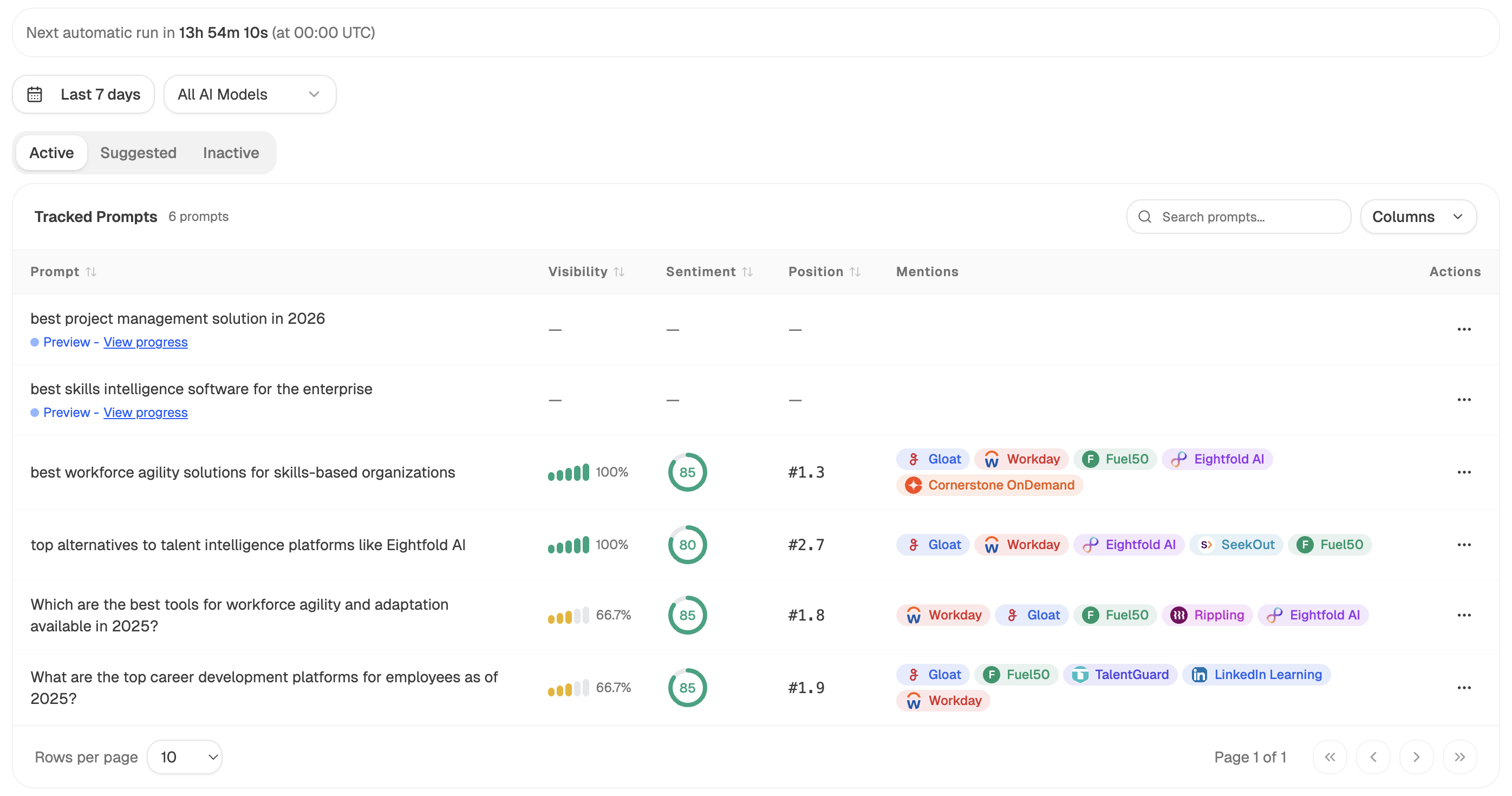 Checking whether the question is still being asked is the demand half of the decision, and tracked prompts answer it directly.
Prune in batches, not continuously
Content pruning works better as a scheduled exercise than as a rolling habit, for two reasons.
You can measure it. Removing forty pages in one week gives you a clean before and after. Removing two a week for five months gives you a slope you cannot attribute.
And you avoid the ratchet. Continuous pruning tends to accelerate, because each cull makes the next one feel normal, and libraries get cut past the point where the removals were doing anything.
Twice a year is plenty for most sites. Keep a record of what you removed and where it redirected, which is the same discipline as how do I record exactly what changed in a refresh so I can prove it worked.
Run the triage as an agent
Start (schedule, twice yearly) → Get Sitemap for the full URL list → GSC Top Pages for Site over 16 months for impressions, clicks and position → search-demand recipe for category-level demand on each page's main query → Semrush Backlinks Overview for referring domains per URL → Citation Pages and citation-magnets for AI usage → Code node running the three questions in order → Branch routing each page to delete, redirect, merge or update → Export Excel with the destination filled in for every redirect.
Filling in the redirect destination inside the agent is what makes this executable. A list of pages to remove without destinations becomes a stalled project, because deciding forty destinations by hand is the part nobody has an afternoon for.
FAQ
Related answers
- Which of two overlapping pages should win?
- Should I update the old article or publish a new one?
- How do I find internal links that went stale after site changes?
- Which of my old posts should I update first?
Prune without throwing away what worked
Analyze AI checks demand, links and AI citations for every candidate, then routes each page to delete, redirect, merge or update.
Start your free trial