
How do I use conversion and CRM data to pick my next content topics?
Short answer
Work backwards. Take the deals you won over the last year, list every page each customer touched, group those pages into topics, then rank the topics by total contract value rather than by how many deals each one touched. The topics at the top already make you money, so your next briefs should be their neighbours rather than whatever your keyword tool surfaced this week.
Connect your pages to your deals
The hard part is matching pages to customers, and how you do it depends on what you track. Work down this list and stop at the first one you can actually run.
| How to match | What it needs | How exact |
|---|---|---|
| Full visit history per company | Reverse-IP or a logged-in ID | Very |
| Work email domain matched to the company | Form fills with work emails | Good |
| First page stored on the contact record | A hidden field set on first visit | Fine |
| "How did you hear about us" on the demo form | A required field | Rough but honest |
Most teams sit on the third row and assume they need the first. The third row is enough, because you are looking for a pattern across dozens of deals rather than a precise answer for any one of them.
- Export the deals you won over the last four quarters with the company, the close date and the value.
- Attach whatever page history you can, using the best row above.
- Group pages into topics by the main search each page ranks for, not by your internal categories. People arrive by search, so the topic should be defined by search.
- Add up contract value per topic, and separately count deals per topic.
- Sort by value.
Rank by money, not by deal count
This is where the method earns its keep, because the two orders disagree.
| Topic | Deals | Total value | Rank by deals | Rank by money |
|---|---|---|---|---|
| Moving from a named competitor | 6 | $412,000 | 3 | 1 |
| Integration setup | 14 | $196,000 | 1 | 2 |
| Reporting and dashboards | 9 | $121,000 | 2 | 3 |
| Explaining the category | 5 | $38,000 | 4 | 4 |
Count says integration setup is your best topic. Money says migration content brings in more than twice as much from fewer than half the deals, because it attracts companies big enough to have something to move.
Ranking by count quietly aims your whole content programme at small deals. It is the most common mistake in this analysis and it takes one column to fix.
Look at the second page, not just the first
The page someone landed on gets the credit and rarely deserves all of it. The more interesting one is the second page they opened, because that was their first real choice.
Pull the second page for your top topics and count how often each comes up. The ones that repeat are the questions your entry pages leave people with, and each is a brief already proven by behaviour. This is usually where the surprising topics come from, since nobody would have suggested them in a planning meeting.
For the plumbing underneath this, how do I map organic landing pages to the customers they eventually produce covers the setup and how do I separate first-touch, assisted, and last-touch organic revenue covers which model to use. Use every touch for this, because content that helps along the way is exactly what you are hunting for.
Know which half of AI search you can connect to money
Half of it connects normally and half of it does not, and it is worth being straight about which.
Visits from assistants join to deals like any other visit. Analyze AI's AI Landing Pages view gives you those visits by page, so they go into the same match as everything else. Just be careful what you claim from it. Our own state of AI search research measures whether brands get named and cited across 22,295 answers and says nothing about clicks, so be wary of anyone selling you a conversion multiplier for AI traffic.
The visibility half does not connect at all yet. Google's generative AI performance report gives you impressions, pages, countries and dates, with no search terms, so you cannot trace those impressions back to a topic through it. Use your own tracked questions in Analyze AI for that instead, which is one more reason to build that set properly.
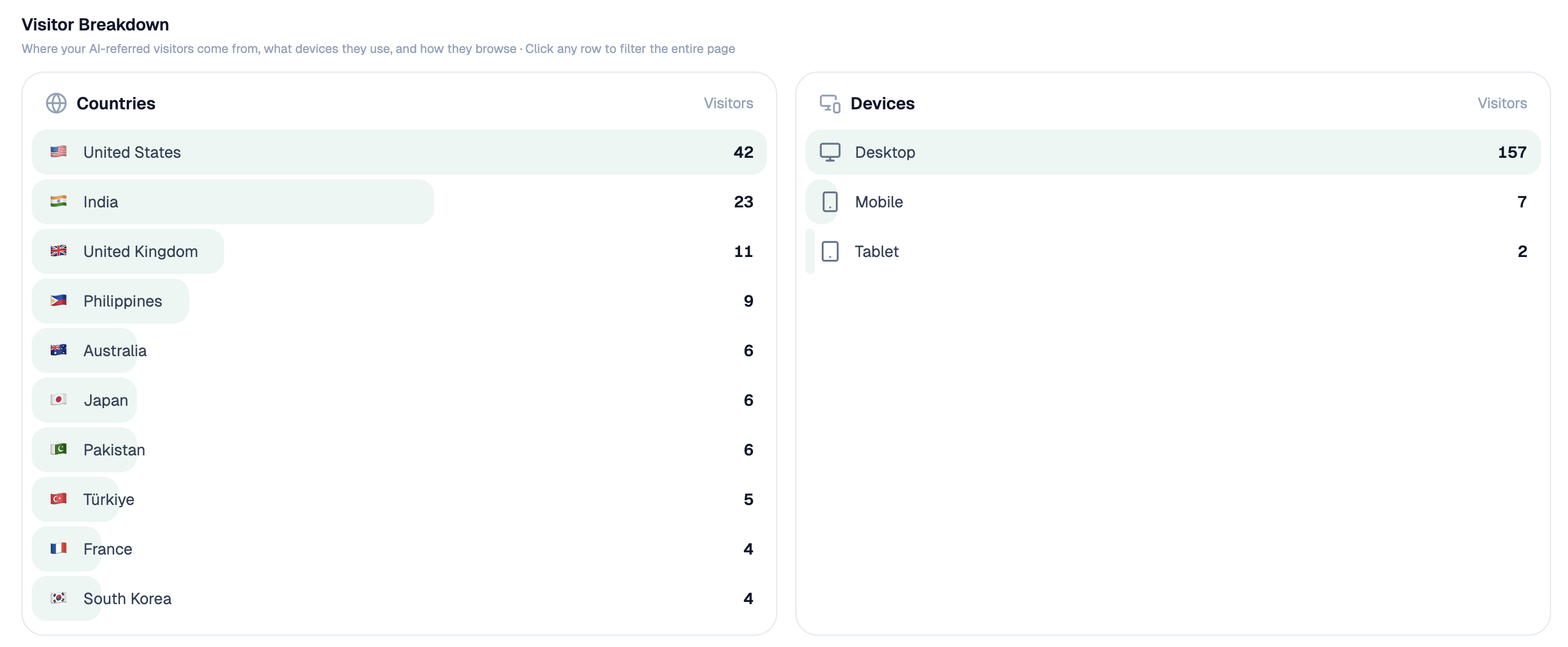 Assistant sessions carry landing pages too, so they enter the same revenue join as any other visit.
Let it update itself on every win
Start (webhook, fired when a deal is marked won) → HubSpot Get Deal plus HubSpot Search Contacts for the company's people and activity → GA4 Page Breakdown and AI Landing Pages for every visit tied to those contacts → GSC Top Keywords for Page turning each page into its main search → Code node grouping pages into topics and adding up value → top-performers recipe cross-checking against visits and citations → Export Excel added to a running file, plus Send Notification when a topic passes a value threshold for the first time.
The deal-stage webhook changes the behaviour of the whole thing. On a quarterly schedule this is a report someone reads once and forgets. Fired on every win, the ranking updates itself, and the alert arrives while the deal is fresh enough for someone in sales to explain why that page mattered.
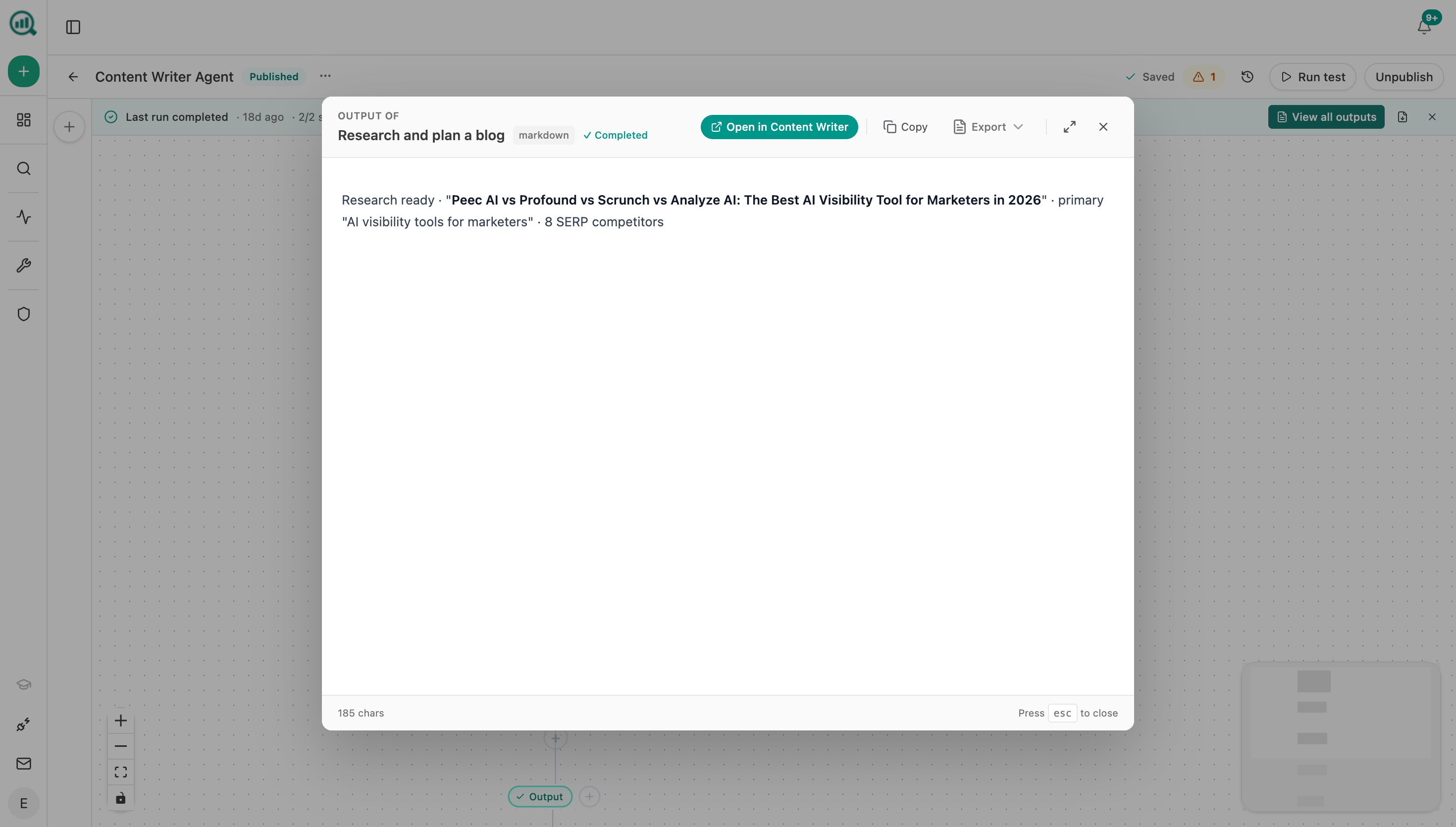 Each run hands back a document, so the ranking arrives as something to act on rather than a dashboard to remember to open.
FAQ
Related answers
- How do I prioritize content ideas by expected revenue and effort?
- Which pages produce qualified opportunities rather than just form fills?
- How do I connect Search Console data to CRM opportunities and revenue?
- How do I find topics that attract buyers instead of students and researchers?
Let the deals you won pick your next brief
Analyze AI joins your CRM deals to the pages and searches behind them, ranks topics by money, and refreshes the list on every win.
Start your free trial