



Summarize this blog post with:


In this article, you’ll learn the actual difference between AI workflows and AI agents, why confusing the two causes most AI adoption projects to fail, and how to decide which one fits each task you are trying to automate. You’ll also see 15+ real examples of each, from content pipelines to competitor monitoring to lead enrichment, so you leave knowing exactly what to build first.
Table of Contents
Why This Distinction Matters
Every week, a new LinkedIn post shows an “AI agent” that is really just a workflow with a chatbot UI bolted on top. The terms get used interchangeably in marketing copy, and the confusion has real consequences.
Teams that treat everything as an agent problem end up with expensive, unpredictable systems that hallucinate their way through tasks that should run the same way every time. Teams that only build workflows hit a ceiling the moment a task requires judgment, context, or multi-step reasoning.
The companies getting real results from AI automation understand that workflows and agents solve different problems. They build both, and they know when to reach for each one.
What Is an AI Workflow?
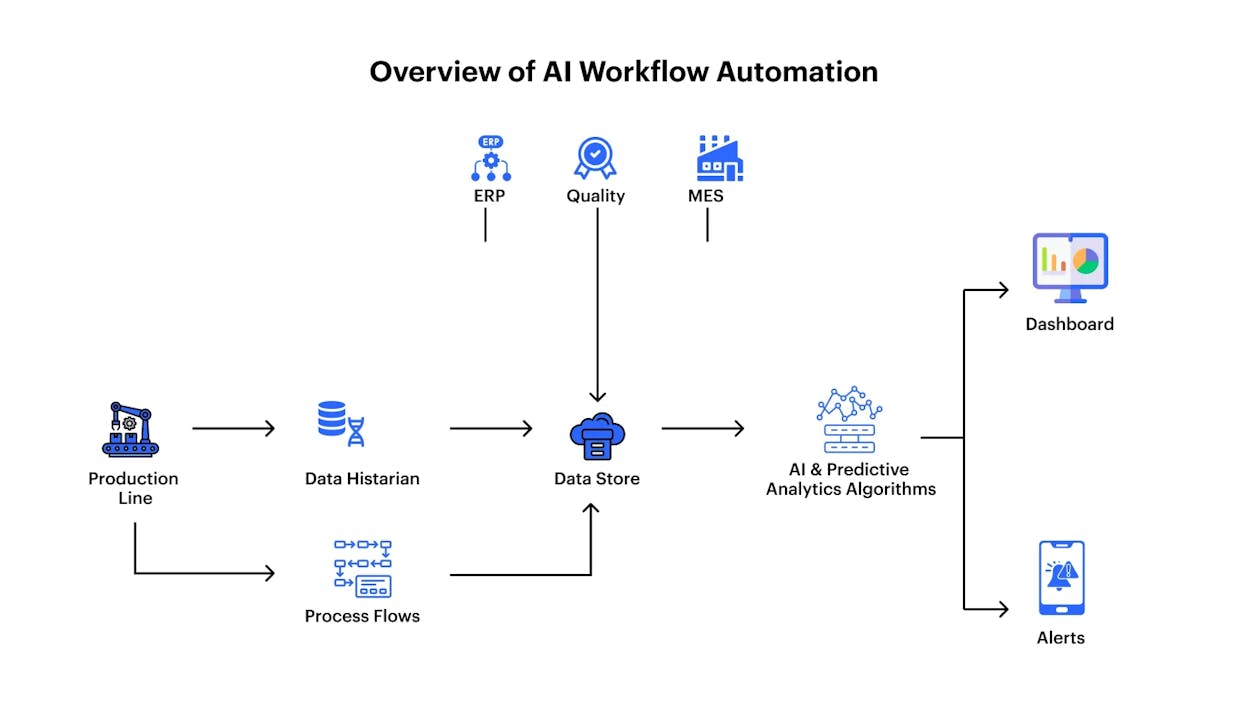
An AI workflow is a pre-defined sequence of steps that runs the same way every time you trigger it. You design the path. You choose the inputs. You set the logic. When it runs, it follows your instructions, start to finish.
Think of it like a factory assembly line. Raw materials enter at one end, each station performs its specific task, and the finished product comes out at the other end. The line does not decide to skip a step or try a different order. It executes what was designed.
Defining characteristics of AI workflows:
Every workflow has a clear start and end. The inputs and outputs are defined before it runs. The execution path is predictable and repeatable. You can run it thousands of times and get consistent results. AI is used only where it adds value (summarizing, classifying, generating), not for deciding what to do next.
That predictability is the entire point. When you need a task done reliably at scale, a workflow is almost always the right choice. It costs less per run because there is no reasoning overhead. It is faster because it does not stop to think. And you can audit every step because you built every step.
Here is what a content production workflow actually looks like inside Analyze AI’s Agent Builder:
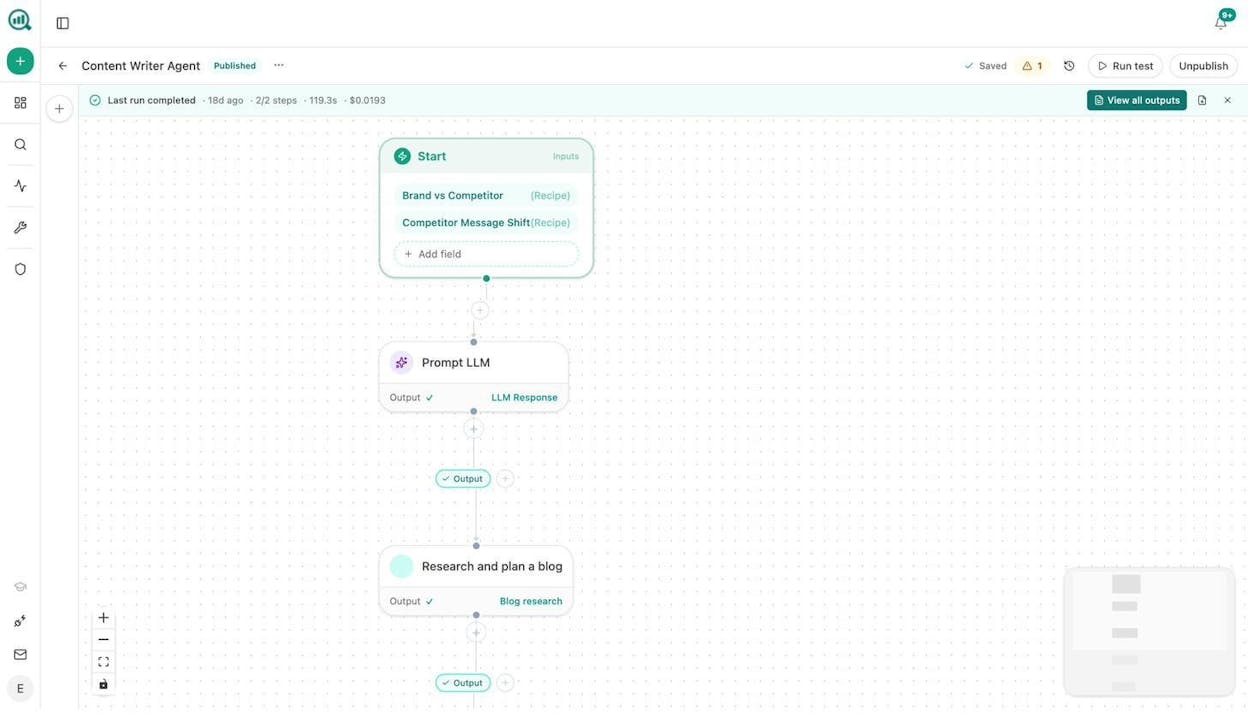
The Start node accepts inputs (in this case, Brand vs Competitor and Competitor Message Shift data recipes that auto-resolve at runtime). The workflow then moves through a Prompt LLM step and a Research step in a fixed sequence. Every run follows the same path. The only variable is the data that enters at the top.
What Is an AI Agent?
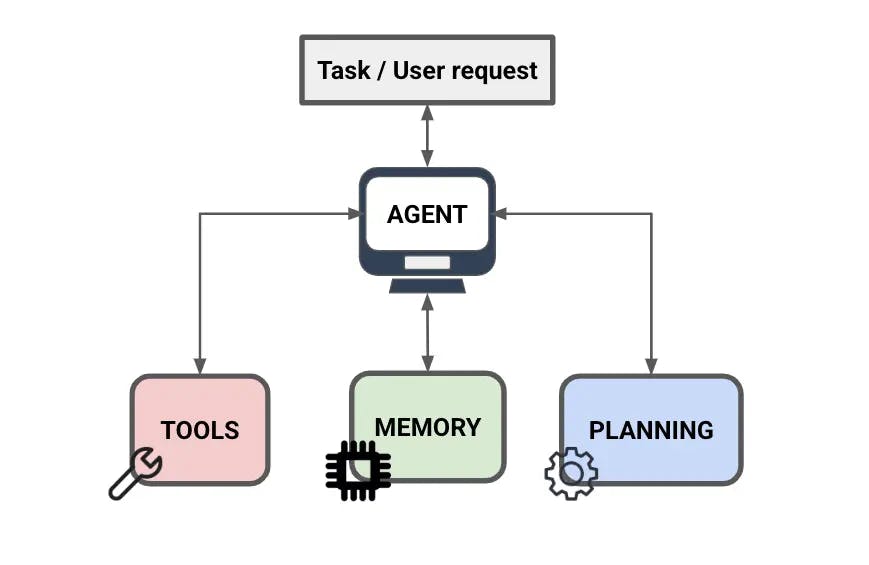
An AI agent is a reasoning engine that decides which actions to take based on the problem you give it. Instead of following a fixed path, it evaluates the situation, selects the right tools, and figures out its own sequence of steps.
Think of it like hiring a specialist. You hand them a problem (“figure out why our AI search visibility dropped last week and draft a plan to fix it”). They decide which data to pull, which analysis to run, which tools to use, and what output to produce. You defined the goal, not the path.
Defining characteristics of AI agents:
Agents do not have a fixed start-to-end path. They can solve the same problem in different ways depending on context. They use tools (APIs, data sources, workflows) to accomplish tasks. They can reason through multi-step problems and adapt when they hit unexpected results.
That flexibility is powerful for open-ended work. But it comes with trade-offs. Agents cost more per run because reasoning tokens add up. They are slower because they stop to think at every decision point. And they are harder to audit because the path changes each time.
AI Workflows vs AI Agents: Side-by-Side Comparison
Here is how the two approaches compare across the dimensions that actually matter when you are deciding which to build:
|
AI Workflows |
AI Agents |
|
|---|---|---|
|
Execution path |
Fixed, pre-defined by you |
Dynamic, decided at runtime by the AI |
|
Reliability |
High. Same input produces same output |
Medium. Reasoning can vary between runs |
|
Cost per run |
Low. Only runs the steps you built |
Higher. Reasoning tokens accumulate |
|
Speed |
Fast. No decision-making overhead |
Slower. Pauses to reason at each step |
|
Scalability |
Excellent. Can run thousands of times |
Limited. Each run consumes more resources |
|
Auditability |
Full. Every step is visible and traceable |
Partial. Reasoning path is harder to inspect |
|
Flexibility |
Low. Cannot adapt to unexpected inputs |
High. Can handle novel situations |
|
Best for |
Repeatable tasks you understand well |
Open-ended problems needing judgment |
Neither approach is universally better. The right answer depends on what you are trying to automate.
8 AI Workflow Examples (With Real Use Cases)
These are not hypothetical. These are workflows that marketing, SEO, and content teams build and run regularly.
1. Brief-to-publish content pipeline. Start with a topic and target keyword. The workflow runs research across SERPs and AI search results, generates a structured outline, produces a full draft with your brand voice injected via the Brand Vault, scores it against an AEO Content Scorecard, and if it passes your quality threshold, publishes it to WordPress. If it fails, the gaps get sent to a writer in Slack. One click, end to end.
![WordPress publish notification from Agent Builder showing the auto-published post]](https://www.datocms-assets.com/164164/1780396438-blobid5.png?auto=format,compress&w=1248&fit=max)
2. Content refresh fleet. Scheduled weekly. Pulls declining pages from GA4, cross-references with stale content in your knowledge base, loops through each page to scrape, rewrite for freshness and AI search readiness, run a diff, and push substantive changes to your CMS. The “quietly losing rankings” problem solves itself.
3. Keyword research pipeline. Input a seed keyword. The workflow pulls keyword ideas from DataForSEO, cross-references with Semrush search volumes, checks difficulty, and outputs a ranked opportunity list. No toggling between tools or merging CSVs. You can also start with free keyword research tools like the keyword difficulty checker and SERP checker.
4. Internal linking maintenance. Runs weekly. Loops through your sitemap, pulls GSC top keywords for each page, and uses an LLM to suggest three internal link additions per page. Output goes to a Notion task board. This is one of the highest-ROI SEO automations you can build because internal links compound over time and nobody has the patience to audit them manually across hundreds of pages.
5. Daily AI visibility regression alert. Scheduled every morning. Pulls prompts where your brand’s visibility dropped in the last 24 hours, and if any are found, sends a Slack alert with the affected prompts and a draft counter-content brief. Most teams discover visibility losses weeks late. This workflow tells you the morning it happens. You need AI visibility tracking to make this possible, since traditional SEO tools do not measure AI search at all.
6. Monday board prep. Scheduled Monday at 7am. Pulls your AI share-of-voice, GA4 traffic data, GSC top pages, new HubSpot deals, and AI traffic analytics. Feeds everything into a Prompt LLM node with your brand voice, generates an executive summary, exports as DOCX, and emails leadership. The Monday morning analyst chase stops existing.
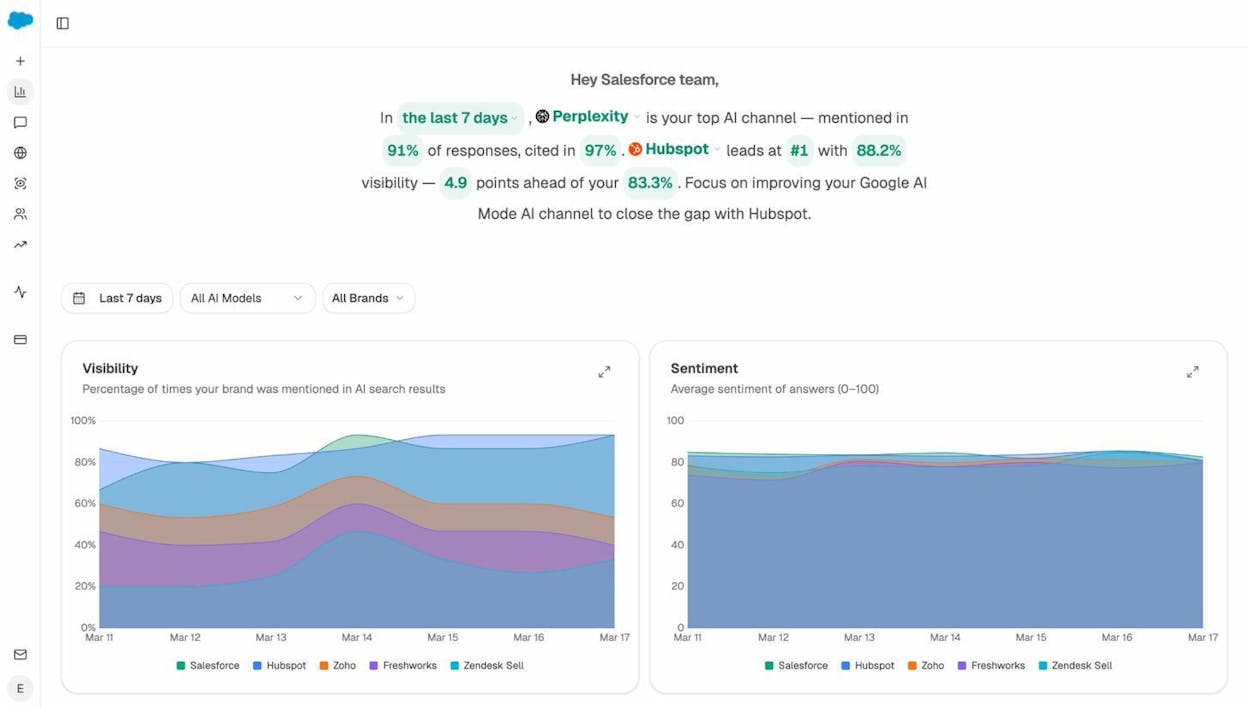
7. Monthly client report (for agencies). Loops over a client list, assembles each report in parallel (visibility delta, GSC top pages, competitor movement, AI battlecards), and emails each PM their report. One workflow, every client, zero manual assembly.
8. Newsletter from the week’s posts. Scheduled Friday at 3pm. Lists all posts published in the last seven days, composes a newsletter in your brand voice, and creates a Mailchimp campaign. Newsletter production stops being a recurring task.
7 AI Agent Examples (With Real Use Cases)
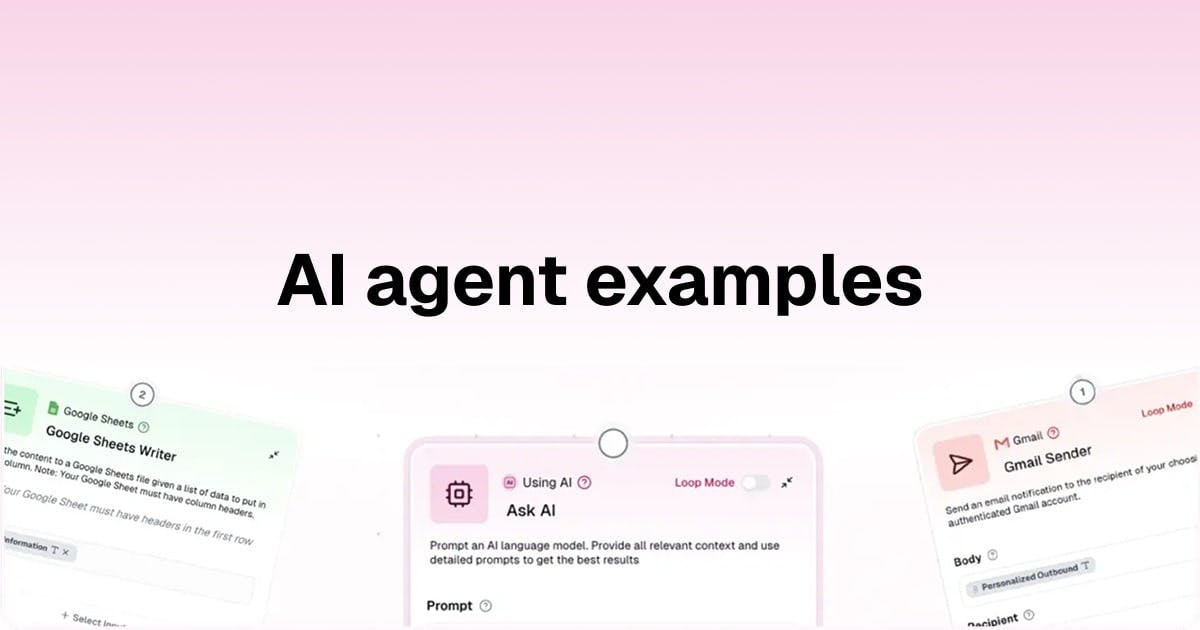
Notice the pattern. Each agent below is armed with workflows and tools. The agent’s job is to reason about which to use and when.
1. Brand health Q&A agent. Armed with share-of-voice data, sentiment tracking, citation analytics, and top sources data. Triggered by a Slack command. When someone on your team types /brand-health, the agent pulls the latest data, reasons about what changed, and replies in Slack with a narrative summary. No two answers are the same because the data and context shift every day.
2. Content strategist agent. Armed with competitor gap data, keyword opportunity recipes, prompt discovery data, and your editorial calendar in Notion. You tell it “find topics we should write about next quarter.” It reasons through the gaps, prioritizes by opportunity score, and produces a calendar with briefs attached.
3. Crisis early-warning agent. Armed with brand mention monitoring (DataForSEO), news research, sentiment analysis, and Slack. It runs every 15 minutes. When it detects a negative mention above a reach threshold, it reasons about the severity and drafts three response options (statement, counter-narrative, silence recommendation) and posts them to your crisis team’s Slack channel. You have a draft response ready before your CEO finds out.
4. Inbound lead enrichment agent. Triggered by a webhook (form fill, inbound email). It verifies the email with Hunter.io, researches the prospect’s domain, runs a Lighthouse audit on their site, checks recent news, and pushes the enriched record to HubSpot. The reasoning matters here because the agent decides what to prioritize based on the lead’s company size, industry, and existing data in your CRM.
5. Research-and-brief agent. You give it a company name or a URL. It decides which research tools to use (DataForSEO domain overview, Semrush backlinks, web scraping, news research), pulls the data, and produces a formatted brief. Two different companies produce two entirely different research paths because the agent adapts based on what it finds.
6. Perception monitoring agent. Armed with Perception Map data, narrative theme analysis, and competitor positioning data. It runs weekly, compares where your brand sits vs. last week, identifies narrative shifts, and sends a strategy summary to your team. The agent interprets the shifts rather than just reporting numbers.
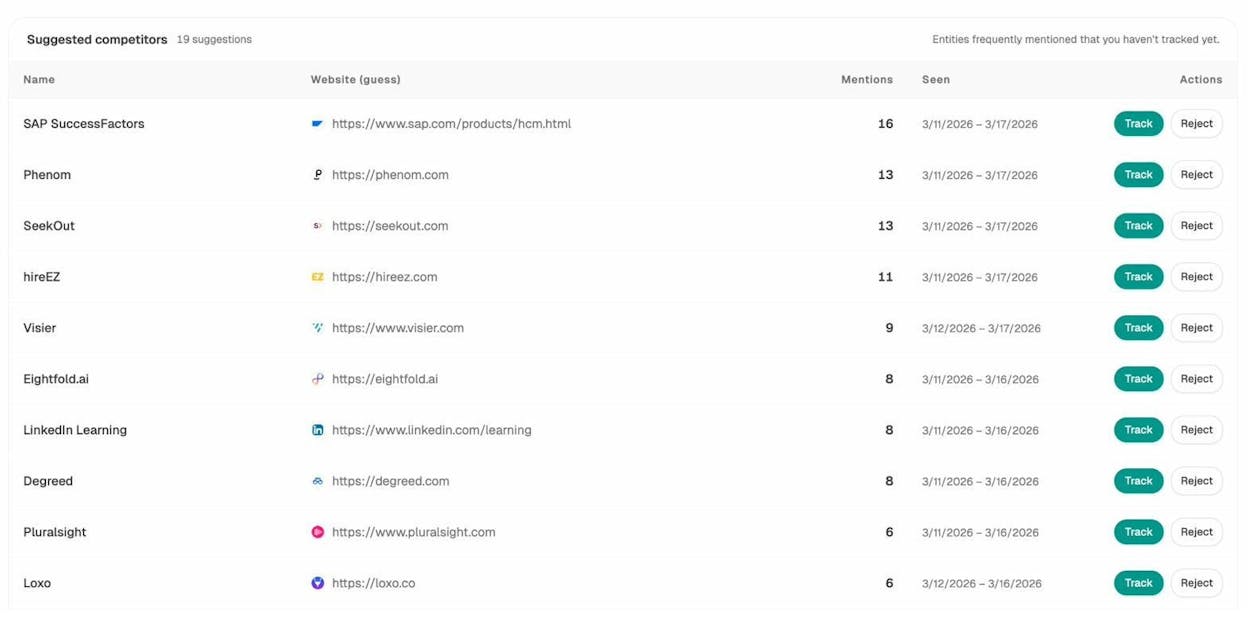
7. Account research agent for sales. Triggered when a HubSpot deal changes stage. It researches the company, pulls recent news, identifies key people via Tomba, and attaches a DOCX brief to the deal. Every discovery call becomes zero-prep because the research already happened.
How Workflows and Agents Work Together
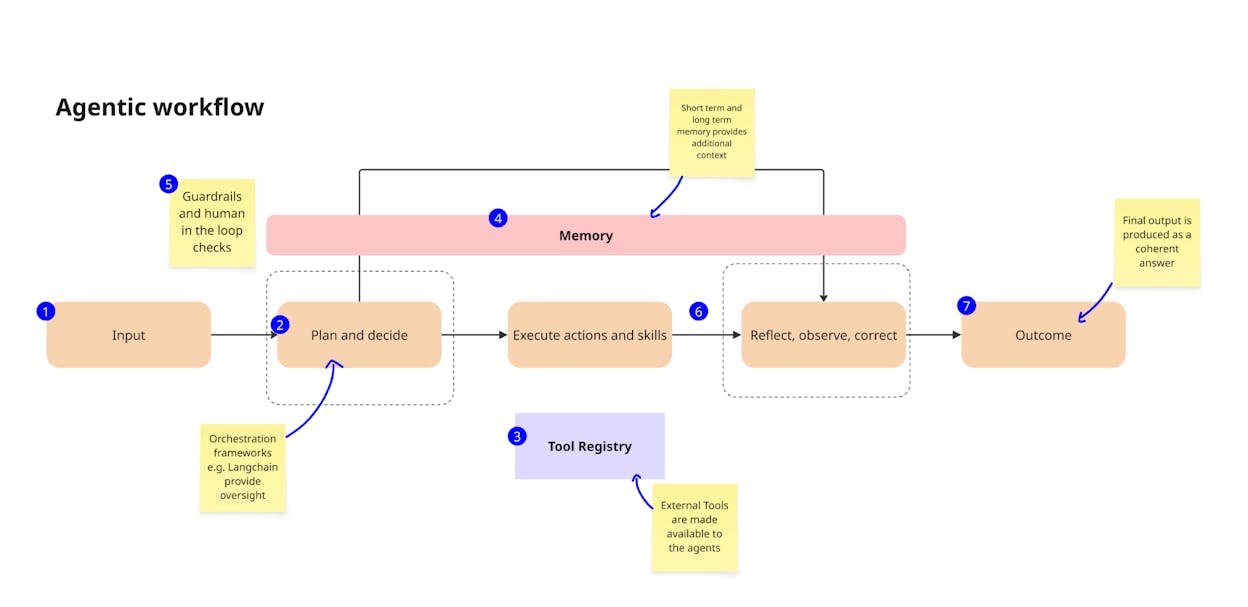
This is the part most articles on this topic skip entirely. Workflows and agents are not competing approaches. They are layers of the same system.
A workflow on its own is powerful but rigid. It does exactly what you built it to do. An agent on its own is flexible but unreliable. It can reason through problems, but it has nothing to reason with unless you give it tools.
The unlock is loading agents with workflows as tools. To the agent, calling a 40-step content production workflow is no different from calling a simple API. It sends the request, gets the result, and keeps reasoning. The workflow handles the predictable execution. The agent handles the judgment about when and how to use it.
Here is the practical progression most teams follow:
Stage 1: You are the agent. You have no automation. You manually decide what to do, when to do it, and how. You open tools, pull data, copy-paste between apps, and do the thinking yourself. This is fine at small scale, but it does not compound.
Stage 2: You build workflows. You identify the tasks that repeat weekly and automate them. Content production, reporting, keyword research, internal linking. Each workflow saves hours. But you still need to decide when to run which workflow and what to do with the results.
Stage 3: You add agents on top. You take the workflows you trust and hand them to an agent as tools. The agent orchestrates them based on signals from your data. A visibility drop triggers the content refresh workflow. A new deal triggers the research workflow. A competitor narrative shift triggers the counter-content workflow. You are no longer the orchestration layer.
This is the maturity curve that separates teams dabbling with AI from teams operating with AI.
What to Look for in a Workflow and Agent Platform
Not every tool can handle both workflows and agents. Most automation platforms (Zapier, Make, n8n) were built for app-to-app workflows. They are excellent at connecting SaaS tools, but they have limited AI reasoning capabilities and no native understanding of SEO or AI search data.
On the other end, pure AI agent platforms give you reasoning but no structured workflow canvas. You get a chatbot, but no way to build deterministic pipelines that run reliably at scale.
The platform you want sits in the middle. It should let you build fixed workflows with a visual canvas, layer agents on top for orchestration, and come pre-wired to the data sources your team actually uses.
Analyze AI’s Agent Builder was built for this. It gives you 180+ nodes across 16 categories, 34 pre-built data recipes, three trigger modes (manual, scheduled, webhook), and integrations with GA4, Google Search Console, HubSpot, WordPress, Notion, Semrush, DataForSEO, and every major LLM. You can build content pipelines, competitive intelligence dashboards, reporting automations, and full publish workflows. And because it is natively wired to AI search visibility data, you can automate tasks that traditional tools cannot touch, like citation tracking, prompt monitoring, and AI traffic analytics.
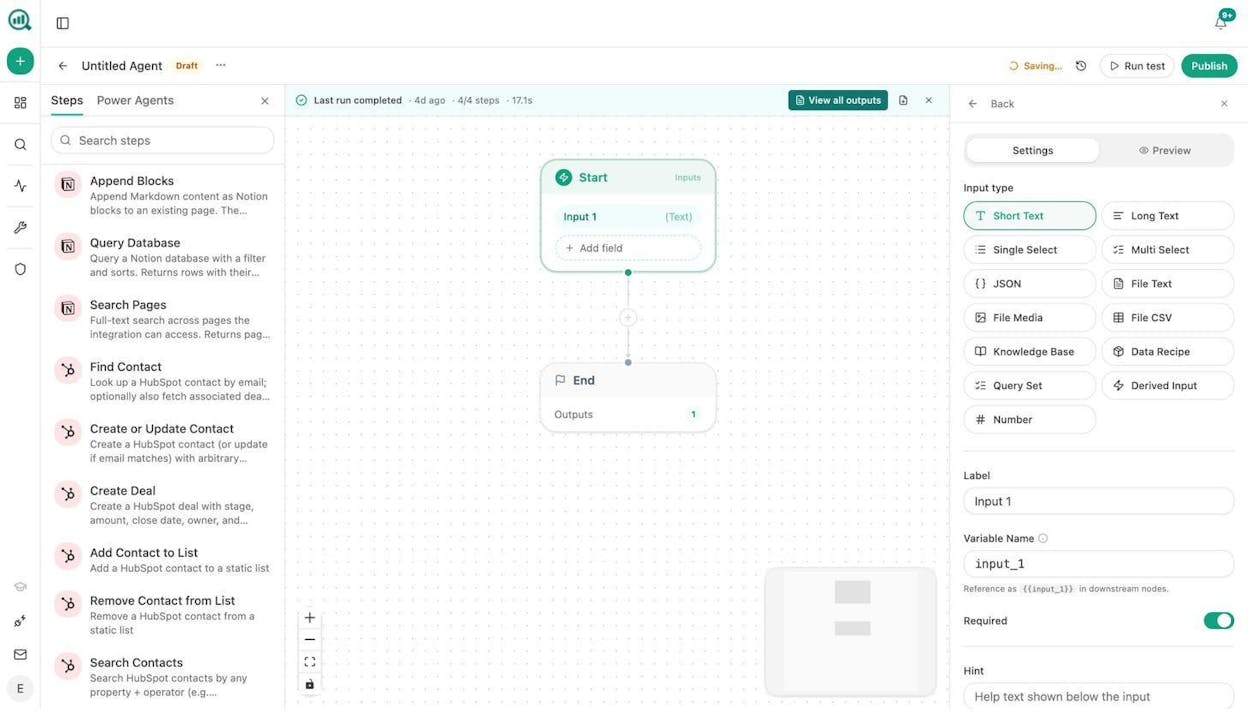
The Content Writer and Content Optimizer work as multi-step pipelines (research, outline, draft, optimization), not single-prompt generators. Combined with Sheets for batch operations, you can run content production, content optimization, keyword research, link outreach, and image design at the scale of hundreds of pages per run.
Pricing is flat and predictable. No per-task billing that compounds at volume. No credit-based systems where advanced AI calls cost 10x. Start with a free trial and build your first workflow before committing.
Start With Workflows, Graduate to Agents
If you remember one thing from this article, make it this. Do not start with agents. Start with the task that burns the most hours each week, build a workflow for it, and run it for two weeks. Measure the time saved. Then build the next one.
Once you have a set of workflows you trust, adding an agent to orchestrate them is the natural next step. The agent calls the plays. The workflows execute them. And you focus on the strategic work that neither can do alone.
That is the difference between AI workflows and AI agents. Not a theoretical distinction, but a practical one that determines whether your AI adoption compounds or collapses.

Ernest

Ibrahim


