



Summarize this blog post with:


Apify is a strong web scraping platform. But it was built for developers writing code and configuring Actors from scratch. If you run marketing ops, manage content at scale, or need to scrape data and immediately act on it within the same workflow, Apify can feel like overkill in some areas and underbuilt in others.
Over the past year, I’ve tested every major alternative while running content automation workflows, competitor monitoring campaigns, and outreach pipelines. Here’s what held up and what didn’t.
In this article, you’ll learn which Apify alternatives actually deliver for marketing teams, what to evaluate before choosing one, and how to pick the right tool for your specific workflow. You’ll also see how each tool handles pricing, integrations, and the increasingly important job of working with AI search data alongside traditional web scraping.
Table of Contents
What to Look for in an Apify Alternative
Before picking any tool from this list, think about these six factors. They’ll help you evaluate not just these alternatives, but any new scraping or automation tool that enters the market.
Built-in scraping and browsing. Not every automation platform has native web scraping. Some force you to wire up HTTP requests and parse HTML manually. The best tools let you point at a URL and start extracting data without writing custom code.
Integration with your stack. Can the tool push scraped data into Google Sheets, Slack, Notion, HubSpot, or your CMS? Tools that connect to your existing stack save you from building glue code between every step of your workflow.
AI-powered data enrichment. Raw scraped data is a starting point. The real leverage comes when you can pass that data through an LLM to analyze, summarize, categorize, or generate content from it. Look for platforms that include AI models without requiring separate API keys.
Scalability and security. If you’re handling client data or running enterprise campaigns, you need features like role-based access, audit logs, and the ability to scale without things breaking. This matters more than most buyers realize until they hit the ceiling.
Custom code support. Visual builders cover 80% of use cases. But for edge cases like dynamic pages, authenticated scraping, or complex data transformations, you’ll want Python or JavaScript support as a fallback.
Templates and pre-built workflows. Building from scratch takes time. Platforms with pre-built templates for common tasks like Google Maps scraping, LinkedIn research, or competitor monitoring let you ship faster.
With those criteria in mind, here are the seven best Apify alternatives I’ve used and tested.
7 Best Apify Alternatives and Competitors in 2026
-
Analyze AI
-
Octoparse
-
n8n
-
Browse AI
-
Thunderbit
-
Relay.app
-
Claude
1. Analyze AI
-
Best for: Marketing teams that need to scrape, research, write, optimize, and distribute content from a single agentic platform
-
Pricing: Free trial available. Paid plans with transparent, predictable pricing
-
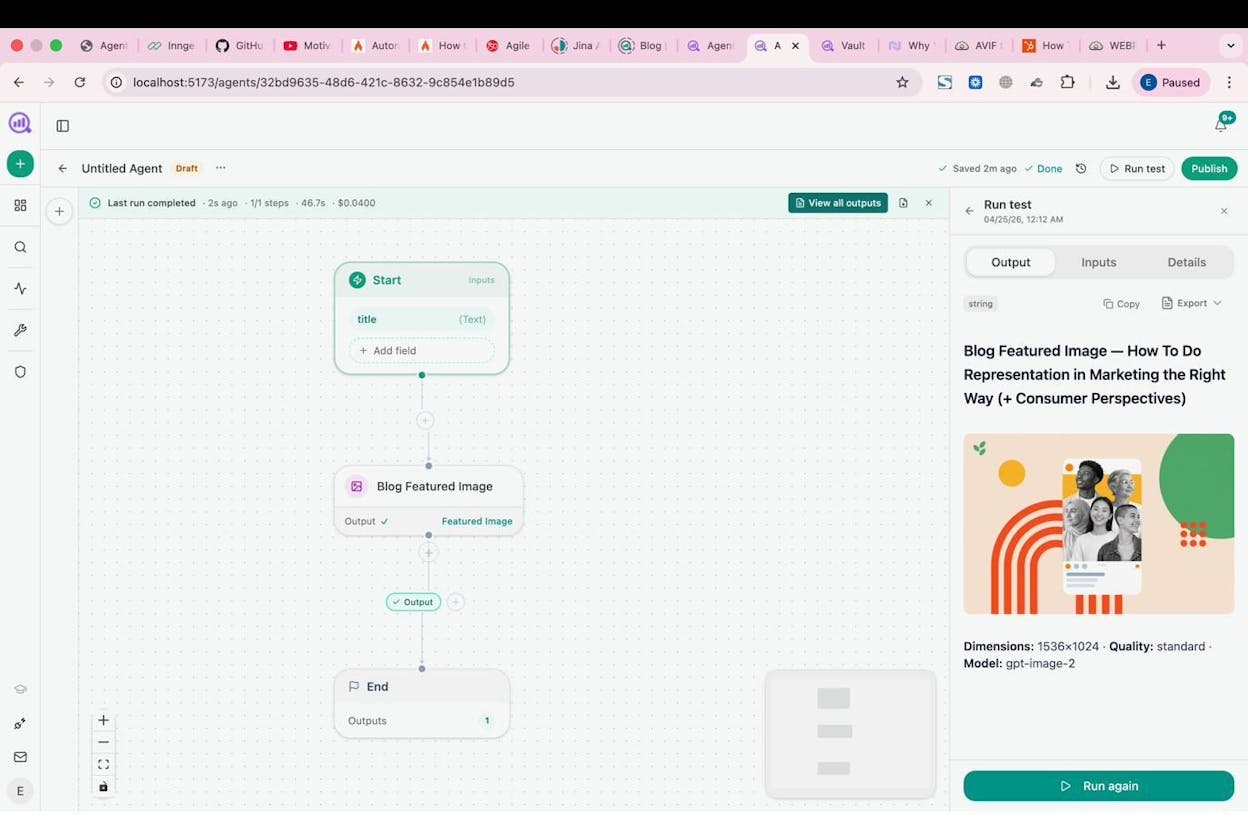
What I like: You’re not buying a scraper. You’re buying an operating system for marketing ops. The Agent Builder connects web scraping, SEO research, AI content creation, and CRM actions into workflows that run on a schedule or trigger from events
Analyze AI is an agentic platform for SEO, AEO, content, and GTM operations. While the other tools on this list handle web scraping as their core function, Analyze AI treats scraping as one node in a much larger system. The platform gives you 180+ nodes, 34 pre-built data recipes, and integrations with GA4, Google Search Console, Semrush, DataForSEO, HubSpot, WordPress, Notion, Slack, and every major LLM.
That means you can build an agent that scrapes competitor pages, analyzes them with Claude or GPT, compares findings against your own SEO and AI visibility data, drafts content based on the gaps, and publishes it to your CMS. All from one workflow. No separate tools, no copy-pasting between tabs.
How Analyze AI Works
The Agent Builder is a visual canvas where you drag nodes, connect them, and set triggers. You can run agents manually, on a cron schedule (daily, weekly, monthly), or via webhook when an external event fires (a HubSpot deal closes, a form is submitted, a CMS publish event triggers).
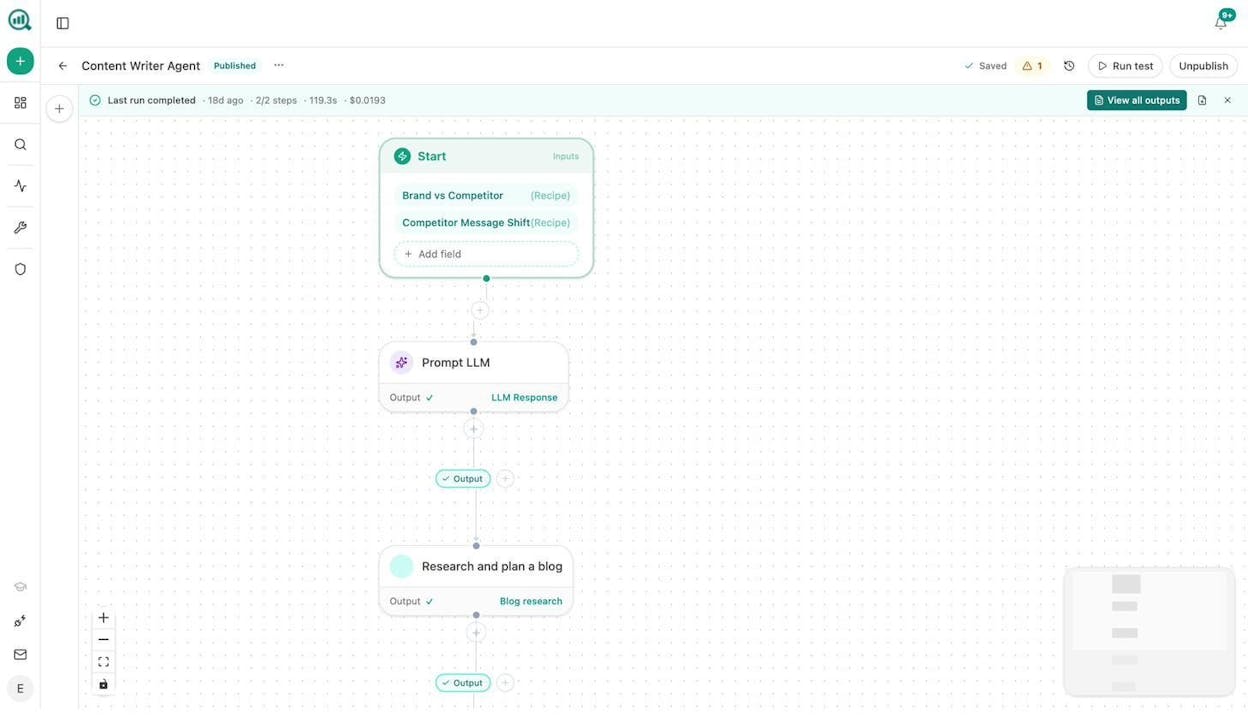
The example above shows a content writer agent. It starts with data recipes for brand vs. competitor analysis, feeds that into an LLM prompt, then triggers research and planning for a blog post. The entire workflow ran in 119 seconds and cost $0.02.
But content writing is just one use case. Here are workflows marketing teams are building right now:
-
Content refresh at scale. Schedule a weekly agent that pulls your declining pages from GA4, scrapes each one, rewrites for freshness and AI search optimization, and publishes updates to WordPress. The “quietly losing rankings” problem solves itself.
-
Keyword research at scale. Use the DataForSEO and Semrush nodes to pull keyword opportunities, cross-reference with AI visibility gaps from your Analyze AI data, and generate prioritized editorial calendars in Notion.
-
Internal linking at scale. Loop through your sitemap, analyze each page’s top keywords via GSC, then use an LLM to suggest 3 internal links per page. Output goes to a Notion task board or directly into your CMS.
-
Link outreach. Combine DataForSEO Brand Mentions with the Tomba Author Finder node to discover journalists and bloggers who cover your topic. The agent personalizes pitches using your Brand Vault context and sends them via email.
-
Competitor monitoring. Set a daily agent to scrape competitor sites, compare their messaging against yours, and surface shifts in Slack before your weekly standup.
-
Image design. Use the built-in Blog Featured Image, Infographic Generator, and Social Media Image nodes to produce brand-aware visuals as part of any content workflow.
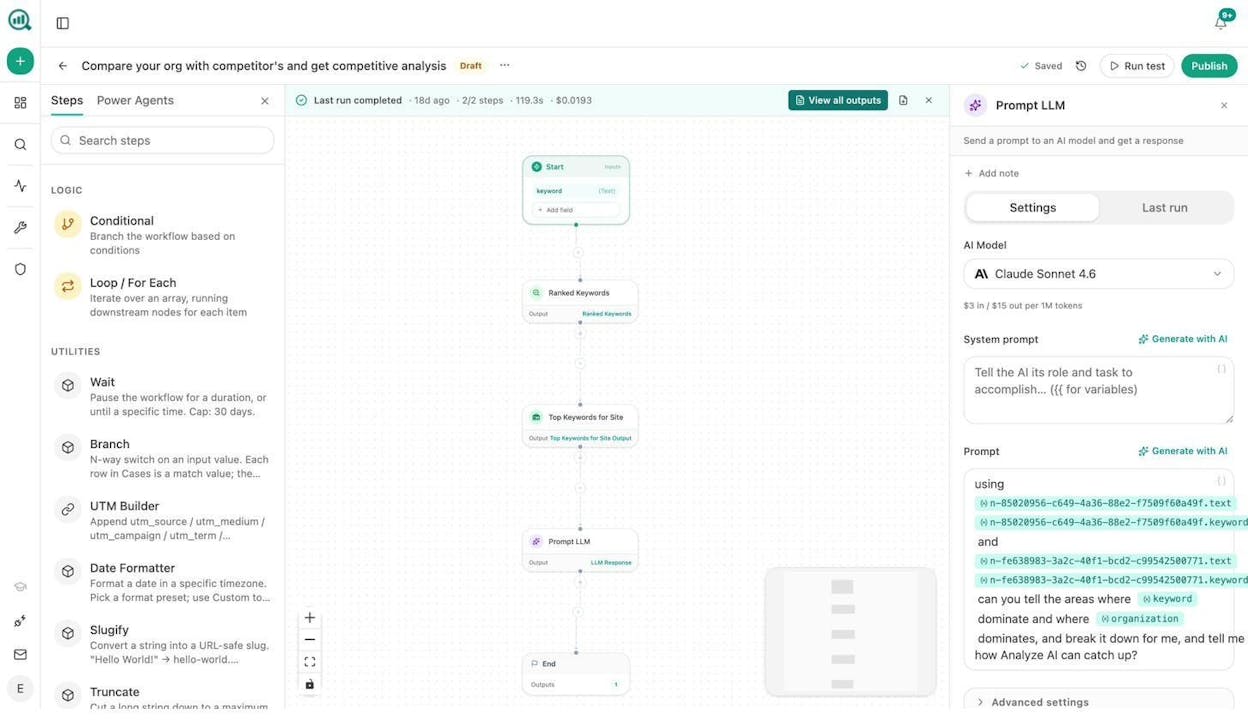
On top of the Agent Builder, Analyze AI includes a Content Writer that walks through research, outline, and draft stages with AI-generated comments and strategy notes. It also includes a Content Optimizer that audits existing pages, identifies gaps, and generates optimized rewrites.
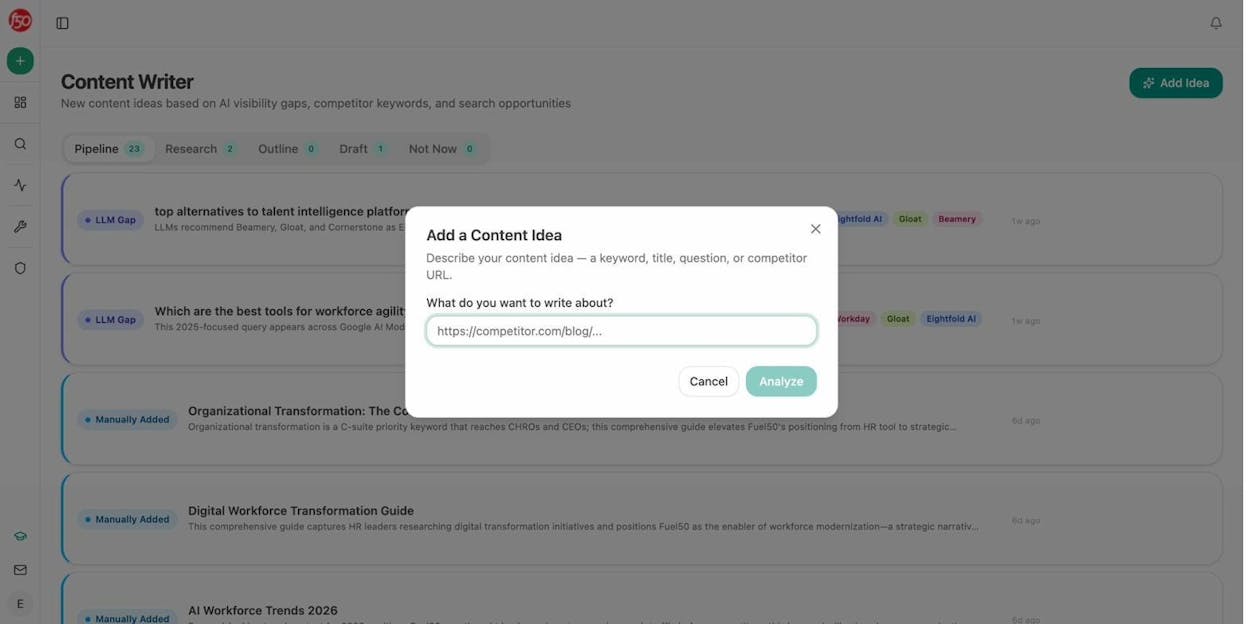
Both the Writer and Optimizer produce better results than generic AI writing tools because they inject your Brand Vault (tone, style, messaging rules, proof points, disallowed phrases) into every step. And they connect directly to the Agent Builder, so you can automate the entire pipeline from ideation to publish.
Why Choose Analyze AI Over Apify
-
The Agent Builder has 180+ nodes across web research, SEO, AI visibility, content creation, CRM, and more. You can scrape data AND act on it in the same workflow. With Apify, you scrape and then move to a separate tool.
-
Pre-built data recipes like competitor-gaps, keyword-opportunities, and citation-decay-alert give you instant access to structured intelligence. No custom coding needed.
-
Content Writer and Content Optimizer are built into the platform with brand voice injection, research stages, and AEO scoring. No other scraping alternative offers this.
-
Scheduling, webhooks, and conditional logic let you build always-on marketing operations that run without human intervention.
-
You also get AI traffic analytics, prompt tracking, citation analytics, and perception mapping for the AI search channel that every other tool on this list ignores.
Analyze AI Pros and Cons
|
Pros |
Cons |
|---|---|
|
180+ nodes with billions of possible workflow combinations |
Not a dedicated scraper, so no CAPTCHA solving or IP rotation |
|
Built-in Content Writer and Optimizer with brand voice injection |
Some integrations (Gmail, Google Sheets nodes) are coming soon |
|
Pre-built data recipes for SEO, AI visibility, and competitive intelligence |
Best suited for marketing teams rather than raw data extraction projects |
|
Connects to GA4, GSC, HubSpot, Semrush, DataForSEO, WordPress, Notion |
|
|
Free trial available with transparent pricing |
Analyze AI is the best choice if your team’s bottleneck is not scraping data but doing something useful with it. Most marketing automation tools separate scraping from content creation from distribution. Analyze AI connects all three into one platform.
2. Octoparse
-
Best for: Building no-code web scraping workflows with preset templates for sites like Google Maps, LinkedIn, and Amazon
-
Pricing: Free plan available. Paid plans start at $83/month
-
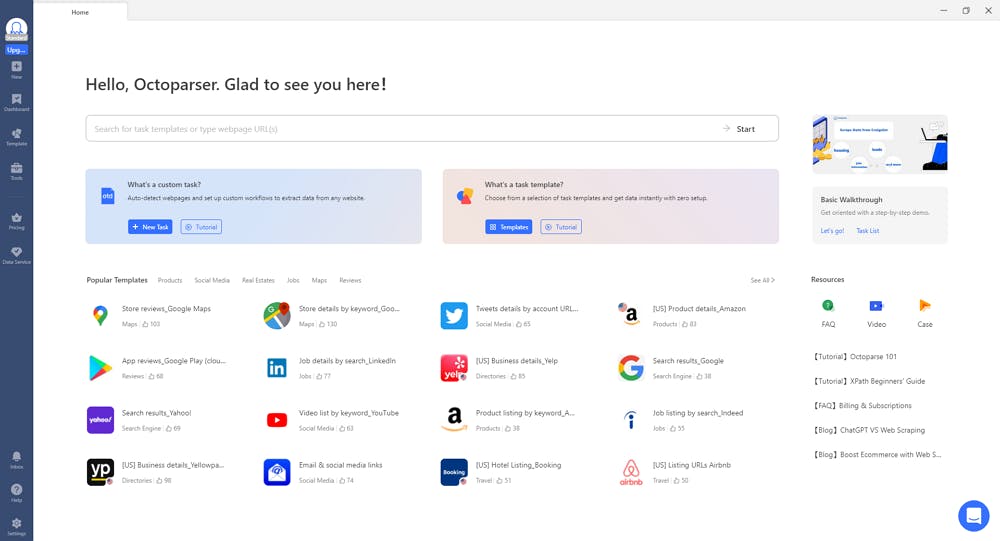
What I like: Over 500 preset scraping templates, plus built-in IP rotation and CAPTCHA solving
Octoparse is a no-code web scraping platform for teams that need predictable, repeatable data extraction. You define the data format you need, build a visual crawler, and run it locally or in the cloud. IP rotation and CAPTCHA solving work out of the box.
The tradeoff is flexibility. Octoparse handles rigid, rule-based workflows well but struggles with complex multi-step automations. It also has no AI enrichment built in, so you’ll need a separate tool to analyze or act on extracted data.
|
Pros |
Cons |
|---|---|
|
500+ preset scraping templates |
Can struggle with complex multi-step workflows |
|
Enterprise features (IP rotation, CAPTCHA solving, login handling) |
Expensive compared to some alternatives ($83/month to start) |
|
Run scrapers locally or in the cloud |
No AI enrichment or LLM integration built in |
Pricing: Free plan with 10 tasks (local only). Standard starts at $83/month. Professional at $299/month. Enterprise is custom.
Reviews: G2: 4.8/5 (52+ reviews). Capterra: 4.7/5 (106+ reviews).
3. n8n
-
Best for: Technical teams and developers who want a self-hosted, open-source automation platform with web scraping capabilities
-
Pricing: Free (self-hosted). Cloud plans start at $24/month
-
What I like: Open-source, self-hostable, and integrates with hundreds of apps
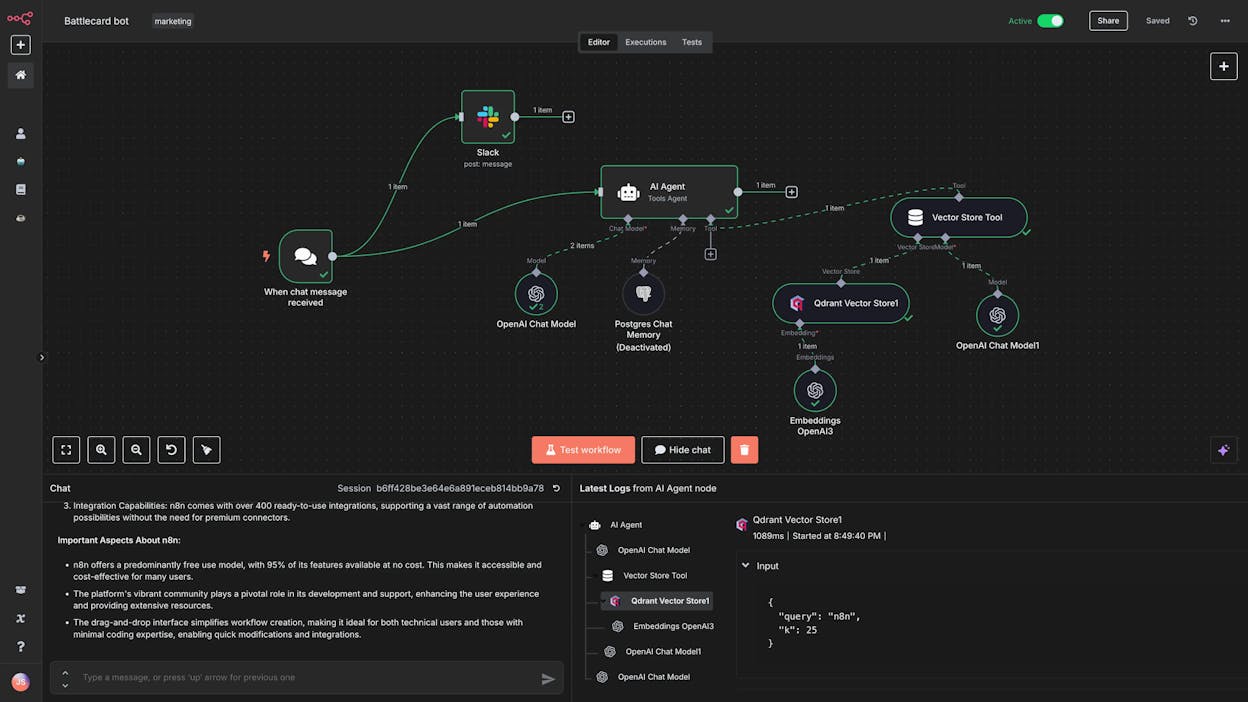
n8n is an open-source automation platform that lets you create workflows by connecting nodes on a visual canvas. It gives developers full control over their data and infrastructure with self-hosting options.
For web scraping, n8n is not purpose-built. But its HTTP Request nodes and integration ecosystem let you build scraping workflows that feed into your CRM, spreadsheets, or analytics tools. The community has thousands of workflow templates to start from.
The tradeoff is complexity. n8n has a steeper learning curve, and it requires separate API keys for any AI models. If you’re non-technical, this may feel like a step backward from Apify.
|
Pros |
Cons |
|---|---|
|
Open-source and self-hostable |
Learning curve for non-technical users |
|
Huge integration ecosystem and template library |
Not built specifically for web scraping |
|
Full API access and custom code support |
Requires separate API keys for AI models |
Pricing: Starter at $24/month. Pro at $60/month. Business at $800/month. Enterprise is custom.
Reviews: G2: 4.8/5 (199+ reviews). Capterra: 4.6/5 (41+ reviews).
4. Browse AI
-
Best for: Teams who want a no-code web scraping platform with enterprise features like CAPTCHA solving and scheduled monitoring
-
Pricing: Free plan available. Paid plans start at $48/month
-
What I like: 7,000+ integration options and handles complex edge cases like proxies, CAPTCHAs, and infinite scroll automatically
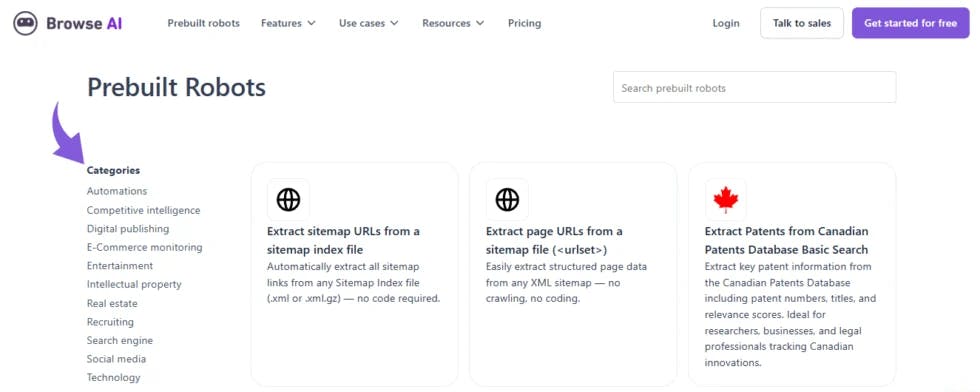
Browse AI is the closest direct Apify competitor on this list. It lets you create “robots” (similar to Apify’s Actors) that scrape websites on a schedule and sync data to your tools. The platform handles pagination, logins, CAPTCHAs, and proxy rotation automatically, which eliminates a lot of the manual configuration Apify requires.
The main limitation is that you need a separate robot for each website, and the platform offers less customization than Apify for complex scraping logic. But for most marketing use cases like competitor monitoring, pricing intelligence, and review tracking, Browse AI is simpler to set up and maintain.
|
Pros |
Cons |
|---|---|
|
Easy-to-use, dedicated scraping platform |
Need a separate workflow per website |
|
Enterprise features built in (CAPTCHAs, proxies, geo-targeting) |
Less customization than Apify |
|
Large template and integration library |
No AI enrichment features |
Pricing: Free plan with 50 credits/month. Personal at $48/month. Professional at $87/month. Premium starts at $500/month.
Reviews: G2: 4.8/5 (58+ reviews). Capterra: 4.6/5 (61+ reviews).
5. Thunderbit
-
Best for: Beginners and operations teams who want to quickly scrape websites they’re actively browsing
-
Pricing: Free plan available. Paid plans start at $15/month
-
What I like: Chrome extension that lets you scrape any website with a couple of clicks, no setup needed
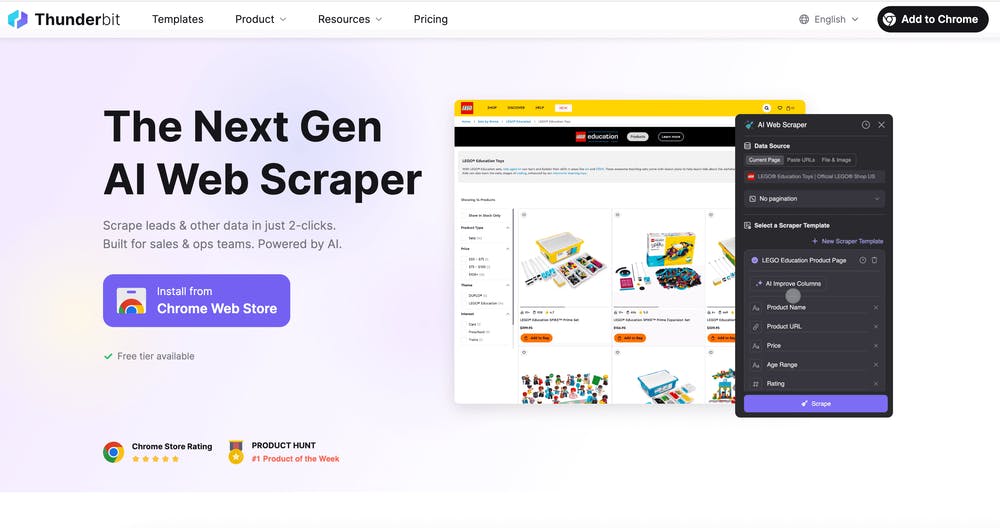
Thunderbit is the simplest tool on this list. It’s a Chrome extension. You visit a page, toggle the extension, and it extracts the data you need using natural language prompts. You don’t have to define schemas or write selectors. Thunderbit’s AI figures out the page structure and builds the dataset for you.
This makes it ideal for ad-hoc scraping tasks. A sales rep building a lead list from LinkedIn, a marketer pulling competitor pricing, or an ops person scraping Zillow listings. But for anything that needs to run autonomously on a schedule, Thunderbit feels limited. It’s a browser tool, not an automation platform.
|
Pros |
Cons |
|---|---|
|
Extremely low barrier to entry |
Limited ability to run autonomous, scheduled workflows |
|
AI-powered data extraction with natural language |
Browser-based, so it depends on you actively visiting pages |
|
Very affordable (starts at $15/month) |
Less customization for complex scraping logic |
Pricing: Free plan with 6 pages/month. Starter at $15/month. Pro at $38/month. Business is custom.
Reviews: Trustpilot: 4.2/5 (26+ reviews). Chrome Web Store: 4.4/5 (115+ reviews).
6. Relay.app
-
Best for: Startups and small teams who want simple AI automations with lightweight web scraping
-
Pricing: Free plan available. Paid plans start at $38/month
-
What I like: Human-in-the-loop feature that lets you review and approve actions before they execute
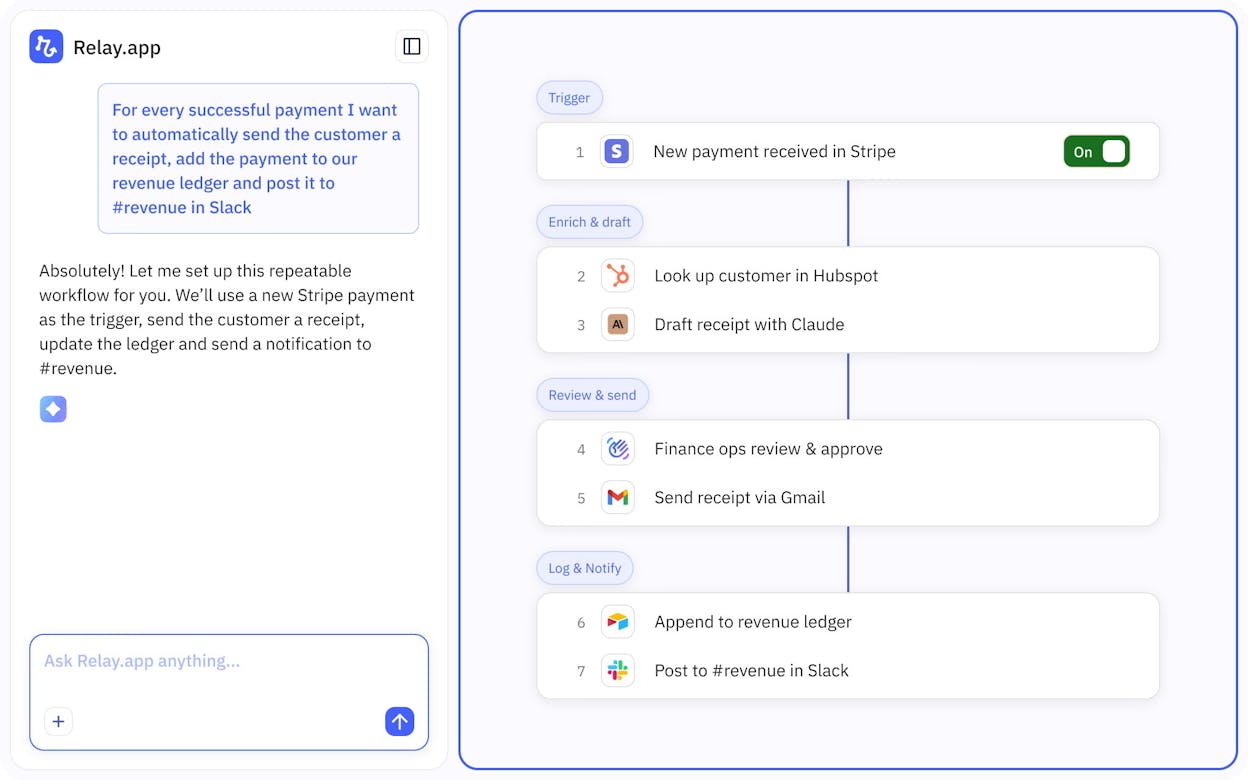
Relay.app is a simpler automation builder for teams new to AI workflows. It handles lightweight scraping tasks like pulling LinkedIn profile data, monitoring competitor pages, or scanning emails for urgent messages.
Its standout feature is human-in-the-loop capability. You can set approval steps at any point in a workflow so a human reviews the output before the next step runs. That’s useful for marketing workflows where bad data can cause real damage. But for anything beyond simple page monitoring, you’ll hit limits quickly.
|
Pros |
Cons |
|---|---|
|
Simple UI with low learning curve |
Limited web scraping capabilities |
|
Human-in-the-loop approval for quality control |
Not built for large-scale scraping |
|
AI-native features for building mini agents |
Fewer integrations than other tools on this list |
Pricing: Free plan with 500 AI credits/month. Professional at $38/month. Team at $138/month. Enterprise is custom.
Reviews: G2: 4.9/5 (71+ reviews). Capterra: 5/5 (1 review).
7. Claude
-
Best for: Ad-hoc web scraping and analysis tasks where setting up a full automation would be overkill
-
Pricing: Free plan available. Pro starts at $20/month
-
What I like: Describe what you need in plain English and it handles the scraping and analysis in one conversation
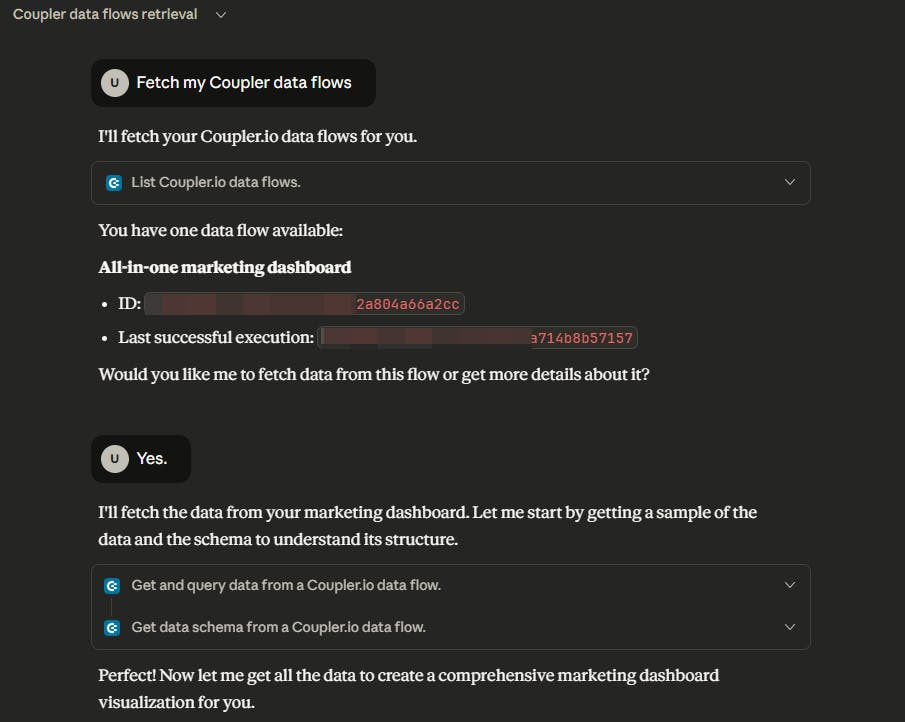
Claude is an LLM, not a scraping platform. But its web search and URL fetching capabilities make it useful for quick, one-off scraping tasks. Give it a sitemap URL, ask it to analyze every page, and get a structured output in seconds.
The limitation is that Claude works on one task at a time, in one conversation. It can’t run on a schedule, loop through 500 URLs, or push results to your CRM. But for the quick “I need to check something” moments that happen daily in marketing, Claude is hard to beat.
|
Pros |
Cons |
|---|---|
|
Dead simple to use for quick tasks |
Not a dedicated scraper, no autonomous scheduling |
|
Large context window for processing big datasets |
Rate limits on complex or repeated fetching |
|
Built-in web search and page analysis |
Single-conversation workflows only |
Pricing: Free plan available. Pro at $20/month. Team at $25/user/month. Enterprise is custom.
Reviews: G2: 4.4/5 (89+ reviews). Capterra: 4.6/5 (28+ reviews).
Which Apify Alternative Is Right for You?
Here’s how to decide based on what you’re actually trying to do.
If you run marketing, content, or GTM operations and need scraping to feed into a larger workflow that includes content creation, SEO research, AI visibility tracking, and CRM updates, Analyze AI is the most complete platform. Its Agent Builder replaces several tools at once, and the Content Writer and Optimizer give you capabilities no other scraping alternative offers. Start a free trial here.
If you need dedicated, enterprise-grade scraping with CAPTCHA solving, proxy rotation, and cloud infrastructure, Browse AI or Octoparse are the closest to Apify in terms of raw scraping power.
If you’re a developer who wants full control, n8n gives you open-source flexibility with self-hosting and complete API access.
If you need quick, ad-hoc scraping without building anything, Thunderbit (for browser-based scraping) or Claude (for conversational analysis) are the fastest paths from question to answer.
One thing none of these tools except Analyze AI will help you with is the AI search channel. As buyers shift from Google results to getting answers from ChatGPT, Perplexity, and Gemini, the content you produce needs to work for AI models too. SEO is not dead. But the teams treating AI search as an additional organic channel are the ones compounding their visibility.
Most of the tools on this list offer free plans. Test a few, match them to the criteria above, and pick the one that fits your workflow. If you want to see how Analyze AI’s Agent Builder, Content Writer, and AI visibility tools work together, the free trial is the best way to start.

Ernest

Ibrahim


