



Summarize this blog post with:


In this article, you’ll get a clear-eyed breakdown of the best AI agent builders available right now. You’ll learn what each platform does well, where it falls short, what it actually costs, and which one fits your use case, whether you’re running a marketing team, an agency, or a content operation. You’ll also see how AI agents now intersect with AI search visibility, a channel most agent builders ignore entirely.
We tested these platforms against the workflows we actually run every week. Content writing, content refresh, competitor research, internal linking, SEO audits, and reporting. That is the lens we are using here.
Table of Contents
What is an AI agent builder?
An AI agent builder is a platform that lets you create workflows that connect to your existing tools, pull data from multiple sources, make decisions based on that data, and execute tasks without you clicking through each step manually.
The word “agent” is doing a lot of heavy lifting in 2026. Some platforms use it to describe a simple “if this, then that” automation. Others mean a fully autonomous system that can reason through multi-step problems and act on them. The difference matters.
A true AI agent builder gives you three things. Access to multiple AI models (not just one). Deep integrations with your existing tools. And the ability to chain logic, conditions, and loops so the agent handles complexity without a human stepping in at every decision point.
How to evaluate an AI agent builder
Before you pick a platform, run it through these five questions. They will save you from committing to the wrong tool and migrating three months later.
Can it connect to your existing stack? Check whether the platform integrates with HubSpot, Slack, Notion, WordPress, Google Analytics, and Google Search Console. If it cannot talk to your stack, you will spend more time exporting CSVs than building agents.
Does it support multiple AI models? Claude handles long-form analysis well. GPT-4o is strong at code generation. Gemini is useful for multimodal tasks. A good agent builder lets you choose the right model for each step, not lock you into one provider.
Can it run on a schedule or trigger automatically? The real value of agents shows up when they run automatically. A scheduled agent that delivers your competitor analysis every Monday morning. A webhook-triggered agent that enriches a new lead the second they fill out a form. If the platform only supports manual runs, you are still the bottleneck.
Does it handle data natively? Some platforms are empty canvases. You bring your own API keys, your own data sources, your own models. That is fine for developers. But if you are a marketer or an agency owner, you want a platform where the data you care about is already in the room.
Is pricing predictable? Credit-based pricing sounds flexible until you burn through your allocation in a week. Look for platforms that do not penalize you for actually using the product.
7 best AI agent builders in 2026
Here are the platforms we tested, what each one does well, and where they fall short.
-
Analyze AI
-
n8n
-
Zapier
-
StackAI
-
Lindy AI
-
ChatGPT Agent
-
Relay.app
1. Analyze AI
Best for: SEO, content, marketing, and GTM teams that need agents wired to their performance data
Pricing: Free trial available, then paid plans with unlimited seats on all tiers
What we like: 180+ nodes, 34 pre-built data recipes, integrations with GA4, GSC, HubSpot, Semrush, DataForSEO, WordPress, Notion, Contentful, and more. Agents run on manual, scheduled, or webhook triggers.
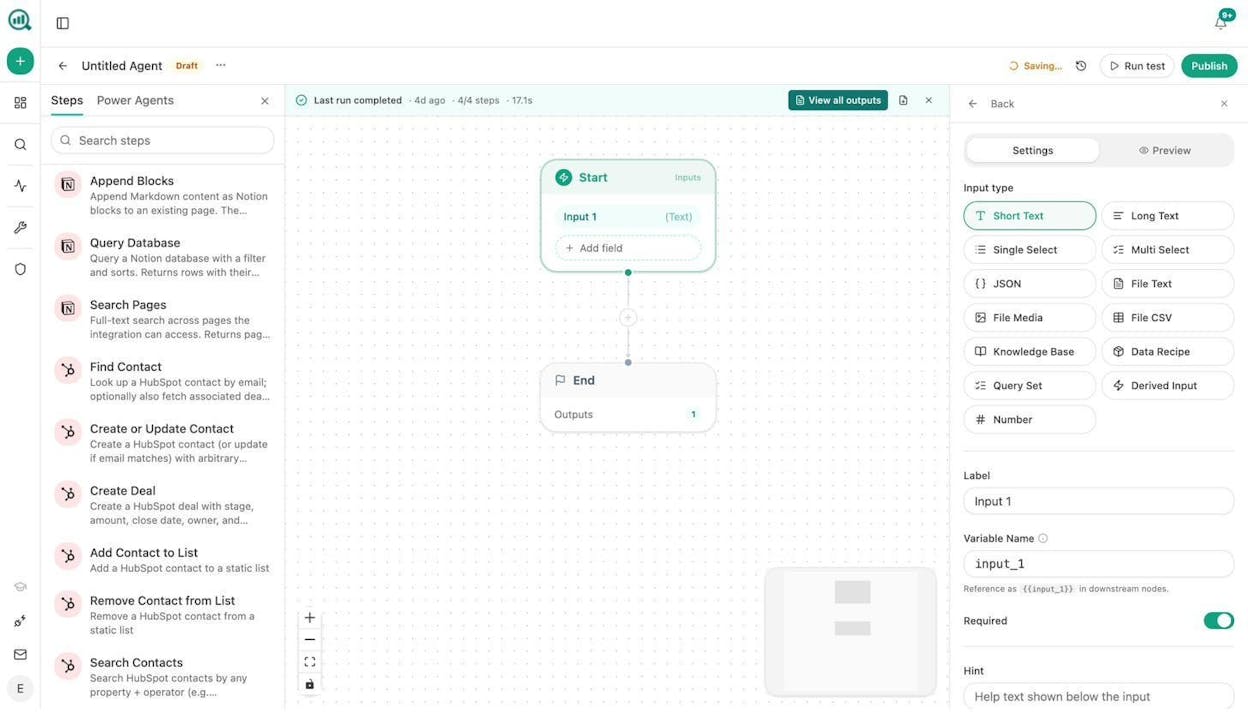
Analyze AI is an agentic platform for SEO, AEO, content, and GTM operations. The Agent Builder is the core of the platform. It is not an add-on or a beta feature. It is the substrate that powers everything else.
Here is what makes it different from every other tool on this list. Most agent builders are empty canvases. You bring your own data, your own API keys, your own prompts. Analyze AI’s agents are pre-wired to the data you already care about. Your AI visibility scores, your Google Search Console performance, your GA4 traffic, your competitors, your brand vault. When you build an agent in Analyze AI, that context is already in the room. You do not need to spend three hours wiring up data pipelines before you can do anything useful.
The numbers tell the story. 180+ production-ready nodes across 16 categories. 34 pre-built data recipes that serve as parameterized pipelines for competitive intelligence, content performance, AI perception, SEO research, and content creation. 13 input primitives. Three trigger modes (manual, scheduled, webhook). Pick any 5 nodes and order them, and you get over 126 billion possible arrangements. That is not a template library. That is a composable system.
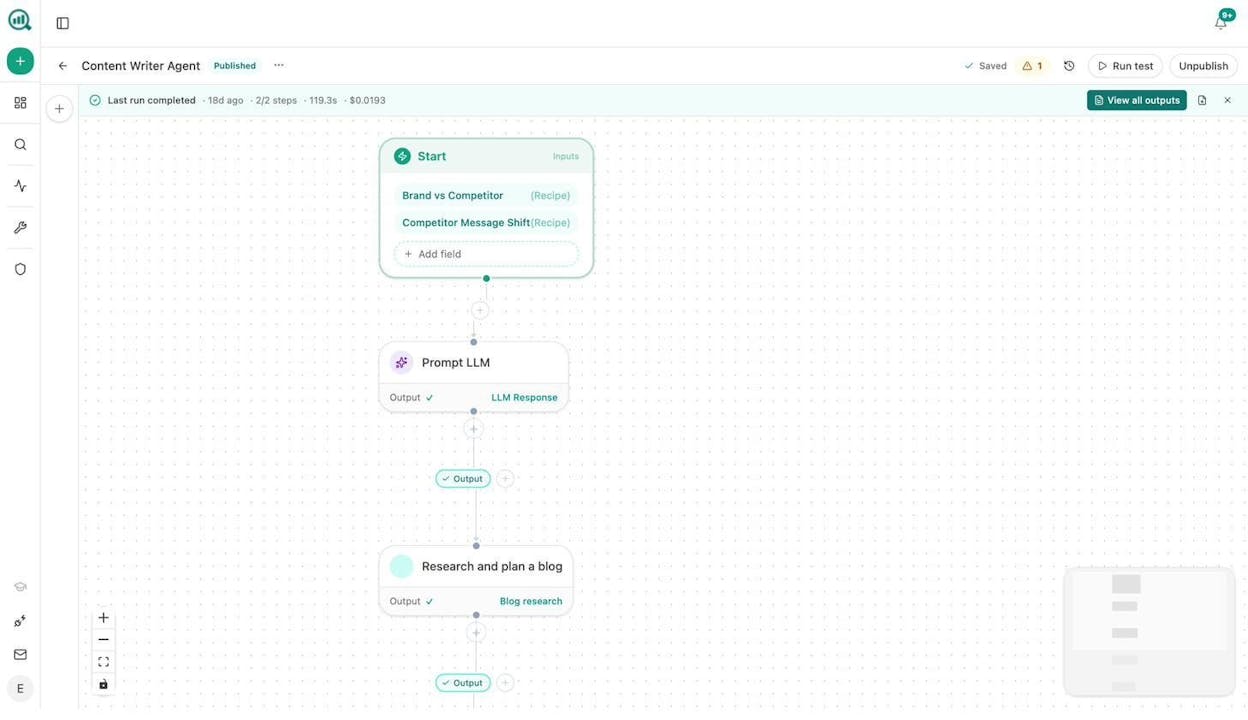
What teams actually build with it:
A content team builds an editorial calendar autopilot. Every Sunday night, the agent pulls uncovered AI prompts from the last 14 days, matches them against keyword opportunities, assembles next week’s content calendar, and pushes it to Notion with one brief per piece. Nobody touches a spreadsheet.
An agency builds a Monday client briefing pack. One agent loops over every client, pulls their executive summary, GSC top pages, AI visibility delta, new backlinks, and competitor movement, then assembles a branded DOCX and emails it to each account team. Reporting day stops existing.
A CMO builds a brand health Slack bot. Someone types /brand-health in Slack, and the agent pulls share-of-voice, sentiment alerts, and top AI sources, runs them through a brand-voice-injected prompt, and replies in Slack in under 10 seconds.
These are not hypothetical. These are workflows built with existing nodes using the Sheets feature for batch operations and the Agent Builder for orchestration.
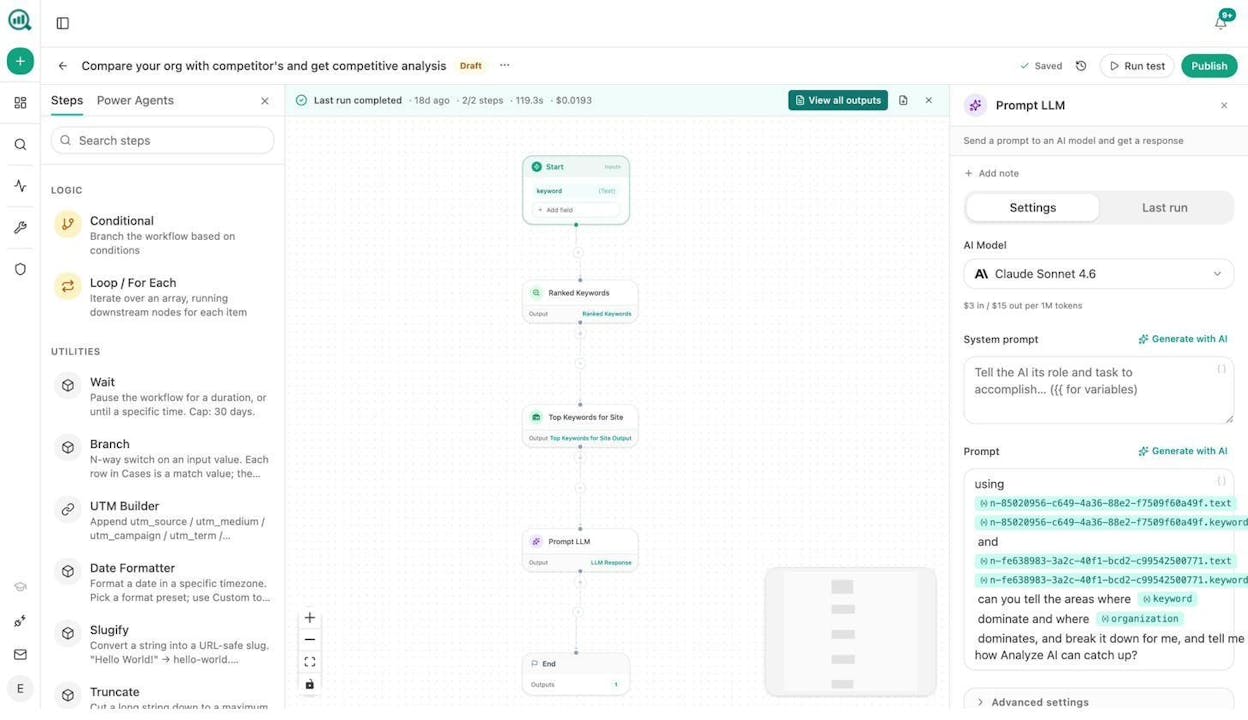
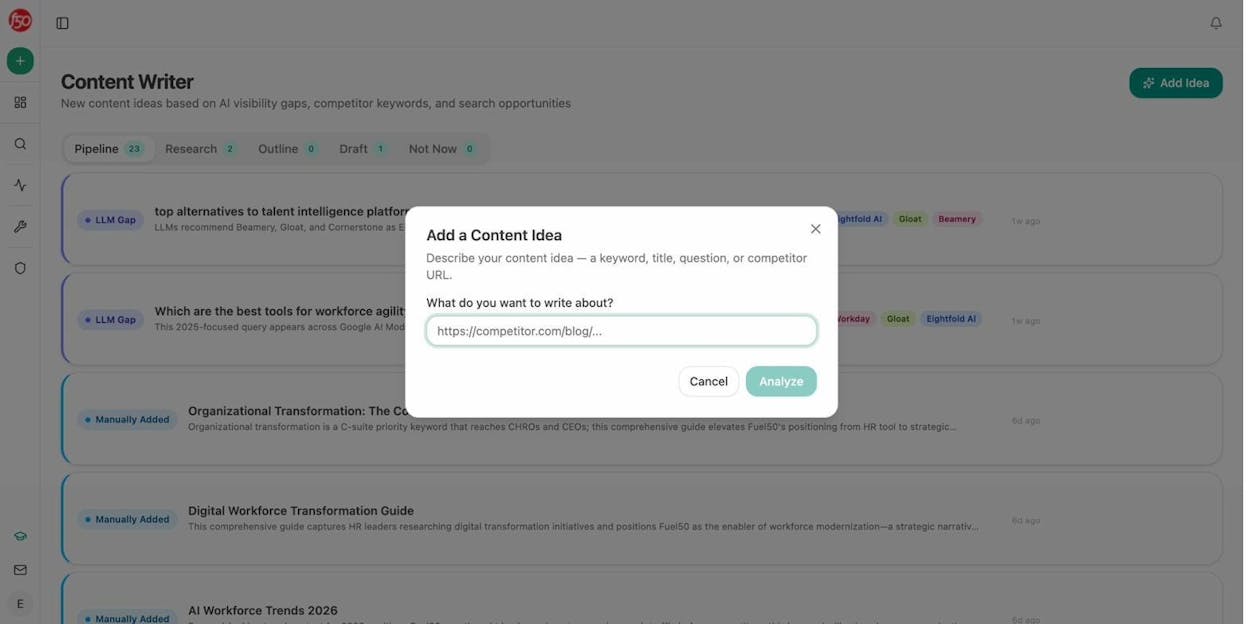
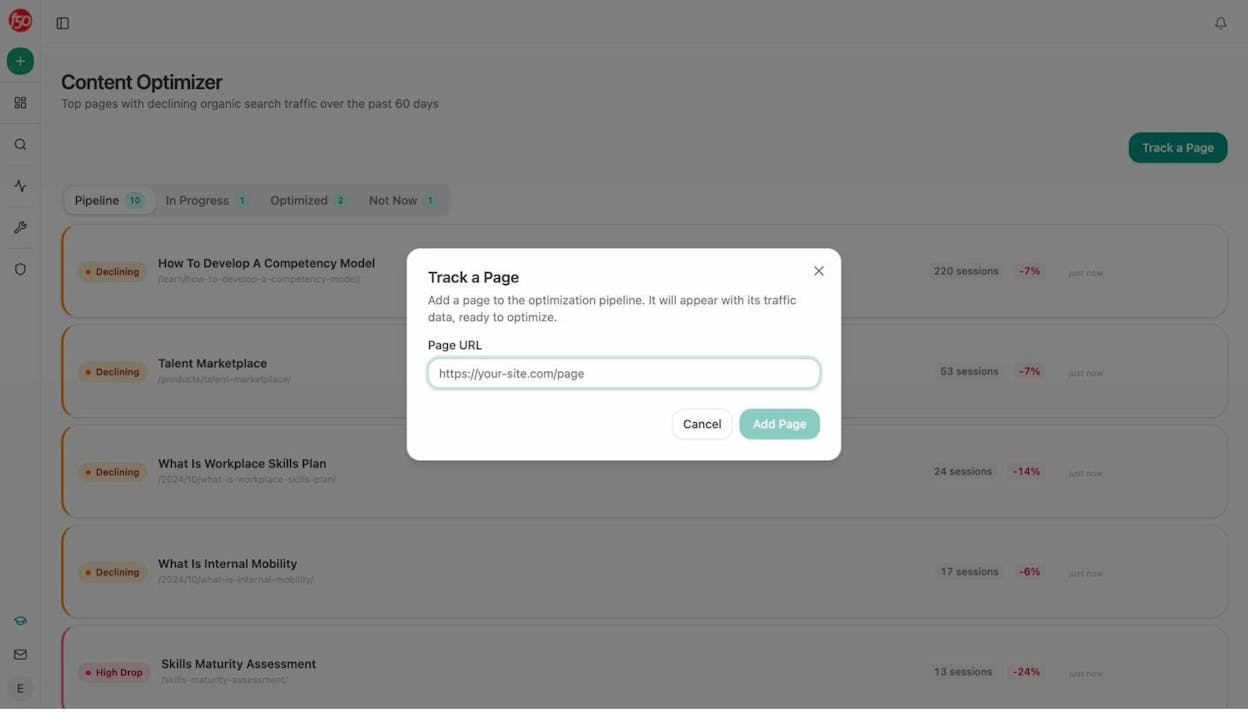
Beyond the Agent Builder, Analyze AI also ships a Content Writer and Content Optimizer that produce better outputs than standalone AI writing tools because they are connected to the same data substrate. The Writer runs through a multi-step pipeline of research, outline, and draft, with brand vault injection at every stage. The Optimizer audits your existing pages against AI search readiness, scores structure and claim density, and rewrites for freshness and AEO. Both can run as standalone features or as steps inside a larger agent workflow.
And here is the part most agent builder lists miss entirely. Analyze AI is the only platform on this list that tracks your brand’s visibility across AI search engines like ChatGPT, Perplexity, Gemini, and Google AI Mode, and then wires that intelligence directly into your agent workflows. Your agents do not just automate tasks. They automate tasks informed by where you actually show up (and where you do not) in the answers AI models give to your potential customers.
That means you can build an agent that monitors your AI visibility daily, flags when a competitor starts gaining ground on a specific set of prompts, drafts a response brief, and sends it to your team in Slack before you even know there is a problem. Try doing that with Zapier.
Where Analyze AI can improve: The platform is newer than some tools on this list, so community templates and third-party tutorials are still growing. If you need agents purely for customer support ticket routing or HR workflows, a more general-purpose tool might be a better fit.
Analyze AI pricing: All plans include unlimited seats, AI traffic analytics, prompt tracking, and the Agent Builder. Growth and Pro plans cover the most common use cases, with Custom plans available for enterprise teams that need all AI engines, unlimited Content Writer and Optimizer workflows, and a dedicated account manager. A free trial is available.
2. n8n
Best for: Technical teams that want flexibility and self-hosting options
Pricing: Free (self-hosted), $24/month (cloud starter)
n8n is a low-code automation platform popular with developers and AI automation agencies. It has a massive template library, and because it is open-source, you can self-host it if security is a concern. Teams at Wayfair and Vodafone use it.
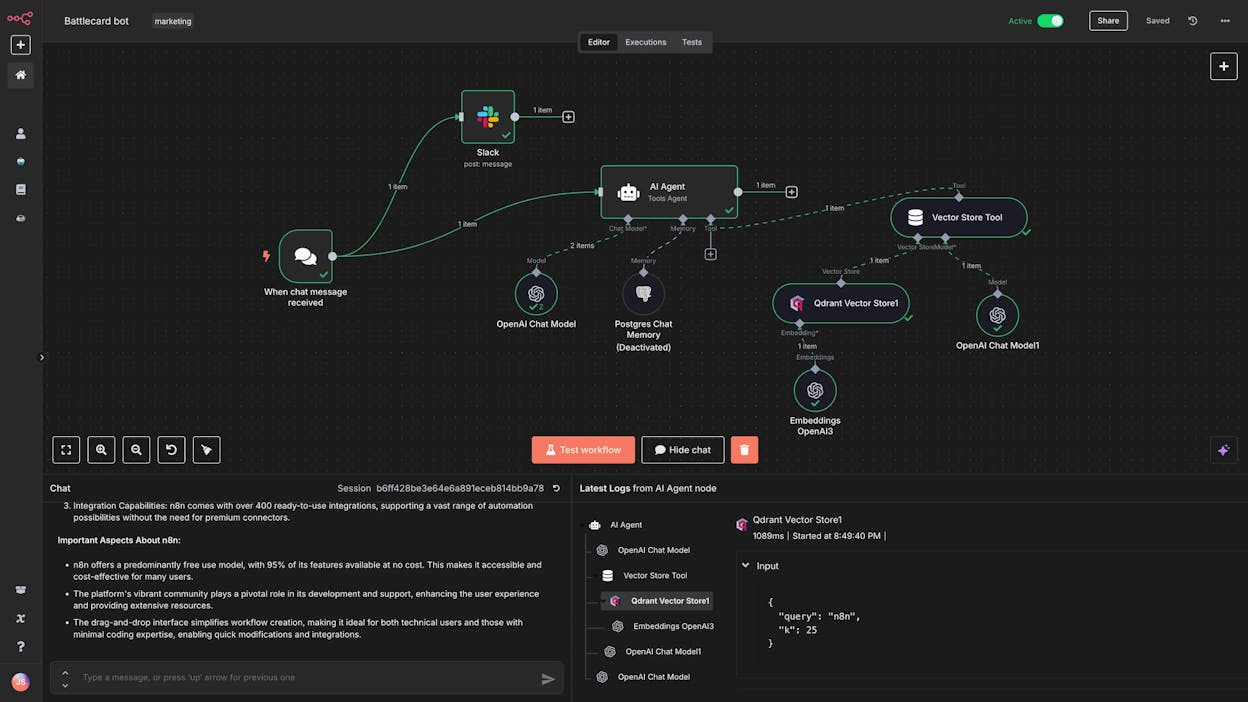
The flexibility is the draw. If you are technical and want to build complex, multi-step agents with full control over the infrastructure, n8n is hard to beat. The community has built thousands of workflow templates you can fork and customize.
Where it falls short: The UI feels clunky compared to newer platforms. You need to bring your own API keys for AI models. And if you are not technical, the learning curve can be steep. There is no built-in data layer for SEO or content performance, so you will spend time building data pipelines from scratch.
n8n pricing:
|
Plan |
Price |
Key features |
|---|---|---|
|
Starter |
$24/mo |
2.5k executions, 5 concurrent |
|
Pro |
$60/mo |
10k executions, 20 concurrent |
|
Business |
$800/mo |
40k executions, SSO, self-hosted |
|
Enterprise |
Custom |
Unlimited, 200+ concurrent |
3. Zapier
Best for: Non-technical teams that want a familiar platform with extensive documentation
Pricing: Free plan, then $29.99/month (Professional)
Zapier is the original automation tool. It has been around for years, and there is a good chance you have already used it. The platform now includes AI agent capabilities built on top of its existing “Zaps” infrastructure.
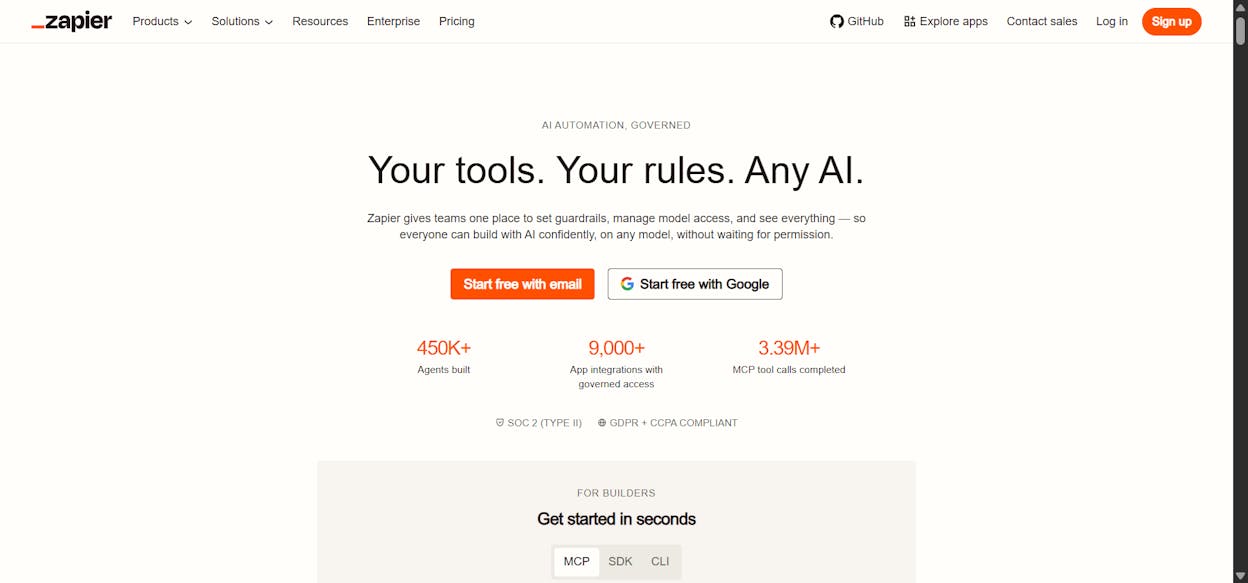
The advantage of Zapier is stability and ecosystem. It connects to thousands of apps, has extensive documentation, and is a true no-code platform. If your team is already using Zapier for simple automations, adding agents to your existing workflows is straightforward.
Where it falls short: The agent feature is still evolving. Some users report false failure notifications on workflows that actually succeeded. Zapier’s strength has always been simple, linear automations, and building complex multi-agent systems still feels like pushing the platform beyond what it was originally designed for. Pricing also stacks up quickly for teams with high-volume workflows.
Zapier pricing:
|
Plan |
Price |
Key features |
|---|---|---|
|
Free |
$0/mo |
100 tasks, two-step Zaps |
|
Professional |
$29.99/mo |
Multi-step Zaps, premium apps |
|
Team |
$103.50/mo |
25 users, shared folders, SSO |
|
Enterprise |
Custom |
Unlimited users, advanced admin |
4. StackAI
Best for: Enterprise companies in regulated industries (construction, logistics, wealth management)
Pricing: Free plan, then custom enterprise pricing
StackAI is built for enterprise companies in industries where security and data encryption are non-negotiable. Construction, logistics, wealth management. The drag-and-drop builder has one of the most modern UIs in the space, and the platform includes a solid template library.
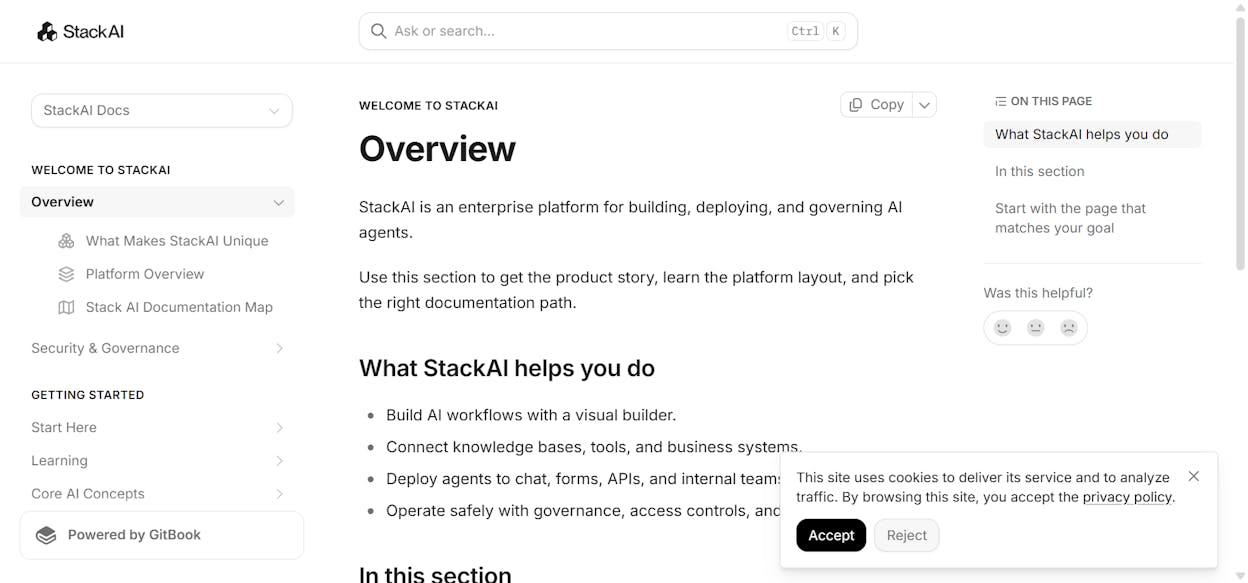
Where it falls short: Not ideal for startups or small teams. All paid plans require a sales call. The integration library is more limited than tools like Zapier or n8n. If your primary use case is marketing or content, you are paying for enterprise security features you may not need.
StackAI reviews: 4.5/5 on G2 (38+ reviews)
5. Lindy AI
Best for: Customer support and sales teams looking for specialized AI employees
Pricing: Free plan, then $49.99/month (Plus)
Lindy AI focuses specifically on customer support and sales workflows. Its “AI employees” can qualify inbound leads, write personalized outreach emails, and coach your team on sales calls. The platform integrates with Slack, Notion, Gmail, Salesforce, and Linear.
![Lindy AI’s platform]](https://www.datocms-assets.com/164164/1780399713-blobid8.jpg?auto=format,compress&w=1248&fit=max)
Where it falls short: The starter paid plan ($49.99/mo) is higher than most tools on this list. If your primary use case is marketing, content, or SEO, Lindy is not designed for you. The platform is purpose-built for support and sales, which is both its strength and its limitation.
Lindy AI pricing:
|
Plan |
Price |
Key features |
|---|---|---|
|
Free |
$0/mo |
400 credits, 40 tasks |
|
Plus |
$49.99/mo |
5,000 credits, 1,500 tasks |
|
Pro |
$99.99/mo |
3x Plus usage, computer use |
|
Max |
$199.99/mo |
20k credits, unlimited calls |
6. ChatGPT Agent
Best for: Simple personal tasks and quick research within ChatGPT
Pricing: Included with ChatGPT Plus ($20/month)
ChatGPT Agent is OpenAI’s built-in agent feature that can interact with websites, book appointments, create spreadsheets, and research information on your behalf. If you are already paying for ChatGPT Plus, you get it for free.

Where it falls short: You are locked into GPT models only. No Claude, no Gemini, no DeepSeek. The integration with your existing tech stack is minimal. It is better suited for simple personal tasks (booking flights, web research) than complex business workflows. You cannot schedule it, trigger it via webhook, or chain it with other tools in your stack.
7. Relay.app
Best for: Simple automation workflows for startups on a budget
Pricing: Free plan, then $38/month (Professional)
Relay.app is a straightforward automation builder that feels like a simpler version of Zapier. It handles scheduling social media posts, qualifying leads, and sending meeting follow-ups. The pricing is competitive for startups watching their budget.
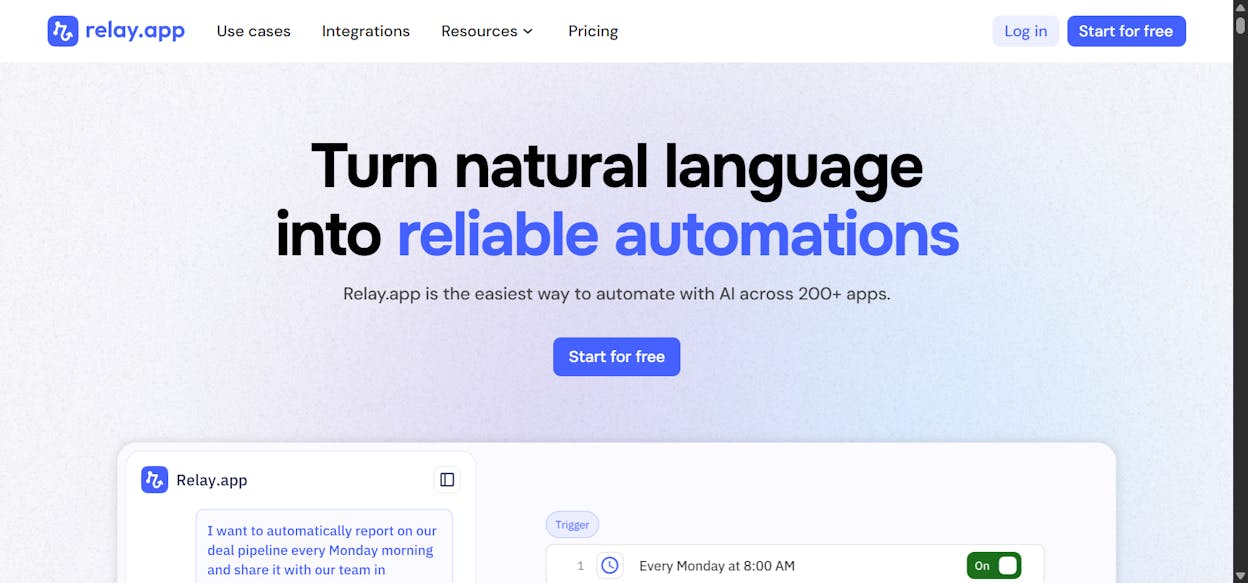
Where it falls short: It struggles with complex, multi-step workflows. It feels more like an automation tool than a true agent builder. If you need to stack multiple agents together or build workflows that make decisions across several data sources, you will hit the ceiling quickly.
Relay.app pricing:
|
Plan |
Price |
Key features |
|---|---|---|
|
Free |
$0/mo |
1 user, 500 AI credits |
|
Professional |
$38/mo |
5,000 AI credits, 750 steps |
|
Team |
$138/mo |
10 users, shared workflows |
|
Enterprise |
Custom |
Custom limits, SOC2 |
What most agent builders miss: AI search as a data source
Every tool on this list connects to the usual suspects. Slack, Gmail, Google Sheets, CRMs. But none of them (except Analyze AI) treat AI search visibility as a first-class data source for your agents.
This matters because your potential customers are increasingly getting answers from ChatGPT, Perplexity, and Google AI Mode instead of clicking through traditional search results. If your agent can automate content creation but has no idea whether that content shows up in AI answers, you are automating the wrong thing.
At Analyze AI, we believe SEO is not dead. AI search is an additional organic channel, not a replacement. The smart move is to layer AI search intelligence on top of your existing SEO workflows.
That is why the Analyze AI Agent Builder ships with data recipes like competitor-gaps (prompts where competitors outrank you in AI answers), citation-magnets (your pages most frequently cited by AI models), and visibility-losers (prompts where your visibility dropped). You can feed these directly into content creation and optimization agents on a schedule.
Check your current AI visibility for free using the AI visibility checker or run a full AI visibility audit to see where you stand.
How to pick the right agent builder for your team
Skip the analysis paralysis. Here is a simple framework.
If you are a content, SEO, or marketing team, start with Analyze AI. The data is already in the room.
If you are a general-purpose team (support, HR, ops), look at Gumloop or Zapier.
If you are technical and want self-hosting, go with n8n.
If you are in a regulated industry, StackAI is built for you.
If you are focused on support and sales, Lindy AI has the most focused feature set.
The right agent builder is the one that fits the workflows you already run. Start with one workflow, automate it, and expand from there.

Ernest

Ibrahim


