



Summarize this blog post with:


I’ve spent the past year testing over 30 workflow automation platforms across real marketing operations. Content publishing, keyword research, competitor monitoring, lead enrichment, internal linking audits, and reporting. Not sandbox demos. Real workflows that run on schedules and touch live data.
Most tools on the market do one thing well and charge you for everything else. Some have beautiful interfaces but break the moment you need more than five steps. Others are powerful but require a developer to configure a simple email trigger.
This list includes only the platforms that held up under production workloads. Here is what to expect from each one.
In this article, you’ll get a breakdown of the 10 best AI workflow automation tools available in 2026. You’ll see what each tool does well, where it falls short, what it costs, and which use cases it fits. You’ll also learn how to extend workflow automation beyond traditional SEO into AI search visibility, a channel most automation tools still ignore.
Table of Contents
What Is an AI Workflow Automation Tool?
An AI workflow automation tool connects your existing software (Gmail, Slack, Google Sheets, your CMS, your CRM) with large language models so you can automate multi-step processes that used to require manual work.
Traditional automation moves data from point A to point B. AI workflow automation adds reasoning. The LLM reads, categorizes, summarizes, drafts, and makes decisions about that data before passing it to the next step.
For example, you could build a workflow that pulls your declining blog pages from Google Search Console, feeds each URL to an LLM for a content audit, scores the results, and pushes the ones that need attention into a Notion board with a rewrite brief attached. No human touches it until it’s time to review.
The best platforms let you do this without writing code. You drag nodes onto a canvas, connect them, and tell the AI what you want in plain language.
What Can You Automate?
The range of use cases has expanded rapidly. Here are examples of what teams are building right now.
Content and SEO workflows:
-
Content refresh pipelines that identify stale posts, rewrite them, and republish on a schedule
-
Keyword research at scale across multiple seed topics with automatic clustering
-
Internal linking audits that scan your sitemap and suggest link insertions per page
-
Blog-to-newsletter converters that compile the week’s published posts into a branded email
Sales and outreach:
-
Lead enrichment flows that verify emails, research the prospect’s company, and push enriched records into HubSpot
-
Personalized outreach sequences that pull talking points from a prospect’s recent blog posts or news mentions
Reporting and monitoring:
-
Weekly competitor analysis reports delivered to Slack every Monday morning
-
Brand mention tracking across news, social, and AI search engines with sentiment scoring
Now, let’s get into the tools.
10 Best AI Workflow Automation Tools in 2026
1. Analyze AI
Best for: Marketing teams that need workflow automation wired directly to SEO, AI search, content, and GTM data
Pricing: Free trial available. Plans scale by usage.
Most AI workflow tools start as general-purpose automation platforms and bolt on marketing integrations later. Analyze AI was built the other way around. It started as an AI search visibility platform and expanded into a full agentic layer for SEO, AEO, content, and GTM operations.
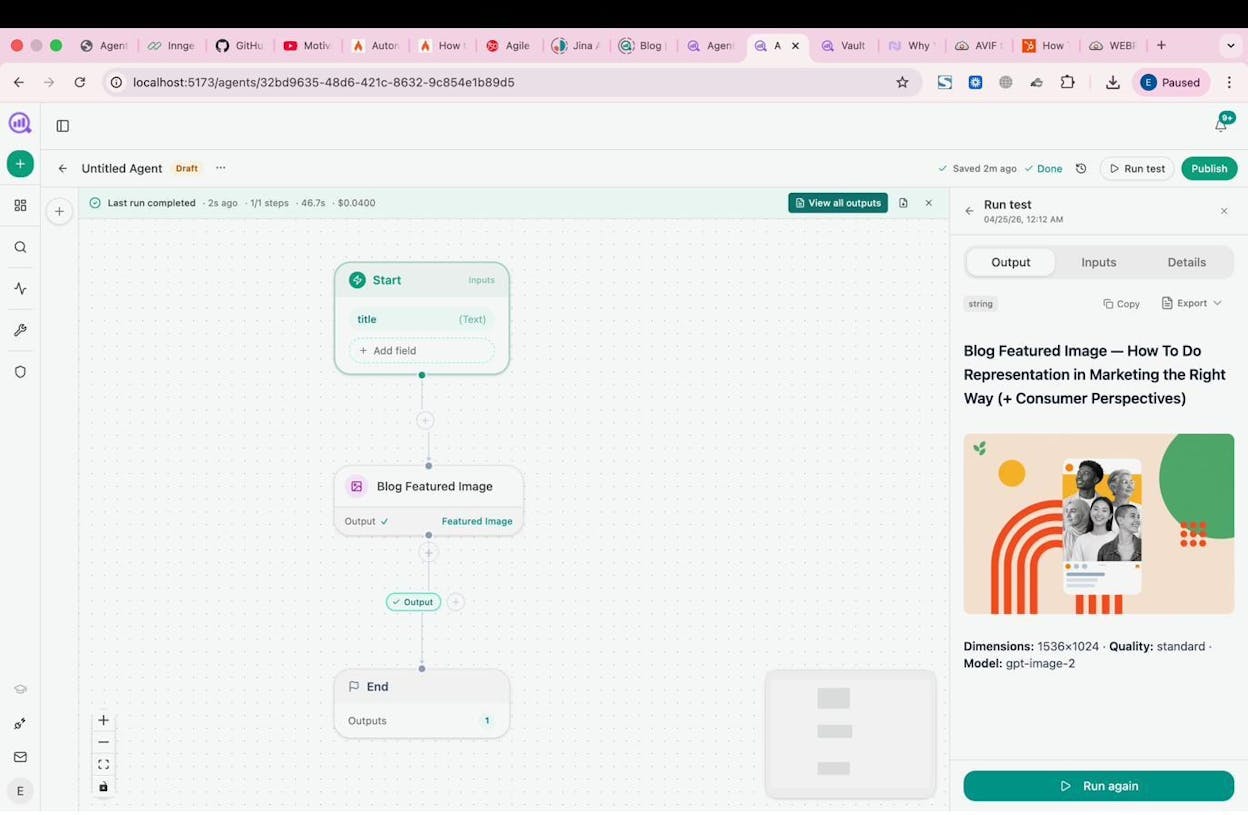
The Agent Builder is the core differentiator. It ships with 180+ nodes, 34 pre-built data recipes, and integrations with GA4, Google Search Console, Semrush, DataForSEO, HubSpot, WordPress, Notion, Slack, Hunter.io, Tomba, and every major LLM. You can connect these in any combination, which means the number of possible workflows runs into the billions.
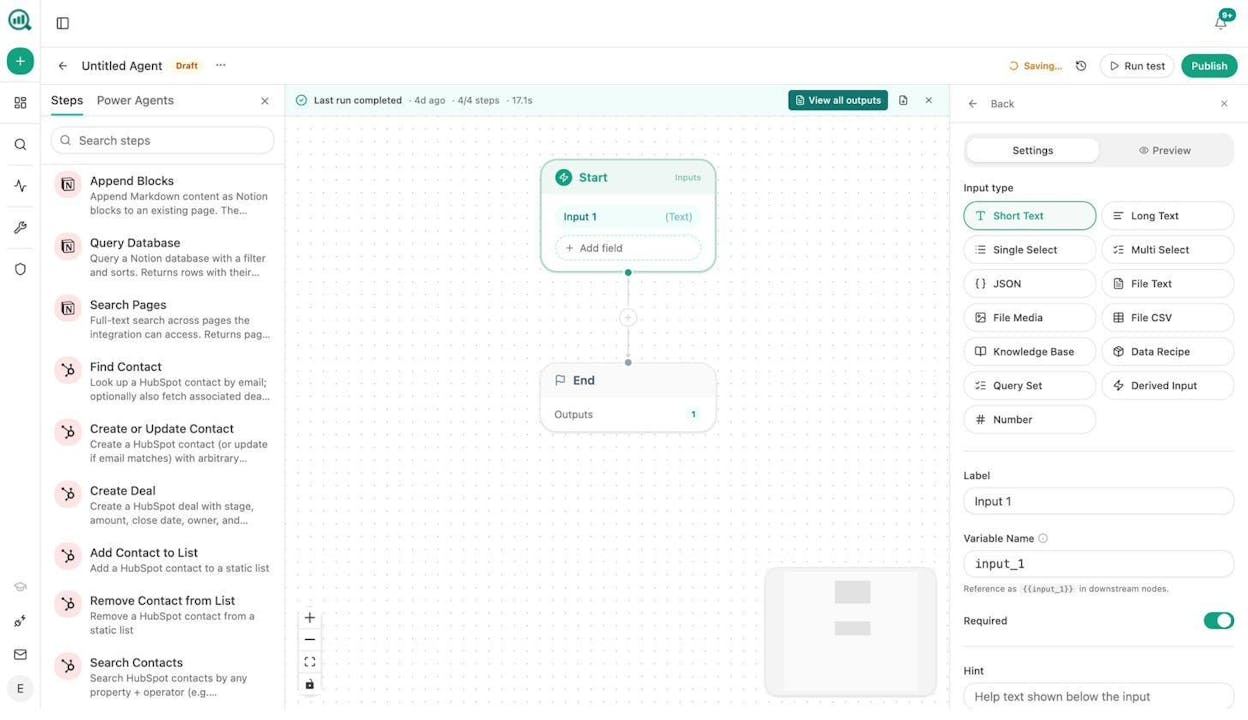
That is not hyperbole. A single agent can pull your AI visibility data, cross-reference it with GSC performance, run the results through a competitor gap analysis, draft content briefs in your brand voice using the 12-block Brand Vault, and publish to WordPress. All on a cron schedule, without a human clicking anything.
Here is what a content writing agent workflow looks like inside the builder:
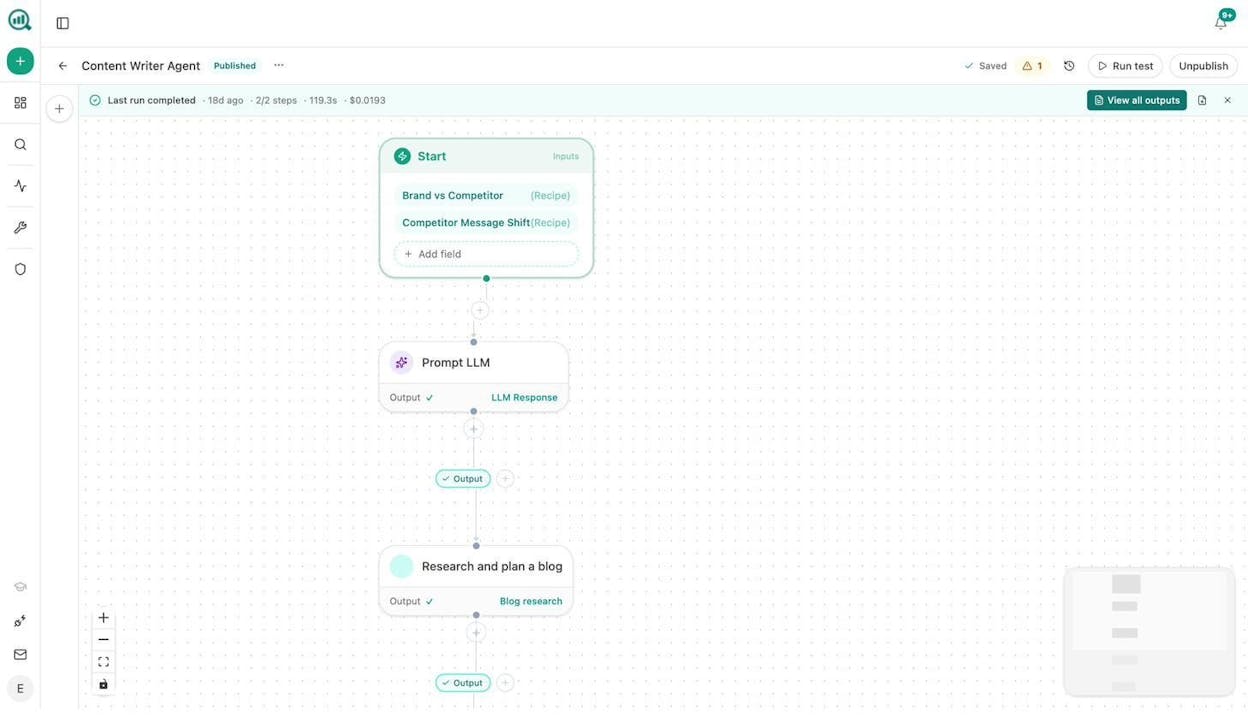
Three trigger modes give you flexibility. Manual for on-demand tasks like ad-hoc research briefs. Scheduled for recurring operations like Monday morning competitor reports or weekly content refresh sweeps. Webhook for event-driven reactions, such as when a HubSpot deal closes and you want a case study draft generated automatically.
Beyond the Agent Builder, Analyze AI includes a Content Writer that goes through research, outline, and draft stages (not single-shot generation), and a Content Optimizer that audits existing pages for AI Engine Optimization readiness.
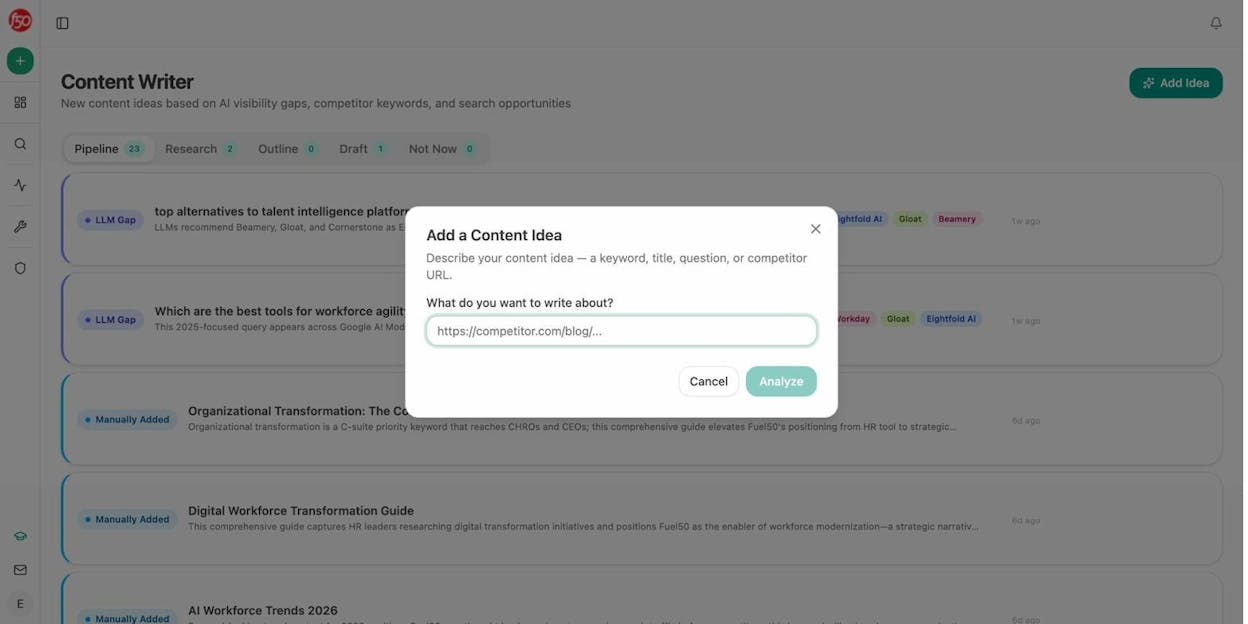
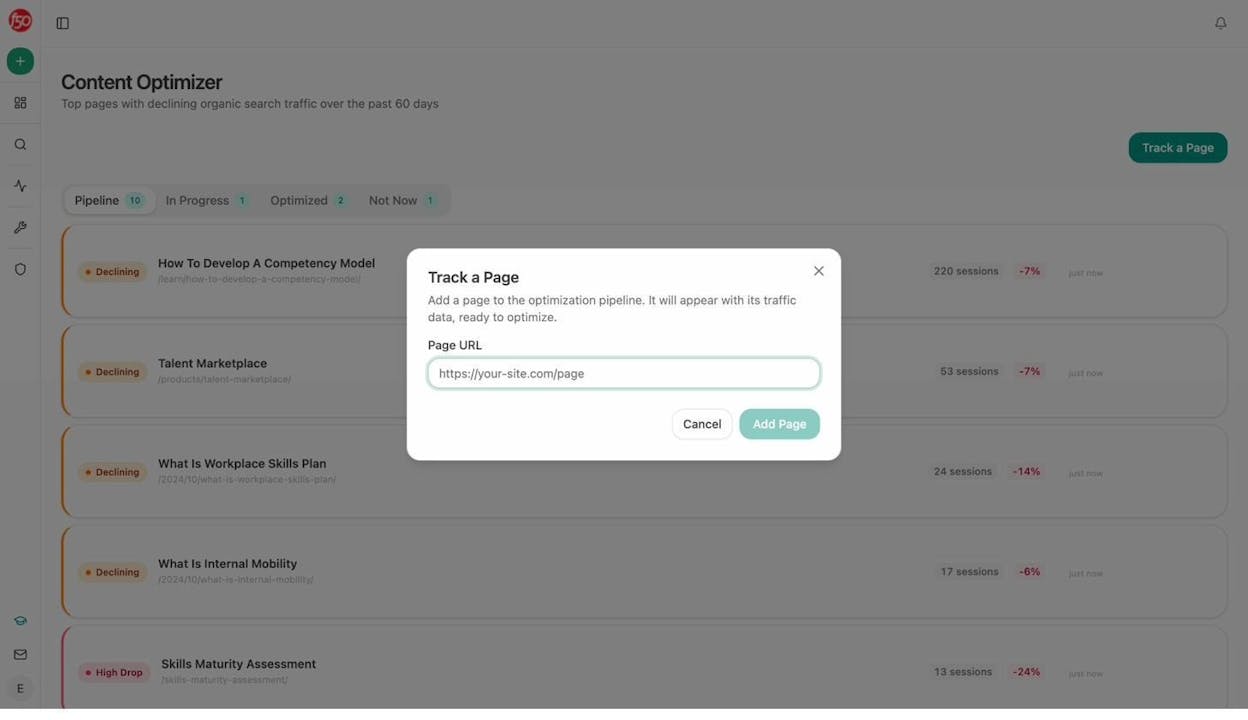
And here is where it gets interesting for teams thinking about AI search as a channel. Most workflow tools can automate your SEO tasks. None of them can tell you how ChatGPT, Perplexity, Gemini, or Copilot perceive your brand, which prompts mention your competitors but not you, or which of your pages are getting cited by AI engines.
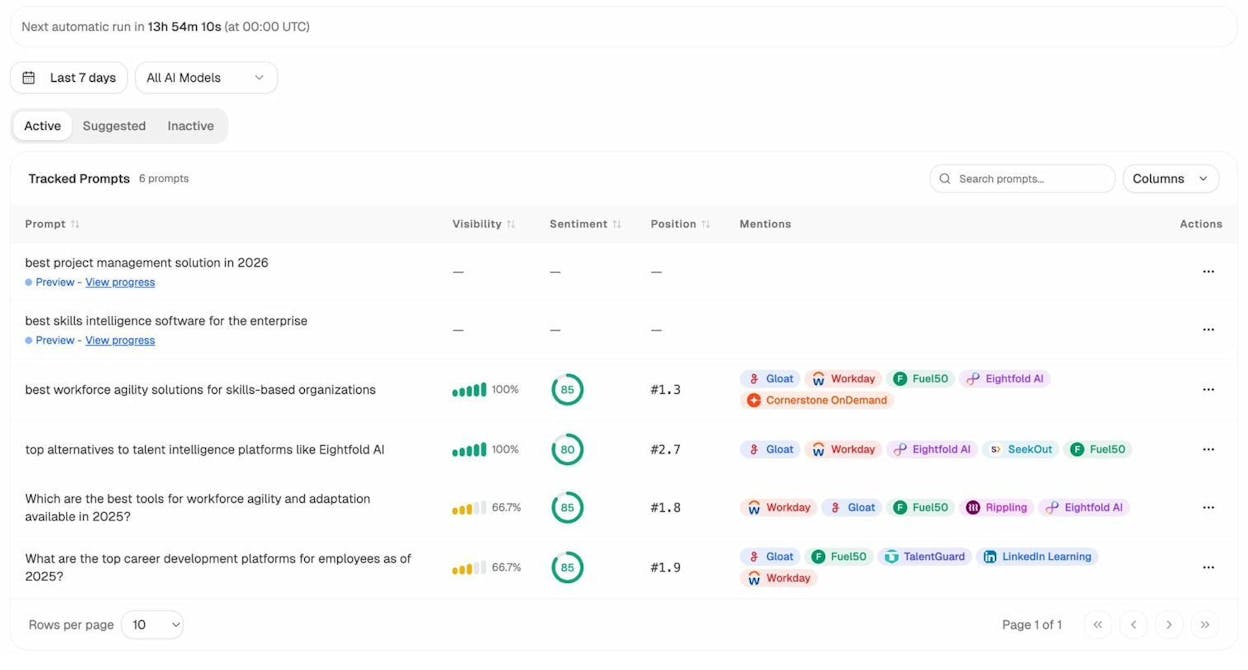
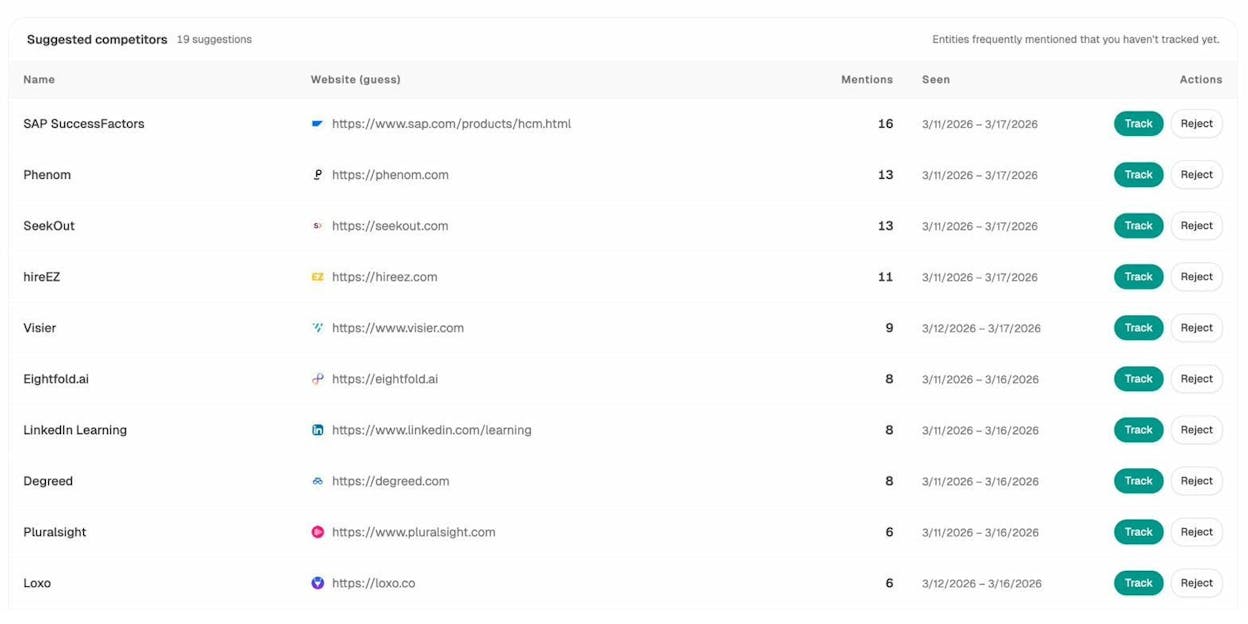
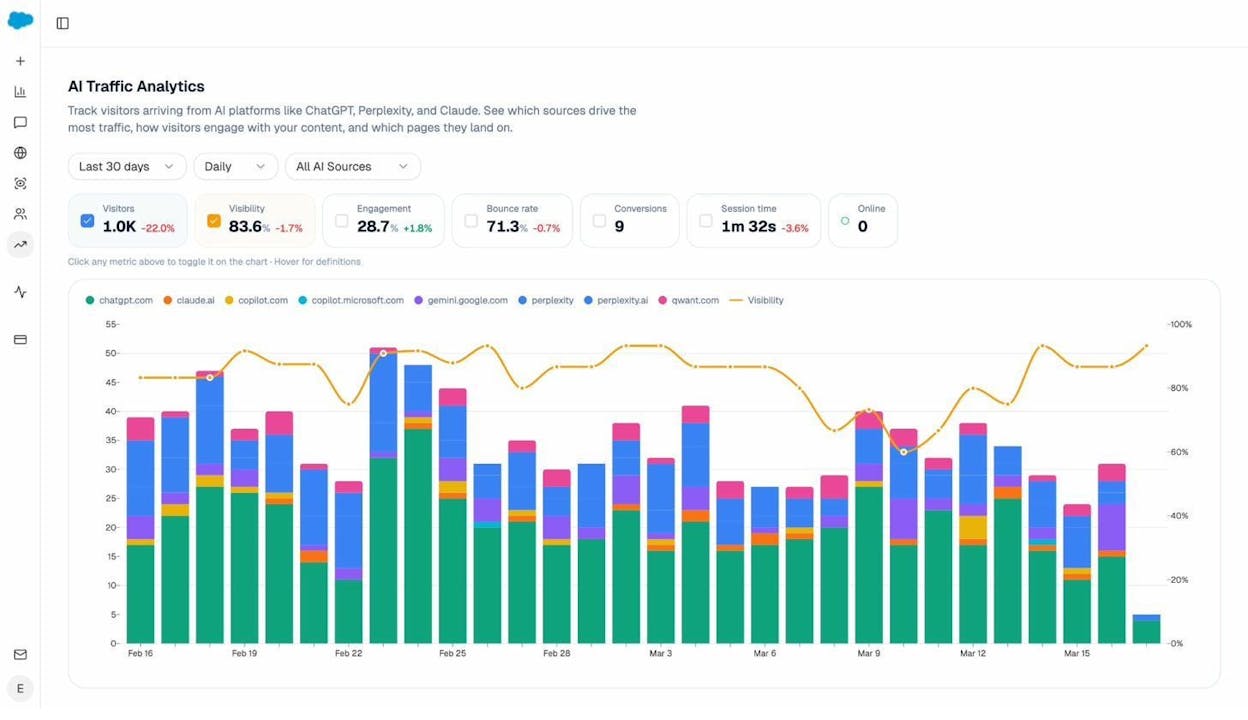
Analyze AI tracks all of this natively. Its Prompt Tracking monitors how AI models respond to queries in your category. The Competitors dashboard shows side-by-side visibility, sentiment, and citation comparisons. AI Traffic Analytics connects to GA4 so you can see which pages actually receive visits from AI search engines and what those visitors do next.
This data feeds directly into the Agent Builder. You can build an agent that runs every morning, checks which prompts your brand lost visibility on overnight, drafts counter-content briefs, and posts them to your editorial Notion board. That workflow takes five minutes to build and runs on autopilot.
What I like about Analyze AI:
-
Agent Builder treats marketing data as a first-class citizen, not an afterthought
-
34 data recipes (pre-built data pipelines like share-of-voice, competitor-gaps, declining-pages) eliminate the tedious wiring most platforms require
-
Content Writer and Optimizer are built into the same platform, so you do not need separate tools for content production
-
AI Traffic Analytics connects visibility to actual traffic and business outcomes
-
Brand Vault auto-injects your tone, messaging rules, and proof points into any agent prompt
-
Free tools suite includes a keyword generator, keyword difficulty checker, SERP checker, broken link checker, and more
What could be improved:
-
The platform is deep, so there is a learning curve for teams that have never worked with node-based builders
-
Newer product, so the community is still growing compared to legacy automation tools
2. Zapier
Best for: Non-technical teams that need reliable, simple automations with broad app coverage
Pricing: Free plan (100 tasks/month). Paid plans from $19.99/month (annual).
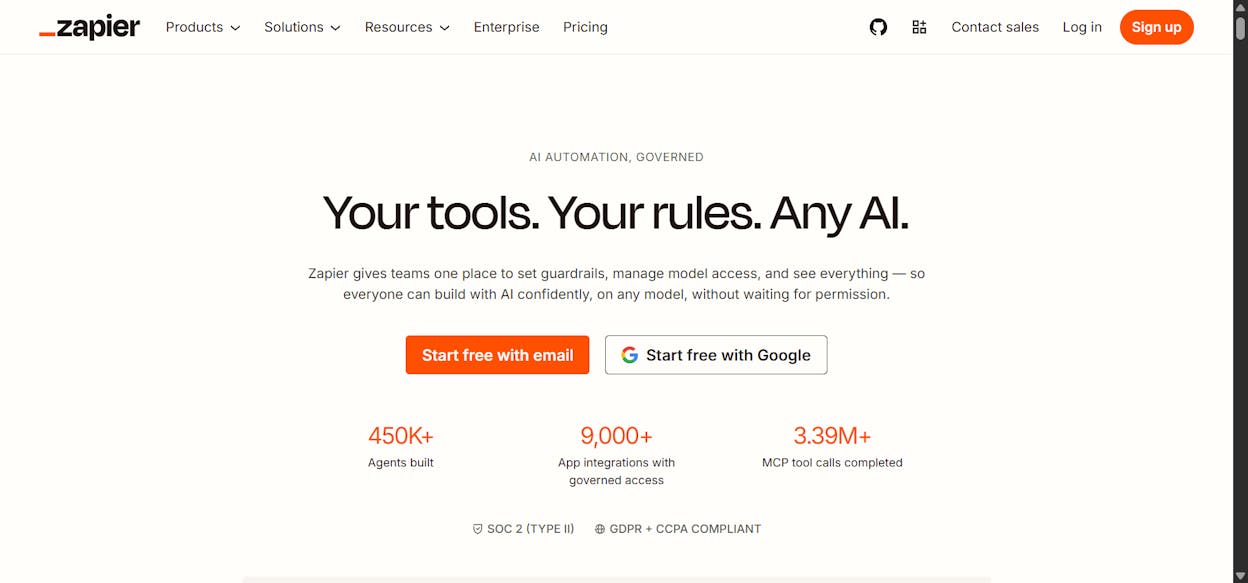
Zapier is the most established name in workflow automation. It integrates with over 7,000 apps and has been reliable for years. If you need a simple trigger-action workflow (new form submission goes to a Google Sheet, then sends a Slack notification), Zapier handles it without friction.
The AI features feel bolted on rather than native. You can add an AI step to a Zap, but the platform was not built around LLM reasoning the way newer tools are. Pricing also scales quickly. The free plan caps at 100 tasks per month, and multi-step workflows require the Professional tier at $49/month. Teams running high-volume automations report bills in the $300 to $600/month range.
Best for: Straightforward, high-reliability integrations. Not ideal for complex AI-powered workflows.
3. n8n
Best for: Technical teams that want self-hosted automation with full control
Pricing: Free self-hosted (Community Edition). Cloud plans from $24/month (2,500 executions).
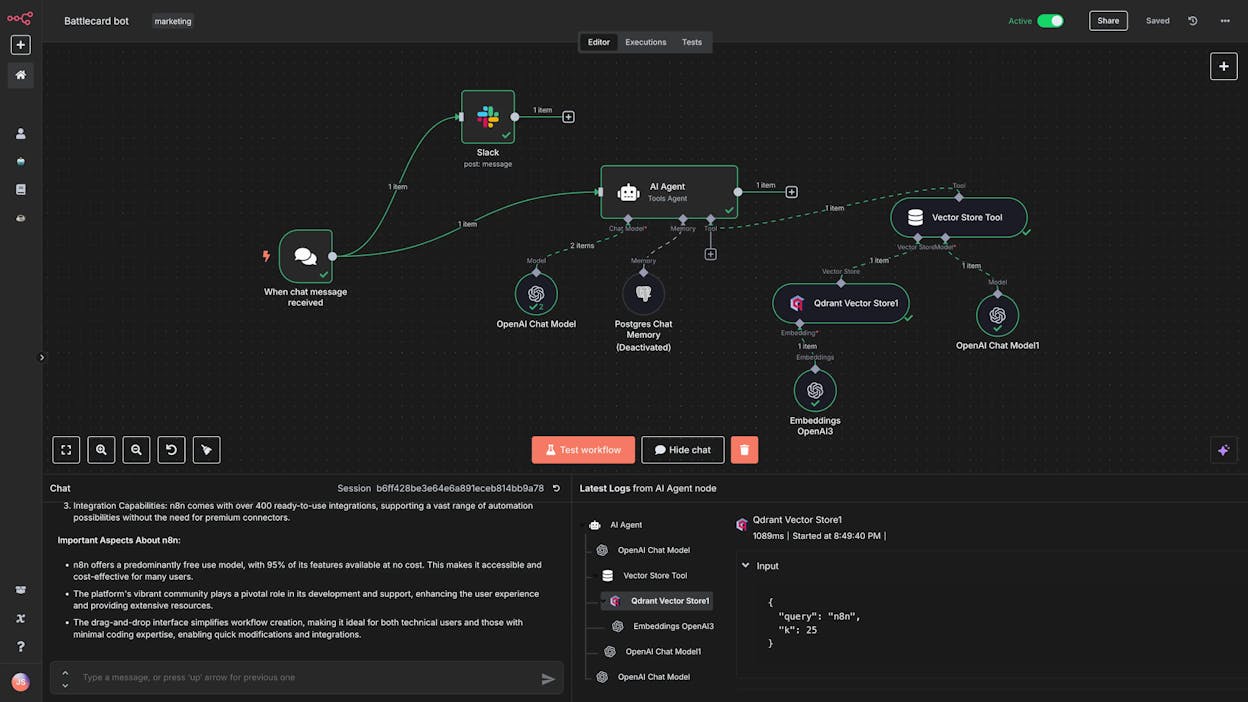
n8n is probably the most popular open-source automation platform right now. It has a visual canvas similar to Zapier but is designed for people comfortable with backend logic. The self-hosted Community Edition is completely free with unlimited executions, which makes it attractive for developers who can manage their own infrastructure.
The cloud plans use execution-based billing. The Starter plan at $24/month includes 2,500 executions, but a single workflow with five steps running once counts as five executions. That limit gets consumed fast with polling triggers. The community has produced thousands of workflow templates and YouTube tutorials, which lowers the learning curve.
Best for: Developer-led teams that want maximum flexibility and are comfortable self-hosting. Not recommended for non-technical marketers.
4. Make
Best for: Budget-conscious indie builders and small teams
Pricing: Free plan (1,000 operations/month). Paid plans from $10.59/month.
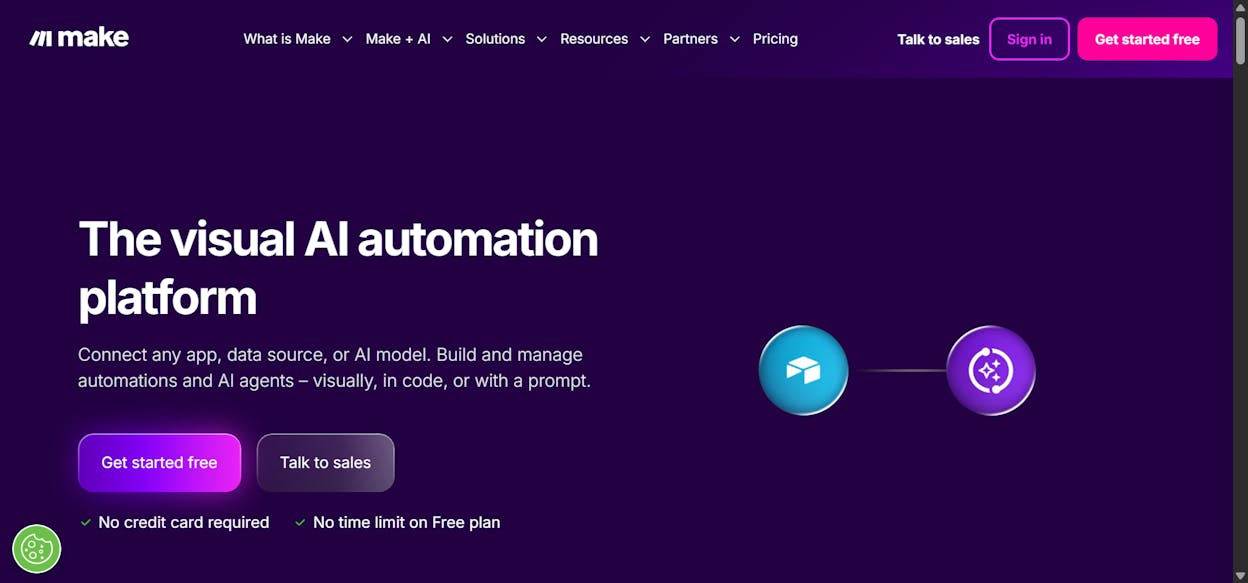
Make (formerly Integromat) is the most affordable automation tool on this list. It offers a drag-and-drop builder with over 7,500 pre-built templates. The interface takes some getting used to, and users often report a steeper learning curve than Zapier. But for the price, it delivers significant capability.
Where Make falls short is error handling and enterprise readiness. Complex workflows can be difficult to debug, and the platform is used primarily by solo builders and small teams rather than larger organizations.
Best for: Getting started with automation on a tight budget. For serious production workloads, expect to outgrow it.
5. Relay.app
Best for: Teams that want simple AI workflows without a steep learning curve
Pricing: Free plan (500 AI credits/month). Paid plans from $38/month.
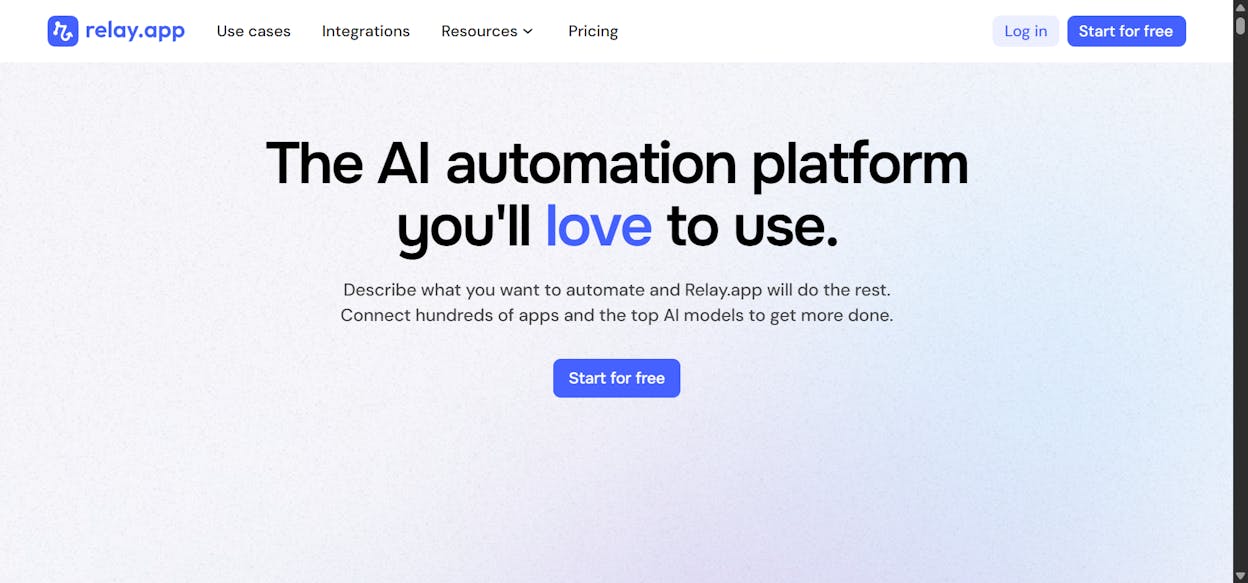
Relay.app has one of the cleanest interfaces in this category. It is designed for non-technical users who want to build AI-powered workflows without dealing with complexity. The platform is used by teams at Cursor, Ramp, and Motion, which speaks to its quality despite its simplicity.
The trade-off is flexibility. Some users report that workflows feel rigid when tasks require conditional logic or branching. The integration library is also smaller compared to Zapier or Make.
Best for: Small teams that prioritize ease of use over advanced functionality.
6. Pipedream
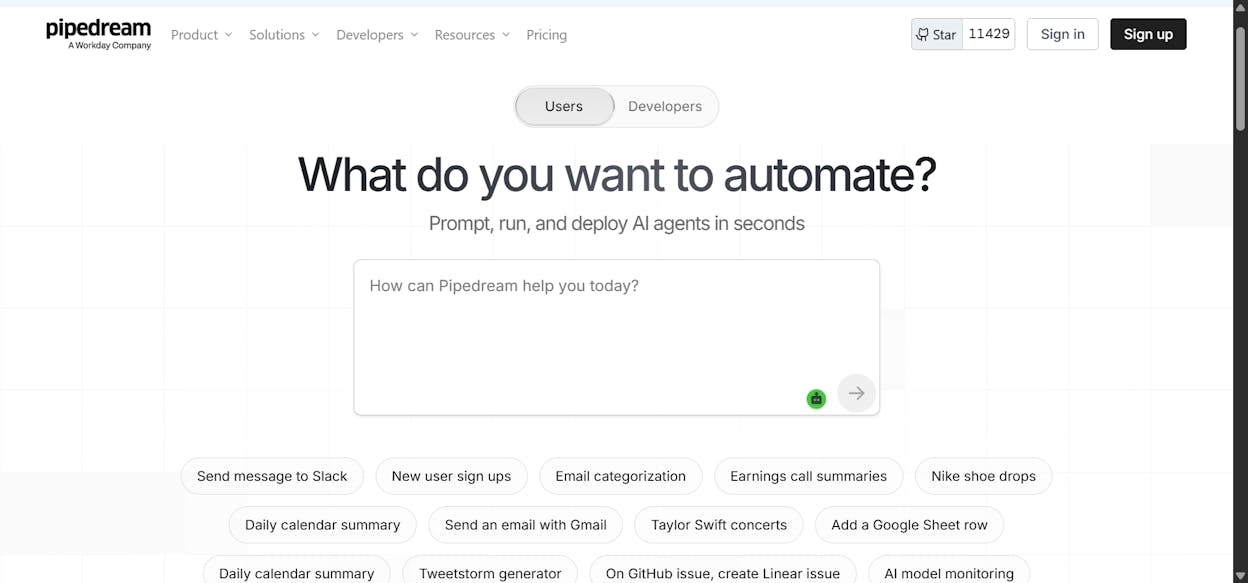
Best for: Developers building AI agents with deep API integrations
Pricing: Free plan (100 credits/month). Paid plans from $45/month.
Pipedream is built for developers who need to wire AI agents into existing product infrastructure. It offers one SDK with thousands of API integrations and supports MCP servers. Teams at Scale, LinkedIn, and Logitech use it.
The UI can feel clunky, and debugging is not intuitive. The free plan is limited, and paid plans are on the expensive side for what you get. But if you are building production-grade AI agents that need to talk to custom APIs, Pipedream is worth evaluating.
Best for: Engineering teams embedding automation into products. Not suited for marketing or operations use cases.
7. Lindy AI
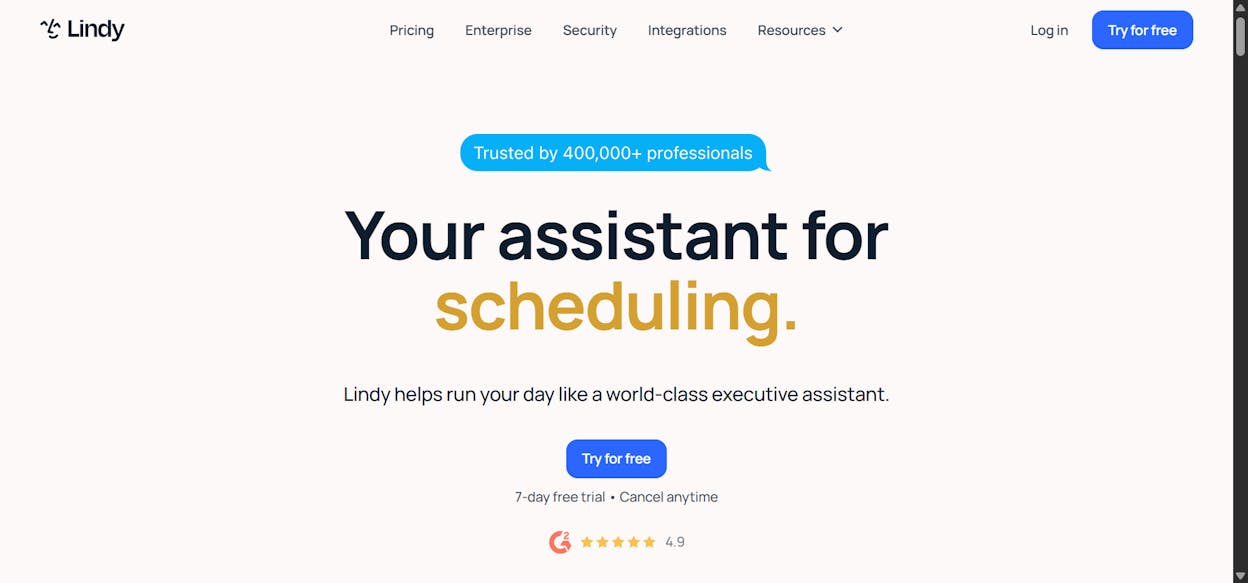
Best for: Sales operations and customer support automation
Pricing: Free plan (400 credits/month, up to 40 tasks). Paid plans from $49.99/month.
Lindy AI positions itself as an “AI employee builder.” It shines in customer support and sales operations, with deep integrations into CRMs and sales tools. The three-step workflow creation process (tell Lindy what to do, connect your apps, iterate in natural language) keeps things accessible.
Pricing gets expensive quickly on paid plans relative to the number of tasks you can run. The platform also lacks the depth of templates and documentation that more established tools offer.
Best for: Sales and support teams automating outbound calls, LinkedIn outreach, and support chatbots.
8. Vellum AI
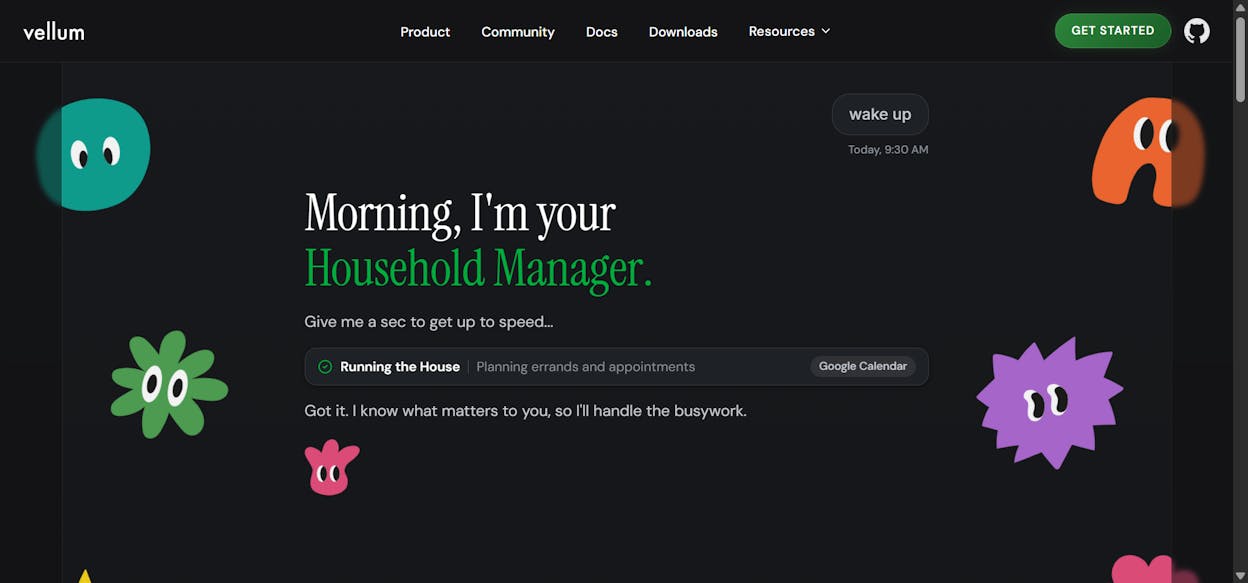
Best for: Enterprise engineering teams deploying complex AI agent pipelines
Pricing: Startup and Enterprise plans (contact for pricing).
Vellum AI is an enterprise-grade platform for building, testing, and deploying AI agents. It is a full end-to-end solution covering experimentation, analysis, deployment, and monitoring. Companies like Redfin and Ogilvy use it.
This is not a tool for marketers. You need a technical background, and the pricing starts at the enterprise tier. But for engineering teams that need to manage AI pipelines at scale, the all-in-one approach eliminates the need to stitch together multiple tools.
Best for: Large engineering teams. Not for marketing or content operations.
9. StackAI
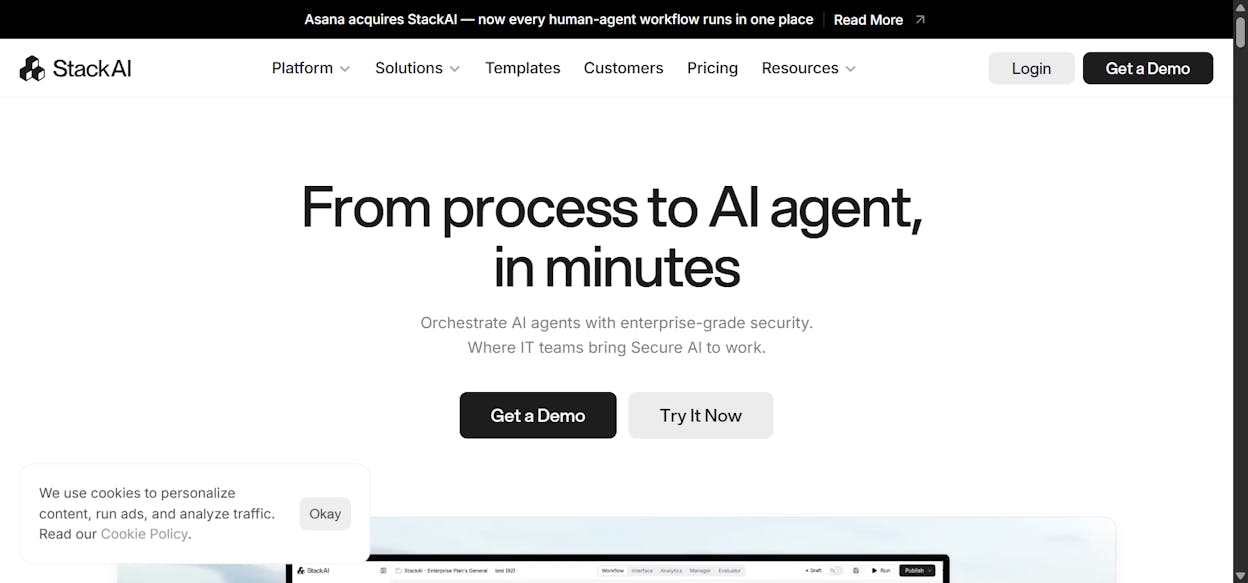
Best for: Government, healthcare, and financial services companies with strict compliance requirements
Pricing: Free plan (500 runs/month). Enterprise plans with custom pricing.
StackAI has one of the best user interfaces in this category. It is purpose-built for industries where security and compliance are non-negotiable. SOC 2, HIPAA, and GDPR compliance come standard, and deployment options include on-premises.
The trade-off is accessibility. Outside of regulated industries, the enterprise-only pricing model prices out most small and mid-sized teams.
Best for: Compliance-heavy organizations. The security focus justifies the cost for those who need it.
10. Workato
Best for: Large enterprises with complex, cross-departmental automation needs
Pricing: Custom pricing (demo required).
Workato is a full enterprise automation platform used by HubSpot, Monday.com, and Zendesk. It handles workflows across marketing, sales, HR, IT, and customer service. The platform offers unlimited connections, workflows, and collaborators.
The downside is that Workato is not self-serve. You need to go through a sales process to get started, which makes it impractical for startups and smaller teams. But for organizations that need a single platform to automate processes across every department, it delivers.
Best for: Enterprise organizations with dedicated ops teams. Not suitable for small businesses.
Choosing the Right Tool for Your Team
The best tool depends on who is building the workflows and what data they need to work with.
|
Need |
Best fit |
|---|---|
|
Marketing, SEO, content, and AI search ops in one platform |
|
|
Simple, reliable integrations for non-technical teams |
Zapier |
|
Self-hosted, open-source flexibility for developers |
n8n |
|
Budget-friendly entry point for solo builders |
Make |
|
Enterprise-grade compliance (healthcare, finance, government) |
StackAI or Workato |
|
Sales and support automation |
Lindy AI |
One thing most tools on this list cannot do is connect your workflow automation to AI search data. If you are running content operations in 2026, you need to know how AI search engines perceive your brand, not just how Google ranks your pages. AI search is not replacing SEO. It is an additional organic channel. The teams that treat it as such and automate their monitoring, optimization, and content production across both channels will have a compounding advantage.
That is the gap Analyze AI fills. It is not just an automation tool or just a visibility tracker. It is the substrate that connects your marketing data to your marketing operations, and runs them on autopilot.
You can start a free trial and build your first agent in minutes.

Ernest

Ibrahim


