



Summarize this blog post with:


In this article, you’ll learn which AI web scraper tools actually deliver clean, structured data without the usual pain of broken selectors, hallucinated outputs, or surprise bills. You’ll also see how each tool handles real workflows (not just one-off extractions) and where AI search creates a new layer of opportunity for the data you collect.
Table of Contents
Can ChatGPT Scrape Websites?
ChatGPT can fetch and read web pages through its browsing feature, but it is not a web scraper. It cannot loop through paginated results, handle JavaScript-rendered content, bypass rate limits, or export structured data at scale.
The real power comes from pairing a proper scraping engine with an LLM. You scrape the raw data, then use AI to clean, classify, summarize, or enrich it. The tools below handle both sides of that equation, some better than others.
What Makes a Good AI Web Scraper in 2026?
Before the tool-by-tool breakdown, here is the evaluation framework that shaped this list:
Extraction accuracy. Does the tool pull the right data, in the right structure, without hallucinating fields that do not exist on the page?
Workflow integration. Scraping is rarely the end goal. You need the data in a spreadsheet, a CRM, a content pipeline, or an SEO automation tool. Tools that force manual CSV exports create friction that kills adoption.
Handling at scale. Scraping one page is easy. Scraping 500 pages with different structures and pagination logic is where tools break down.
LLM flexibility. You should be able to choose which AI model processes your scraped data. The tool should not lock you into a single provider.
Pricing clarity. Credit-based pricing is the norm, but the credit math varies wildly. You need to know what a workflow actually costs before you commit.
5 Best AI Web Scraper Tools to Use in 2026
Here is the short list:
-
Analyze AI
-
Firecrawl
-
Octoparse
-
Browse AI
-
Thunderbit
1. Analyze AI
-
Best for: Teams that need scraping as part of larger SEO, content, and GTM workflows
-
Pricing: Free trial, then usage-based plans
-
What I like: The agent builder turns one-off scrapes into automated, repeatable pipelines
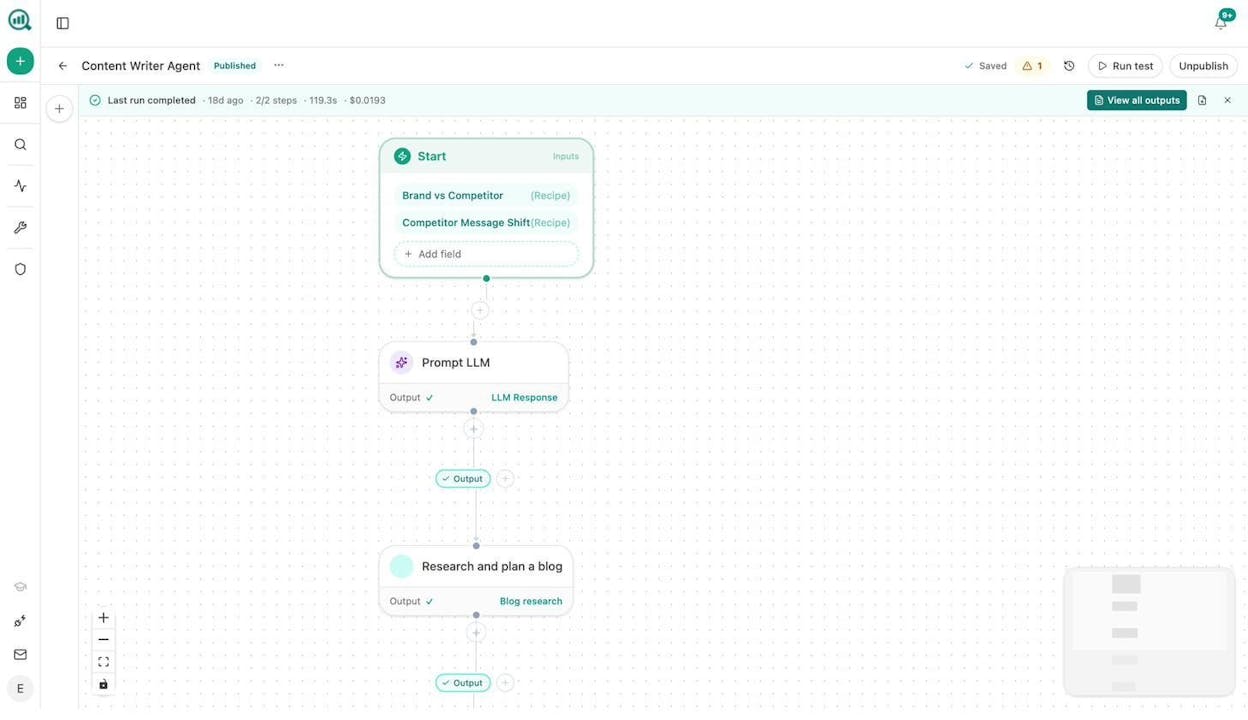
Analyze AI is not a scraper-first tool. It is an agentic platform for SEO, AEO, content, and GTM operations that happens to include multiple scraping and research engines as built-in nodes, alongside 180+ other nodes.
The Agent Builder does not just offer a single Web Page Scrape node. It also includes Firecrawl, Exa (search, deep search, find similar links, and content extraction), Parallel Deep Research, and Parallel Web Search as native nodes. That means you can use the same scraping engines that developers build standalone tools around, but wire them directly into content creation, SEO analysis, CRM enrichment, or competitive intelligence workflows without writing a line of code.
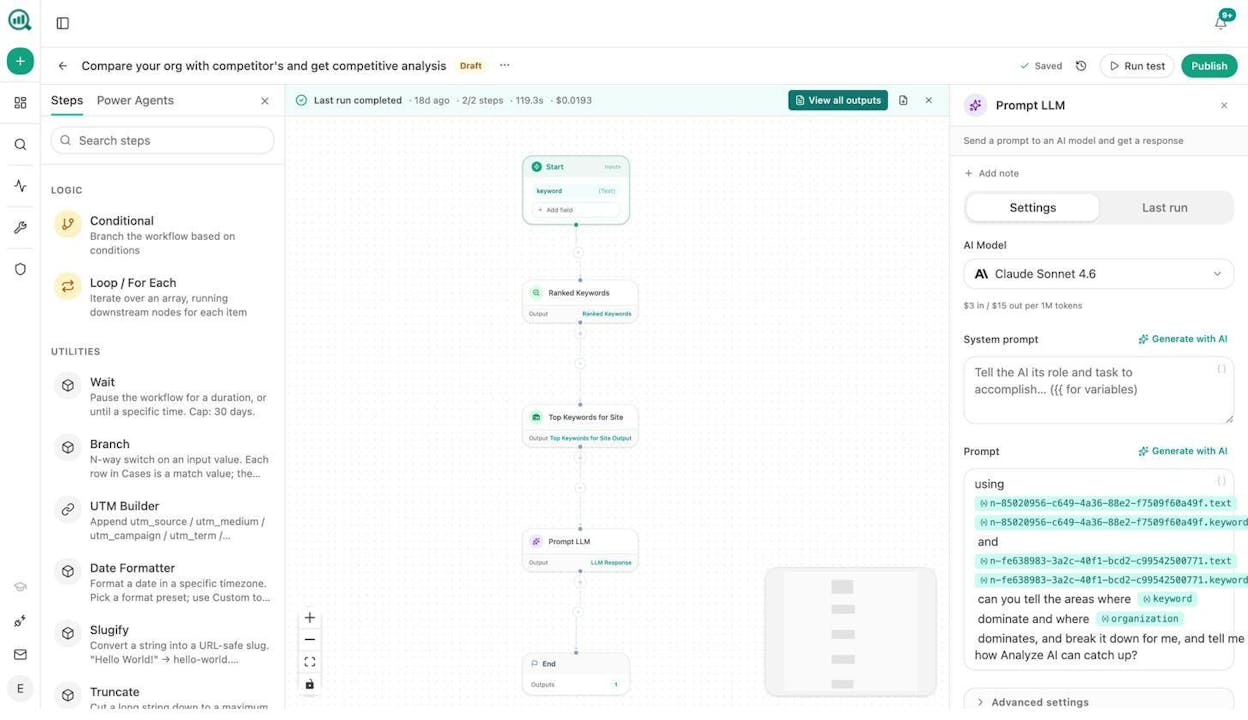
Here is how it works. Inside the Agent Builder, you drag a scraping or research node onto the canvas, connect it to a Prompt LLM node (which supports Claude, GPT-5, Gemini, Perplexity, and more), and then route the output to wherever it needs to go. HubSpot, Notion, WordPress, Slack, email, or a Google Sheet. One workflow, zero manual steps.
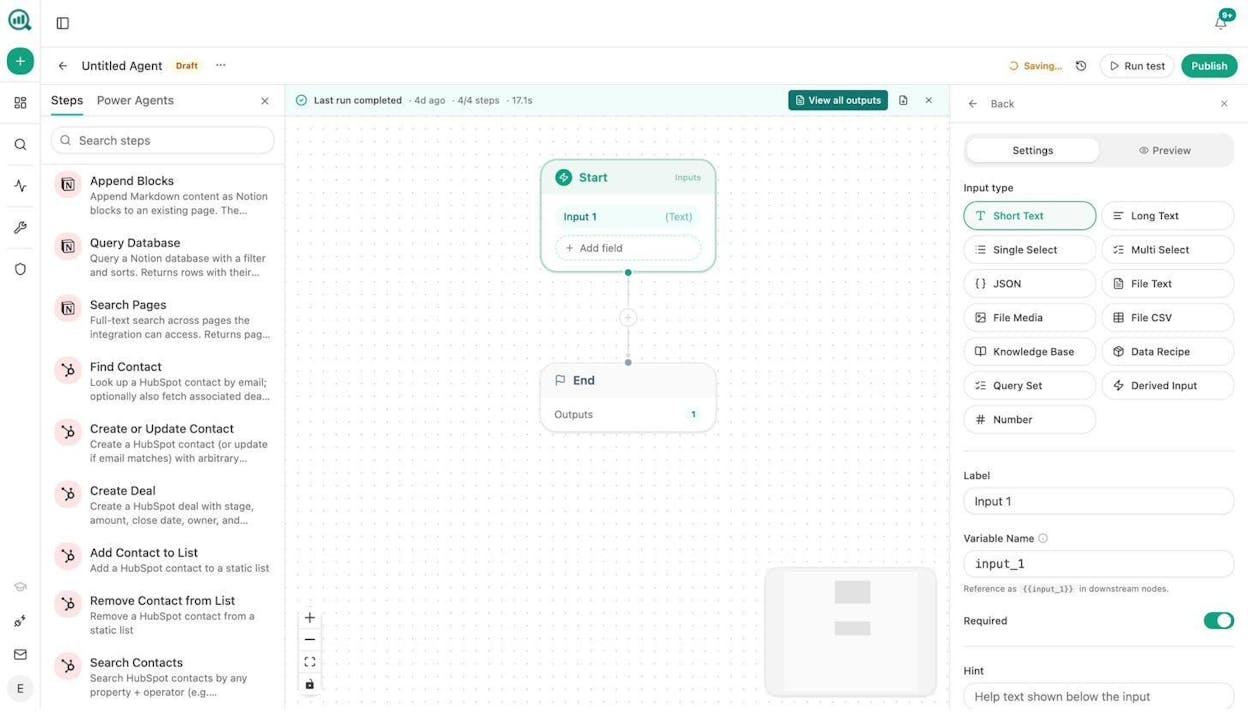
What sets Analyze AI apart from standalone scrapers is what happens around the scrape. A few real examples of workflows teams build with the Agent Builder:
Content refresh at scale. Schedule a weekly agent that scrapes your own published pages, runs each through an LLM to check for outdated claims, and flags the ones that need updating, all pushed to a Notion task board automatically. The declining-pages and stale-content data recipes feed the exact pages that need attention.
Competitor monitoring. Build an agent that scrapes competitor landing pages on a schedule, compares them against your positioning using the Competitors dashboard, and surfaces changes in Slack before your next standup.
Lead enrichment. Connect a webhook trigger to fire whenever a new form submission arrives, then chain Web Page Scrape (to pull the prospect’s website), a DataForSEO Domain Overview node, and a HubSpot Upsert Contact node. The lead is fully enriched before your sales rep sees it.
Keyword research at scale. Use the DataForSEO Keyword Ideas node alongside Semrush Keyword Research, loop results through an LLM to cluster by intent, and export to a keyword mapping spreadsheet.
Internal linking at scale. Schedule a weekly agent that loops through your sitemap, runs On-Page SEO analysis per page, and prompts an LLM to suggest internal links based on GSC keyword data.
The Agent Builder has 34 pre-built data recipes, 13 input types, integrations with GA4, GSC, HubSpot, Semrush, DataForSEO, WordPress, Notion, Mailchimp, and Slack, plus nodes for Hunter.io and Tomba for B2B enrichment. The practical combinations run into the billions.
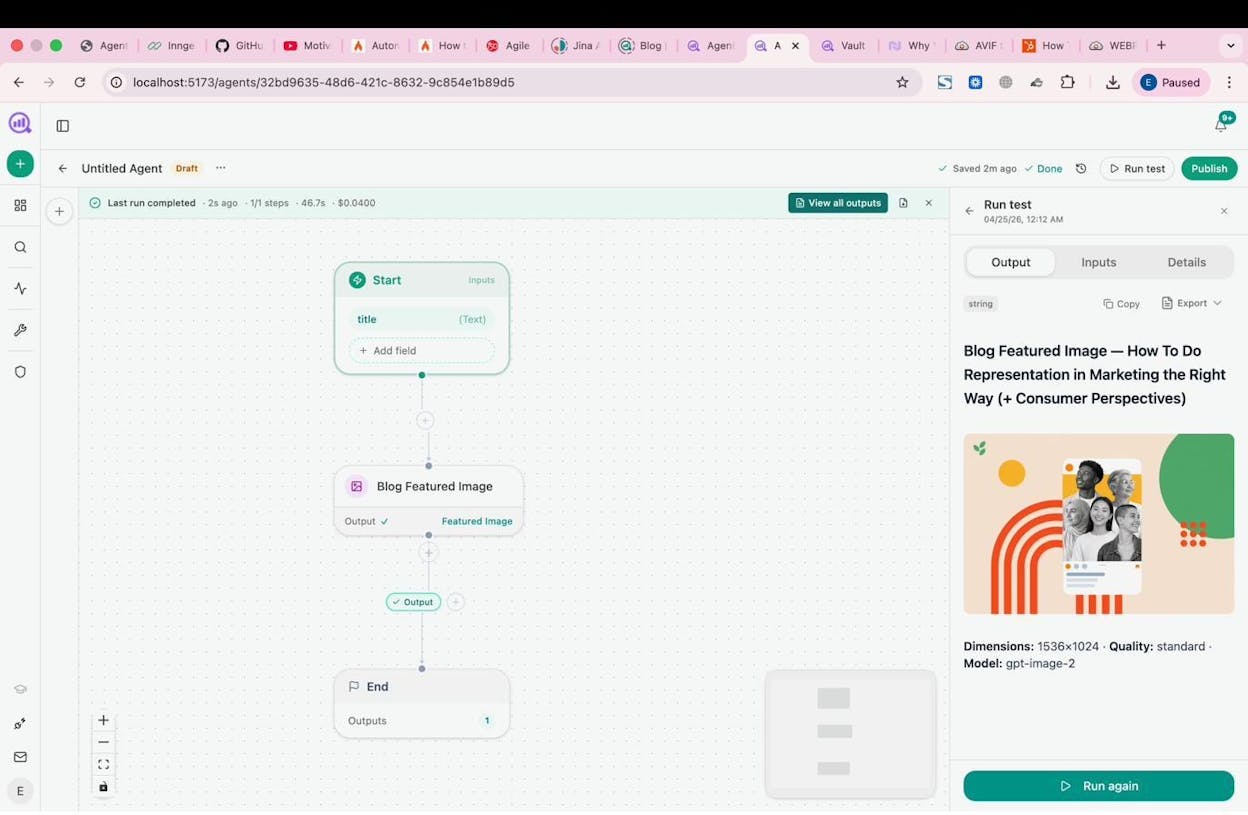
Beyond scraping, Analyze AI also gives you an AI Content Writer and Content Optimizer built into the same platform. The writer runs through a research-outline-draft pipeline that produces content with tracked keywords and SERP awareness. The optimizer fetches your existing content, scores it for AI Engine Optimization readiness, and rewrites sections that underperform.
If you are comparing this against standalone scrapers, the honest framing is this: Analyze AI does not have the anti-blocking features of Octoparse (IP rotation, CAPTCHA solving). If your primary use case is scraping sites that actively block bots, a dedicated scraper is the right call. But if you need web scraping as one step inside a larger marketing, SEO, or content marketing operation, Analyze AI covers more ground than any tool on this list.
Analyze AI also offers free SEO tools including a keyword generator, SERP checker, website traffic checker, and a broken link checker.
2. Firecrawl
-
Best for: Developers building web scraping into their own products
-
Pricing: Free plan (1,000 credits), then from $16/month (Hobby) to $333/month (Growth)
-
What I like: Open source, fast growing, and outputs clean markdown or JSON
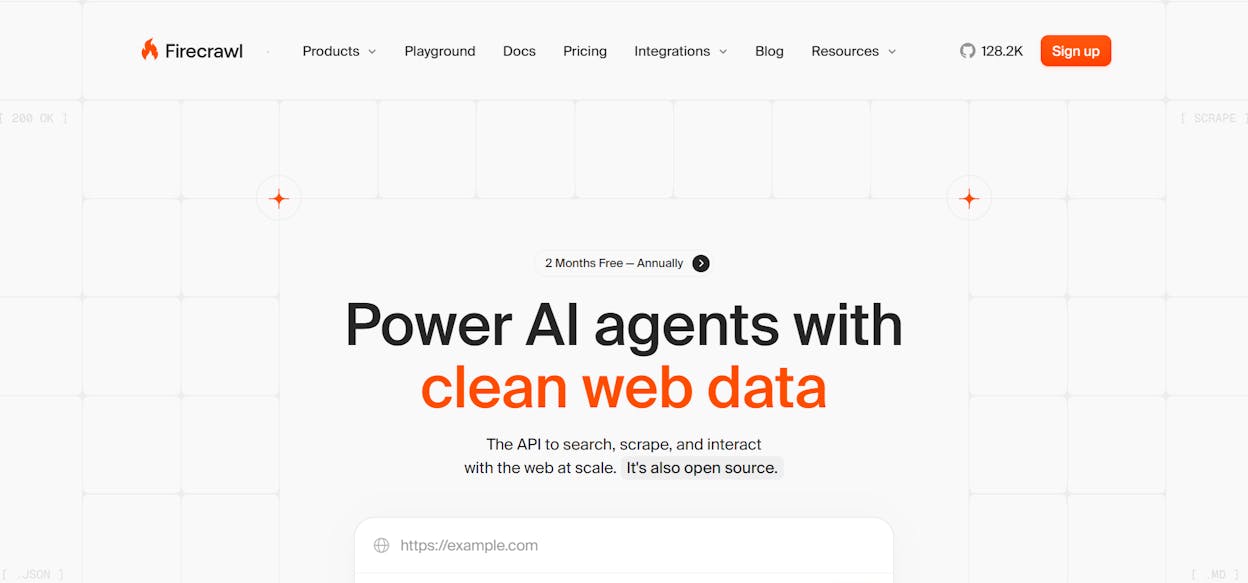
Firecrawl is a developer-focused web scraping API that turns any URL into LLM-ready data. It is not a no-code platform with a visual canvas. You interact with it through API calls, and it returns clean markdown, structured JSON, or screenshots.
Where Firecrawl excels is the developer experience. You send a URL, and it handles JavaScript rendering, content extraction, and format conversion in one call. It also has a crawl endpoint that processes every page on a site and a search endpoint that returns full-page data from web results.
The platform is open source with over 124,000 GitHub stars, so you can self-host it for full control over your scraping infrastructure.
Firecrawl pricing:
|
Plan |
Monthly Cost |
Credits |
Best For |
|---|---|---|---|
|
Free |
$0 |
1,000 |
Testing and prototyping |
|
Hobby |
$16 |
5,000 |
Side projects |
|
Standard |
$83 |
100,000 |
Scaling teams |
|
Growth |
$333 |
500,000 |
High-volume extraction |
|
Enterprise |
Custom |
Custom |
Dedicated support + SLA |
The limitation: Firecrawl is an API, not a workflow tool. You scrape data, but you write your own code to process, route, and act on it. If you want to scrape a competitor page and automatically generate a content brief from the results, you are building that pipeline yourself. Worth noting: Firecrawl is also available as a native node inside Analyze AI’s Agent Builder, so you can use its scraping engine and then pipe the output directly into content creation, SEO research, or CRM workflows without managing a separate subscription or writing glue code.
3. Octoparse
-
Best for: Large-scale scraping with anti-blocking features
-
Pricing: Free plan (10 tasks), then from $69/month (Standard) to $249/month (Professional)
-
What I like: Pre-built templates for common sites and strong anti-blocking capabilities
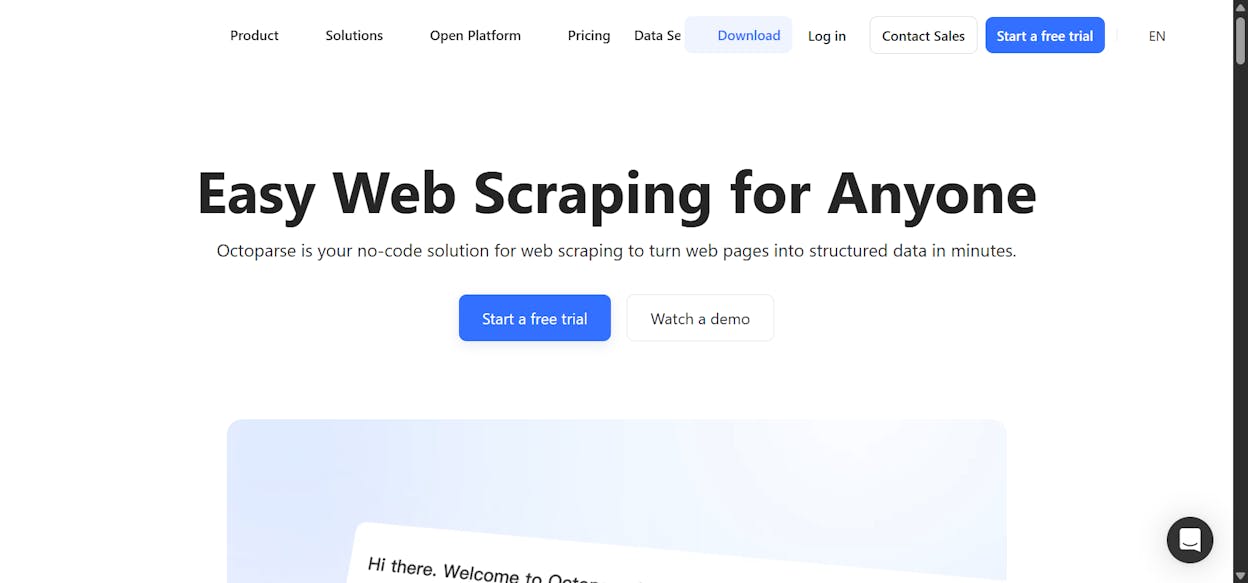
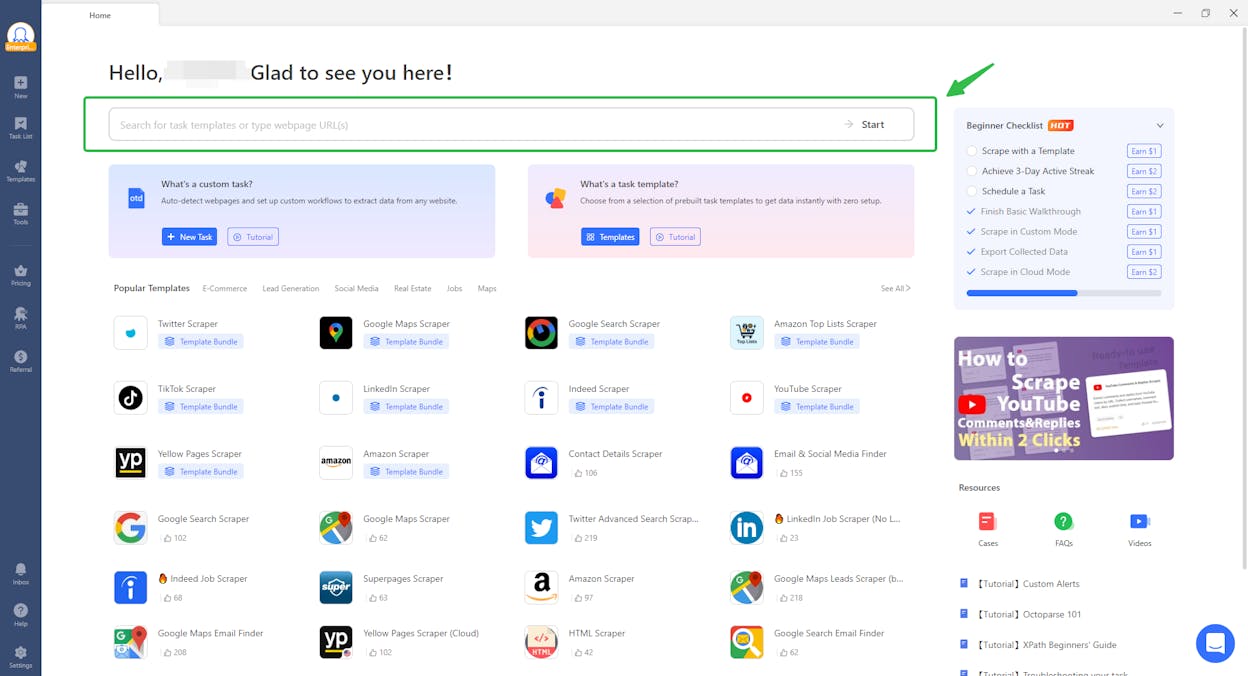
Octoparse is one of the longest-running web scraping platforms. It offers a visual point-and-click interface where you load a webpage, select the data fields you want, and Octoparse generates the extraction logic automatically.
The platform’s biggest strength is its anti-blocking toolkit, which includes IP rotation, CAPTCHA solving, residential proxies, and browser fingerprint management. If you are scraping sites that actively fight scrapers (e-commerce, real estate listings, social media), Octoparse handles the technical cat-and-mouse better than most alternatives.
It also offers 500+ pre-built scraping templates for popular sites like Google Maps, Twitter, Amazon, and Indeed.
Octoparse pricing:
|
Plan |
Monthly Cost |
Tasks |
Key Features |
|---|---|---|---|
|
Free |
$0 |
10 |
Desktop app, local extraction |
|
Standard |
$69 |
100 |
Cloud extraction, IP rotation, 500+ templates |
|
Professional |
$249 |
250 |
Advanced API, priority support |
|
Enterprise |
Custom |
Custom |
Dedicated infrastructure |
Where it falls short: Octoparse is a scraping tool and only a scraping tool. Once you extract data, you export it as CSV, Excel, or JSON, and then you manually move it to wherever it needs to go. There is no built-in LLM processing, no CRM integration, and no way to chain scraping into a larger automated workflow. If your goal is to scrape data and then do something intelligent with it (enrich leads, generate content briefs, monitor competitors), you will need to pair Octoparse with other tools.
Octoparse reviews: 4.8/5 on G2 (52+ reviews), 4.7/5 on Capterra (106+ reviews).
4. Browse AI
-
Best for: Monitoring competitor websites for changes over time
-
Pricing: Free plan (50 credits), then from $19/month (Personal) to $500+/month (Premium)
-
What I like: Built-in change monitoring and scheduled extractions
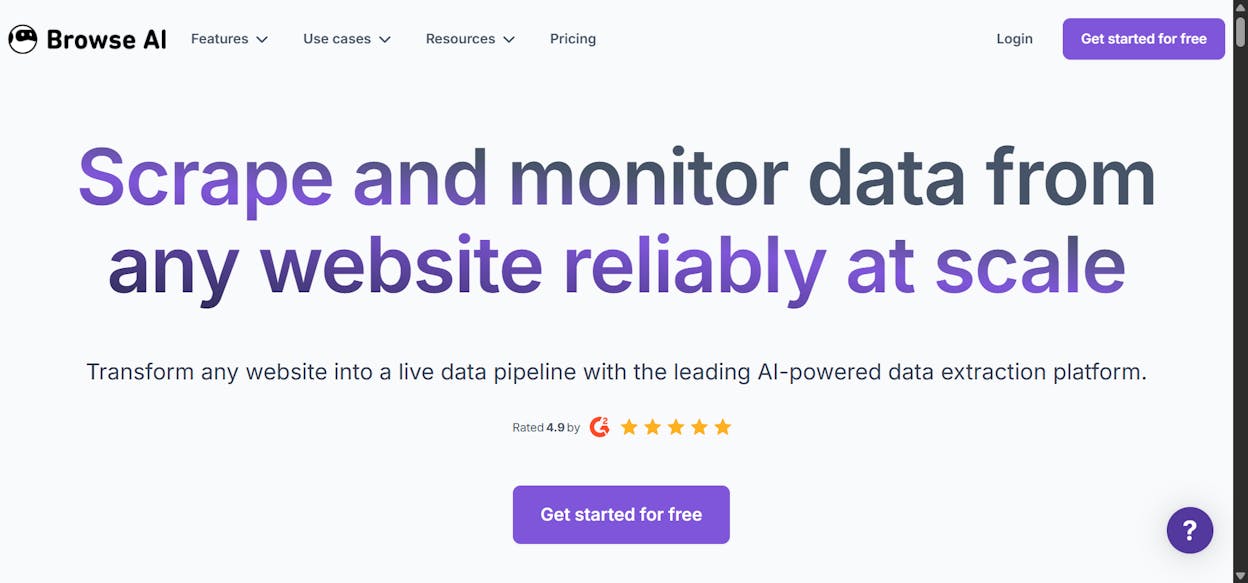
Browse AI markets itself as a web scraping and monitoring platform, and the monitoring angle is what makes it interesting. You set up a “robot” to watch a competitor’s pricing page, product catalog, or job listings and get notified whenever something changes.
It offers 250+ pre-built robots for popular websites and a Chrome extension for quick one-off extractions. Browse AI is particularly useful for competitive intelligence. You can track when a competitor changes their messaging, adds features, or publishes job listings (a signal for strategic direction). If you want to monitor and track changes on a website, this is a solid option for the traditional web side.
Browse AI pricing:
|
Plan |
Monthly Cost |
Credits |
Domains |
|---|---|---|---|
|
Free |
$0 |
50 |
2 |
|
Personal |
$19 |
12,000/year |
Unlimited |
|
Professional |
$87 |
5,000+/month |
Unlimited |
|
Premium |
$500+ |
600,000+ |
Fully managed |
The catch: Browse AI’s monitoring is limited to traditional websites. If you also want to track how competitors show up in AI search results, you need a separate tool. Analyze AI’s Competitors dashboard and AI Battlecards cover that layer, showing you side-by-side visibility, sentiment, and citation data across ChatGPT, Perplexity, and Gemini.
Browse AI reviews: 4.8/5 on G2 (51+ reviews), 4.5/5 on Capterra (59+ reviews).
5. Thunderbit
-
Best for: Quick extraction from marketplace and directory sites
-
Pricing: Free plan (6 pages/month), then from $15/month (Starter) to custom (Business)
-
What I like: Simple Chrome extension interface for non-technical users
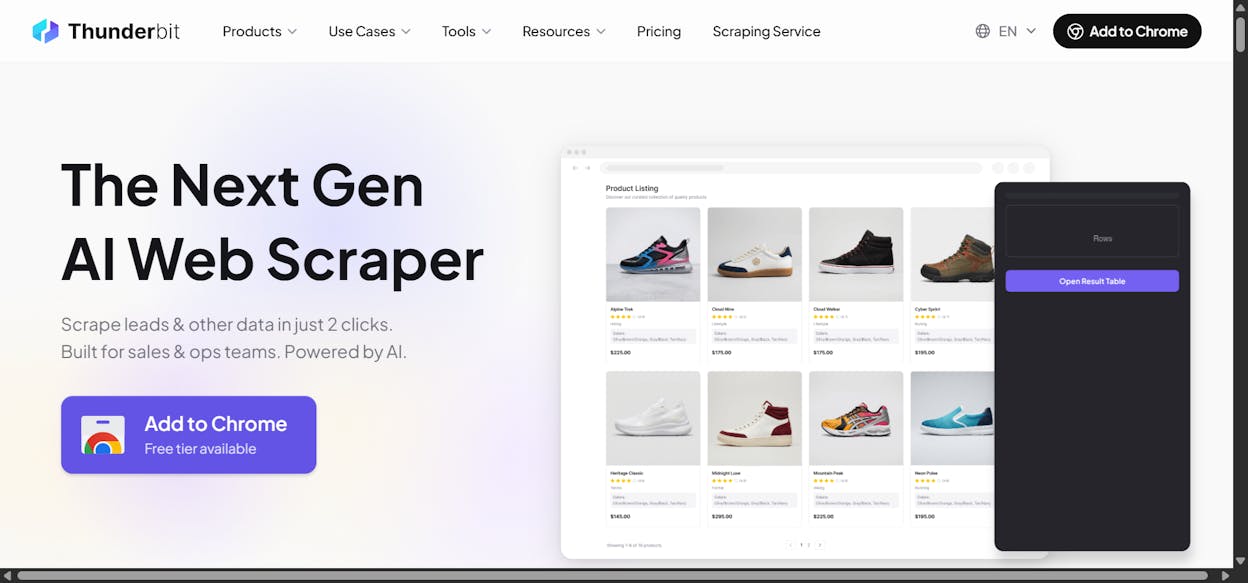
Thunderbit is a Chrome extension-based scraper designed for speed. The pitch is “scrape any website in two clicks,” and for simple extraction tasks, that is pretty close to accurate. You visit a page, click the extension, and Thunderbit uses AI to identify the data fields and structure them into a table.
It works especially well for marketplace sites like Amazon product listings, Zillow properties, Google Maps businesses, and LinkedIn profiles. Sales teams use it for prospect research and lead list building. You can export results to Google Sheets, Airtable, or Notion.
Thunderbit also supports PDF and document scraping, which most web scrapers skip entirely.
Thunderbit pricing:
|
Plan |
Monthly Cost |
Credits |
Scheduled Scrapers |
|---|---|---|---|
|
Free |
$0 |
~6 pages/month |
None |
|
Starter |
$15 |
500 |
5 |
|
Pro |
$38 |
3,000 |
25 |
|
Business |
Custom |
Custom |
Unlimited |
Where it falls short: Thunderbit is designed for individual users running quick extractions, not teams building repeatable workflows. There is no API access on lower tiers and no way to chain scraping into automated pipelines. If you are a content team that needs to scrape, analyze, and generate briefs from the results, you will outgrow Thunderbit quickly.
Thunderbit reviews: 3.4/5 on Trustpilot (4 reviews), 4.7/5 on Product Hunt (12 reviews).
What to Actually Do With Scraped Data
Here is where most web scraping guides stop. You have your data in a spreadsheet. Now what?
The teams that get real value from web scraping connect extraction to action. Here are the workflows that matter:
Turn competitor pages into content briefs. Scrape the top 10 ranking pages for your target keyword, feed them to an LLM to identify content gaps, and generate a brief your writer can start from. In Analyze AI, this is a single workflow: Web Page Scrape → Prompt LLM → Notion Create Page.
Build a living competitive pricing database. Scrape competitor pricing pages on a weekly schedule and flag changes. In Analyze AI, you schedule this agent to run every Monday and push the diff to Slack.
Enrich every inbound lead automatically. When a lead fills out a form, scrape their company website, pull their domain authority from DataForSEO, and push the enriched profile to HubSpot. Analyze AI handles this with a webhook trigger and a chain of research nodes.
Monitor brand mentions. Scrape news sites, industry blogs, and review platforms for mentions of your brand or competitors. The DataForSEO Brand Mentions node in Analyze AI does this natively, with sentiment scoring included.
How AI Search Changes the Web Scraping Equation
Traditional web scraping is about extracting data from websites. That use case is not going anywhere. But there is a parallel channel that most scraping workflows ignore entirely: AI search.
When someone asks ChatGPT “what is the best web scraper for lead generation,” the answer does not come from a Google results page. It comes from the AI model’s training data and real-time source retrieval. The sites that get cited in those answers earn traffic and leads without ever appearing in a traditional SERP.
This matters for scraping workflows because the data you collect, and the content you create from it, now needs to perform in both traditional search and AI search.
Analyze AI was built for this. The platform tracks your AI visibility across ChatGPT, Perplexity, Gemini, and other AI engines. It shows you which prompts mention your brand (and which mention your competitors instead), which of your pages get cited in AI responses, and how your AI traffic trends compare week over week.
The Perception Map shows exactly how AI models position your brand against competitors on a two-dimensional quadrant of presence and narrative strength. The Sources dashboard reveals which domains AI models cite most frequently in your space, giving you a target list for content and outreach.
SEO is not dead. What is changing is that AI search is becoming an additional organic channel alongside traditional search. The brands that scrape competitive data, build content from it, and optimize for both channels are the ones building durable visibility. The Analyze AI manifesto captures this well. The way buyers find you is changing, but the reason they choose you is not.
If you want to get started, Analyze AI offers a free trial with access to the Agent Builder, Content Writer, Content Optimizer, and the full AI search visibility suite. You can also explore the SEO and AI visibility checklist for a full rundown of action items.
Quick Comparison: All 5 Tools at a Glance
|
Tool |
Best For |
Free Plan |
Paid From |
LLM Integration |
Workflow Automation |
|---|---|---|---|---|---|
|
Analyze AI |
Full SEO/content/GTM workflows |
Free trial |
Usage-based |
Any major LLM |
180+ node agent builder |
|
Firecrawl |
Developers building scraping into products |
1,000 credits |
$16/month |
Bring your own |
API only |
|
Octoparse |
Large-scale scraping with anti-blocking |
10 tasks |
$69/month |
None built-in |
None |
|
Browse AI |
Competitor website monitoring |
50 credits |
$19/month |
None built-in |
Scheduling only |
|
Thunderbit |
Quick marketplace extractions |
6 pages/month |
$15/month |
Built-in AI fields |
None |
The right tool depends on what you need after the scrape. If you just need raw data, Firecrawl or Octoparse will do the job. If you need to monitor changes, Browse AI is purpose-built for that. If you need web scraping as one step inside a larger marketing operation with LLM processing, CRM integration, content generation, and AI search tracking built in, Analyze AI covers more surface area than anything else on this list.

Ernest

Ibrahim


