



Summarize this blog post with:


In this article, you’ll learn which lead enrichment tools actually help outreach teams find the right contacts, what each one costs, where each one falls short, and how to connect them into a single automated pipeline that runs without you touching a spreadsheet.
You’ll also see how AI search intelligence is changing who you should target, and how one platform ties enrichment, outreach, and AI visibility data together so your pitches land with the people who matter.
Table of Contents
What Is a Lead Enrichment Tool?
A lead enrichment tool fills in the gaps in your contact data. You start with a name, a company, or a domain. The tool returns job titles, email addresses, phone numbers, company size, revenue, tech stack, and LinkedIn profiles.
These tools pull from large databases that aggregate public records, social profiles, company filings, and web data. Some verify information in real time. Others rely on periodic crawls that can lag by weeks or months.
For link building outreach and digital PR, enrichment tools solve a specific problem. You already know which publications or blogs you want to pitch. What you need is the contact information for the right editor, the right journalist, or the right content manager at that publication. The faster and more accurately you get that data, the more pitches you send, and the more backlinks and media mentions you earn.
The difference between a good outreach campaign and a wasted one often comes down to data quality. Outdated emails bounce. Wrong job titles mean your pitch lands with someone who cannot say yes. Enrichment tools exist to close that gap.
But here is what most lead enrichment guides miss. AI search engines like ChatGPT, Perplexity, and Gemini are now driving real referral traffic. The publications that AI engines cite most frequently are the ones worth targeting for link outreach. Knowing which domains AI models trust gives you a sharper target list than keyword research alone. That is a layer of intelligence that traditional enrichment tools do not provide, and it is where the last tool on this list stands apart.
What to Look for in a Lead Enrichment Tool
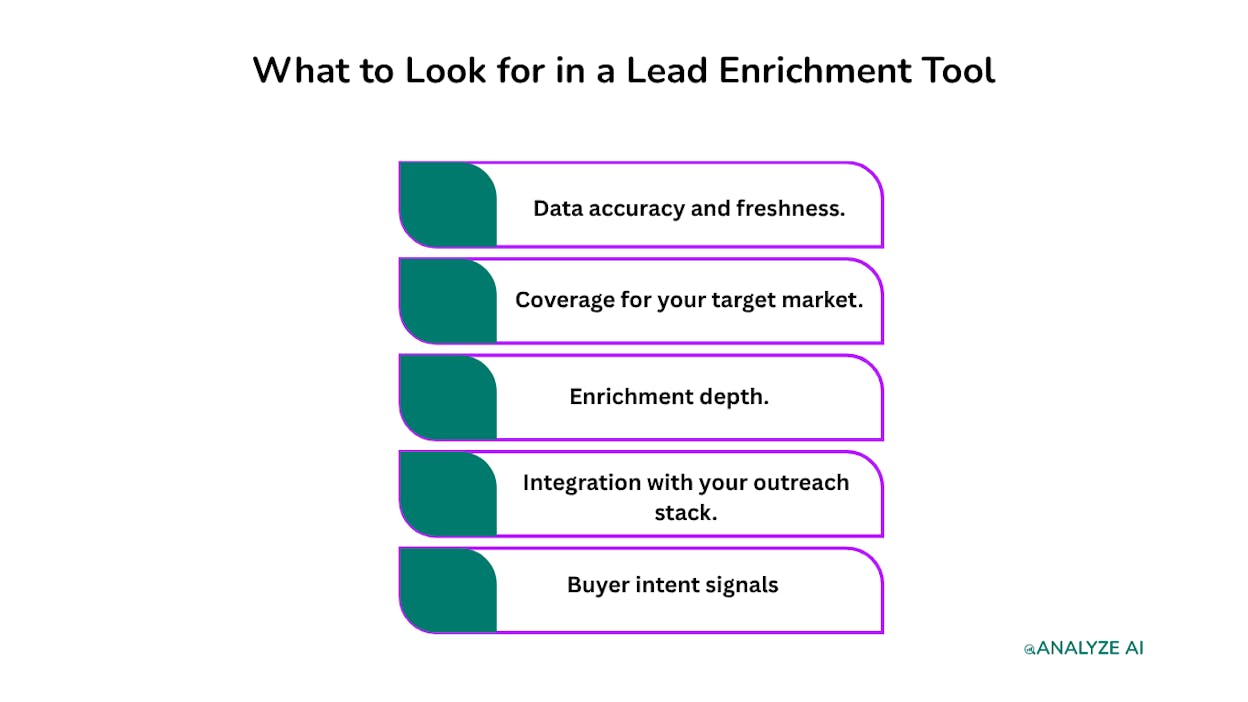
Not every enrichment platform is built for outreach teams. Some are designed for enterprise sales orgs with six-figure budgets. Others focus on developers who want raw API access. Here is what actually matters when you are running email outreach at scale.
Data accuracy and freshness. An email address from 2024 is a bounce waiting to happen. The best tools verify contacts in real time or on very short refresh cycles. Ask how often the database updates before you commit.
Coverage for your target market. If you are pitching journalists and bloggers, you need a tool that covers media contacts, not just enterprise B2B decision-makers. Some tools are strong in the US but weak internationally.
Enrichment depth. Job title and email are table stakes. The best tools return company size, revenue, tech stack, social profiles, and recent news, all of which help you write a pitch that sounds like you did your homework.
Integration with your outreach stack. If you cannot push enriched contacts into your CRM or outreach tool without manual exports, you will waste hours on copy-paste work every week.
Buyer intent signals. Some platforms go beyond static data and flag whether a prospect is actively researching solutions like yours. For outreach teams, this is the difference between cold and warm.
6 Best Lead Enrichment Tools for 2026
1. Apollo
Best for: Outreach teams that want enrichment and sequencing in one platform
Pricing: Free plan available. Paid plans start at $59/month per user.
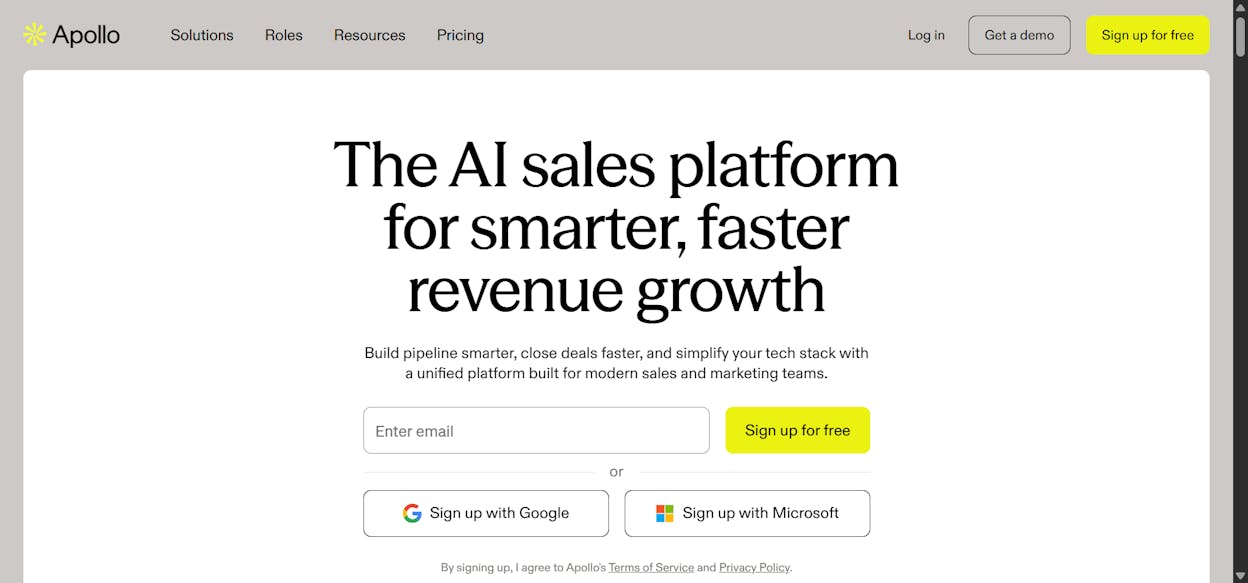
Apollo is a sales intelligence platform with one of the largest B2B contact databases available. It covers 210M+ contacts and returns over 65 data points per record. A lot of other sales tools actually source their data from Apollo, so you are going to the primary source.
What makes Apollo useful for link building outreach is the combination of enrichment and built-in sequences. You can find contacts, verify emails, and send outreach from the same platform. The search filters let you narrow by job title, company size, industry, and technology used, which helps when you are building a list of content managers at SaaS companies or editors at specific publications.
Apollo also offers waterfall enrichment, which pulls from multiple data sources to maximize coverage. And the AI lead scoring lets you prioritize contacts based on criteria you set, so you pitch decision-makers first.
Where it falls short. Email and phone data can lag when contacts change jobs. The platform has a learning curve. And export limits on lower-tier plans can slow down teams running high-volume campaigns.
Apollo pricing at a glance:
|
Plan |
Monthly Price |
Credits/User/Month |
|---|---|---|
|
Free |
$0 |
75 |
|
Basic |
$59/user |
2,500 |
|
Professional |
$99/user |
4,000 |
|
Organization |
$149/user (min 3) |
6,000 |
Reviews: 4.7/5 on G2 (9,400+ reviews). 4.5/5 on Capterra (380+ reviews).
2. ZoomInfo
Best for: Enterprise teams that need deep company intelligence alongside contact data
Pricing: Custom pricing (contact sales)
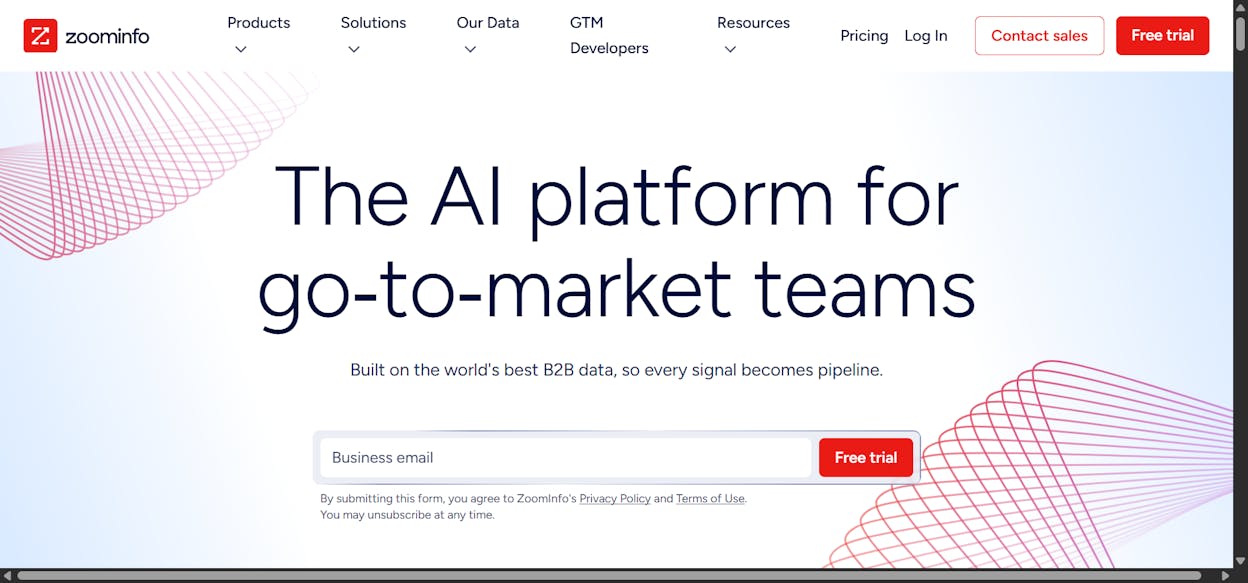
ZoomInfo is the enterprise standard for B2B data. It aggregates contact information, org charts, emails, and intent signals into one searchable platform. Think of it as the most comprehensive directory of business contacts available, with over 200M+ records focused on US, Canada, and mid-market to enterprise companies.
For PR and outreach teams at larger organizations, ZoomInfo offers depth of company intelligence that smaller tools cannot match. You can filter by firmographics, technographics, hiring signals, and funding rounds. If you are running an ABM campaign alongside your link outreach, that depth matters.
The intent data is also useful for outreach. ZoomInfo can flag when a company is actively researching topics related to your product, which means your pitch arrives when they are already thinking about the problem you solve.
Where it falls short. The pricing is enterprise-level and not accessible for small teams or solo operators. Contact data can still become outdated, though the multi-source aggregation helps. And the platform’s complexity can feel excessive if all you need is an email address.
ZoomInfo pricing: Three products (Sales, Marketing, Talent), all custom-priced. Expect five-figure annual contracts for serious usage. You can learn more on their pricing page.
Reviews: 4.5/5 on G2 (9,000+ reviews). 4.1/5 on Capterra (310+ reviews).
3. Clearbit (Now Part of HubSpot)
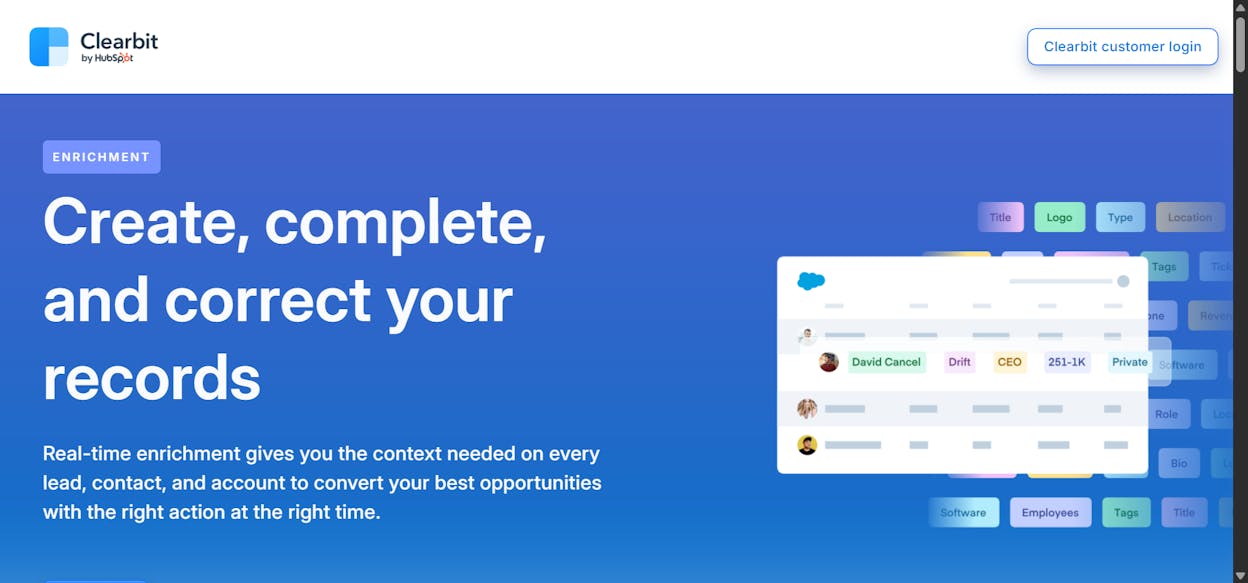
Best for: Teams already using HubSpot that want real-time visitor identification and enrichment
Pricing: Contact sales (now bundled with HubSpot)
Clearbit was one of the highest-quality enrichment tools on the market before HubSpot acquired it. It remains one of the best platforms for identifying which companies visit your website in real time, and that capability is powerful for outreach teams.
Here is why that matters for link building. If editors and content managers at target publications are visiting your site, you know there is existing interest. Clearbit identifies those visitors, enriches the data with job title, company size, revenue, and tech stack, and feeds it into HubSpot where your outreach team can act on it.
The data accuracy is consistently rated among the highest in the category. Clearbit pulls from hundreds of public and private sources and uses machine learning to standardize attributes, which means fewer bounced emails and fewer wrong-person pitches.
Where it falls short. The premium quality comes with a premium price that puts it out of reach for smaller teams. It is now tightly coupled with HubSpot, so if you use a different CRM, the integration story is weaker. And it works best for inbound-heavy businesses that already get traffic to enrich.
Clearbit pricing: No public pricing. Now part of HubSpot, so cost depends on your HubSpot plan and usage. Contact HubSpot sales for details.
Reviews: 4.5/5 on G2 (620+ reviews).
4. Hunter.io
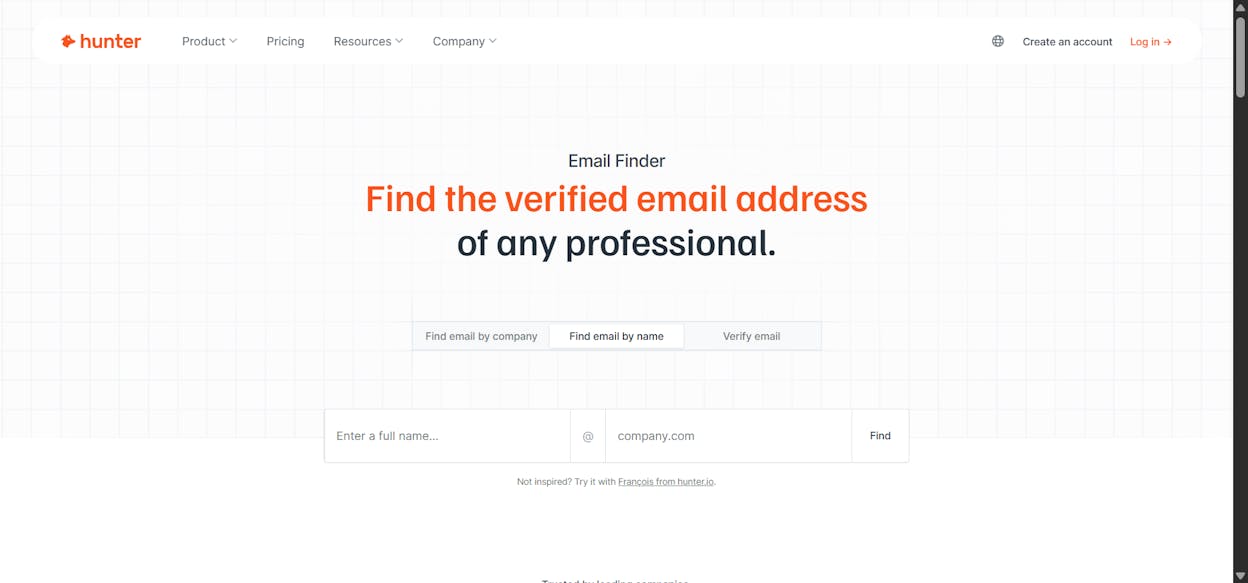
Best for: Outreach teams that need fast, affordable email finding and verification
Pricing: Free plan available. Paid plans start at $34/month (annual) or $49/month (monthly).
Hunter.io is the original email finder, and for link prospecting it remains one of the most practical tools available. Enter a domain and Hunter returns every email address it has indexed for that company. Enter a name and a company and it finds the specific person’s email. Then verify it before you send.
The platform has indexed 76M+ websites and serves 3M+ users. The simplicity is the point. There is no complex setup, no sales calls to get started, and no feature bloat to wade through. You search, you verify, you pitch.
For outreach teams, Hunter also has a useful Author Finder feature. Give it a blog post URL and it returns the author’s email address. If you are running listicle outreach or resource page link building, this feature alone saves hours of manual research.
Where it falls short. Hunter is email-only. No phone numbers on any plan. Data freshness can lag for smaller or niche companies. And at scale, the credit-based pricing adds up fast, especially for teams running both domain searches and individual lookups.
Hunter.io pricing at a glance:
|
Plan |
Monthly Price |
Searches |
Verifications |
|---|---|---|---|
|
Free |
$0 |
50 |
50 |
|
Starter |
$49 ($34 annual) |
500 |
1,000 |
|
Growth |
$149 ($104 annual) |
5,000 |
10,000 |
|
Business |
$349 ($244 annual) |
30,000 |
60,000 |
Reviews: 4.4/5 on G2 (570+ reviews). 4.6/5 on Capterra (680+ reviews).
5. SimilarWeb
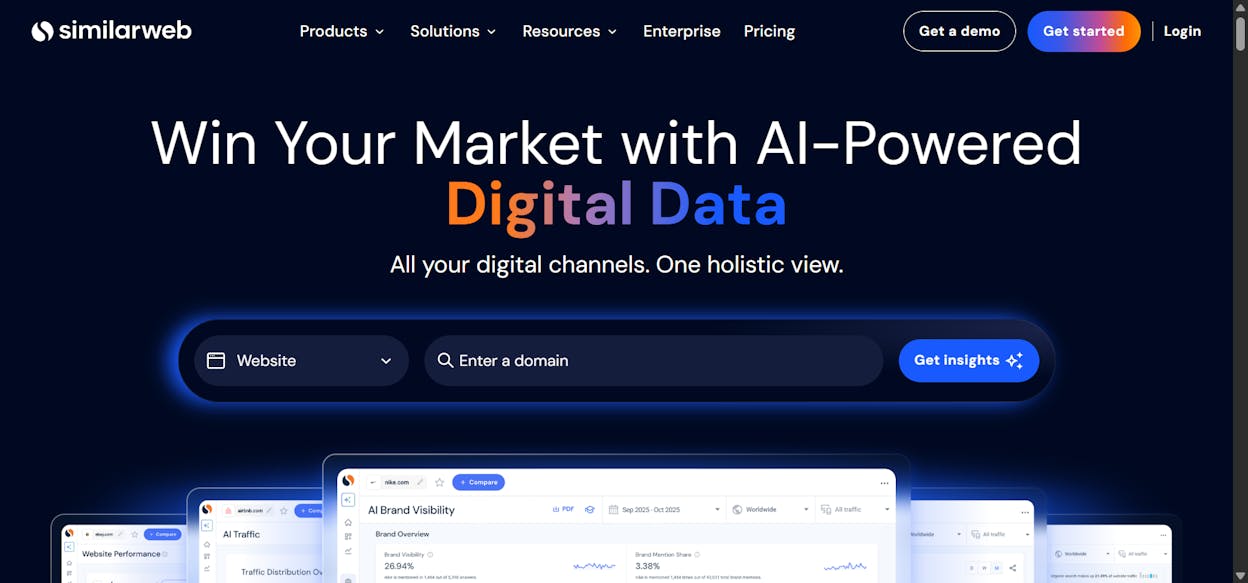
Best for: Enriching outreach targets with website traffic, growth signals, and competitive intelligence
Pricing: Free plan available. Paid plans start at $199/month.
SimilarWeb is not a traditional contact enrichment tool. It does not give you emails or phone numbers. What it gives you is the digital intelligence layer that makes your enrichment data actionable.
When you are building a link outreach list, knowing a publication’s estimated traffic, top referral sources, audience geography, and content performance helps you prioritize. A blog with 500K monthly visits and growing organic traffic is a better outreach target than one with 10K visits that has been declining for six months. SimilarWeb gives you that signal.
The platform also recently added AI search visibility features, so you can see how much traffic sites receive from AI tools like ChatGPT and Perplexity. That is a new signal for outreach teams. Publications that AI engines cite frequently are more valuable link targets because those links compound, both in traditional SEO and in AI search visibility.
SimilarWeb covers 100M+ websites, 20M+ companies, and 5B+ search terms.
Where it falls short. Traffic data is estimated, not first-party, so accuracy drops for smaller sites. The full platform with market intelligence and API access is expensive. And you still need a separate tool for the actual contact data.
SimilarWeb pricing:
|
Plan |
Monthly Price |
Annual Price |
|---|---|---|
|
Competitive Intelligence |
$199/mo |
$125/mo |
|
+ SEO & AEO |
$399/mo |
$335/mo |
|
+ Ads |
$649/mo |
$540/mo |
Reviews: 4.5/5 on G2 (1,130+ reviews). 4.6/5 on Capterra (250+ reviews).
6. Analyze AI
Best for: Teams that want to connect multiple enrichment tools into one automated outreach pipeline, with AI search intelligence built in
Pricing: Free trial available. Growth plan starts at $99/month. Pro plan at $250/month.
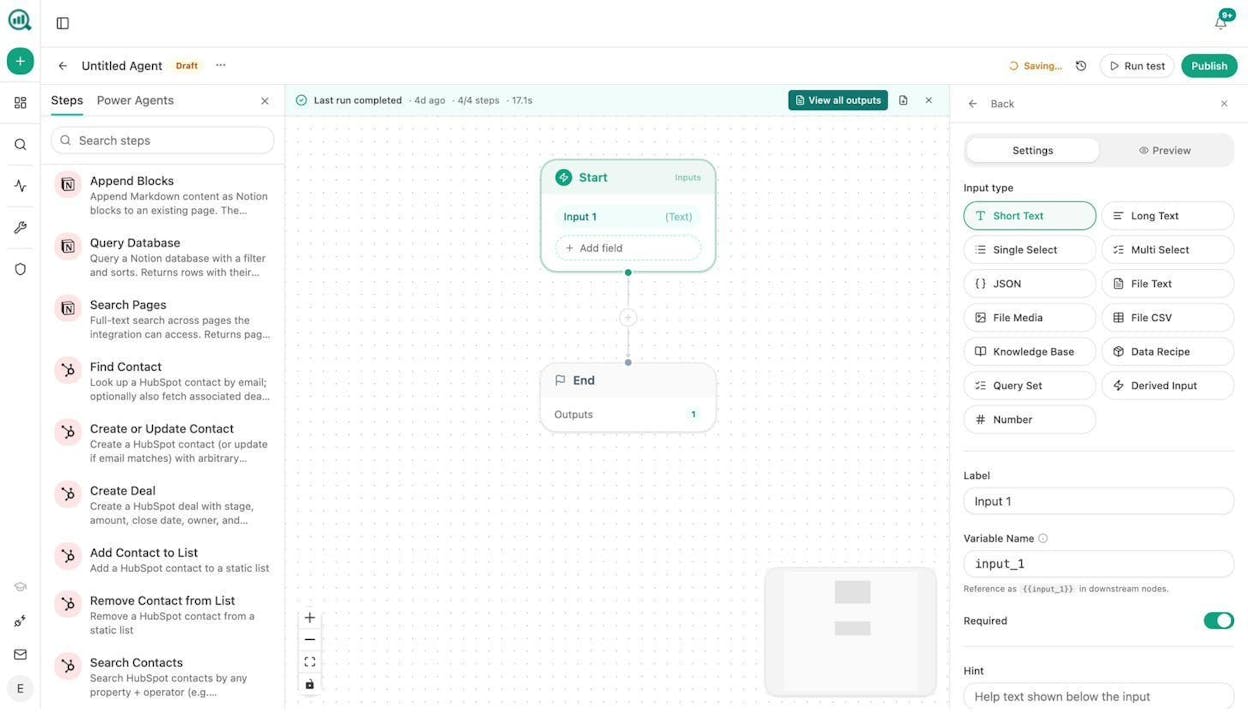
Analyze AI is the agentic platform for SEO, AEO, content, and GTM operations. It is different from every other tool on this list. It does not compete with Apollo or ZoomInfo on database size. Instead, it connects to them, and to Hunter.io, Tomba, HubSpot, DataForSEO, Semrush, and 170+ other data sources through its Agent Builder.
The Agent Builder is not an automation layer. It is a programmable substrate with 180+ nodes, 34 pre-built data recipes, and integrations spanning GA4, Google Search Console, WordPress, Notion, Contentful, Mailchimp, and every major LLM. The number of possible workflows you can build is in the billions. And that is not marketing copy. 168 production-ready nodes across 16 categories, ordered into a 5-node workflow, produce over 126 billion arrangements.
For outreach teams, here is what that means in practice.
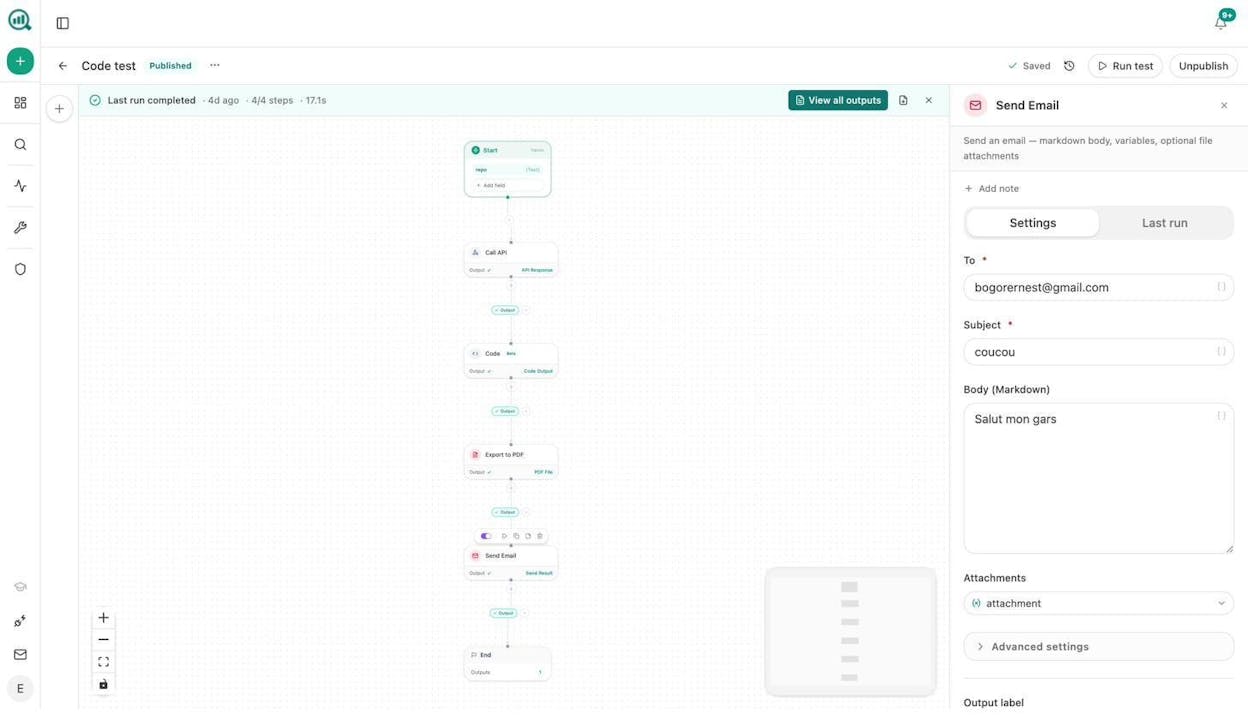
A link outreach pipeline you build once and run forever. Start with a list of target domains in Sheets. The agent loops through each domain, uses Tomba Author Finder to pull the email of the blog author behind a specific post, verifies the email with Hunter Email Verifier, runs DataForSEO Domain Overview to pull site metrics, uses Prompt LLM to write a personalized pitch based on the prospect’s recent content, creates a contact in HubSpot, and sends the email. Schedule it to run every Monday. Your outreach pipeline runs while you focus on strategy.
The AI search intelligence layer no other enrichment tool offers. Analyze AI tracks which domains AI engines cite most frequently across your industry. The Sources dashboard shows you every URL and domain that ChatGPT, Perplexity, Gemini, and Copilot reference when answering prompts in your space.
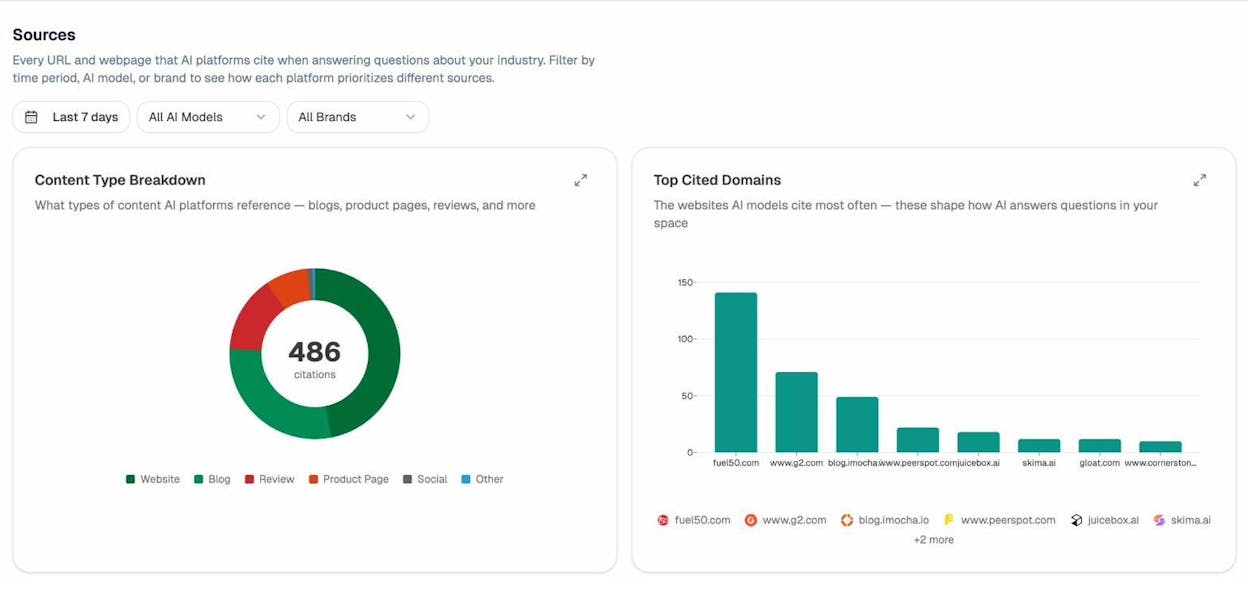
That data tells you which publications carry the most weight in both traditional search and AI search. A backlink from a domain that AI engines trust is worth more than a backlink from one they ignore, because it compounds your visibility in both channels. This is the layer of outreach intelligence that traditional enrichment tools simply do not provide.
Beyond outreach, the Agent Builder handles use cases that would normally require three or four separate tools. Content writing at scale through the Content Writer. Content optimization through the Content Optimizer. Keyword research with DataForSEO and Semrush nodes. Internal linking at scale by looping your sitemap and generating link suggestions per page. Social media image creation with brand-kit-aware nodes for blog featured images, infographics, and platform-specific social media images. Competitor monitoring through AI Battlecards and the Perception Map. And content refresh workflows that find declining pages, rewrite them for freshness, and publish the updates automatically.
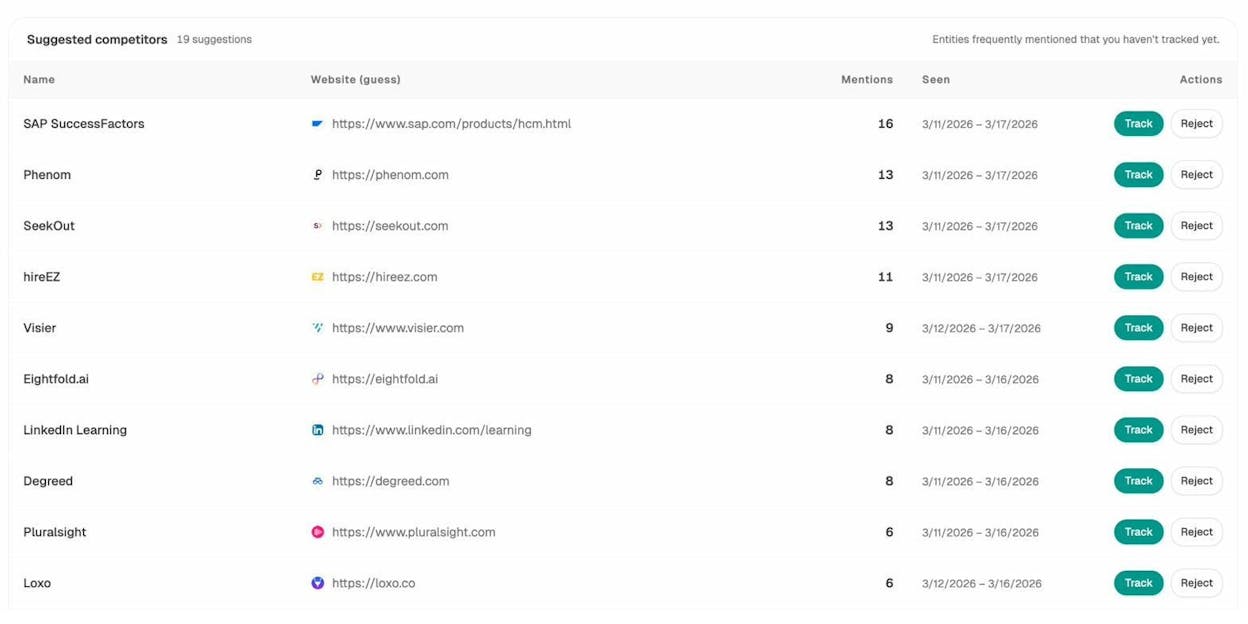
The Brand Vault injects your tone, style, messaging rules, and proof points into every workflow. That means every outreach email, every blog post, and every social image stays on-brand without manual review.
Where it falls short. Analyze AI is not a contact database. You still need at least one data source like Apollo, Hunter.io, or Tomba feeding into it. And the depth of the Agent Builder means there is a learning curve if you want to build complex multi-step workflows from scratch. The pre-built data recipes and templates help, but power users will get the most value.
Analyze AI pricing:
|
Plan |
Monthly Price |
Key Features |
|---|---|---|
|
Growth |
$99/mo |
3 AI engines, 25 tracked prompts/day, Content Writer, Content Optimizer |
|
Pro |
$250/mo |
4 AI engines, 35 tracked prompts/day, AI Traffic Analytics, Weekly Recommendations |
|
Custom |
Custom |
All AI engines, unlimited workflows, dedicated account manager |
How to Build an Automated Outreach Pipeline
Most teams use these tools in isolation. They search Apollo for contacts, export to a spreadsheet, manually write pitches, then paste everything into an email tool. That workflow breaks at scale, and it breaks your team’s focus.
The better approach is to connect your enrichment sources into a single pipeline that runs on a schedule or fires on a trigger. Here is what that looks like using the Analyze AI Agent Builder:
Step 1. Upload your target domains to Sheets or pipe them in via webhook from your project management tool.
Step 2. For each domain, use the Tomba Author Finder node to find the email of the person who wrote a specific article, or use Hunter Domain Search to pull all available contacts.
Step 3. Verify the email with Hunter Email Verifier or Tomba Email Verifier. Discard invalid addresses automatically with a Conditional node.
Step 4. Enrich the contact with DataForSEO Domain Overview (traffic, tech stack, domain authority).
Step 5. Use the Prompt LLM node to generate a personalized pitch. Inject your Brand Vault so every email matches your tone and messaging.
Step 6. Push the enriched contact into HubSpot with the Create or Update Contact node. Tag them with the campaign name.
Step 7. Send the email with the Send Email node. Attach a PDF export of your latest piece of content if relevant.
Schedule the agent to run weekly. The Competitor Intelligence and Sources data from Analyze AI can feed the target list, so you are always pitching the publications that carry the most weight in both Google and AI search.
That entire pipeline replaces a manual workflow that would take a junior team member an entire day per batch. It runs in minutes, costs cents per execution, and produces outreach that is personalized, verified, and logged to your CRM.
Which Lead Enrichment Tool Should You Start With?
For most outreach teams, Apollo is the best place to start. The database is large, the pricing is accessible, and you get both enrichment and sequencing in one platform.
If you are running high-volume SEO outreach or digital PR, pair Apollo or Hunter.io with SimilarWeb for prospect intelligence. Add Analyze AI to automate the pipeline, inject AI search intelligence into your targeting, and stop spending hours on manual data work.
The teams running the best outreach campaigns in 2026 are not the ones with the biggest contact databases. They are the ones who connected their data sources into automated workflows, so every pitch is personalized, verified, and sent to the right person at the right time.
Start a free trial of Analyze AI to see how the Agent Builder connects your enrichment stack into a pipeline that runs itself.

Ernest

Ibrahim


