



Summarize this blog post with:


The social media tool market is noisy. Every tool claims to “automate everything.” Most automate scheduling and call it a day.
After testing and running campaigns across agencies, in-house teams, and client accounts, the tools that make the biggest difference are the ones that reduce the gap between creating content and measuring whether it actually moved the needle. Scheduling a post is the easy part. Knowing which posts drive real pipeline, which topics are gaining traction in AI answers, and which content needs refreshing across 15 client accounts at once is where the real leverage lives.
In this article, you’ll get a breakdown of the eight social media automation tools that held up across 50+ campaigns in 2026. You’ll see what each tool does well, where it falls short, what it costs, and which type of team it fits. You’ll also learn how the best marketers are connecting their social media workflows to AI search visibility to turn social content into a compound growth asset across both traditional and AI-powered search engines.
Table of Contents
What is a social media automation tool?
A social media automation tool lets you connect your social accounts and automate the repetitive parts of managing them. At a minimum, that means scheduling and cross-posting. At its best, it means using AI to generate content ideas, monitor brand mentions, analyze competitors, and report on performance without manual work.
The best tools go further. They handle content creation, approval workflows, brand sentiment monitoring, and even connect your social output to broader marketing operations like SEO, content marketing, and AI search optimization.
The goal is not just saving time. It is becoming a more effective marketer by letting automation handle the predictable work so you can focus on strategy and creativity.
What can you actually automate?
Before picking a tool, understand what is automatable and what still needs your brain. Here is a realistic breakdown.
Fully automatable: Scheduling and cross-posting across platforms. Pulling performance reports. Monitoring brand mentions and keywords. Republishing evergreen content on rotation.
Semi-automatable (AI-assisted): Generating post captions and hashtag suggestions. Creating platform-specific variations of one piece of content. Brainstorming content ideas based on past performance data. Writing and optimizing long-form content that feeds your social channels.
Not automatable (still needs you): Developing your brand voice and point of view. Responding to nuanced comments and DMs. Making creative decisions about what story to tell. Deciding which trends to jump on and which to skip.
The best tool is the one that automates the first two categories well, so you have more time and energy for the third.
Quick comparison of all 8 tools
|
Tool |
Best for |
Starting price |
Free plan |
AI features |
Social listening |
|---|---|---|---|---|---|
|
Teams that want content creation, SEO, and AI search in one platform |
$99/mo |
Free trial |
Advanced (180+ agent nodes) |
Yes (via agents) |
|
|
Simple cross-posting and scheduling |
$6/mo per channel |
Yes |
Basic AI assistant |
Limited |
|
|
Agencies managing multiple clients |
$199/mo per user |
No |
AI content assistant |
Yes |
|
|
Enterprise teams with large social operations |
$199/seat/mo |
No |
AI Assist |
Yes |
|
|
Agencies needing approval workflows + conversion data |
$69/mo |
No |
AI Composer |
Premium only |
|
|
Freelancers and small agencies starting out |
$39/workspace/mo |
Yes (50 posts) |
Limited |
No |
|
|
Fast-growing startups that need team collaboration |
$95/mo |
No (14-day trial) |
Basic |
No |
|
|
Consumer brands leveraging UGC and social trends |
$15/user/mo |
Yes |
Video-based social listening |
Enterprise only |
Now let’s break each one down.
1. Analyze AI
Best for: Marketing teams, agencies, and content operations that need social media content creation, SEO, and AI search visibility in one platform.
Pricing: Growth plan starts at $99/month. Pro at $250/month. Custom plans available for enterprise. Free trial included.
What stands out: This is not a scheduling tool. Analyze AI is an agentic platform for SEO, AEO, content, and GTM operations. The reason it belongs on a social media automation list is that social media content does not exist in a vacuum. Every blog post you write, every infographic you create, and every thought leadership piece you publish feeds both your social channels and your visibility in AI search engines like ChatGPT, Perplexity, and Gemini.
Where Analyze AI separates from the rest of this list is the Agent Builder. It gives you 180+ nodes, 34 pre-built data recipes, and integrations with GA4, Google Search Console, HubSpot, WordPress, Notion, Semrush, DataForSEO, Slack, and every major LLM. That means you can build workflows that go far beyond “schedule a post.”
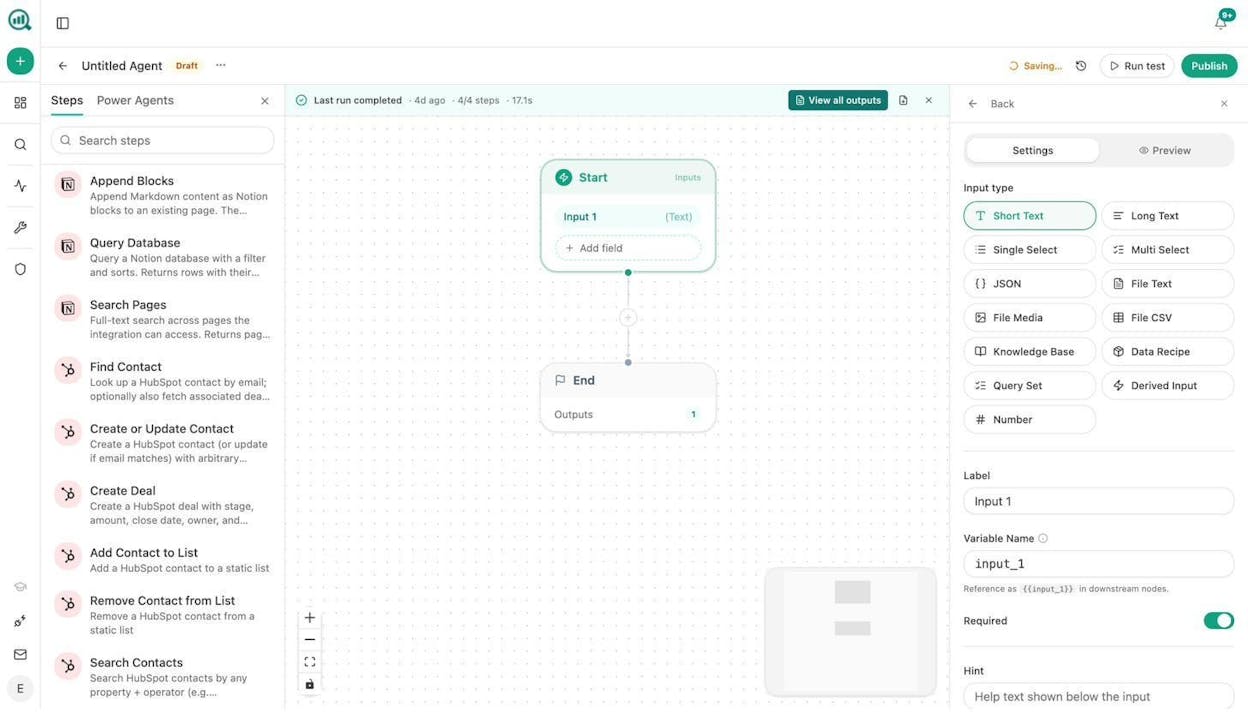
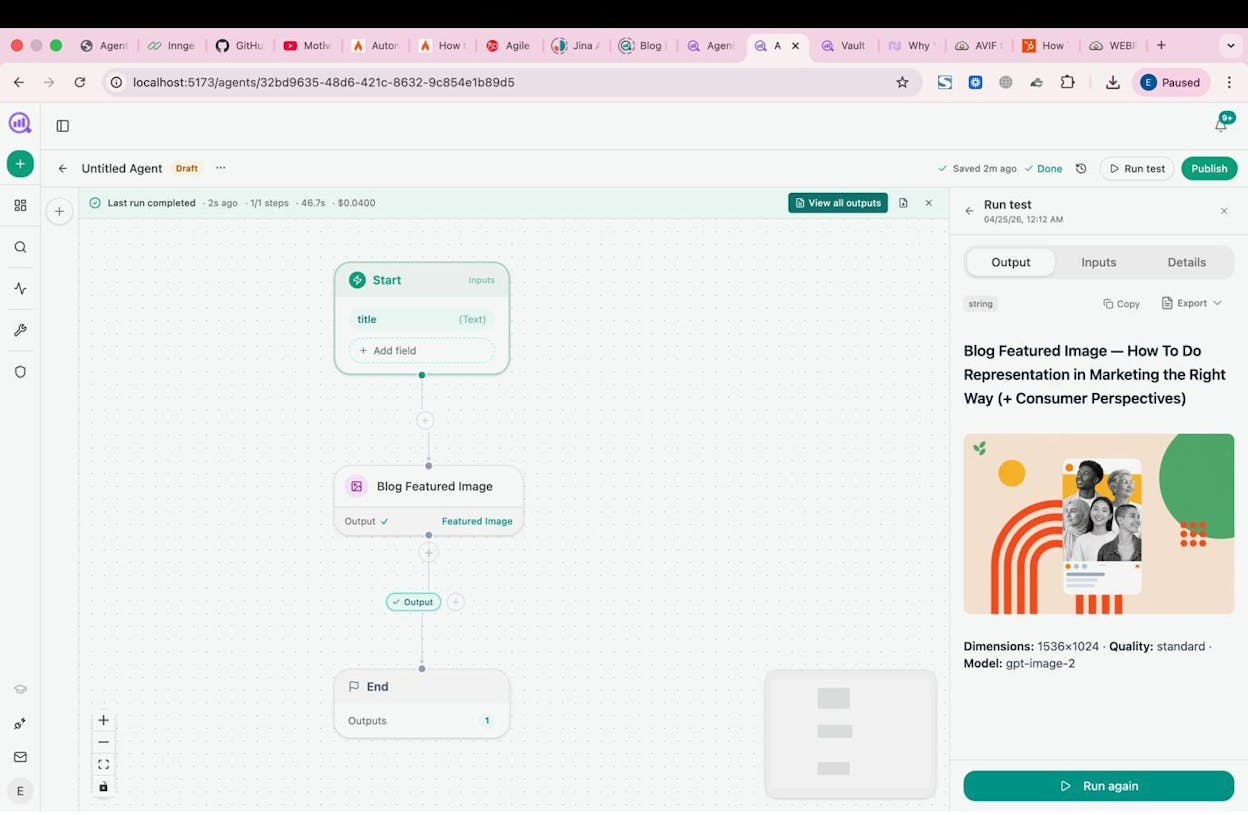
Here are concrete examples of what you can build for social media workflows.
Infographic and social image generation. Use the image creation nodes (Blog Featured Image, Infographic Generator, Social Media Image) to generate brand-consistent visuals for every piece of content you publish. Each image node is brand-kit-aware, so your visual identity stays consistent across channels.
Content creation at scale. Build an agent that takes a topic, runs keyword research via DataForSEO, generates a research brief, writes a full draft using your brand voice from the Brand Vault, creates a blog featured image, and publishes to WordPress. That one blog post then becomes fuel for a week of social content.
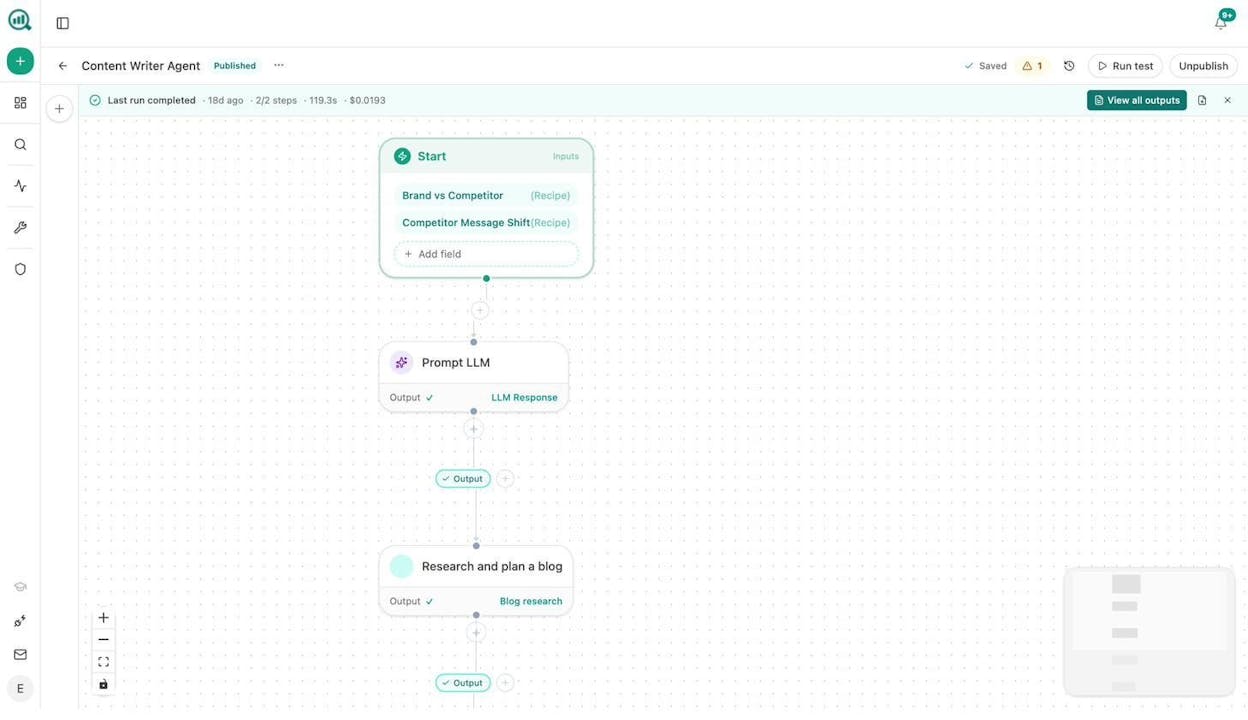
Content refresh at scale. Schedule a weekly agent that pulls your declining pages from GA4, scrapes each one, rewrites for freshness and brand voice, and pushes the update to your CMS. The refreshed content gives you new social content to promote without starting from scratch.
Internal linking at scale. Schedule a weekly agent that loops your sitemap, runs on-page SEO analysis, and suggests three internal links per page. Better internal linking improves your SEO and gives AI engines more context about your content.
Link outreach automation. Build an agent that discovers relevant articles via DataForSEO Brand Mentions, finds the author’s email via Tomba Author Finder, personalizes a pitch using your brand context, and sends the outreach email. Every backlink you earn improves both your search rankings and your AI citation rate.
On top of the Agent Builder, Analyze AI includes a Content Writer and Content Optimizer that produce stronger outputs than most standalone writing tools because they use a multi-step research-to-draft pipeline with brand voice injection, AEO scoring, and competitive gap analysis.
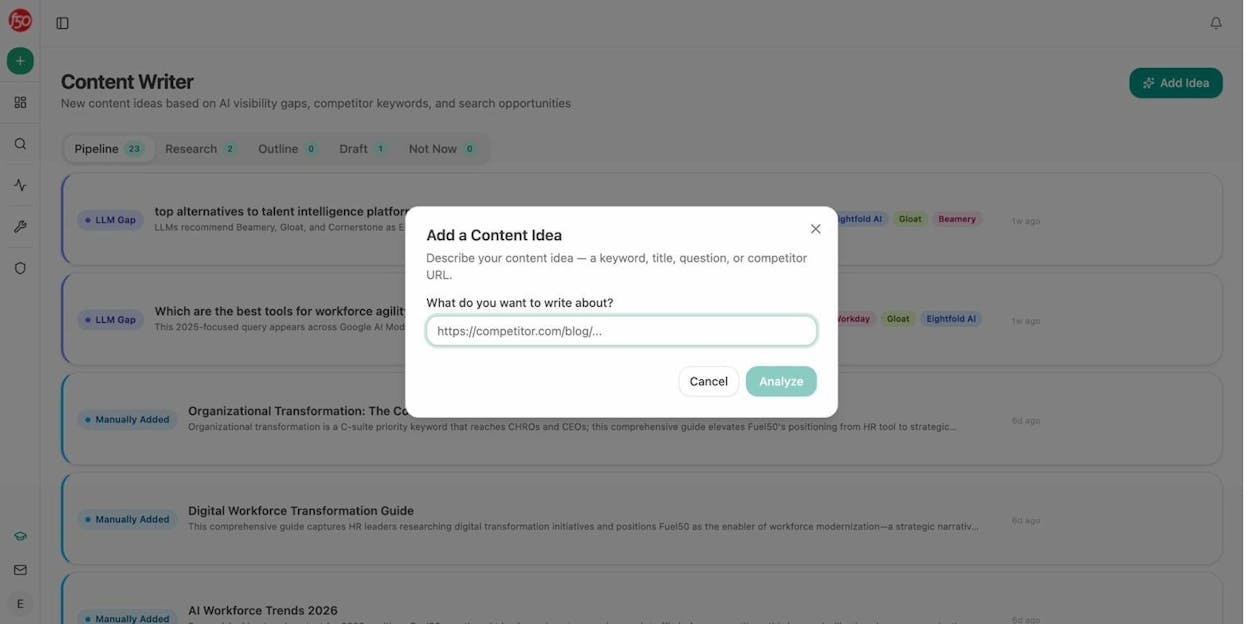
The platform also tracks your brand’s visibility across AI search engines, shows you which prompts mention your competitors but not you, and measures AI-driven traffic to your site through GA4 integration.
The bottom line: If you are only looking for a tool to schedule tweets, Analyze AI is overkill. But if your social media strategy is part of a broader content and growth operation, and you want one platform where you can create content, optimize it for both SEO and AI search, build custom automation workflows, and measure what is actually driving revenue, this is the strongest option on the list. Start with a free trial and build your first agent in under 10 minutes.
2. Buffer
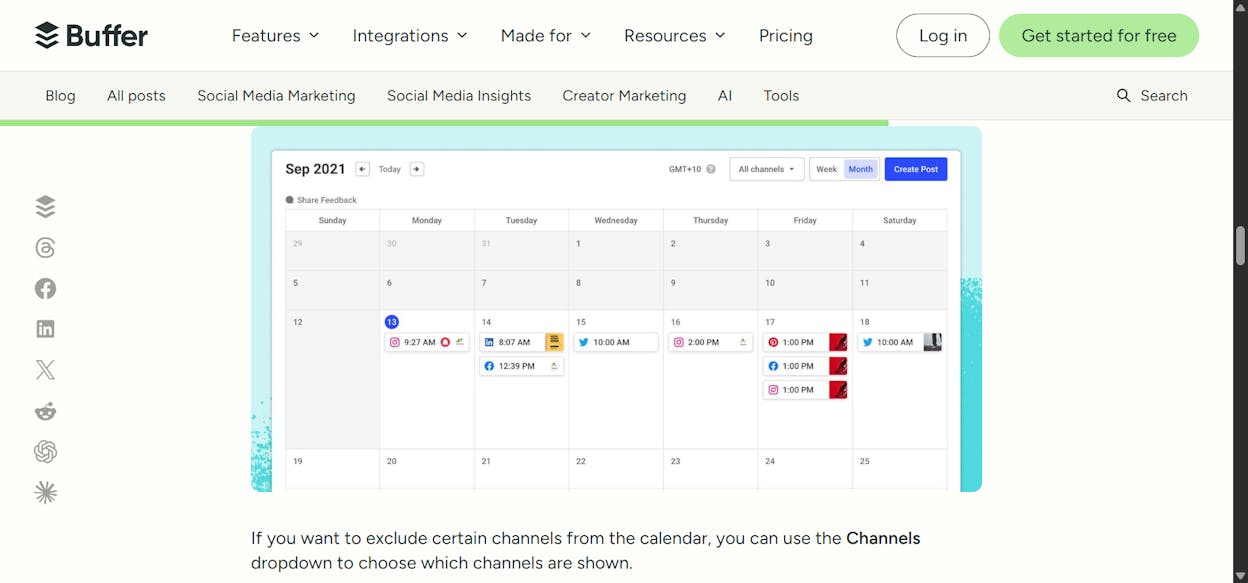
Best for: Solo marketers and small teams that need simple cross-posting.
Pricing: Free plan (3 channels, 10 scheduled posts each). Essentials at $6/month per channel. Team at $12/month per channel.
Buffer is the tool most marketers learn on. It does scheduling and cross-posting well, and the interface is clean enough that you will not waste time learning it. The AI Assistant can brainstorm ideas, write captions, and adapt posts for different platforms.
The strength of Buffer is simplicity. If you manage a handful of social accounts and your primary need is getting posts out consistently, Buffer handles that without overcomplicating things. The template library helps if you are stuck on what to post.
The weakness is everything beyond scheduling. Buffer’s engagement features are thin, its analytics are basic compared to tools like Sprout Social, and it has no social listening capabilities. If you are an agency managing multiple clients or a team that needs approval workflows, you will outgrow Buffer quickly.
Who should use it: Freelancers, solopreneurs, and small businesses that need consistent posting without a big budget.
3. Hootsuite
Best for: Agencies managing multiple clients across platforms.
Pricing: Standard starts at $199/month per user (annual billing). Advanced at $399/month per user. Enterprise is custom.
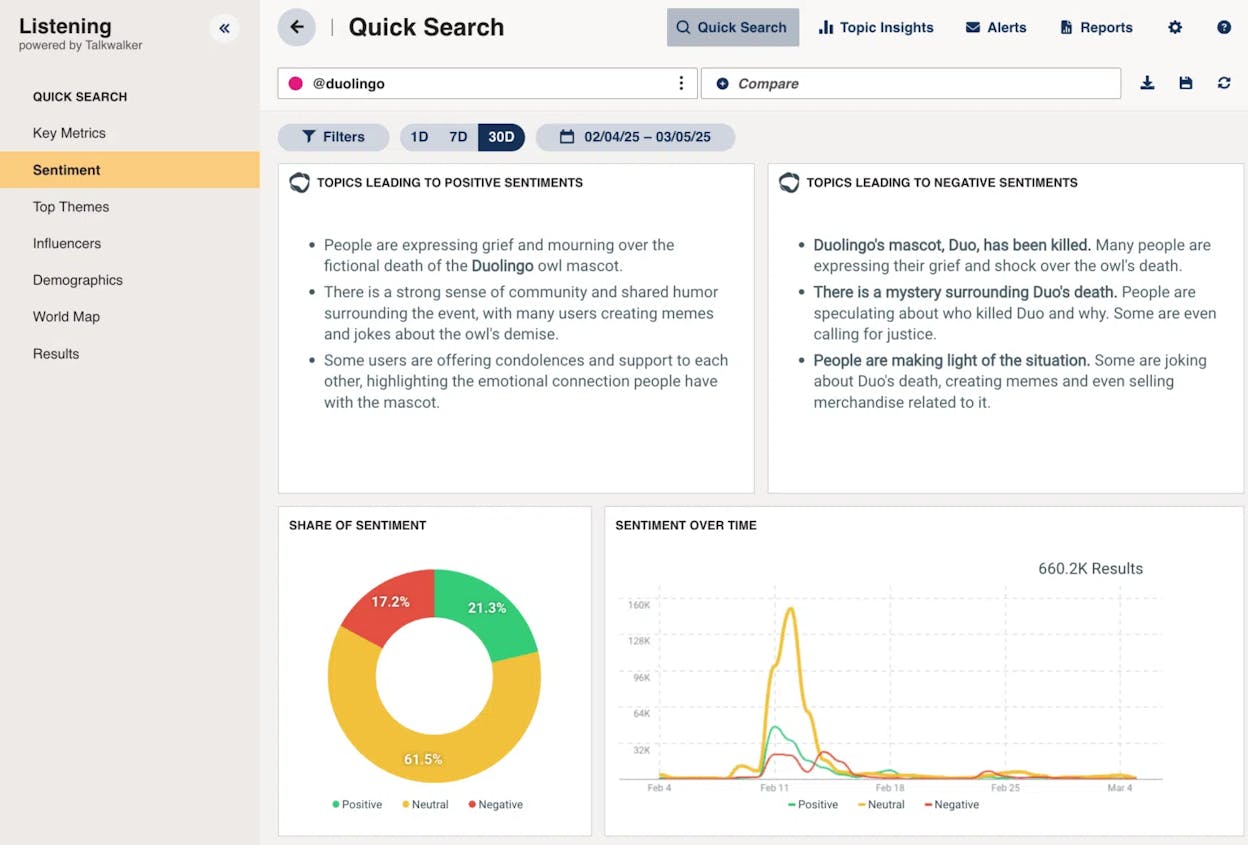
Hootsuite is one of the oldest names in social media management, and the platform has evolved to include AI-powered content suggestions and social listening. The OwlyGPT chatbot can help brainstorm campaigns, and the platform gives you real-time data on brand mentions, keywords, and trends.
The real value of Hootsuite is multi-account management. If you are an agency running 10+ client accounts, the workspace organization and scheduling tools handle that scale. The 30-day brand mention search on the Advanced plan is useful for tracking campaign impact.
The downsides are the price and the per-user model. A team of five on the Advanced plan costs nearly $2,000/month. The AI suggestions can feel generic, and some users report that performance metrics lag behind native social platforms.
Who should use it: Established agencies with budget for a premium tool that need to manage many accounts in one place.
4. Sprout Social
Best for: Large marketing teams at enterprise companies.
Pricing: Standard at $199/seat/month. Professional at $299/seat/month. Advanced at $399/seat/month. All billed annually.
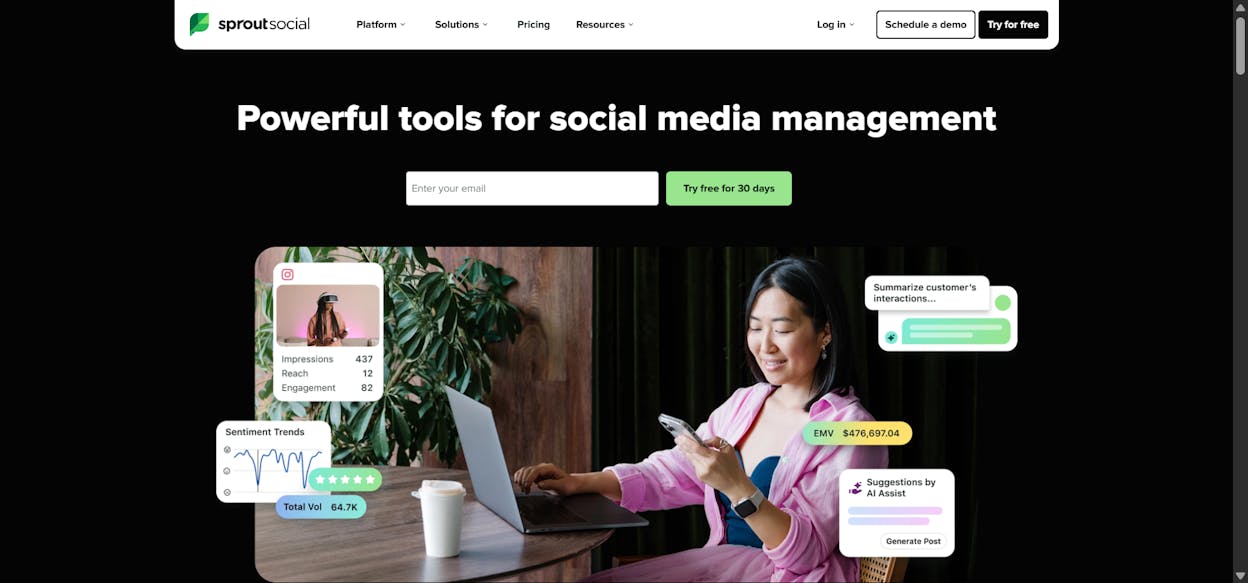
Sprout Social is the enterprise choice. Companies like Eventbrite, Canva, and Square use it to centralize their social operations. The interface is well-designed, so onboarding new team members is faster than with most enterprise tools.
The platform excels at unified inbox management, where you can handle comments, DMs, and mentions from every platform in one stream. The reporting dashboards are strong, and the approval workflows make it easy to maintain brand consistency across a large team.
The drawback is cost. Sprout Social is priced per seat with no volume discounts. A team of four on the Professional plan pays $1,196/month. For many content marketing teams, that budget would go further on a platform that handles both social and broader marketing automation.
Who should use it: Enterprise companies and large agencies that need a polished social media operating system and have the budget for per-seat pricing.
5. Statusbrew
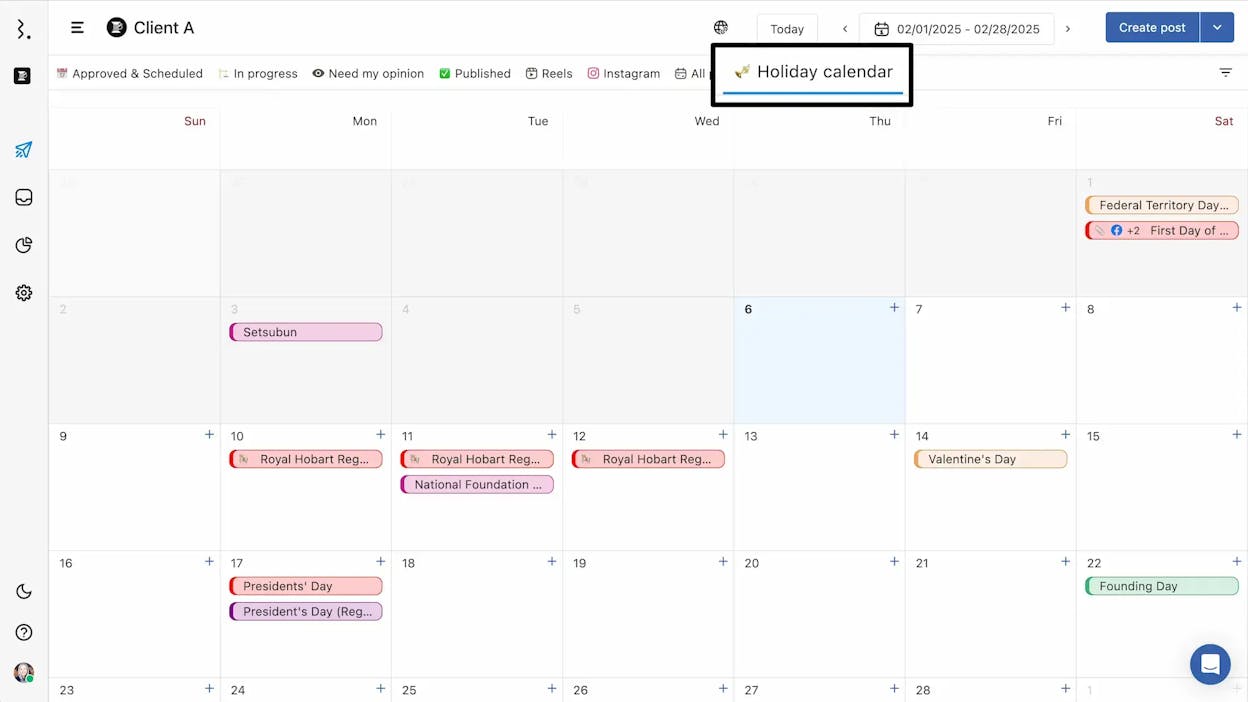
Best for: Agencies that need approval workflows and conversion tracking.
Pricing: Lite at $69/month. Standard at $129/month. Premium at $229/month. Enterprise is custom.
Statusbrew is a strong alternative to Hootsuite for agencies that want approval workflows without the Hootsuite price tag. Companies like Papa John’s, Hilton, and Casio use it.
What makes Statusbrew different is the ability to import existing reporting, post, and conversion data. Most social tools start tracking from the day you connect. Statusbrew lets you pull in historical data, which means you can show the impact of your work from day one. The AI Composer generates caption ideas, and the link-in-bio feature turns your Instagram and TikTok bios into clickable grids.
The downsides are that advanced features like social listening and competitor benchmarking are locked to the Premium plan ($229/month), and the initial setup can take time if you have complex integrations.
Who should use it: Mid-size agencies that want Hootsuite-level features at a lower price, especially those that need to prove ROI with conversion data.
6. Planable
Best for: Freelancers and small agencies getting started.
Pricing: Free (50 total posts). Basic at $39/workspace/month. Pro at $59/workspace/month. Enterprise is custom.
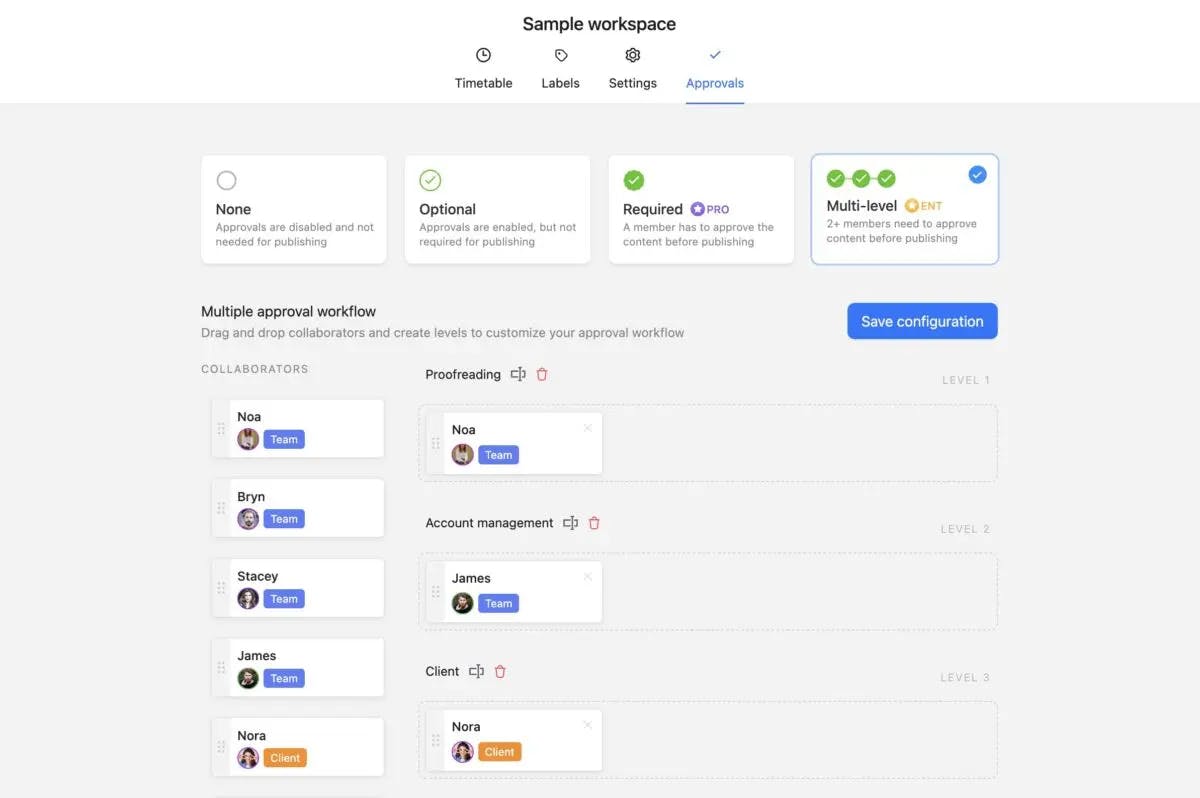
Planable is built by the team at SE Ranking and feels like Miro and Buffer combined. It gives you visual planning, a content calendar, approval workflows, and basic analytics in a simple interface.
The value of Planable is that it works for small teams without the complexity or cost of enterprise tools. You can integrate with Google Business Profile and Pinterest, and the approval workflows are good enough for client-facing work.
The limitation is scale. Once you add many social accounts or build a large content calendar, performance can slow down. The scheduling features lack advanced customization for optimizing content formats across platforms.
Who should use it: Freelancers and small agencies that need an affordable all-in-one tool to start with.
7. Ordinal
Best for: Fast-growing startups that need team collaboration on social.
Pricing: Starter at $95/month. Pro at $215/month. Enterprise is custom. All plans include a 14-day free trial.
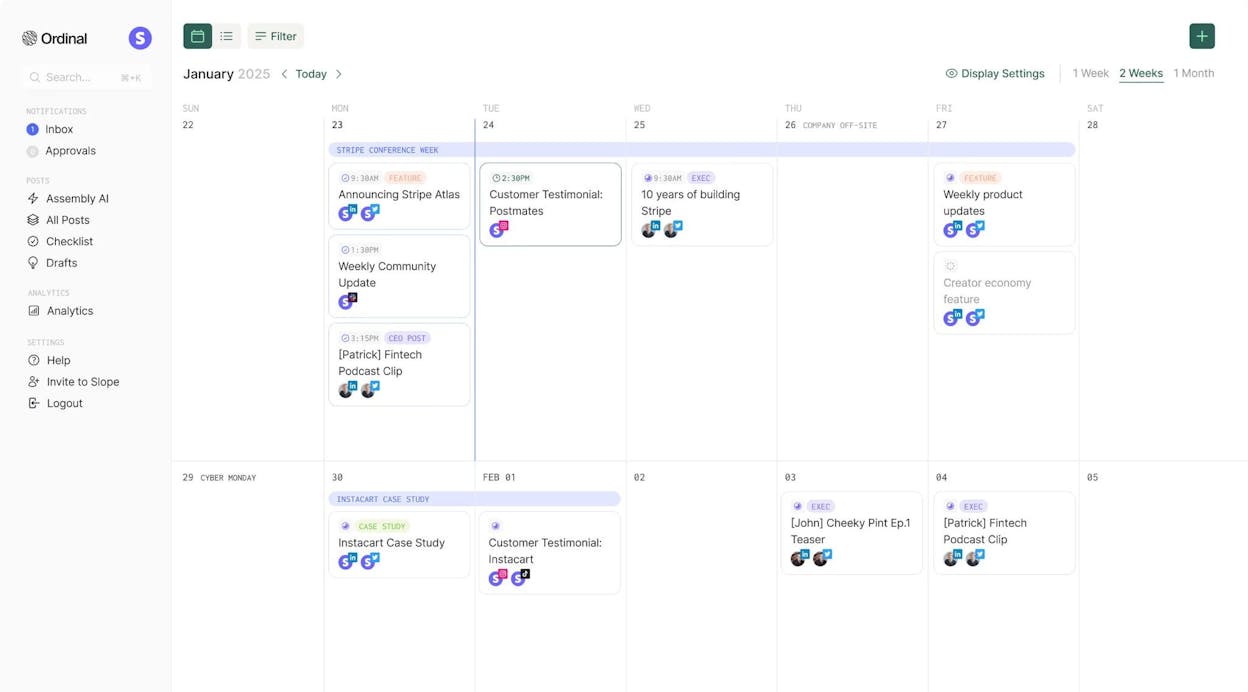
Ordinal (formerly Assembly) is used by startups like Beehiiv, Clay, Mercury, and Zapier. Its standout feature is automated team engagement. When a post goes live, Ordinal can notify your entire team via Slack so they can engage with it. That kind of coordinated engagement matters in the early days when organic reach is low.
The platform also supports automated liking, commenting, and reposting across multiple accounts you manage. The editorial calendar auto-publishes, and the social previews show you exactly what your post will look like before it goes live.
The downside is price for what you get. At $95/month with analytics only on higher plans, smaller startups may find better value elsewhere. The platform is still new, so some features are limited.
Who should use it: Funded startups with a team that wants coordinated social engagement and clean scheduling.
8. Plot
Best for: Consumer brands leveraging user-generated content and social trends.
Pricing: Starter is free (5GB storage). Basic at $15/user/month. Enterprise is custom.
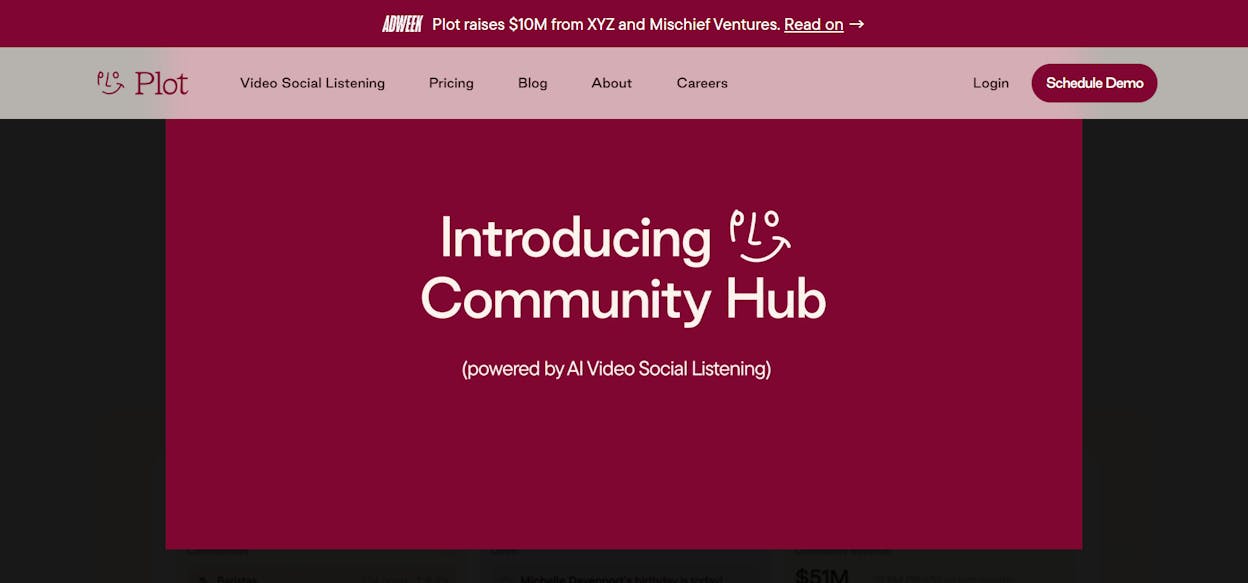
Plot is designed for consumer brands that want to build a content engine around their community. The platform includes a community hub where you can create a database of brand evangelists and passionate customers to help amplify your content.
The AI-powered social listening can track video conversations about your brand even when your account is not tagged. That is powerful for understanding how people talk about your product in contexts you would never find manually.
The limitation is that the most valuable features (community hub and social listening) are locked behind the Enterprise plan. If you only need scheduling and content planning, Plot is more tool than you need.
Who should use it: Consumer brands with active customer communities that want to turn UGC into a growth channel.
Your social content should work for AI search too
Here is what most social media tool roundups miss. The content you create for social media does not just live on social. It shapes how AI search engines like ChatGPT, Perplexity, and Gemini understand and recommend your brand.
When you publish a blog post and share it on social, that post can get cited in AI answers. When you build topical authority through consistent content, AI models learn to associate your brand with specific topics. When your content gets shared, linked, and discussed, AI engines treat it as a stronger signal.
This is not about replacing your SEO strategy. SEO is not dead. AI search is an additional organic channel that runs alongside traditional search. The brands that win in 2026 are the ones treating both as part of the same growth system.
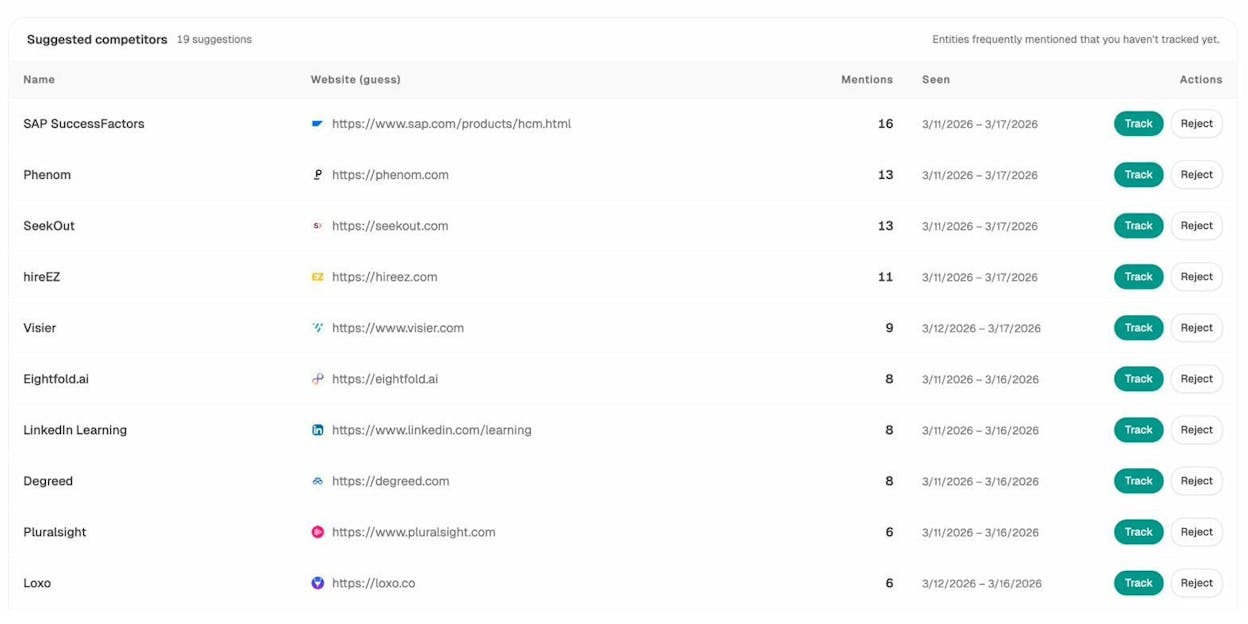
That is why Analyze AI fits this list even though it is not a traditional social media scheduler. You can use Prompt Tracking to see which AI prompts mention your brand. You can use AI Traffic Analytics to measure how much traffic AI engines send to your site. And you can use the Agent Builder to create workflows that go from content idea to published post to social distribution to performance measurement, all in one platform.
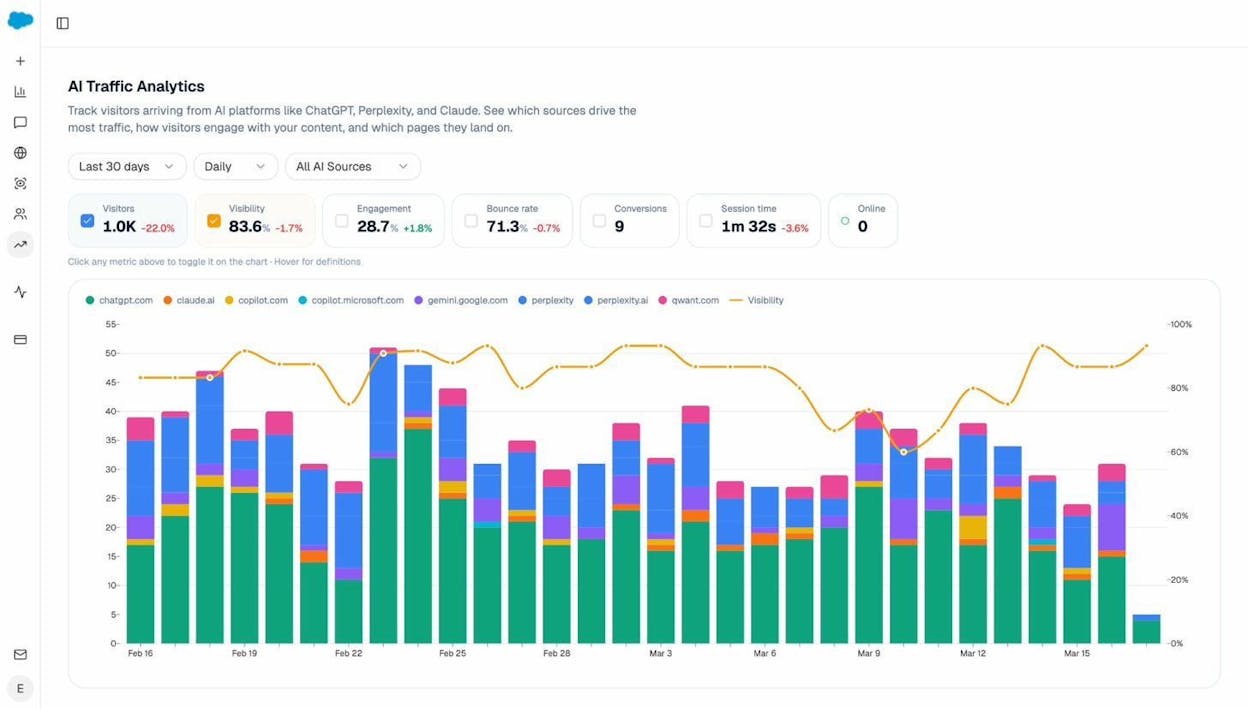
If your social media strategy stops at “post and hope,” you are leaving growth on the table. Connect your social content to a system that measures its impact across every channel where your audience finds you, including the AI engines that are increasingly shaping buying decisions.
How to pick the right tool
Picking a social media automation tool comes down to three questions.
What is your budget? If you are bootstrapping, Buffer’s free plan or Planable’s 50-post free tier will get you started. If you have budget for a platform that handles content creation, optimization, and AI search alongside social, Analyze AI starts at $99/month with a free trial.
How many accounts and team members? Solo marketers can use Buffer or Planable. Agencies managing 10+ clients should look at Hootsuite, Statusbrew, or build custom per-client workflows with Analyze AI’s Agent Builder. Enterprise teams with large headcounts may justify Sprout Social’s per-seat pricing.
Do you need more than social? If your social media is part of a broader content, SEO, and growth strategy, a tool that only schedules posts will always feel incomplete. You will end up stitching together five different tools for keyword research, content creation, analytics, and AI visibility. A platform that handles the full workflow in one place will save you more time and money than any scheduling tool.
The social media marketers winning in 2026 are the ones who treat social as one part of a connected system. Pick the tool that fits where you are today, but make sure it can grow with where you need to be tomorrow.

Ernest

Ibrahim


