



Summarize this blog post with:


Creating more content hasn’t made content teams more effective. It’s exposed how little visibility they have into what actually works—especially once AI search enters the picture. Ideas move fast, content ships, but the signal gets lost.
That gap shows up clearly:
-
Content gets published, but no one knows how it performs in AI answers or which prompts surface it.
-
Teams optimize for traffic and engagement while AI engines reshape discovery behind the scenes.
-
Visibility is measured in mentions, not in what those mentions actually drive.
We reviewed and tested the content creation tools creators rely on—writing, design, video, research, social, and collaboration—then evaluated how they fit into real workflows. We focused on what moves outcomes: speed, consistency, scalability, and how well each tool supports content that shows up in AI-driven search.
This breakdown gives you a clear view of the 23 best content creation tools for creators, what each one is best at, and how they fit together.
And at the end, we included a short bonus for teams who want to go one step further: tracking how their content actually appears and performs across AI search engines.
Table of Contents
TL;DR
|
Tool |
Category |
Best for |
Core strength |
Main limitation |
Why it matters for your content workflow |
|
ChatGPT |
AI writing |
Ideation + drafting |
Flexible drafting across formats |
Speeds up “blank page → first draft” and accelerates rewrites/repurposing |
|
|
Jasper AI |
AI writing |
On-brand long-form |
Brand voice + structured workflows |
Pricing; editing still needed |
Keeps tone consistent when multiple writers ship content at volume |
|
Copy.ai |
AI writing |
Short-form copy |
Weak long-form cohesion |
Lets you produce high-volume variations fast for campaigns |
|
|
Writesonic |
AI + SEO writing |
Draft + optimization in one place |
Can feel heavy; quality varies |
Reduces tool switching when you need “write + optimize” in one pass |
|
|
Surfer SEO |
SEO optimization |
Ranking-driven content |
SERP-based on-page guidance |
Can feel rigid/overwhelming |
Helps writers hit SEO requirements consistently across many pages |
|
Rytr |
AI writing |
Budget short-form |
Simple, fast, affordable |
Limited depth/style control |
Good for quick drafts when cost and speed matter more than nuance |
|
Canva |
Visual design |
Fast visuals |
Templates + collaboration |
Limited advanced control |
Helps non-designers ship consistent visuals without design bottlenecks |
|
Adobe Express |
Visual design |
Polished quick design |
Adobe assets + easy workflows |
Not for advanced creative work |
Speeds up branded assets while keeping output cleaner than basic tools |
|
Kittl |
Visual design |
Typography + branding |
Vector precision + mockups |
Higher learning curve |
Helps you create distinctive brand assets that don’t look templated |
|
Picsart |
Visual editing |
Mobile creative edits |
AI effects + fast social edits |
Less structured design control |
Ideal when content is created/edited on the go for social platforms |
|
Fotor |
Photo editing |
Quick image cleanup |
Batch edits + AI enhance |
Limited for complex design |
Saves time when you process many images for posts, products, or campaigns |
|
CapCut |
Video editing |
Short-form social video |
Templates + AI captions |
Not for long-form polish |
Helps you ship Reels/Shorts fast with trend-friendly production features |
|
Adobe Premiere Pro |
Video editing |
Pro production |
Deep editing + grading + plugins |
Steep learning curve |
Best when quality and control matter more than speed (pro workflows) |
|
Descript |
Audio/video |
Podcasts + talk videos |
Edit by transcript + audio cleanup |
Not effects/cinematic-focused |
Makes spoken-content editing dramatically faster than timeline-only tools |
|
InVideo |
Video creation |
Template-led marketing videos |
Text-to-video automation |
Can look formulaic |
Lets teams scale marketing videos without hiring editors for every asset |
|
Hootsuite |
Social management |
Scheduling + analytics |
Central dashboard + reporting |
Heavy for simple needs |
Keeps publishing consistent and proves what content drives engagement |
|
Sprout Social |
Social management |
Enterprise social strategy |
Listening + analytics depth |
Expensive |
Turns social into a measurable insight channel, not just posting |
|
AnswerThePublic |
Research |
Topic ideation |
Real questions people ask |
No volume/difficulty |
Helps you pick angles that match intent before writing a single word |
|
BuzzSumo |
Research |
Trends + competitors |
Engagement-backed content intel |
Premium pricing |
Prevents guessing—shows what’s already working in your niche |
|
Google Trends |
Trends |
Timing |
Demand patterns over time |
No absolute volume |
Helps you publish at the right moment and avoid declining topics |
|
Notion |
Productivity |
Planning + organization |
Docs + databases + templates |
Can get messy |
Centralizes briefs, calendars, drafts, and ops so nothing gets lost |
|
Trello |
Productivity |
Visual pipelines |
Simple kanban execution |
Limited complexity |
Makes content flow visible (idea → draft → review → publish) |
|
Slack |
Collaboration |
Feedback loops |
Fast coordination + integrations |
Noise risk |
Shortens review cycles and keeps decisions aligned across teams |
|
Analyze AI |
Proving AI search ROI |
Visibility → traffic → conversions |
Not a creation tool |
Stops vanity tracking and shows whether AI mentions drive pipeline/revenue |
Writing & AI Content Generation
ChatGPT: best content creation tool for fast ideation and flexible drafting
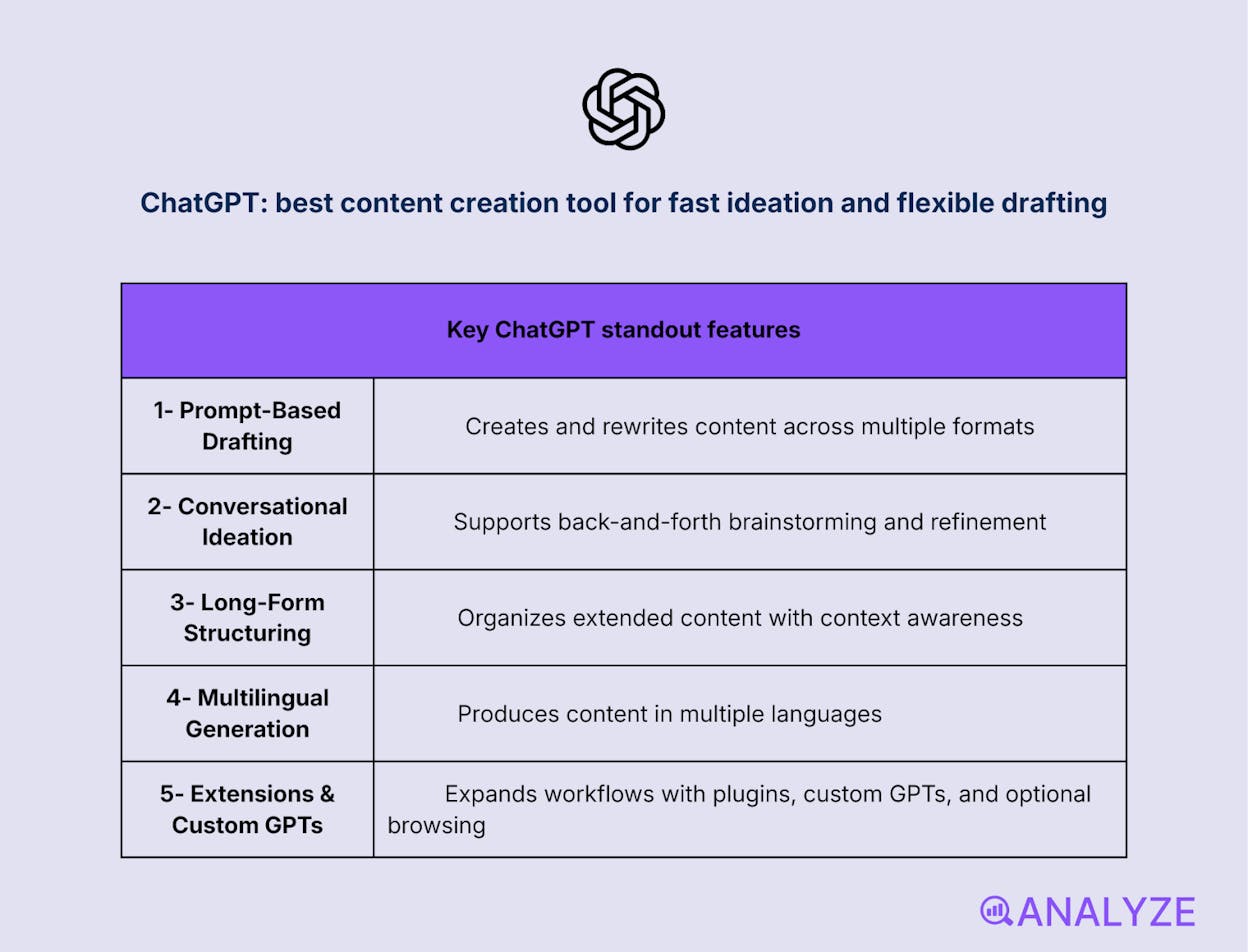
Key ChatGPT standout features
-
Prompt-based drafting and rewriting across formats
-
Conversational ideation and iterative refinement
-
Context-aware long-form structuring
-
Multilingual content generation
-
Extensions, custom GPTs, and optional browsing (plan-dependent)
ChatGPT helps marketers move from a blank page to a usable draft faster than most tools. It generates outlines, sections, rewrites, and summaries from simple prompts, then refines them through conversation. This makes it especially effective at the ideation and early drafting stages across blogs, emails, and social content. The main value is momentum: fewer pauses between idea, structure, and first draft.
As usage scales, ChatGPT fits naturally into repeatable content workflows through prompt libraries, tone guidance, and structured outlines. Teams use it to standardize how content is planned, accelerate revisions, and repurpose existing assets efficiently. Its flexibility holds up well in real-world marketing contexts, but the quality of output depends heavily on how clearly it’s directed. Without strong prompts, the writing can default to safe, generic patterns.
ChatGPT can struggle with factual precision, highly specialized topics, and up-to-date information without verification or browsing enabled. It may also sound confident while being inaccurate, which requires human review before publishing.
How ChatGPT fits your content creation workflow
|
Aspect |
Why it matters for content creation |
|
Ideation speed |
Quickly generates angles, hooks, and outlines, reducing time to first draft |
|
Drafting flexibility |
Adapts tone, length, and format without restarting the workflow |
|
Iterative refinement |
Allows fast edits and restructuring through conversation |
|
Scale and reuse |
Prompt-based systems support higher output and better ROI |
Best use cases
-
Turning briefs or keyword clusters into structured first drafts
-
Rewriting and repurposing long-form content into emails or social posts
-
Breaking creative blocks during ideation and outlining
ChatGPT is a fast, flexible drafting tool that works best with clear prompts and human review.
Jasper AI: best content creation tool for on-brand long-form production
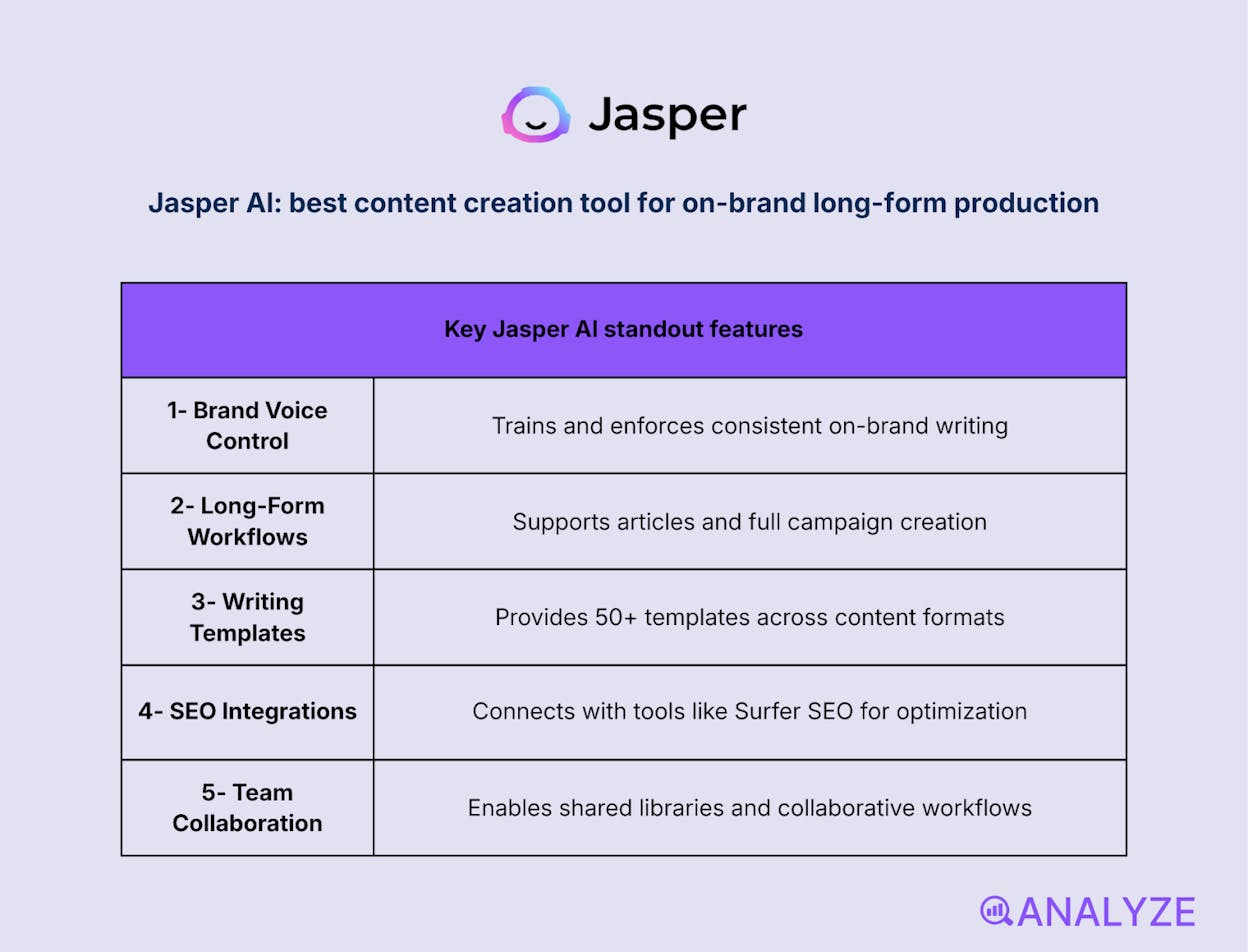
Key Jasper AI standout features
-
Brand voice training and enforcement
-
Long-form article and campaign workflows
-
50+ writing templates across formats
-
SEO integrations (e.g., Surfer SEO)
-
Team collaboration and shared libraries
Jasper AI is built for marketers who need long-form content that stays consistent with a defined brand voice. It helps teams generate blog posts, campaign copy, and structured drafts from prompts while keeping tone and messaging aligned. Instead of producing generic text, Jasper focuses on repeatable, on-brand output across channels. This makes it especially useful when content volume increases and consistency becomes harder to maintain.
In larger workflows, Jasper supports structured content production through campaigns, templates, and shared brand rules. Teams can plan, draft, and expand articles faster while keeping editorial standards intact. Its strength shows up in marketing environments where multiple writers contribute to the same brand. That said, the platform trades flexibility for structure, and most long-form outputs still need human editing to reach publish-ready quality.
Jasper AI is less accessible for solo creators due to pricing, and it can feel heavy for simple tasks. Some outputs may repeat patterns or lack depth on complex topics, making editorial review and fact-checking necessary.
How Jasper AI fits your content creation workflow
|
Aspect |
Why it matters for content creation |
|
Brand consistency |
Keeps tone and messaging aligned across all content assets |
|
Long-form structure |
Helps maintain flow and coherence in blogs and campaigns |
|
Team collaboration |
Enables shared standards and smoother multi-writer workflows |
|
SEO alignment |
Supports search-driven content without breaking writing flow |
Best use cases
-
Producing high-volume blog content for a single, defined brand
-
Running multi-asset marketing campaigns with consistent messaging
-
Coordinating content output across teams or agencies
Jasper AI is best for teams that need consistent, on-brand long-form content at scale and are willing to trade flexibility for structure.
Copy.ai: best content creation tool for high-volume short-form copy
Key Copy.ai standout features
-
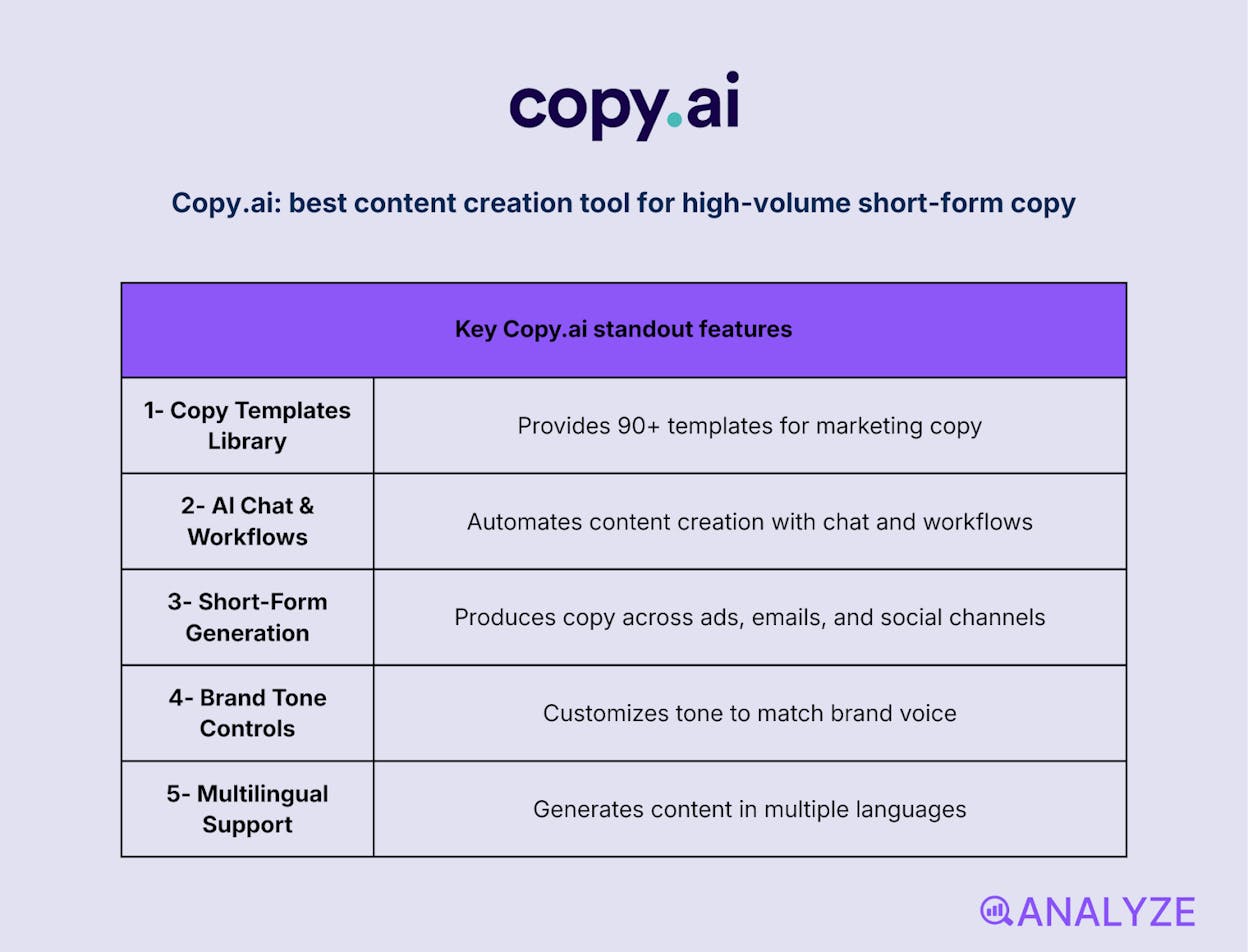
90+ pre-built templates for marketing copy
-
AI chat and workflow automation
-
Short-form generation across channels
-
Brand tone customization
-
Multilingual content support
Copy.ai is designed to help marketers produce short-form content quickly without heavy setup. It focuses on ready-made templates for ads, emails, captions, headlines, and product descriptions, making it easy to go from idea to publishable copy in minutes. The interface is intuitive, which lowers the barrier for teams that want speed without learning complex prompt systems.
In day-to-day marketing workflows, Copy.ai performs best when content volume matters more than depth. It supports fast iteration across campaigns, channels, and variations, especially for social and paid media. The platform works well for teams managing repetitive copy tasks at scale, though its template-driven approach can limit flexibility. Longer or more nuanced pieces usually require stitching outputs together and manual refinement.
Copy.ai falls short for long-form writing, where cohesion and depth matter. Outputs can feel repetitive or generic, and SEO optimization often requires separate tools. Editorial review is still necessary to polish tone, accuracy, and structure.
How Copy.ai fits your content creation workflow
|
Aspect |
Why it matters for content creation |
|
Speed to publish |
Enables rapid creation of ads, captions, and emails |
|
Template guidance |
Reduces reliance on prompt engineering |
|
Channel coverage |
Supports consistent output across multiple platforms |
|
Volume efficiency |
Helps teams scale short-form content production |
Best use cases
-
Producing large volumes of social media captions and ad variations
-
Writing email sequences and CTAs for marketing campaigns
-
Generating quick product descriptions for ecommerce or landing pages
Copy.ai is a fast, template-driven tool for scaling short-form marketing copy, not long-form content.
Writesonic: best content creation tool for SEO-assisted content production
Key Writesonic standout features
-
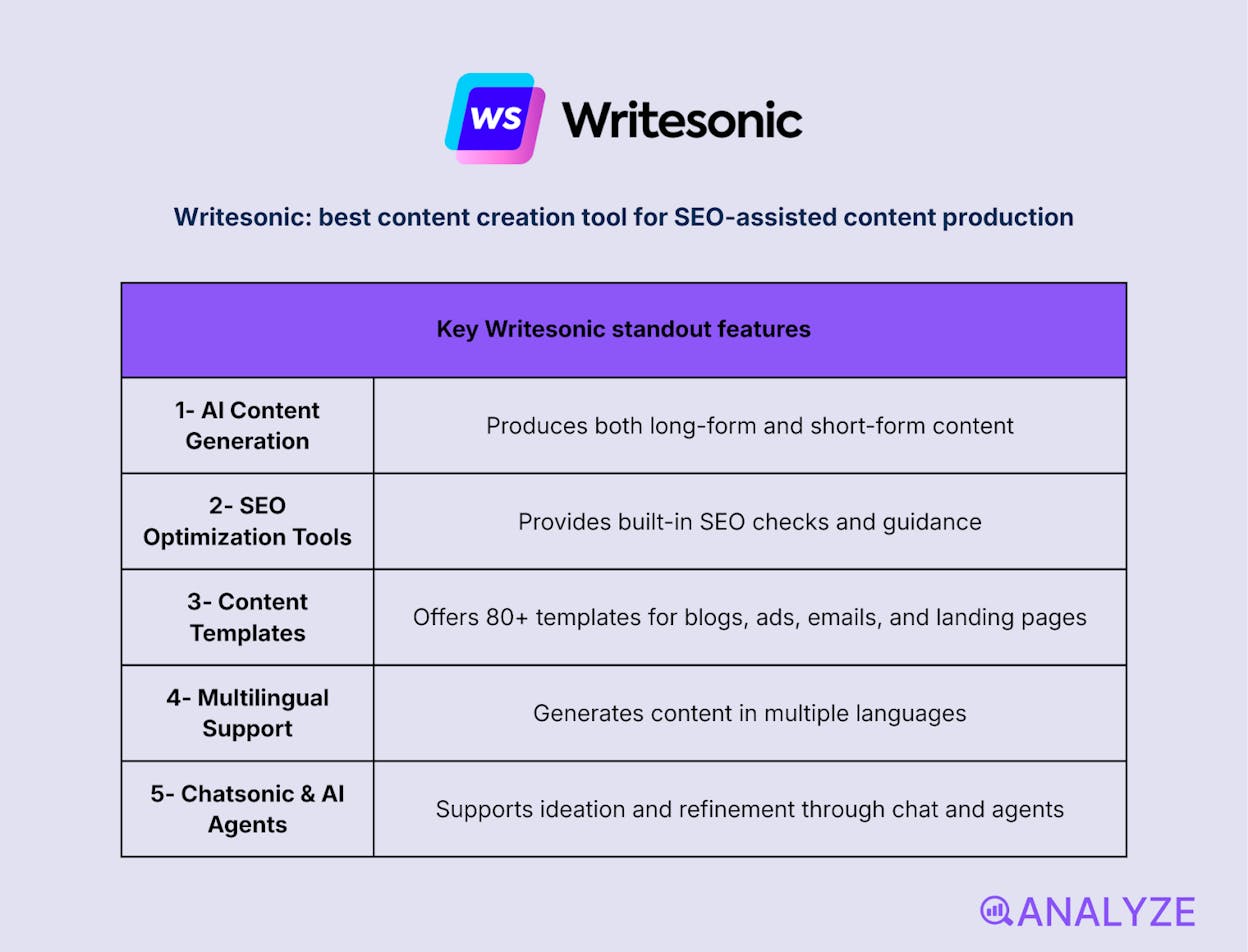
AI-powered long-form and short-form content generation
-
Built-in SEO checker and optimization guidance
-
80+ templates for blogs, ads, emails, and landing pages
-
Multi-language content support
-
Chatsonic and AI agents for ideation and refinement
Writesonic is built for marketers who want writing and SEO handled in the same workspace. It helps teams generate blog posts, marketing copy, and SEO-ready drafts while surfacing optimization suggestions as they write. Instead of treating SEO as a separate step, the platform weaves it directly into content creation. This makes it easier to move from draft to publishable content without switching tools.
In active marketing workflows, Writesonic performs well when speed and search alignment matter. Teams use it to produce drafts quickly, apply SEO recommendations in real time, and adapt content across formats and languages. Its template-driven approach supports scale, but quality can vary depending on topic complexity. For more nuanced or authoritative content, editing and refinement are still part of the process.
Writesonic can feel dense for simple use cases, especially for new users. Some advanced features sit behind higher pricing tiers, and while SEO guidance is helpful, deeper analytics usually require dedicated SEO platforms. Output quality also benefits from human review to avoid repetition or shallow coverage.
How Writesonic fits your content creation workflow
|
Aspect |
Why it matters for content creation |
|
SEO-first drafting |
Optimizes content while it’s being written |
|
Speed to output |
Accelerates draft creation across channels |
|
Template efficiency |
Reduces setup time for common content formats |
|
Multi-language reach |
Supports global and localized campaigns |
Best use cases
-
Creating SEO-optimized blog drafts at scale
-
Producing marketing copy with built-in optimization guidance
-
Supporting multilingual content campaigns
Writesonic is a strong choice for teams that want faster content creation with SEO baked in, as long as post-editing is part of the workflow.
Surfer SEO: best content creation tool for data-driven content optimization
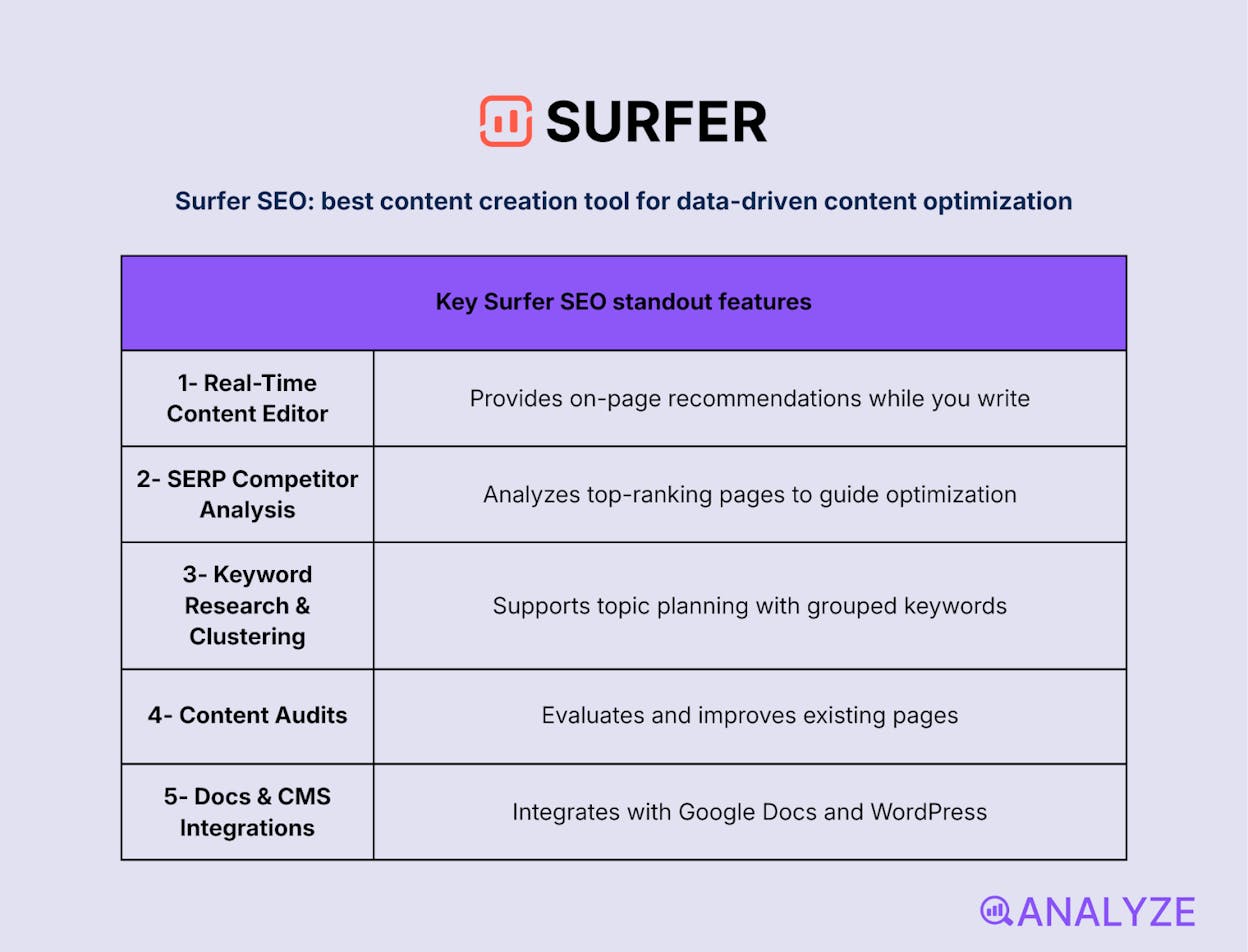
Key Surfer SEO standout features
-
Real-time content editor with on-page recommendations
-
Keyword research and clustering for topic planning
-
Content audits for existing pages
-
Google Docs and WordPress integrations
Surfer SEO is built for teams that want their content decisions grounded in search data. It analyzes top-ranking pages for a target keyword and translates those patterns into clear recommendations for structure, headings, keyword usage, and length. Instead of guessing what might rank, writers work from live SERP signals while drafting. This makes Surfer especially useful when SEO performance is a primary goal.
In ongoing content workflows, Surfer SEO helps standardize how pages are planned and optimized. Teams use it to build briefs, guide writers during drafting, and audit existing content for improvement opportunities. Its strength lies in consistency and repeatability across SEO-driven content. That said, the platform emphasizes correlation-based guidance, which means judgment is still required to balance optimization with clarity and originality.
Surfer SEO can feel overwhelming at first, particularly for creators new to data-heavy SEO tools. Its recommendations may come across as rigid, and it doesn’t replace full SEO platforms for technical analysis or performance tracking. Pricing can also be a hurdle for solo creators, especially at higher usage levels.
How Surfer SEO fits your content creation workflow
|
Aspect |
Why it matters for content creation |
|
SERP-driven guidance |
Aligns content structure with what already ranks |
|
In-editor optimization |
Reduces back-and-forth between writing and SEO tools |
|
Topic planning |
Helps map keyword clusters before writing begins |
|
Content refresh |
Identifies gaps and priorities for existing pages |
Best use cases
-
Optimizing blog content for competitive search queries
-
Creating SEO briefs and guidelines for writers
-
Updating existing articles to improve rankings
Surfer SEO is a strong choice for teams that want search data to guide content creation, as long as they’re willing to balance optimization with editorial judgment.
Rytr: best content marketing tool for quick, budget-friendly short-form writing
Key Rytr standout features
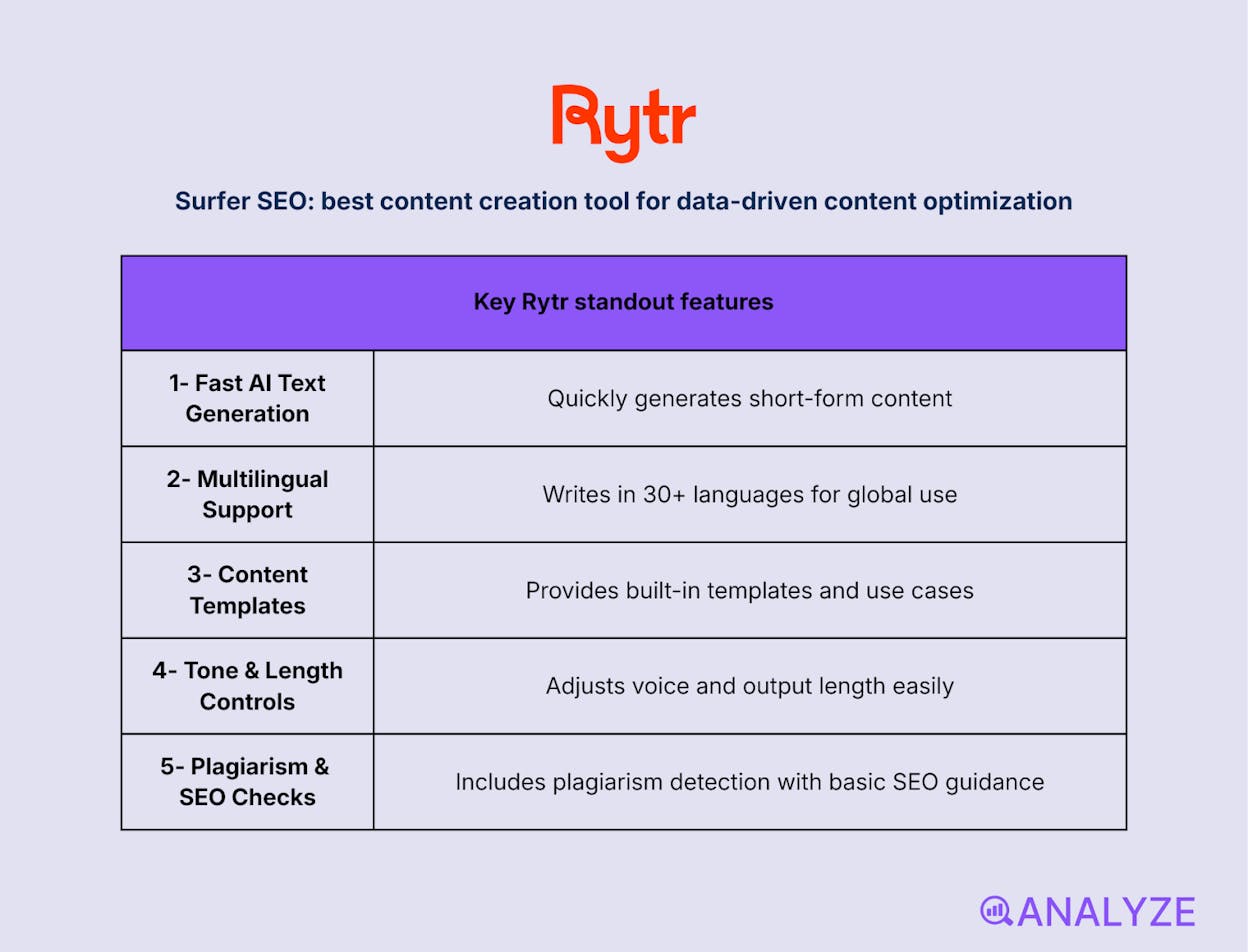
-
Fast AI text generation for common content types
-
30+ language support for global reach
-
Built-in templates and use cases
-
Tone and length controls
-
Plagiarism checker with basic SEO guidance
Rytr is designed for creators who want to generate content quickly without dealing with complex setups. It helps users produce emails, ads, captions, outlines, and product descriptions from simple inputs. The interface is lightweight and easy to navigate, which makes Rytr approachable for freelancers and small teams that value speed over customization. Its strength lies in lowering the barrier between idea and first draft.

In everyday workflows, Rytr fits well when content needs are frequent but relatively simple. Users rely on it to unblock writing, spin quick variations, and handle repetitive short-form tasks. The tool scales comfortably for volume, but depth and stylistic nuance are limited. For more demanding or long-form pieces, outputs often serve as starting points rather than finished drafts.
Rytr is not built for complex long-form writing or advanced SEO work. Tone consistency can vary, and the editor lacks deeper refinement tools. The free plan’s character limits may also slow down heavy users, making upgrades necessary for sustained use.
How Rytr fits your content creation workflow
|
Aspect |
Why it matters for content creation |
|
Ease of use |
Allows beginners to start writing immediately |
|
Short-form speed |
Accelerates emails, captions, and ad copy |
|
Cost efficiency |
Keeps AI writing accessible on small budgets |
|
Language flexibility |
Supports multilingual content needs |
Best use cases
-
Generating quick social media captions and ad copy
-
Drafting emails and simple marketing messages
-
Overcoming writer’s block with fast first drafts
Rytr is a simple, affordable tool for fast short-form content, best suited for creators who prioritize speed and ease over depth and control.
Graphic Design & Visual Content
Canva: best content creation tool for fast visual creation without design skills
Key Canva standout features
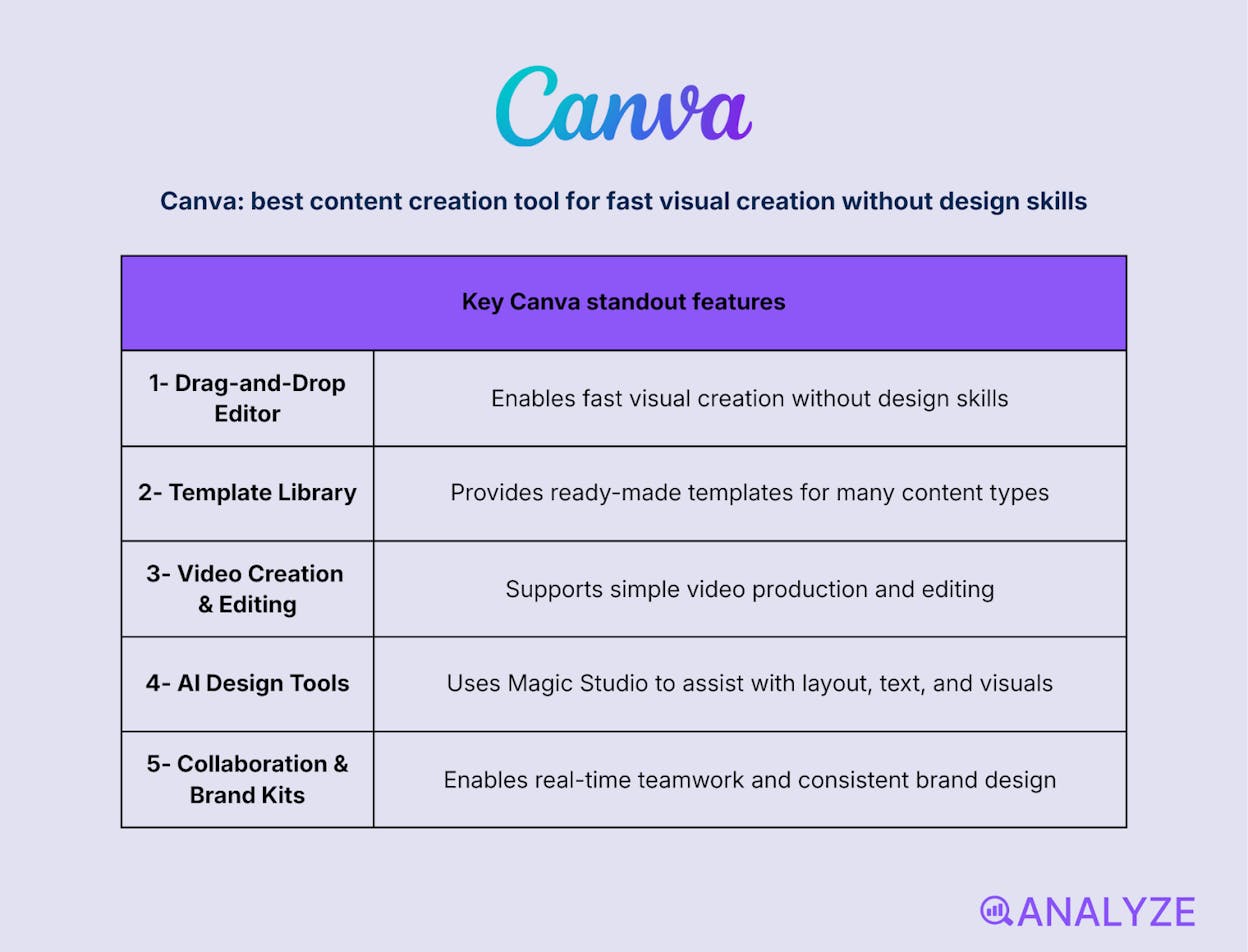
-
Drag-and-drop visual editor
-
Large library of ready-made templates
-
Built-in video creation and editing
-
AI-assisted design tools (Magic Studio)
-
Real-time collaboration and brand kits
Canva is built for creators who need visual assets quickly without relying on professional design software. It lets users create graphics, presentations, videos, and social content through a simple drag-and-drop interface. Templates do most of the heavy lifting, which removes the friction of starting from scratch. The result is faster turnaround for everyday marketing visuals.
In active content workflows, Canva shines when speed and consistency matter more than custom design depth. Teams use it to roll out social posts, campaign visuals, and lightweight videos while keeping branding aligned through shared assets. AI features help accelerate layout and design choices, but the tool prioritizes ease over precision. Advanced designers may find the creative control limiting for complex or highly customized work.

Canva falls short when projects require fine-grained design control or unique visual systems. Free plans also restrict access to premium assets and brand features, which can affect consistency at scale. For highly differentiated design work, professional tools are still needed.
How Canva fits your content creation workflow
|
Aspect |
Why it matters for content creation |
|
Visual speed |
|
|
Template leverage |
Reduces design decisions for recurring content |
|
Team collaboration |
Keeps visuals consistent across contributors |
|
Multi-format output |
Supports social, video, and presentation needs |
Best use cases
-
Designing social media graphics and short videos
-
Creating marketing visuals for blogs, emails, and campaigns
-
Enabling non-designers to produce branded assets
Canva is the easiest way for teams and creators to produce consistent visuals fast, without needing design expertise.
Adobe Express: best content marketing tool for polished visuals with light Adobe power
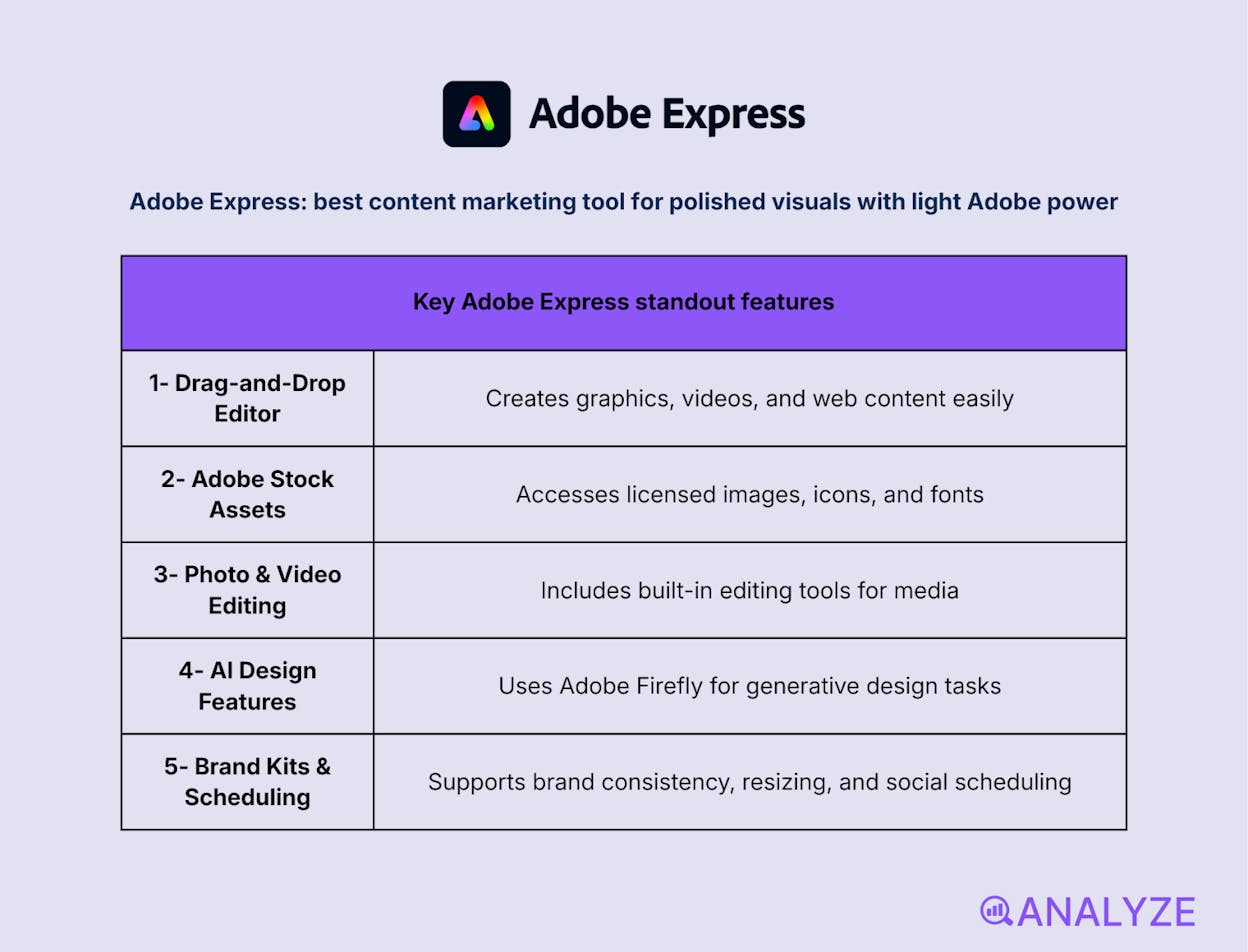
Key Adobe Express standout features
-
Drag-and-drop editor for graphics, videos, and web content
-
Adobe Stock assets and font library
-
Built-in photo and video editing tools
-
AI-powered features with Adobe Firefly
-
Brand kits, resizing, and social scheduling
Adobe Express is designed for creators who want professional-looking visuals without the complexity of full Adobe software. It makes it easy to create graphics, short videos, and digital assets using templates and a clean, browser-based interface. The tool balances simplicity with Adobe’s design quality, helping users produce content that looks polished without a steep learning curve.
In day-to-day workflows, Adobe Express works well for marketers and small teams that want consistency and speed with a bit more control than entry-level design tools. Brand kits and shared assets help keep visuals aligned across channels, while AI features speed up common design tasks. The trade-off is depth: while it’s more powerful than basic design tools, it doesn’t replace professional desktop apps for advanced creative work.
Adobe Express is not intended for detailed or highly customized design projects. Some advanced features require an Adobe subscription, and power users may hit limitations when working on complex layouts or animations.
How Adobe Express fits your content creation workflow
|
Aspect |
Why it matters for content creation |
|
Design quality |
Produces cleaner, more polished visuals than basic tools |
|
Speed and accessibility |
Enables quick creation across web and mobile |
|
Brand consistency |
Keeps teams aligned with shared styles and assets |
|
Multi-format output |
Supports graphics, video, and social-ready exports |
Best use cases
-
Creating branded marketing visuals and short videos
-
Designing social posts and lightweight web assets
-
Teams that want Adobe-quality results without pro-level tools
Adobe Express is a strong middle ground for teams that want easy design with Adobe polish, without the overhead of full Creative Cloud tools.
Kittl: best content creation tool for advanced visuals and typography-led design
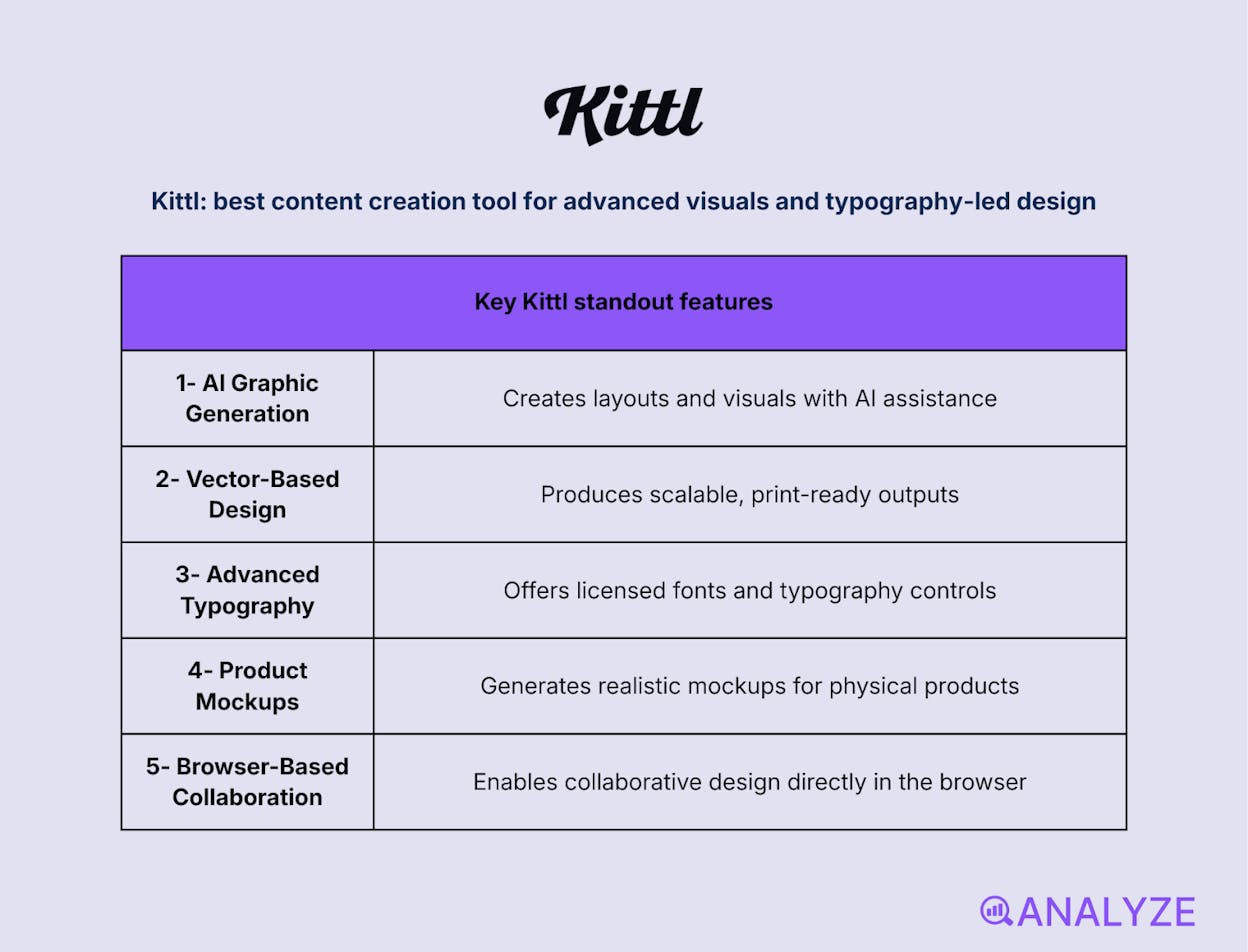
Key Kittl standout features
-
AI-powered graphic and layout generation
-
Vector-based design and scalable outputs
-
Advanced typography and licensed fonts
-
Mockup creation for real-world products
-
Collaborative, browser-based workspace
Kittl is built for creators who want more design control than basic drag-and-drop tools without jumping into complex desktop software. It combines vector editing, typography, and AI-assisted design to help users create polished visuals for branding, merchandise, and marketing assets. The platform is especially strong when visuals need to look distinctive rather than templated.
In real content workflows, Kittl fits well for teams producing brand-heavy or print-ready visuals. Designers use it to create logos, posters, packaging, and social graphics that scale cleanly across formats. Its AI tools speed up creative exploration, while vector precision keeps outputs professional. The trade-off is approachability: while easier than pro tools, it still requires more design intent than entry-level platforms.
Kittl can feel heavier than simple design tools for quick social graphics. Some users may find the learning curve steeper, especially when working with vectors and typography. It’s also more focused on design creation than on full campaign workflows like scheduling or analytics.
How Kittl fits your content creation workflow
|
Aspect |
Why it matters for content creation |
|
Visual differentiation |
Helps brands avoid generic, overused designs |
|
Vector precision |
Ensures assets scale cleanly across formats |
|
Creative flexibility |
Supports custom layouts beyond fixed templates |
|
Product visualization |
Makes it easy to preview designs on real items |
Best use cases
-
Creating logos, brand assets, and typography-driven designs
-
Designing merchandise, packaging, and print-ready visuals
-
Teams that want more creative control than basic design tools
Kittl is ideal for creators who want distinctive, professional visuals with more control than template-first tools—but without the weight of traditional design software.
Picsart: best content creation tool for mobile-first visual editing and AI effects
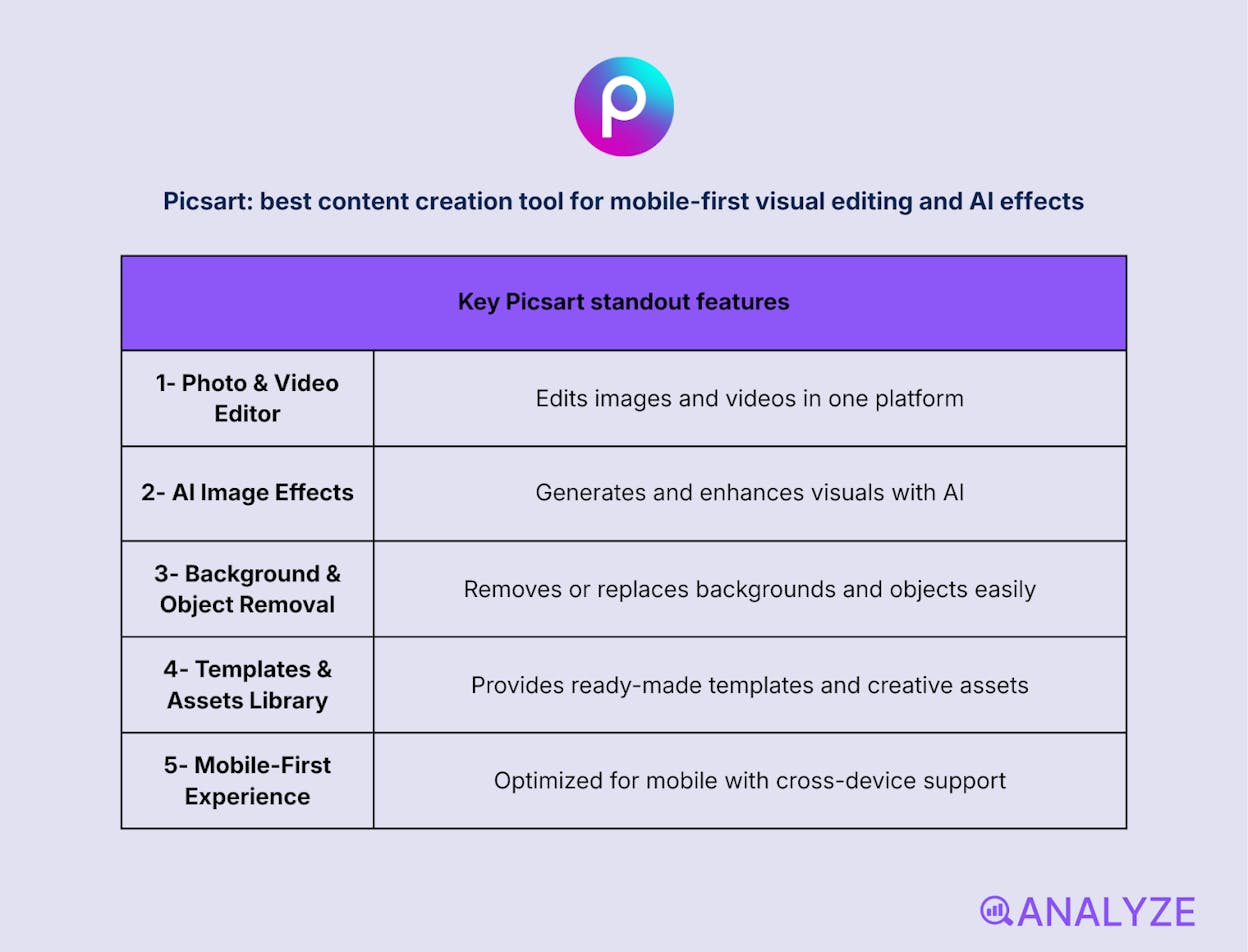
Key Picsart standout features
-
Photo and video editing in one platform
-
AI-powered image generation and enhancements
-
Background and object removal tools
-
Large template and asset library
-
Strong mobile and cross-device experience
Picsart is built for creators who want to edit visuals quickly and creatively, especially on mobile. It combines photo editing, short video tools, and AI features in a single platform that feels approachable without being simplistic. The focus is on fast, expressive edits that work well for social content, marketing visuals, and everyday creative needs.
In active content workflows, Picsart fits naturally where speed and flexibility matter. Creators use it to produce social posts, enhance images, and experiment with AI-driven effects without switching tools. Its mobile-first design makes it easy to work on the go, while cross-device syncing supports continuity between mobile and web. The emphasis on accessibility means it trades some precision for ease, especially for more controlled design work.
Picsart is not designed for highly structured layouts or print-ready vector designs. Some advanced features are gated behind paid plans, and results can feel inconsistent if AI tools are overused. For detailed brand systems or complex compositions, more specialized design software may be a better fit.
How Picsart fits your content creation workflow
|
Aspect |
Why it matters for content creation |
|
Mobile-first editing |
Enables creation and edits directly from smartphones |
|
Visual experimentation |
Encourages fast iteration with AI effects and tools |
|
Cross-platform flow |
Keeps projects moving between mobile and web |
|
Social-ready output |
Optimized for formats used on major platforms |
Best use cases
-
Editing photos and short videos for social media
-
Creating eye-catching visuals with AI effects
-
On-the-go content creation for creators and small teams
Picsart is a flexible, mobile-friendly creative tool that helps teams and creators produce engaging visuals fast, especially for social-first content.
Fotor: best content creation tool for quick photo edits and AI image enhancements
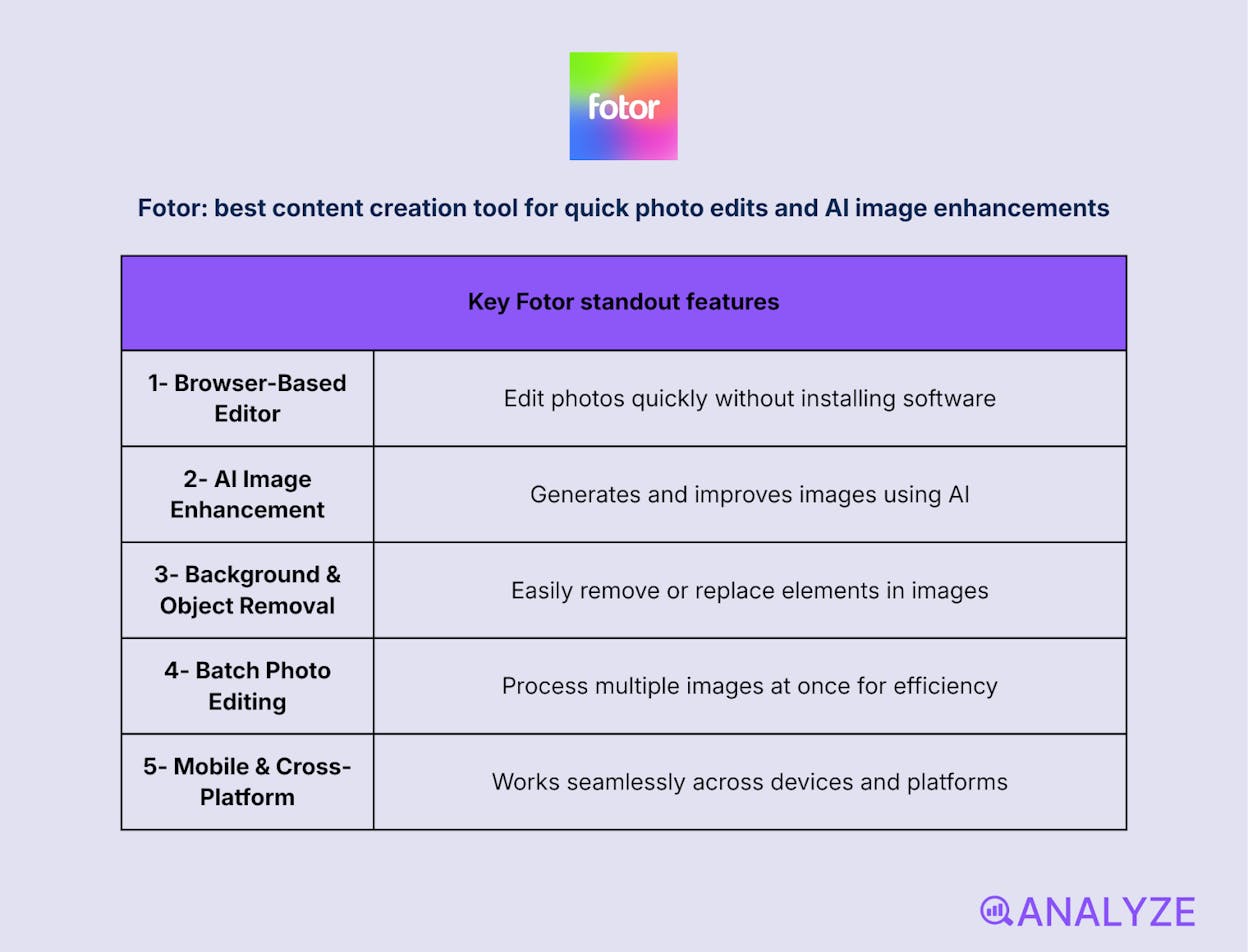
Key Fotor standout features
-
Browser-based photo editing suite
-
AI-powered image enhancement and generation
-
Background and object removal
-
Batch photo editing
-
Mobile and cross-platform support
Fotor is built for creators who need to edit and enhance images without learning complex software. It focuses on core photo adjustments—cropping, color correction, filters, and overlays—while layering in AI tools that speed up common tasks. The experience is straightforward, making it easy to move from raw image to usable visual in minutes.
Within content workflows, Fotor works well for high-volume image tasks and quick turnarounds. Users rely on it to clean up photos, generate simple visuals, and apply consistent edits across multiple assets at once. Its AI enhancements reduce manual effort, but the platform remains geared toward simplicity rather than detailed creative control. For most everyday marketing visuals, that trade-off is acceptable.
Fotor is not designed for advanced compositing or precision design work. Some AI features and exports sit behind paid plans, and results may feel limited for brand-heavy or highly customized visuals. It’s best viewed as a lightweight editor rather than a full creative suite.
How Fotor fits your content creation workflow
|
Aspect |
Why it matters for content creation |
|
Editing speed |
Delivers fast image cleanup and enhancements |
|
AI assistance |
Automates repetitive photo improvements |
|
Batch processing |
Saves time when working with many images |
|
Accessibility |
Works directly in the browser without setup |
Best use cases
-
Enhancing photos for blog posts and social media
-
Applying quick, consistent edits across image sets
-
Generating simple visuals with AI assistance
Fotor is a practical, AI-assisted photo editor for teams that want fast results without the complexity of professional design tools.
Video Creation & Editing
CapCut: best content creation tool for fast, social-first video creation
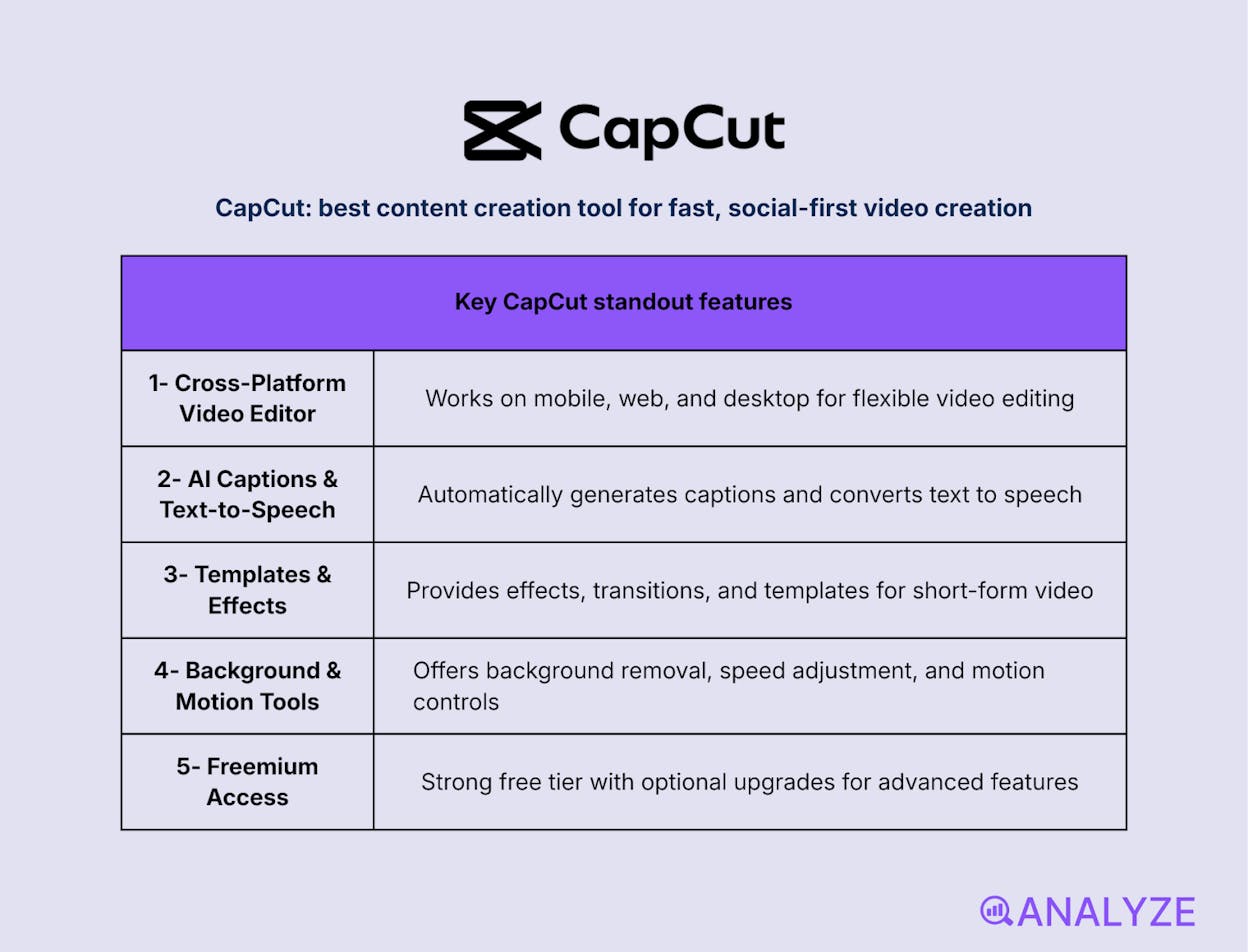
Key CapCut standout features
-
Cross-platform video editor (mobile, web, desktop)
-
AI-powered auto captions and text-to-speech
-
Templates, effects, and transitions for short-form video
-
Background removal, motion tools, and speed controls
-
Freemium model with strong free-tier capabilities
CapCut is built for creators who need to produce short-form video quickly without dealing with professional editing software. It combines an intuitive timeline editor with ready-made effects, templates, and AI tools that simplify common video tasks. The result is a fast path from raw clips to polished, platform-ready videos, especially for social media.
In real-world content workflows, CapCut fits naturally where speed, trends, and volume matter. Creators use it to edit TikTok videos, Reels, and Shorts with features like auto-captions, smart effects, and template-driven layouts. Its mobile-first roots make it easy to create on the go, while web and desktop versions support more involved edits. The focus on accessibility means it prioritizes ease and velocity over deep cinematic control.
CapCut is not intended for complex, long-form video production or advanced color grading. Some premium assets and features are locked behind paid plans, and projects that require precise control or broadcast-level output may exceed its scope. It works best when content is short, frequent, and platform-driven.
How CapCut fits your content creation workflow
|
Aspect |
Why it matters for content creation |
|
Short-form speed |
Turns clips into finished videos in minutes |
|
AI assistance |
Automates captions, voice, and cleanup tasks |
|
Template leverage |
Keeps up with trends without manual setup |
|
Platform readiness |
Optimized for TikTok, Reels, and Shorts |
Best use cases
-
Editing short-form videos for social platforms
-
Adding captions and effects to talking-head content
-
Producing high-volume video content quickly
CapCut is a powerful yet accessible video editor for creators who want to ship social videos fast, with AI features that remove friction from the editing process.
Adobe Premiere Pro: best content creation tool for professional-grade video production
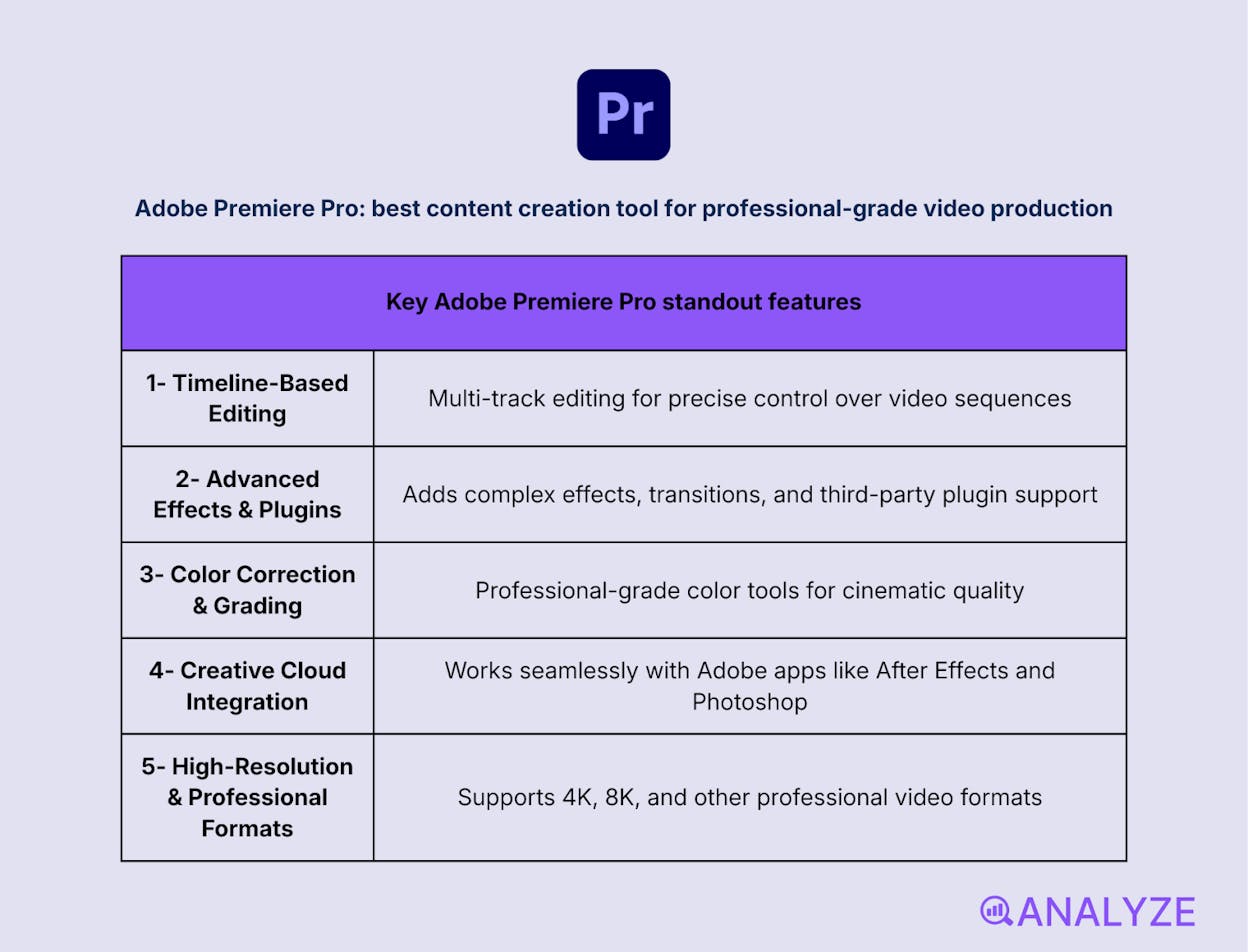
Key Adobe Premiere Pro standout features
-
Multi-track, timeline-based video editing
-
Advanced effects, transitions, and plugin support
-
Professional color correction and grading tools
-
Deep integration with Adobe Creative Cloud apps
-
Support for high-resolution and professional formats
Adobe Premiere Pro is built for teams that need full control over video editing and post-production. It offers a powerful non-linear editing environment designed for precision, flexibility, and complex projects. From long-form YouTube content to commercial and broadcast work, it gives editors the tools to shape video exactly as intended, without creative shortcuts.
In content workflows, Premiere Pro fits best where quality and control outweigh speed. Editors rely on it for detailed cuts, layered timelines, color grading, and motion graphics through tight integration with After Effects and other Adobe tools. It handles demanding formats and large projects reliably, making it a standard in professional environments. The trade-off is complexity: it requires experience, setup, and time to use effectively.
Adobe Premiere Pro is not optimized for fast, template-driven social content. The learning curve is steep for beginners, and subscription pricing can be a barrier for casual creators. For quick edits or high-volume short-form video, lighter tools are often more efficient.
How Adobe Premiere Pro fits your content creation workflow
|
Aspect |
Why it matters for content creation |
|
Editing precision |
Enables frame-level control over complex timelines |
|
Creative depth |
Supports advanced effects, color grading, and plugins |
|
Workflow integration |
Connects seamlessly with the Adobe ecosystem |
|
Scalability |
Handles large, high-resolution projects reliably |
Best use cases
-
Producing high-quality marketing videos and commercials
-
Editing long-form YouTube, documentary, or branded content
-
Teams requiring advanced post-production workflows
Adobe Premiere Pro is the go-to choice for professional video teams that need maximum control and production quality, even if it comes at the cost of speed and simplicity.
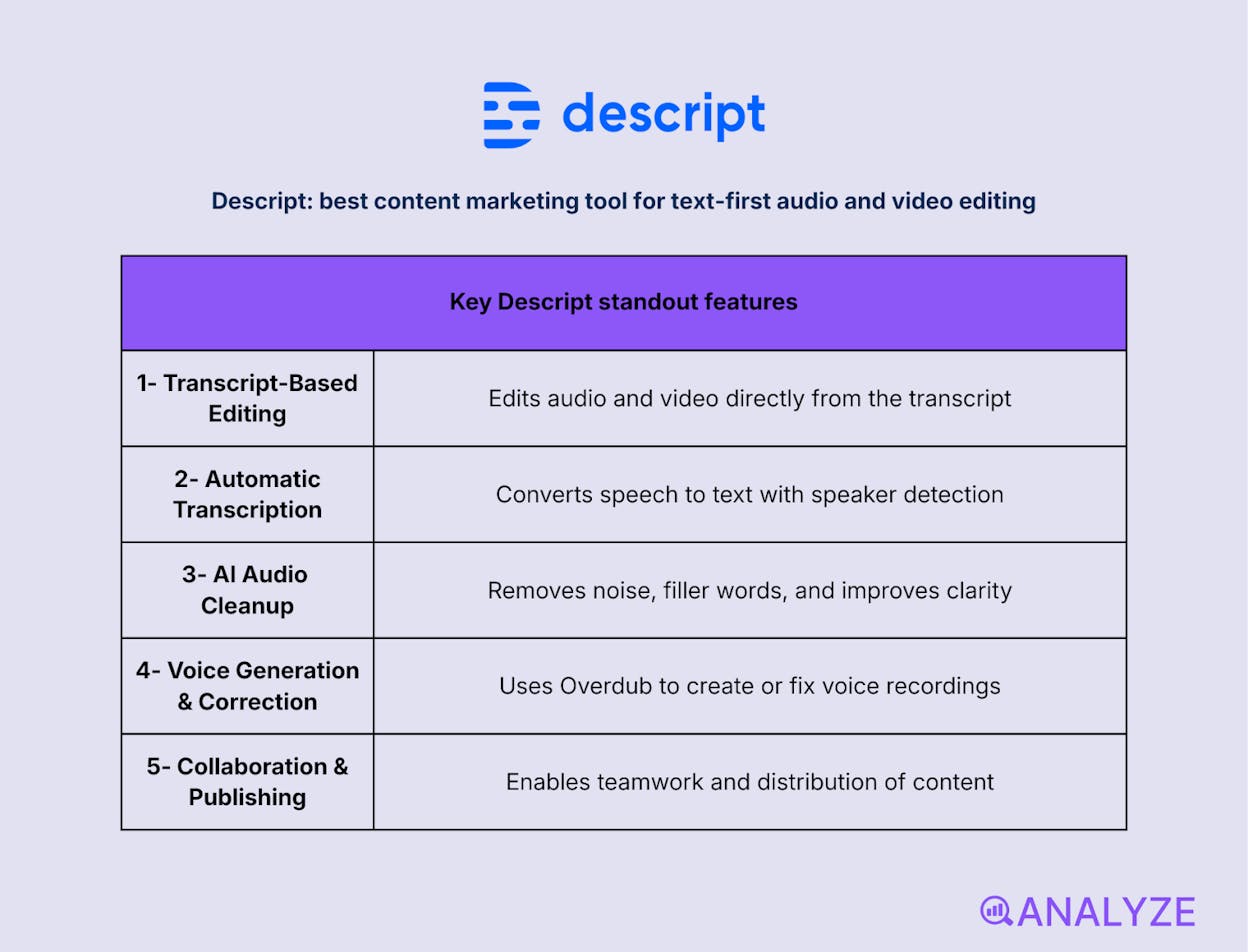
Descript: best content marketing tool for text-first audio and video editing
Key Descript standout features
-
Transcript-based audio and video editing
-
Automatic transcription with speaker detection
-
AI-powered audio cleanup and filler word removal
-
Voice generation and correction (Overdub)
-
Collaboration and publishing tools
Descript is built for creators who think in words, not timelines. It lets you edit audio and video by editing text, turning spoken content into something you can cut, rewrite, and refine like a document. This approach removes much of the friction found in traditional editors and makes storytelling workflows faster and more intuitive, especially for podcasts and interviews.
In real production workflows, Descript shines when content is dialogue-heavy or narrative-driven. Teams use it to clean up recordings, tighten conversations, generate clips, and repurpose long recordings into shorter formats. Its AI tools handle tedious tasks like noise removal and filler-word cleanup, while collaboration features support shared editing and review. The trade-off is visual precision: complex motion work and frame-accurate edits are not its focus.
Descript is less suited for highly visual or effects-heavy video projects. Editors who rely on detailed timelines, advanced transitions, or cinematic control may find the text-first model limiting. Some AI features also require paid plans, and voice generation benefits from careful setup to sound natural.
How Descript fits your content creation workflow
|
Aspect |
Why it matters for content creation |
|
Text-based editing |
Speeds up edits by removing timeline complexity |
|
Audio quality |
Improves recordings without manual sound engineering |
|
Repurposing efficiency |
Turns long recordings into clips and highlights |
|
Team collaboration |
Enables shared editing and faster approvals |
Best use cases
-
Editing podcasts, interviews, and talk-based videos
-
Cleaning up audio and tightening narrative content
-
Repurposing long-form recordings into social clips
Descript is ideal for teams editing spoken content who want speed and clarity over traditional timeline complexity.
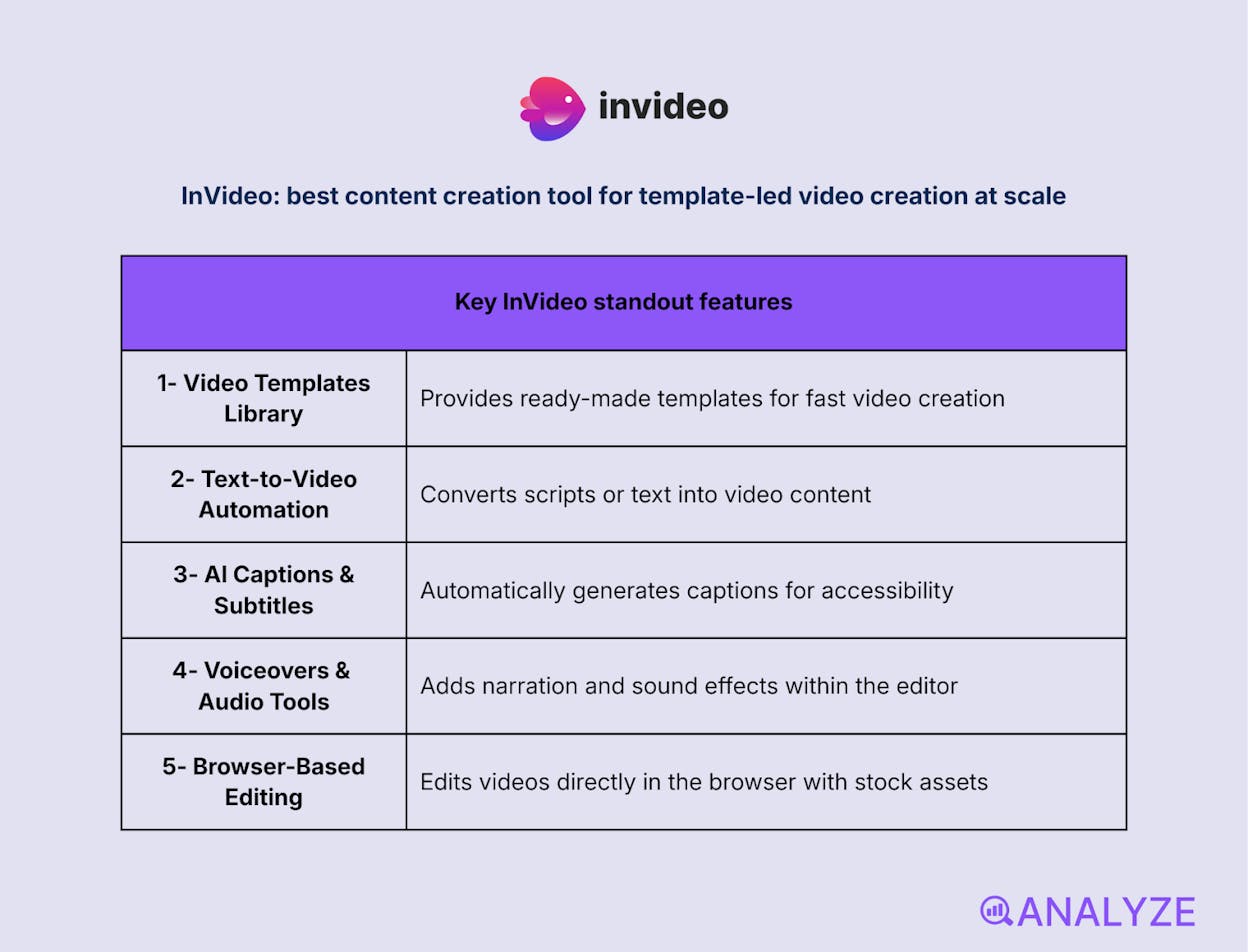
InVideo: best content creation tool for template-led video creation at scale
Key InVideo standout features
-
Large library of ready-made video templates
-
Text-to-video and script-to-video automation
-
AI-generated captions and subtitles
-
Built-in voiceovers and audio tools
-
Browser-based editor with stock assets
InVideo is designed for creators who want finished videos without learning traditional video editing. It turns scripts, prompts, or simple ideas into complete videos using templates, stock media, and automation. The platform removes the complexity of timelines by guiding users through structured, template-driven workflows. This makes it easy to produce polished videos quickly, even with no prior editing experience.
In everyday content workflows, InVideo works best when speed and volume matter more than customization. Marketers use it to generate ads, explainers, and social videos in batches, relying on AI to handle layout, captions, and transitions. Voiceover tools and stock libraries reduce production friction, while automation keeps output consistent. The trade-off is creative depth: videos tend to follow recognizable patterns unless heavily customized.

InVideo is not built for detailed editing or visual storytelling that requires fine control. Advanced effects, cinematic pacing, and custom motion work are limited. Some premium assets and features are restricted to paid plans, which can affect flexibility for growing teams.
How InVideo fits your content creation workflow
|
Aspect |
Why it matters for content creation |
|
Template speed |
Produces complete videos without manual setup |
|
Automation |
Reduces editing effort with AI-assisted workflows |
|
Voiceover support |
Enables narration without recording equipment |
|
Stock integration |
Eliminates the need for external media sourcing |
Best use cases
-
Creating marketing videos and social ads quickly
-
Turning blog posts or scripts into explainer videos
-
Producing high-volume video content for campaigns
InVideo is ideal for teams that need fast, repeatable video output powered by templates and automation rather than hands-on editing.
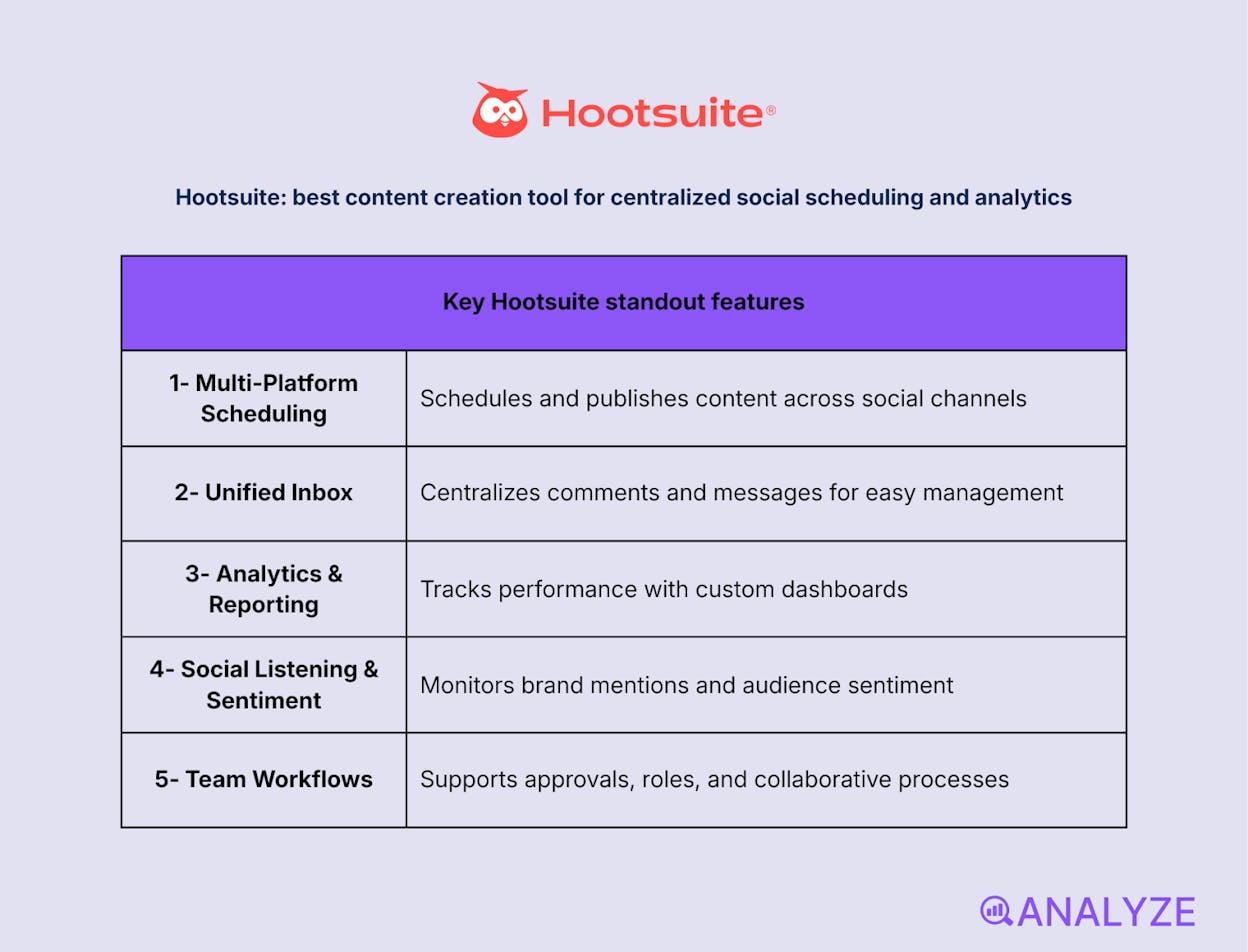
Hootsuite: best content creation tool for centralized social scheduling and analytics
Key Hootsuite standout features
-
Multi-platform social scheduling and publishing
-
Unified inbox for comments and messages
-
Performance analytics and custom reporting
-
Team workflows with approvals and roles
Hootsuite is built for teams that manage multiple social channels and need everything in one place. It lets marketers plan, schedule, and publish content across platforms from a single calendar, removing the pressure of manual posting. By centralizing execution, it helps maintain consistency while freeing time for strategy and creative work.
In day-to-day workflows, Hootsuite proves its value through visibility and control. Teams use it to track engagement, compare performance across networks, and adjust content based on what actually works. Collaboration features support approvals and shared access, which is critical for brands with multiple contributors. The platform leans toward structure and oversight, which makes it powerful—but also heavier than lightweight schedulers.

Hootsuite can feel complex for solo creators or small teams with simple needs. Advanced analytics and listening features often sit behind higher pricing tiers, and setup takes time to fully configure. For users who only need basic scheduling, it may be more than necessary.
How Hootsuite fits your content creation workflow
|
Aspect |
Why it matters for content creation |
|
Centralized scheduling |
Keeps posting consistent across platforms |
|
Performance insights |
Shows which content drives engagement |
|
Engagement management |
Streamlines replies and community interaction |
|
Team coordination |
Supports approvals and shared workflows |
Best use cases
-
Managing multiple social accounts from one dashboard
-
Analyzing content performance to refine strategy
-
Coordinating social publishing across teams
Hootsuite is a strong choice for teams that need structured social publishing, analytics, and collaboration in one centralized platform.
Sprout Social: best content creation tool for deep social insights and enterprise-grade management
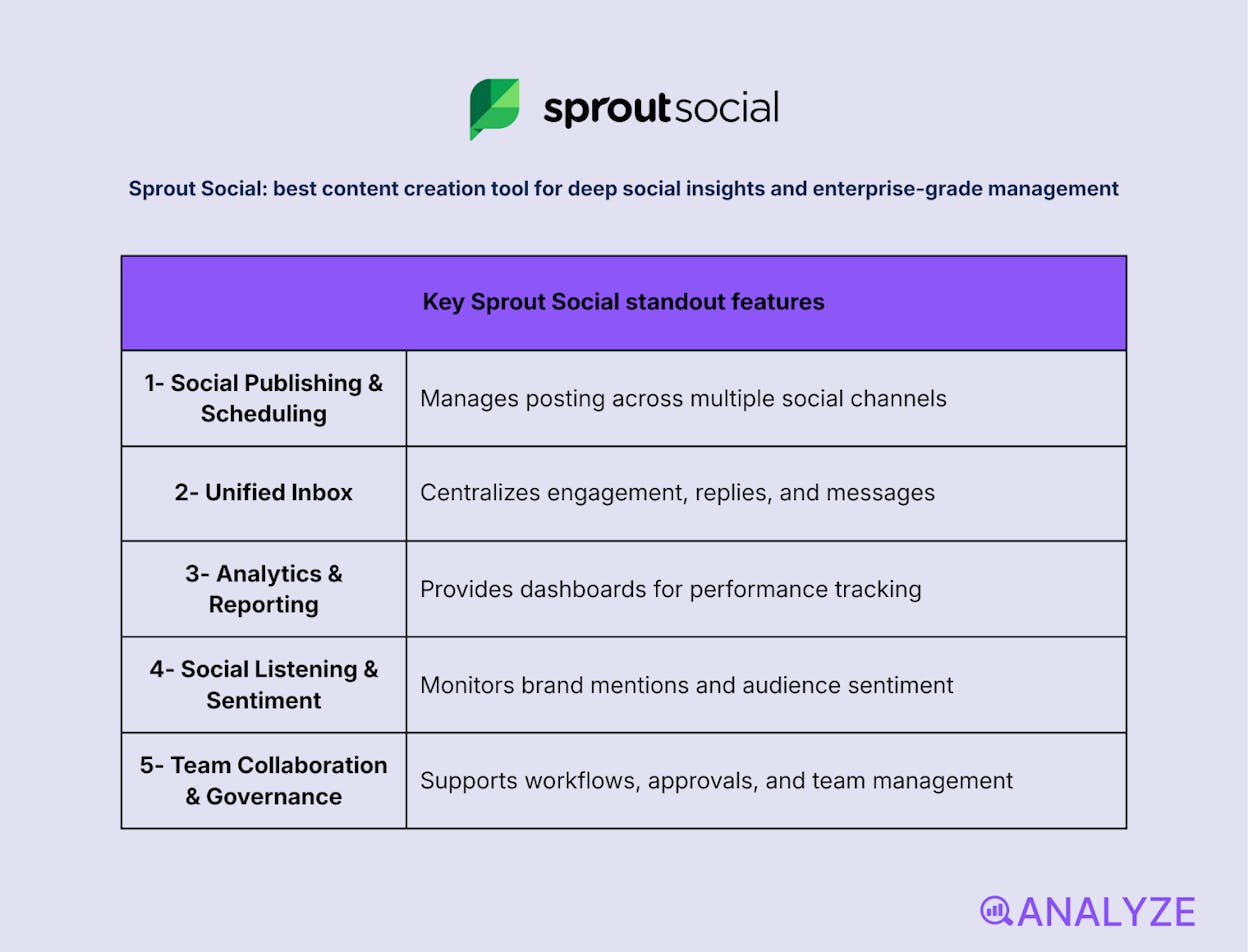
Key Sprout Social standout features
-
Unified social publishing and scheduling
-
All-in-one inbox for engagement and replies
-
Advanced analytics and reporting dashboards
-
Robust social listening and sentiment analysis
-
Team collaboration and governance tools
Sprout Social is built for organizations that treat social media as a strategic channel, not just a distribution layer. It brings publishing, engagement, analytics, and listening into a single platform, allowing teams to manage their entire social presence from one place. The focus is not only on posting content, but on understanding how audiences respond and how conversations evolve around a brand.
In operational workflows, Sprout Social stands out when scale and insight matter. Teams use it to monitor brand sentiment, track trends, and extract actionable data that informs content strategy and customer engagement. Reporting tools help justify decisions with clear metrics, while collaboration features support structured approvals and accountability. This depth makes it especially valuable for large teams, but it also adds complexity and cost.
Sprout Social may be excessive for small teams or creators with basic scheduling needs. Pricing is significantly higher than many alternatives, and some advanced listening and analytics features are locked behind higher tiers or add-ons. For organizations without a strong need for data-driven social insights, the investment may outweigh the benefits.
How Sprout Social fits your content creation workflow
|
Aspect |
Why it matters for content creation |
|
Strategic visibility |
Reveals trends and sentiment behind engagement |
|
Centralized engagement |
Keeps conversations organized across platforms |
|
Performance reporting |
Connects content efforts to measurable outcomes |
|
Team governance |
Supports approvals, roles, and accountability |
Best use cases
-
Managing social media at scale for brands or agencies
-
Using social listening to guide content and messaging
-
Reporting performance to stakeholders and leadership
Sprout Social is a premium platform for teams that need deep social insights and structured workflows, and are willing to pay for enterprise-level capabilities.
Research, Ideation & Analytics
AnswerThePublic: best content marketing tool for search-driven topic discovery
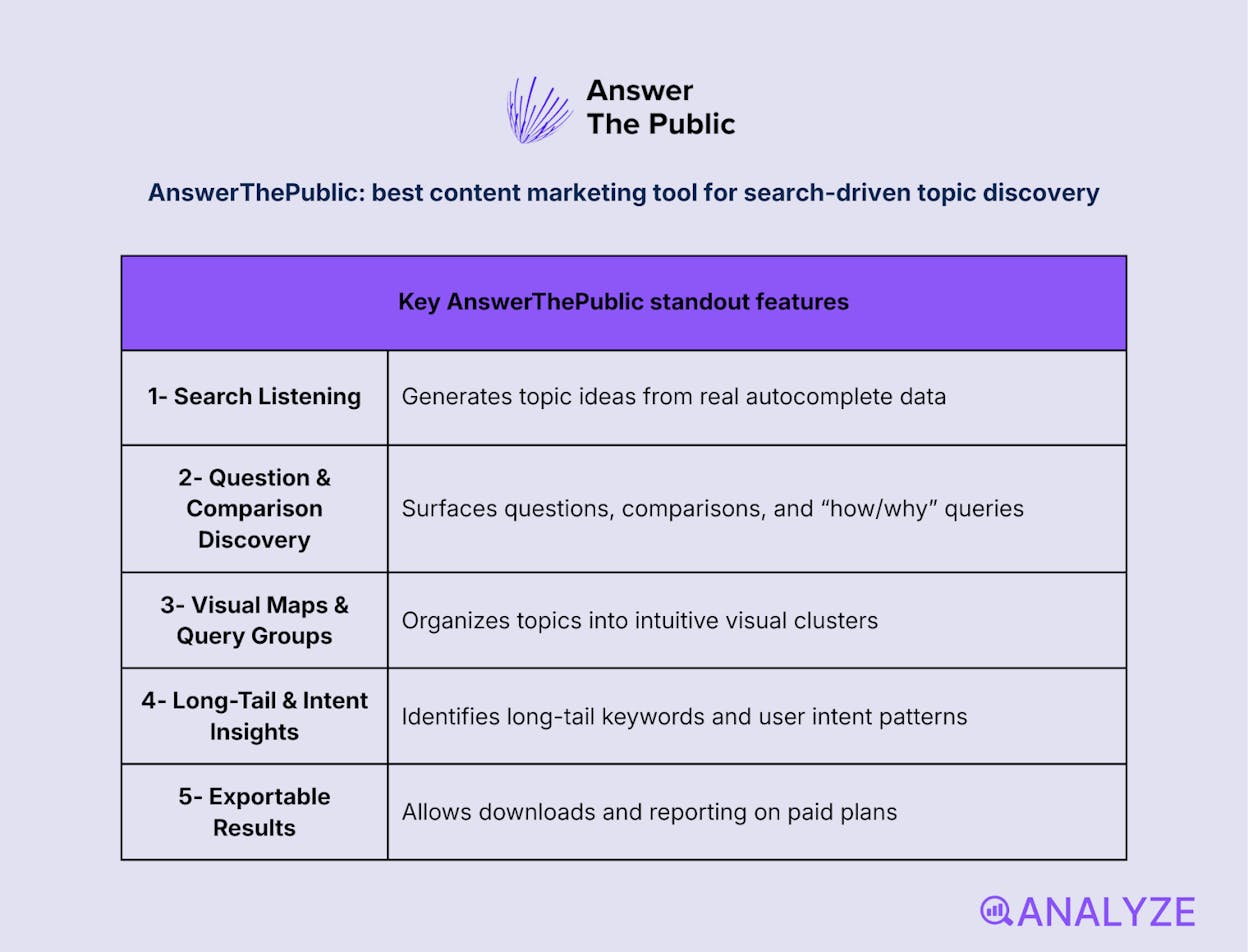
Key AnswerThePublic standout features
-
Search-listening based on real autocomplete data
-
Question and comparison-focused topic discovery
-
Visual maps and grouped query lists
-
Long-tail and intent-based keyword insights
-
Exportable results on paid plans
AnswerThePublic is built for marketers who want to understand what people are actually asking online, not just which keywords have volume. It turns search autocomplete data into questions, comparisons, and phrase clusters that reveal real user curiosity. Instead of starting from keywords, it starts from intent, making it especially useful at the ideation and planning stage.
In practical workflows, AnswerThePublic shines as a brainstorming and research companion. Teams use it to uncover blog topics, FAQ angles, video ideas, and content gaps that traditional keyword tools often miss. The visual layouts make patterns easy to spot, while exports help translate insights into briefs and outlines. Its role is upstream: it informs what to create, not how to optimize it.

AnswerThePublic does not provide performance metrics like search volume, difficulty, or ranking data. The free tier is limited, and deeper analysis requires pairing it with SEO tools. On its own, it surfaces demand—but doesn’t measure opportunity.
How AnswerThePublic fits your content creation workflow
|
Aspect |
Why it matters for content creation |
|
Intent discovery |
Reveals real questions behind searches |
|
Topic ideation |
Generates dozens of content angles quickly |
|
Content planning |
Helps structure posts around user curiosity |
|
Gap identification |
Highlights unanswered or underused topics |
Best use cases
-
Brainstorming blog, video, and FAQ topics
-
Understanding audience questions and intent
-
Supporting keyword research with qualitative insight
AnswerThePublic is a powerful ideation tool for uncovering what audiences want to know, best used alongside SEO tools that quantify opportunity.
BuzzSumo: best content creation tool for trend analysis and competitive insight
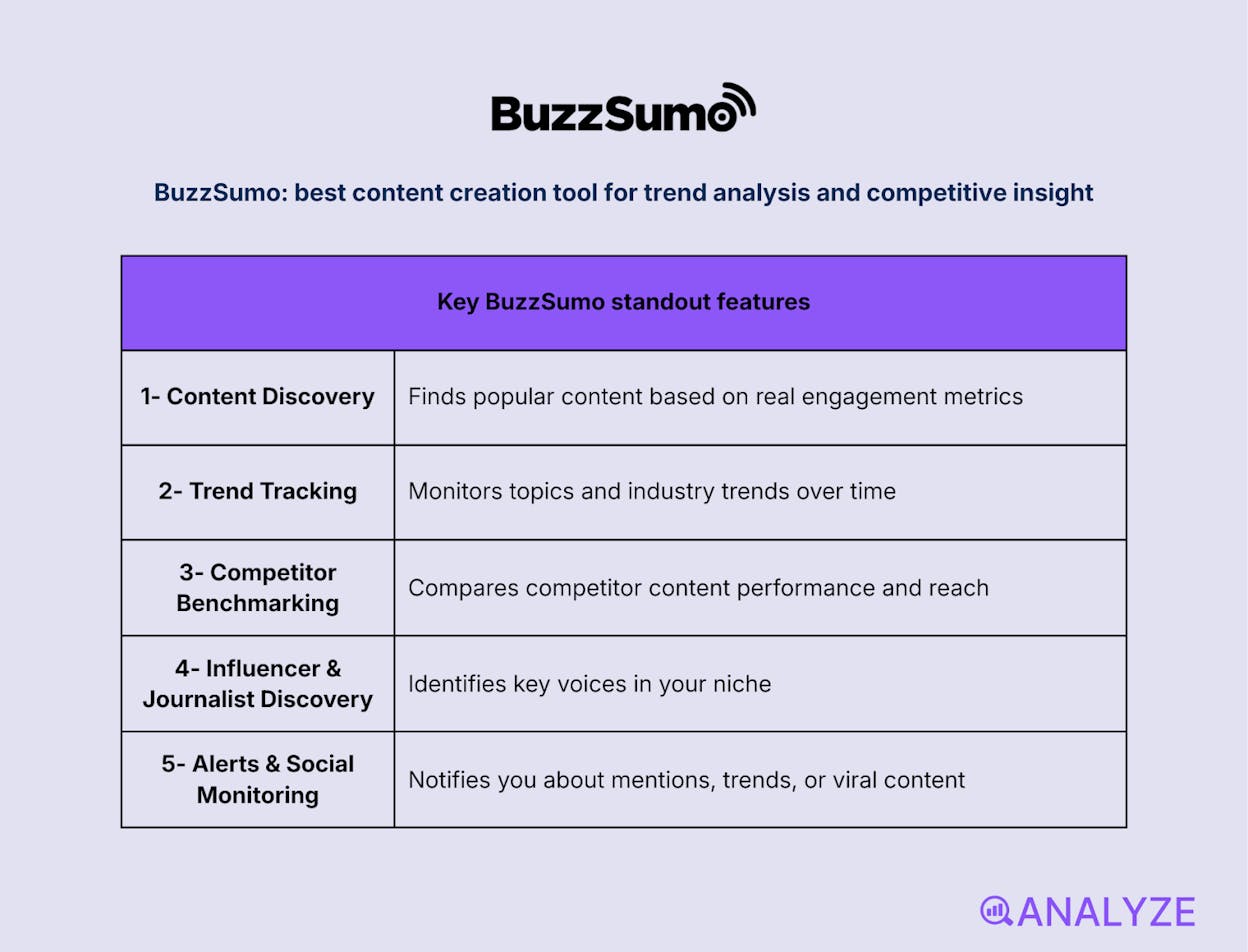
Key BuzzSumo standout features
-
Content discovery based on real engagement data
-
Trend tracking across topics and industries
-
Competitor content benchmarking
-
Influencer and journalist discovery
-
Alerts and social monitoring
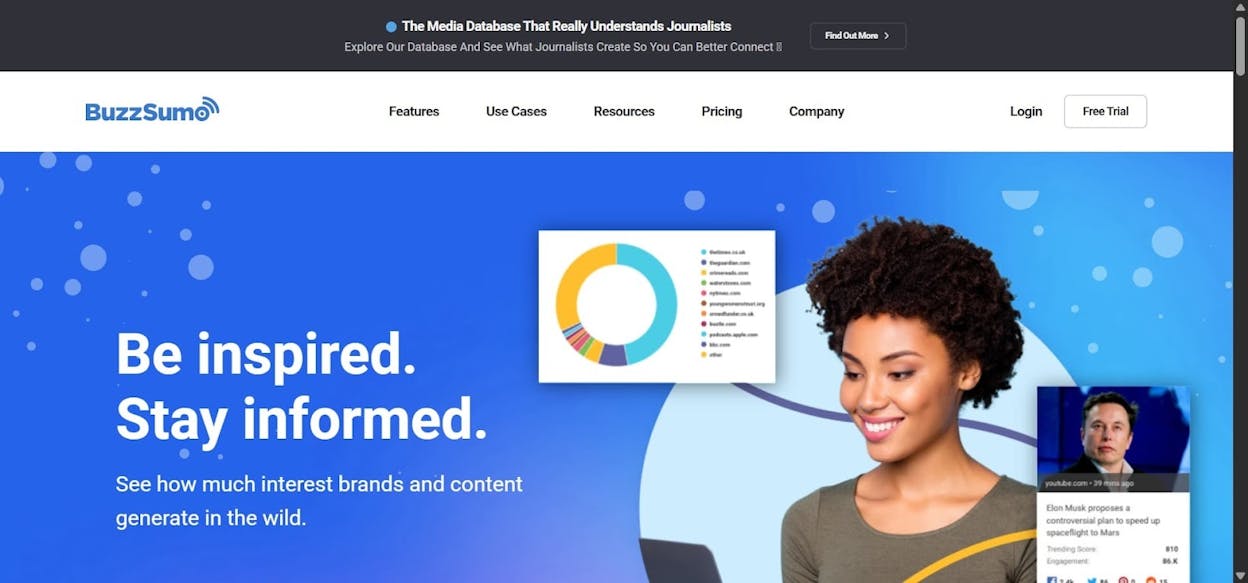
BuzzSumo is built for teams that want to ground content decisions in what already performs well online. It analyzes billions of articles and social interactions to show which topics, formats, and headlines earn attention. Rather than guessing what might resonate, marketers can see proven engagement patterns before investing in production.
In active workflows, BuzzSumo becomes a strategic research layer. Teams use it to validate ideas, study competitor performance, and identify content gaps worth targeting. Alerts help track emerging stories and brand mentions in real time, while influencer data supports smarter distribution. Its strength is insight, not execution—it informs what to create and promote, rather than helping produce the content itself.
BuzzSumo does not generate or optimize content directly. Pricing is higher than lightweight research tools, which can limit access for smaller teams. To move from insight to execution, it typically needs to be paired with writing, design, or SEO platforms.
How BuzzSumo fits your content creation workflow
|
Aspect |
Why it matters for content creation |
|
Trend validation |
Confirms demand before content is produced |
|
Competitive analysis |
Reveals what works for others in your niche |
|
Distribution insight |
Identifies influencers and amplification paths |
|
Monitoring |
Keeps teams aware of emerging topics and mentions |
Best use cases
-
Planning content based on proven engagement signals
-
Analyzing competitor strategies and performance
-
Discovering influencers and distribution opportunities
BuzzSumo is a powerful research and intelligence platform for teams that want data-backed content strategy, not guesswork.
Google Trends: best content creation tool for spotting demand shifts early
Key Google Trends standout features
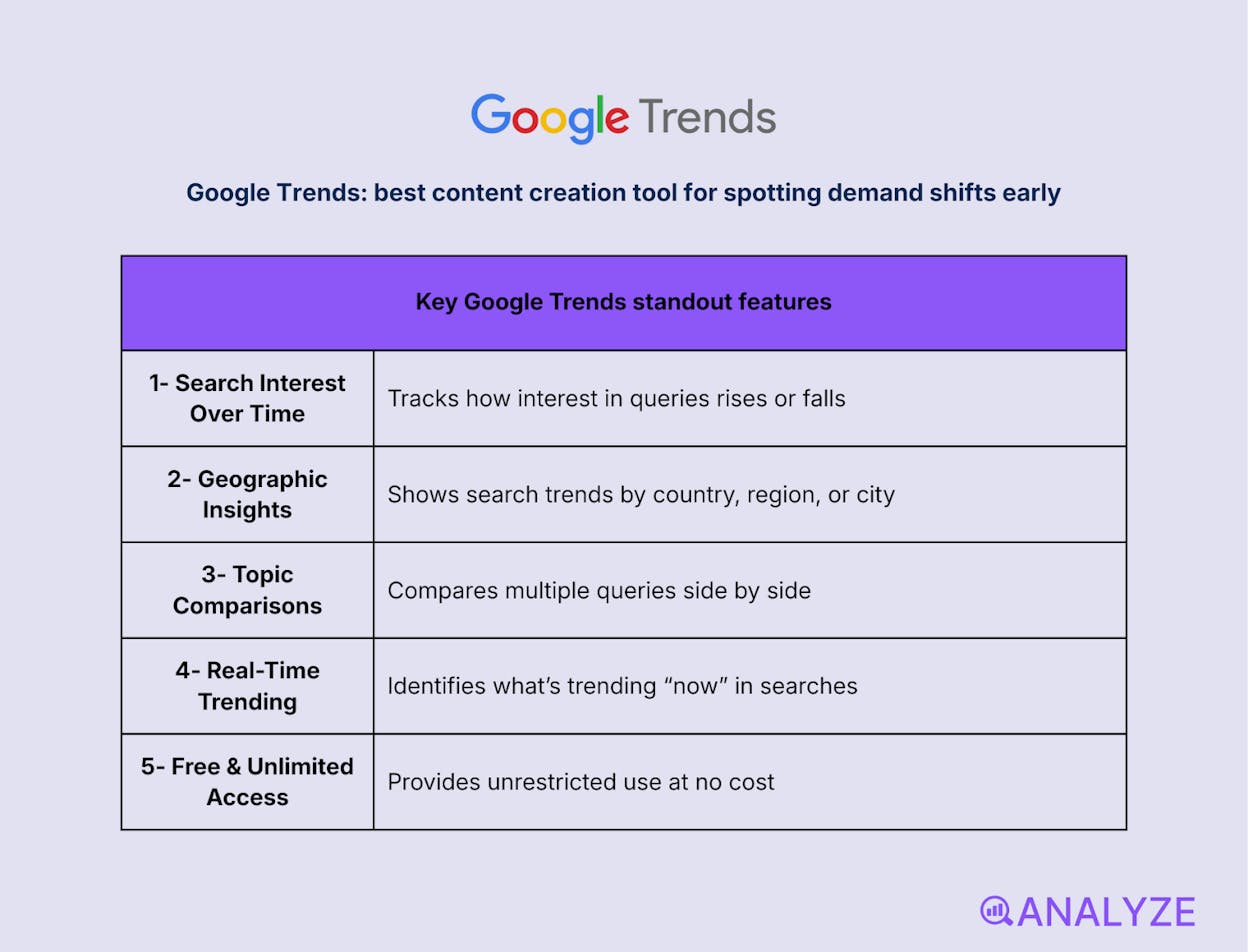
-
Search interest over time for any query
-
Geographic breakdown by country, region, and city
-
Side-by-side comparison of multiple topics
-
Real-time “Trending Now” discovery
-
Free access with no usage limits
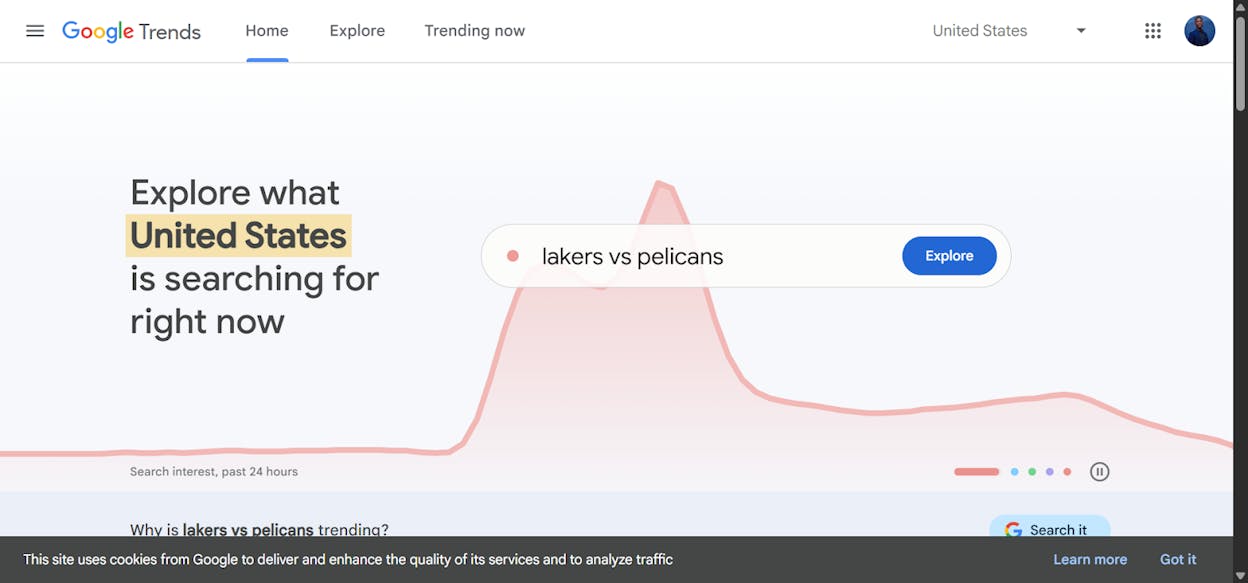
Google Trends is built for teams that want to understand when interest is rising, falling, or peaking around a topic. Instead of giving raw keyword volumes, it shows relative demand patterns over time, revealing seasonality, spikes, and long-term decline. This makes it especially useful for deciding timing, not just topics.
In practical workflows, Google Trends works as an early-signal and validation tool. Marketers use it to confirm whether an idea is gaining momentum, losing relevance, or tied to short-lived news cycles. Comparing terms helps refine positioning, while regional data supports localization decisions. Its strength lies in directional insight rather than precision metrics.
Google Trends does not provide exact search volumes, keyword difficulty, or competitive analysis. Data is normalized, which means it must be interpreted carefully and paired with SEO tools for execution. On its own, it explains interest patterns—but not ranking opportunity.
How Google Trends fits your content creation workflow
|
Aspect |
Why it matters for content creation |
|
Timing insight |
Helps publish content when interest is rising |
|
Trend validation |
Confirms whether topics are growing or fading |
|
Regional focus |
Supports localized and market-specific content |
|
Idea filtering |
Prevents investing in declining topics |
Best use cases
-
Planning timely or seasonal content
-
Validating content ideas before production
-
Tracking emerging topics and cultural shifts
Google Trends is a simple but powerful tool for understanding when to create content, making it an essential signal layer alongside SEO and research platforms.
Productivity & Collaboration
Notion: best content creation tool for organizing ideas, workflows, and execution in one place
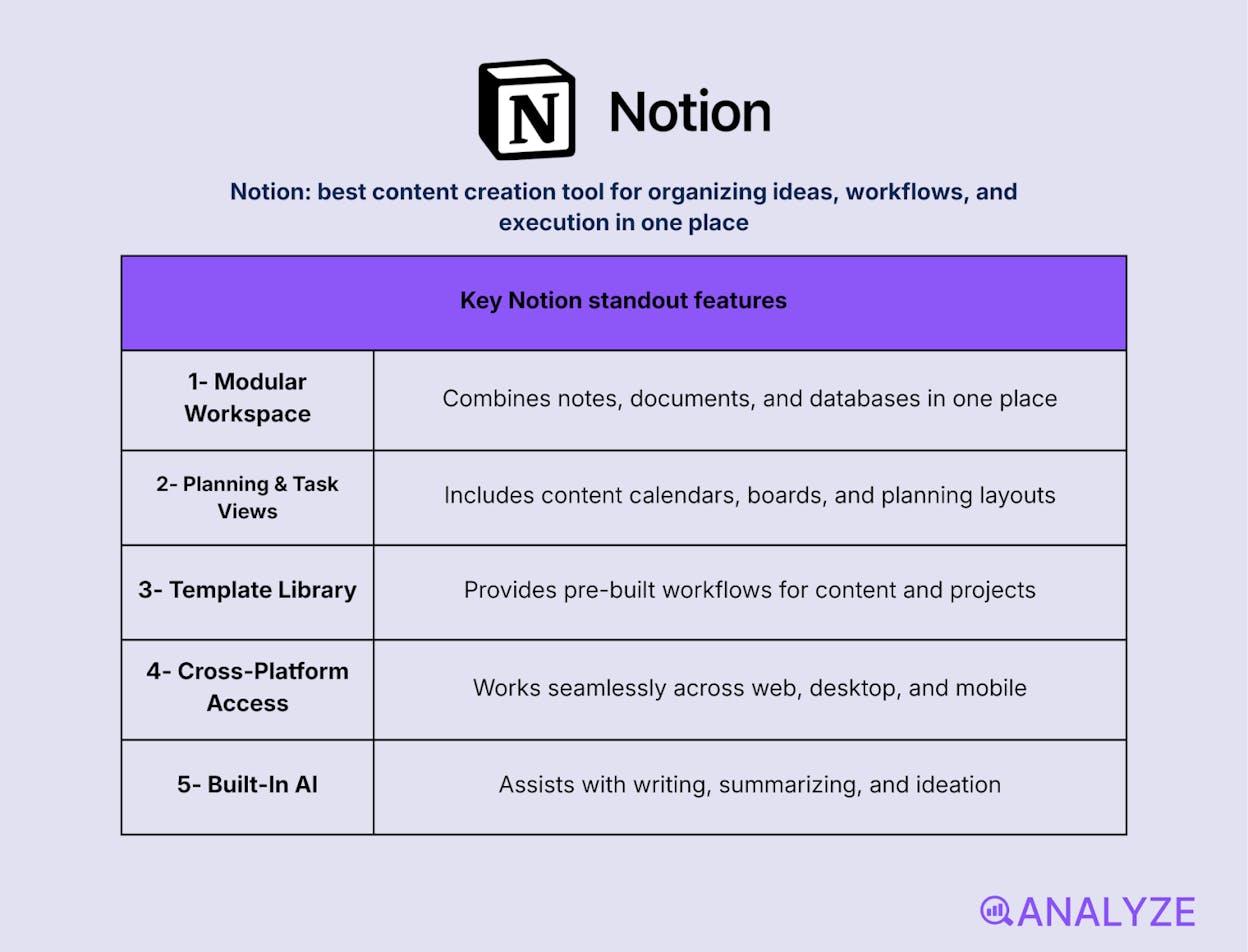
Key Notion standout features
-
Modular workspace for notes, docs, and databases
-
Content calendars, task boards, and planning views
-
Large template library for content and project workflows
-
Cross-platform access across web and devices
-
Built-in AI for writing, summarizing, and ideation
Notion is built for teams that want structure without rigidity. It combines writing, planning, and organization into a single workspace where pages can become documents, task lists, or full content systems. Instead of juggling multiple tools, creators use Notion to centralize ideas, drafts, calendars, and workflows in one adaptable environment.
In real content operations, Notion acts as the backbone rather than the production engine. Teams rely on it to plan editorial calendars, manage content pipelines, store research, and collaborate on drafts. Templates speed up setup, while databases make it easy to track status and ownership. Its flexibility is the advantage—but it also means systems must be designed intentionally to avoid sprawl.
Notion does not replace specialized tools for publishing, analytics, or advanced editing. Without clear structure, workspaces can become cluttered, and performance may slow with very large databases. Notion AI helps with writing and summaries, but it’s best used as an assist layer rather than a full content generator.
How Notion fits your content creation workflow
|
Aspect |
Why it matters for content creation |
|
Centralized planning |
Keeps ideas, drafts, and timelines in one place |
|
Workflow visibility |
Makes content status and ownership clear |
|
Custom structure |
Adapts to different team and content needs |
|
Collaboration |
Supports shared editing and documentation |
Best use cases
-
Managing editorial calendars and content pipelines
-
Organizing research, briefs, and drafts
-
Coordinating content work across teams
Notion is the control center for content teams that want flexible planning and collaboration, even if execution happens elsewhere.
Trello: best content creation tool for visual workflow tracking and simple pipelines
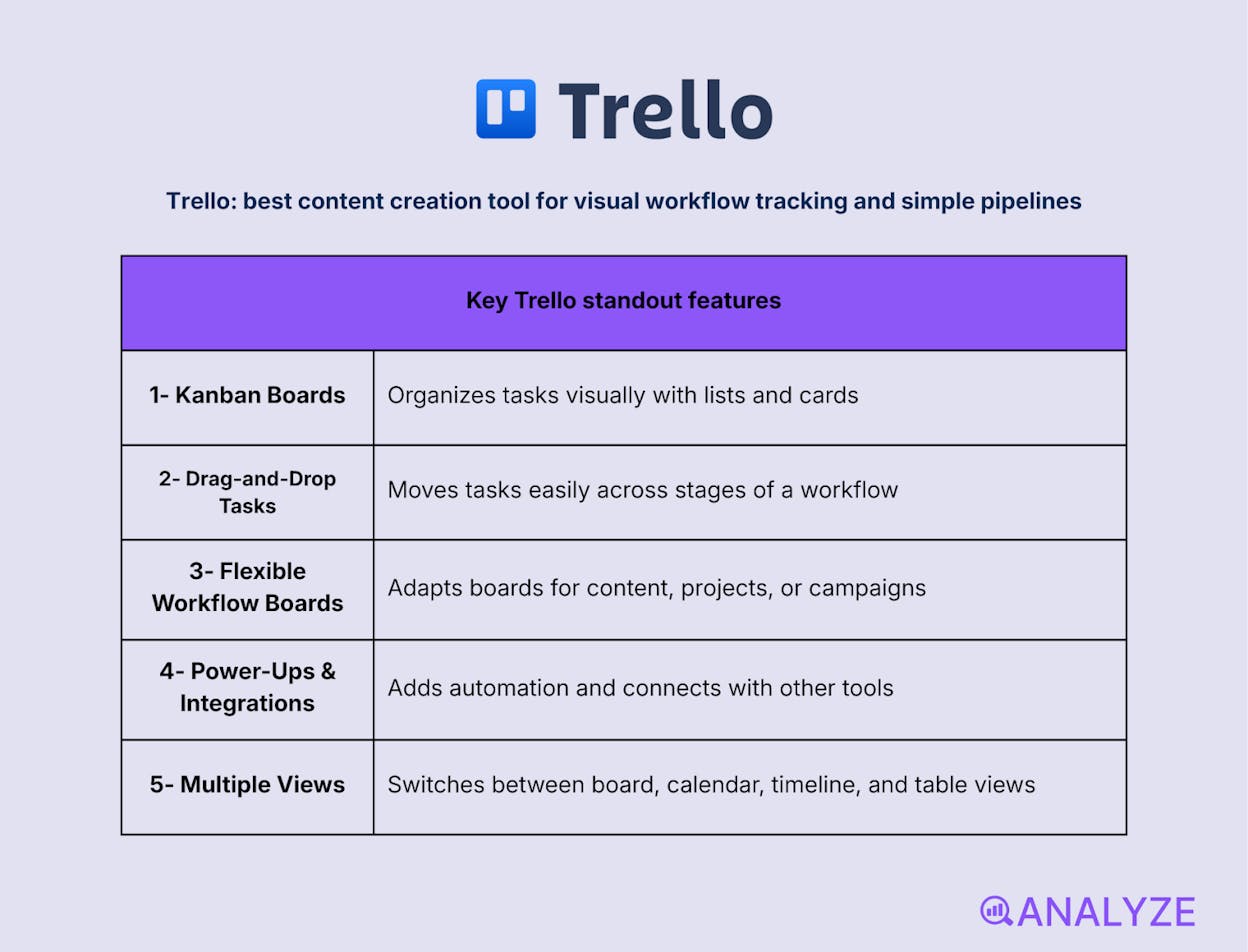
Key Trello standout features
-
Kanban-style boards with lists and cards
-
Drag-and-drop task movement
-
Flexible boards for content and project workflows
-
Power-Ups for automation and integrations
-
Multiple views (board, calendar, timeline, table)
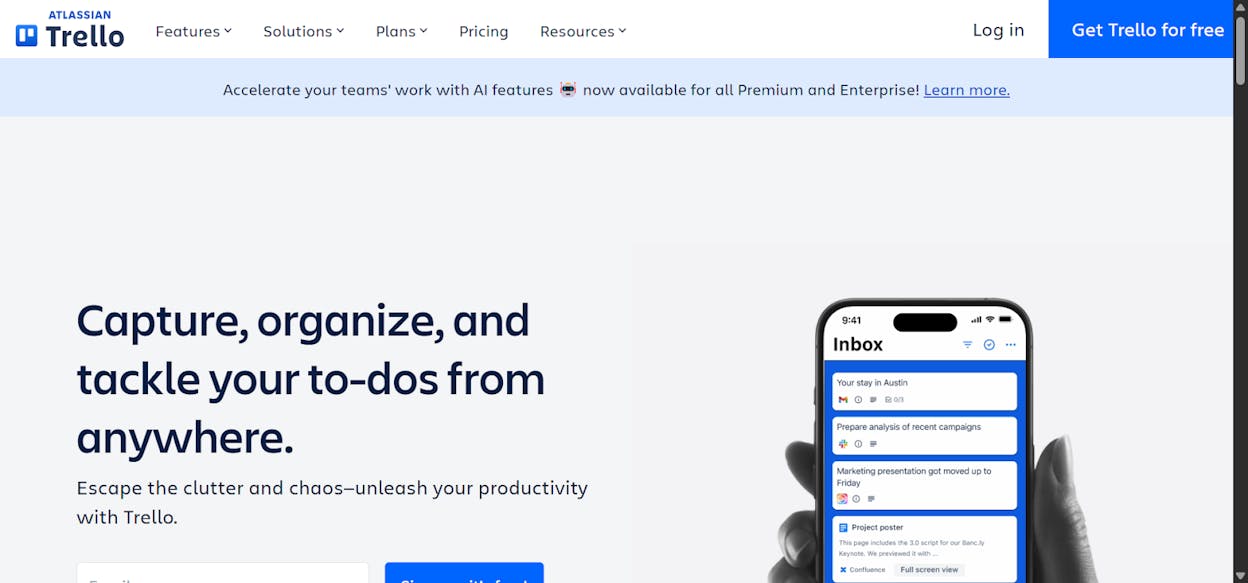
Trello is designed for teams that want clarity at a glance. It represents work visually, letting tasks move through clear stages like idea, draft, review, and publish. The board-and-card model makes it easy to understand what’s happening without digging through reports or complex dashboards. For content teams, this keeps momentum visible and friction low.
In day-to-day content workflows, Trello works best as a lightweight execution layer. Teams use it to manage editorial pipelines, assign ownership, set deadlines, and spot bottlenecks early. Power-Ups add flexibility through calendars, automations, and integrations, but the core strength remains simplicity. That same simplicity means Trello focuses on flow rather than deep planning or documentation.
Trello is not built for complex dependencies, advanced reporting, or large-scale program management. As workflows grow more intricate, boards can become crowded and harder to maintain. For teams needing structured data or deep analytics, more robust project tools may be a better fit.
How Trello fits your content creation workflow
|
Aspect |
Why it matters for content creation |
|
Visual clarity |
Shows content status instantly |
|
Workflow flow |
Makes progress and blockers easy to spot |
|
Ease of adoption |
Requires little setup or training |
|
Team alignment |
Keeps ownership and deadlines visible |
Best use cases
-
Managing editorial pipelines and content stages
-
Tracking tasks across small to mid-sized teams
-
Coordinating content production with clear handoffs
Trello is ideal for teams that want a simple, visual way to keep content moving without the overhead of complex project management systems.
Slack: best content creation tool for real-time collaboration and feedback loops
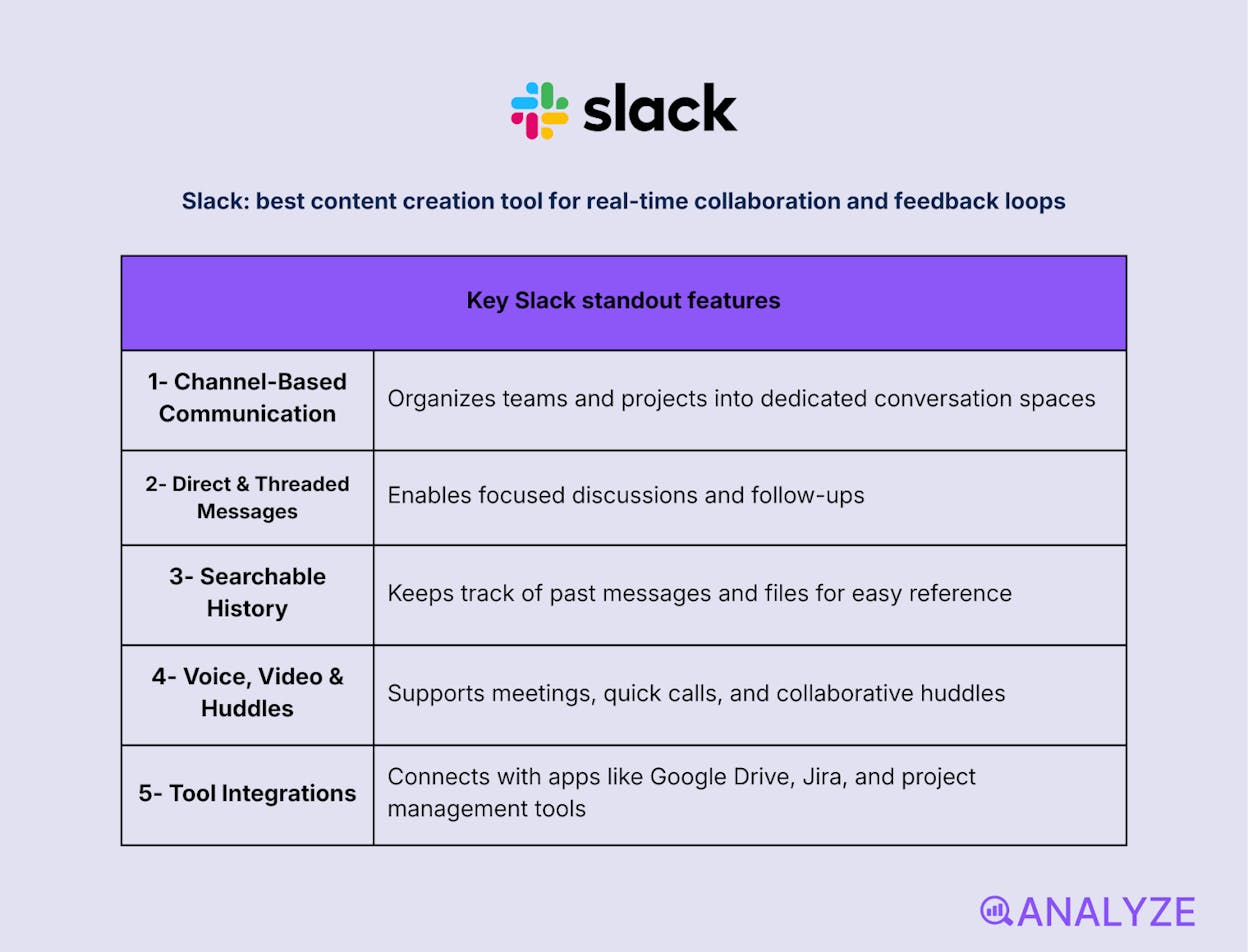
Key Slack standout features
-
Channel-based team communication
-
Direct messages and threaded discussions
-
Searchable message and file history
-
Voice, video, and huddle meetings
-
Deep integrations with work tools
Slack is built for teams that need fast, continuous communication around their work. It organizes conversations into channels by topic, project, or function, making discussions easier to follow than long email threads. For content teams, this creates a shared space where ideas, drafts, and decisions move quickly and stay visible.
In everyday workflows, Slack acts as the connective tissue between tools and people. Teams use it to review content, share feedback, coordinate launches, and resolve questions in real time. Integrations pull updates from project tools, calendars, and file storage directly into channels, keeping context in one place. This speed and openness improve alignment, but they also require discipline to avoid constant interruptions.
Slack is not a planning or execution system on its own. Important decisions can get buried in busy channels, and without clear norms, noise can overwhelm focus. For long-term documentation or structured workflows, it works best alongside project and knowledge tools.
How Slack fits your content creation workflow
|
Aspect |
Why it matters for content creation |
|
Fast feedback |
Reduces turnaround time on reviews and approvals |
|
Team alignment |
Keeps discussions visible and shared |
|
Tool connectivity |
Centralizes updates from the content stack |
|
Searchability |
Makes past decisions easy to retrieve |
Best use cases
-
Coordinating content production and launches
-
Collecting feedback on drafts and visuals
-
Keeping distributed teams aligned in real time
Slack is essential for content teams that value speed, collaboration, and clear communication—provided it’s paired with tools for structure and planning.
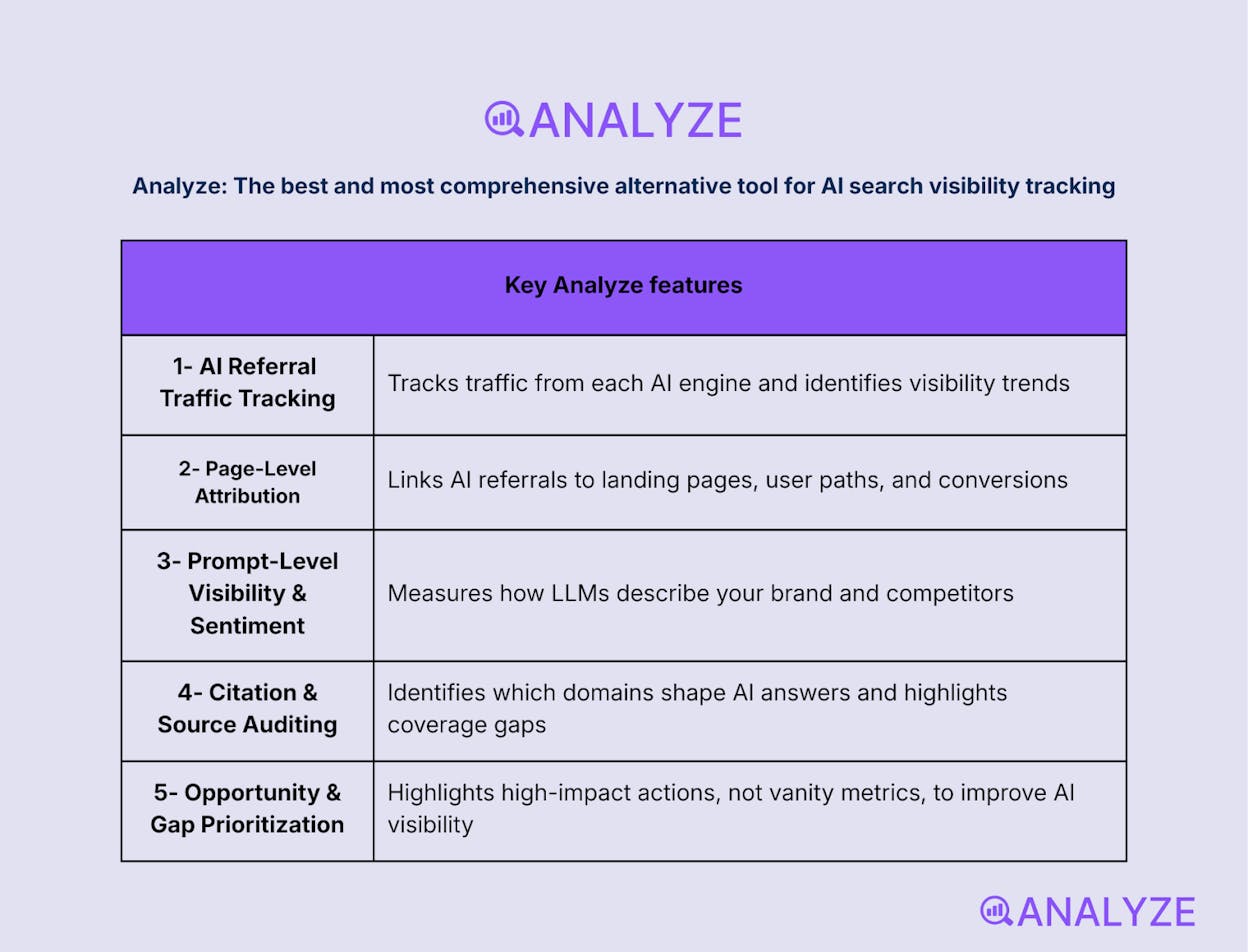
Analyze AI: The best and most comprehensive alternative tool for AI search visibility tracking
Key Analyze AI features
-
See actual AI referral traffic by engine and track trends that reveal where visibility grows and where it stalls.
-
See the pages that receive that traffic with the originating model, the landing path, and the conversions those visits drive.
-
Track prompt-level visibility and sentiment across major LLMs to understand how models talk about your brand and competitors.
-
Audit model citations and sources to identify which domains shape answers and where your own coverage must improve.
-
Surface opportunities and competitive gaps that prioritize actions by potential impact, not vanity metrics.
Here are in more details how Analyze AI works:
See actual traffic from AI engines, not just mentions

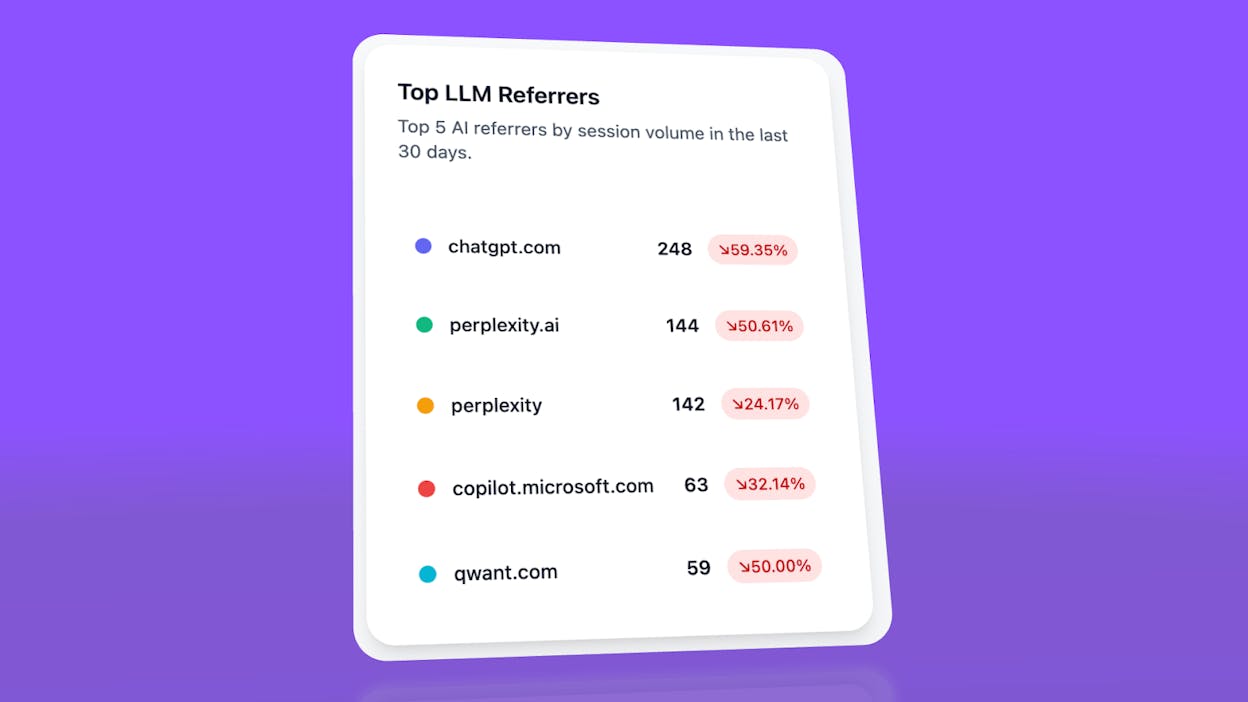
Analyze AI attributes every session from answer engines to its specific source—Perplexity, Claude, ChatGPT, Copilot, or Gemini. You see session volume by engine, trends over six months, and what percentage of your total traffic comes from AI referrers. When ChatGPT sends 248 sessions but Perplexity sends 142, you know exactly where to focus optimization work.
Know which pages convert AI traffic and optimize where revenue moves
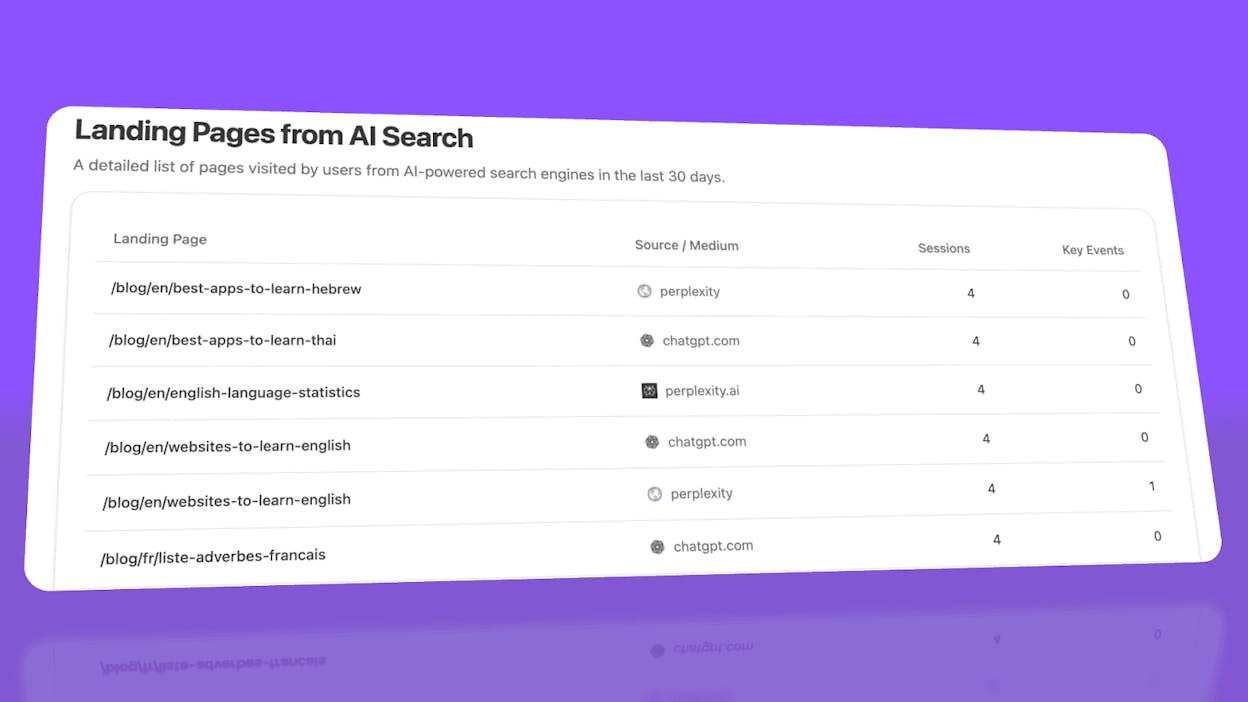
Most tools stop at "your brand was mentioned." Analyze AI shows you the complete journey from AI answer to landing page to conversion, so you optimize pages that drive revenue instead of chasing visibility that goes nowhere.
The platform shows which landing pages receive AI referrals, which engine sent each session, and what conversion events those visits trigger.
For instance, when your product comparison page gets 50 sessions from Perplexity and converts 12% to trials, while an old blog post gets 40 sessions from ChatGPT with zero conversions, you know exactly what to strengthen and what to deprioritize.
Track the exact prompts buyers use and see where you're winning or losing
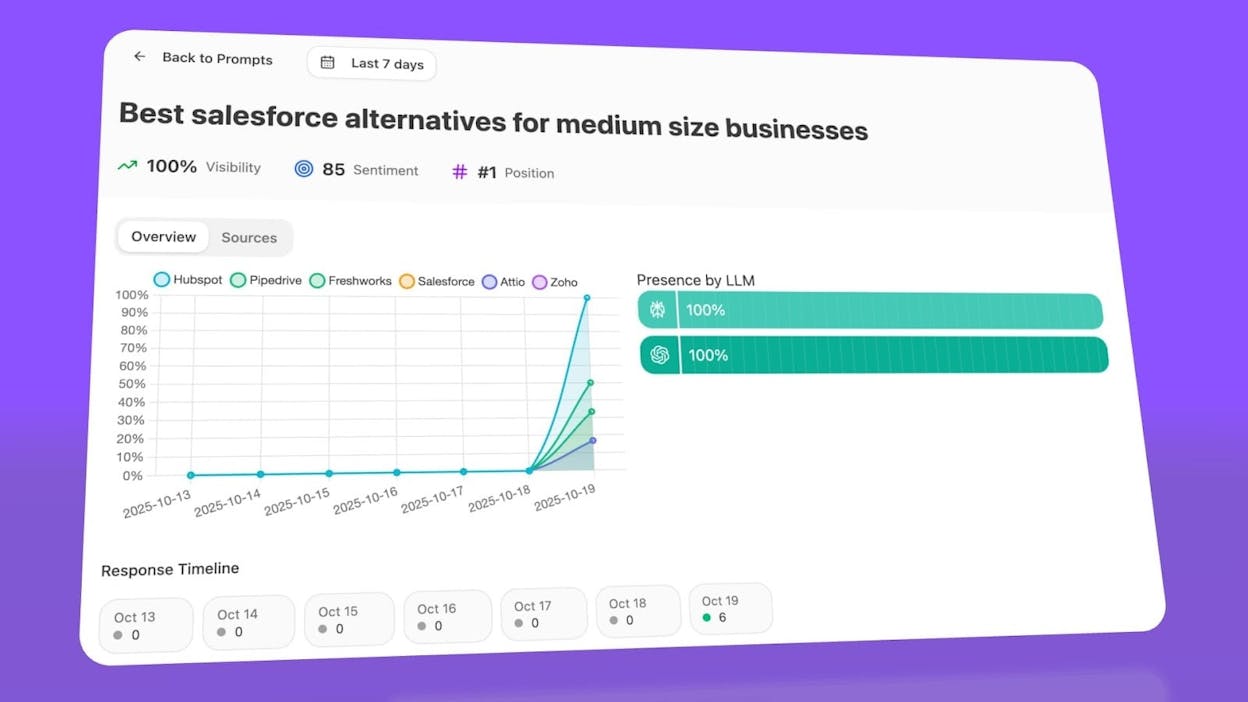
Analyze AI monitors specific prompts across all major LLMs—"best Salesforce alternatives for medium businesses," "top customer service software for mid-sized companies in 2026," "marketing automation tools for e-commerce sites."
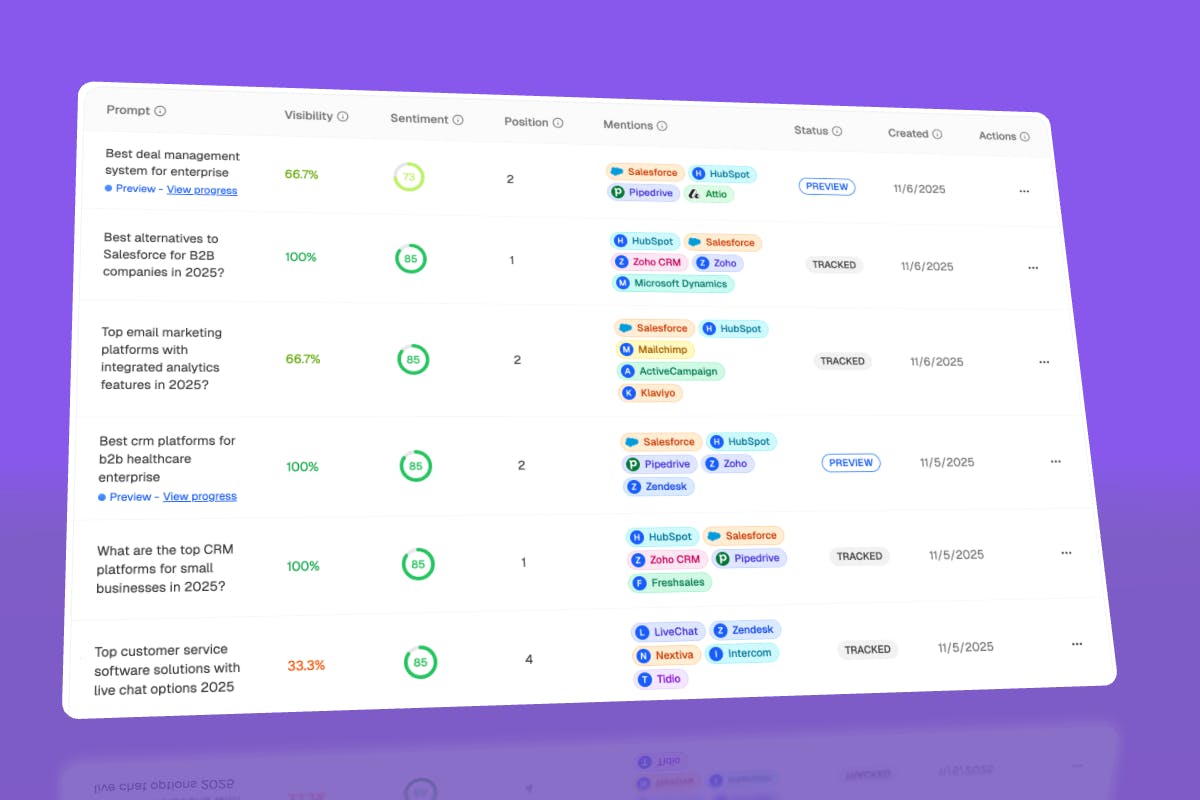
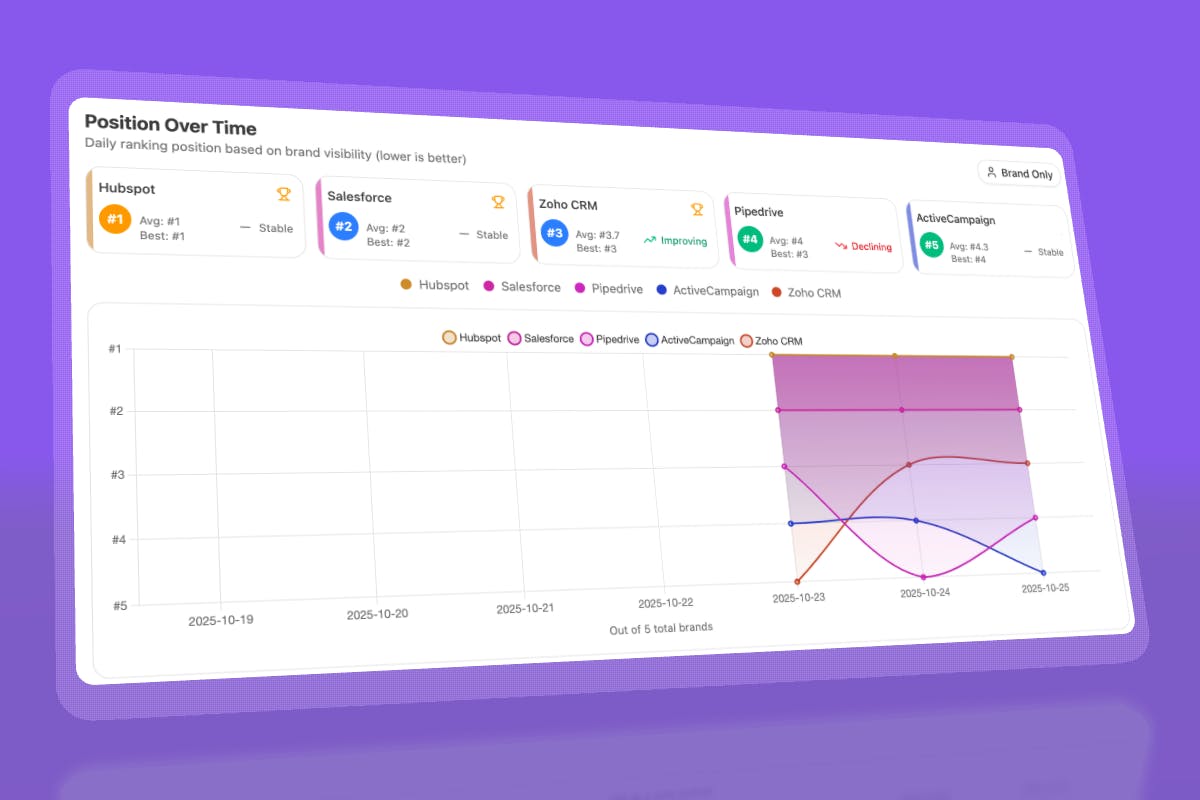
For each prompt, you see your brand's visibility percentage, position relative to competitors, and sentiment score.
You can also see which competitors appear alongside you, how your position changes daily, and whether sentiment is improving or declining.
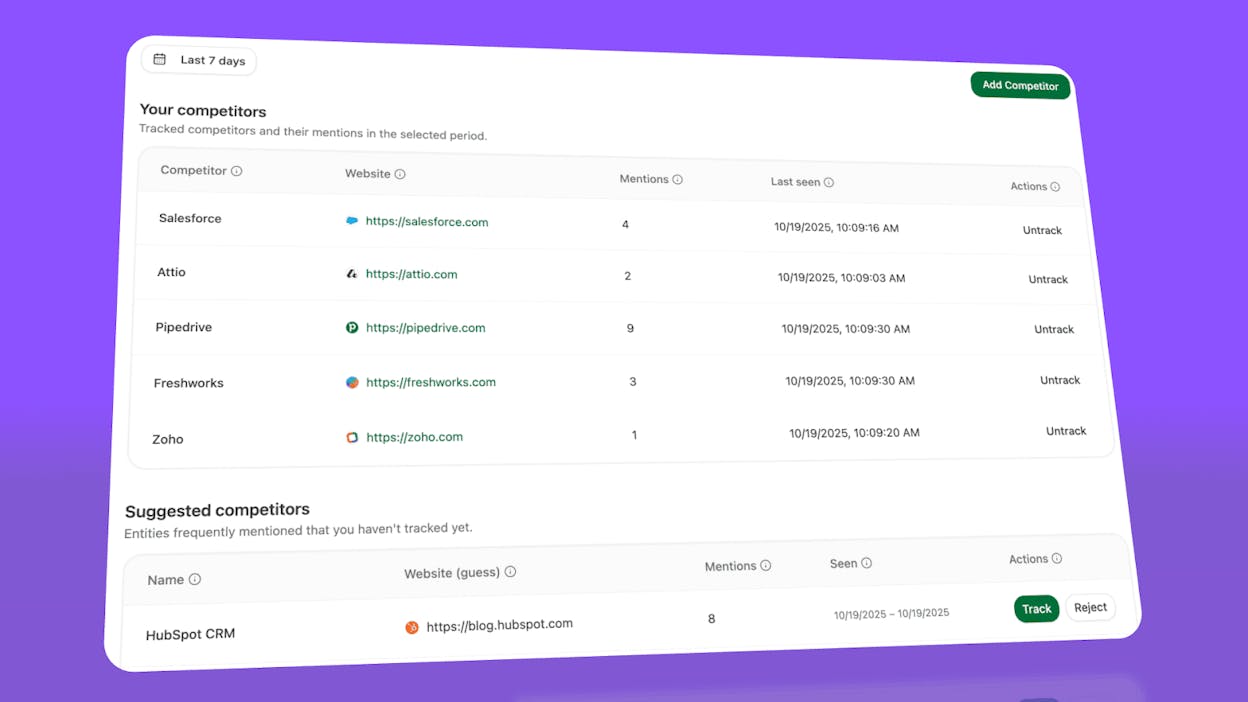
Don’t know which prompts to track? No worries. Analyze AI has a prompt suggestion feature that suggests the actual bottom of the funnel prompts you should keep your eyes on.
Audit which sources models trust and build authority where it matters
Analyze AI reveals exactly which domains and URLs models cite when answering questions in your category.
You can see, for instance, that Creatio gets mentioned because Salesforce.com's comparison pages rank consistently, or that IssueTrack appears because three specific review sites cite them repeatedly.
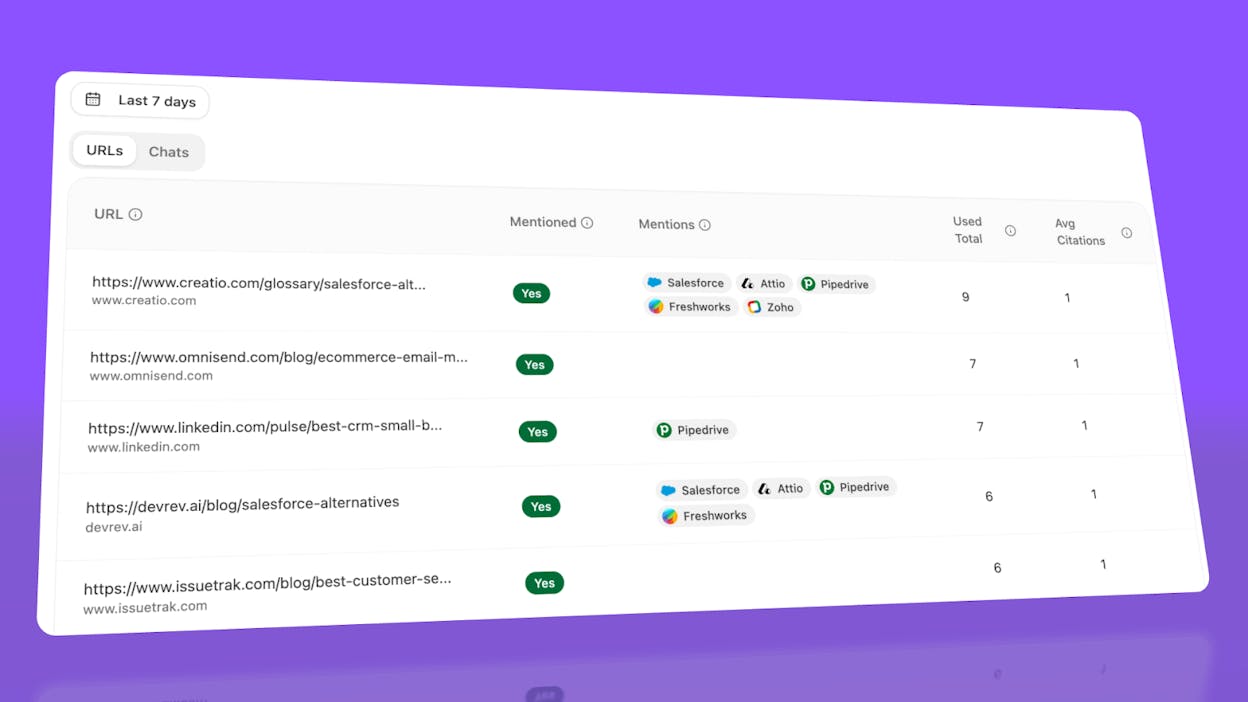
Analyze AI shows usage count per source, which models reference each domain, and when those citations first appeared.
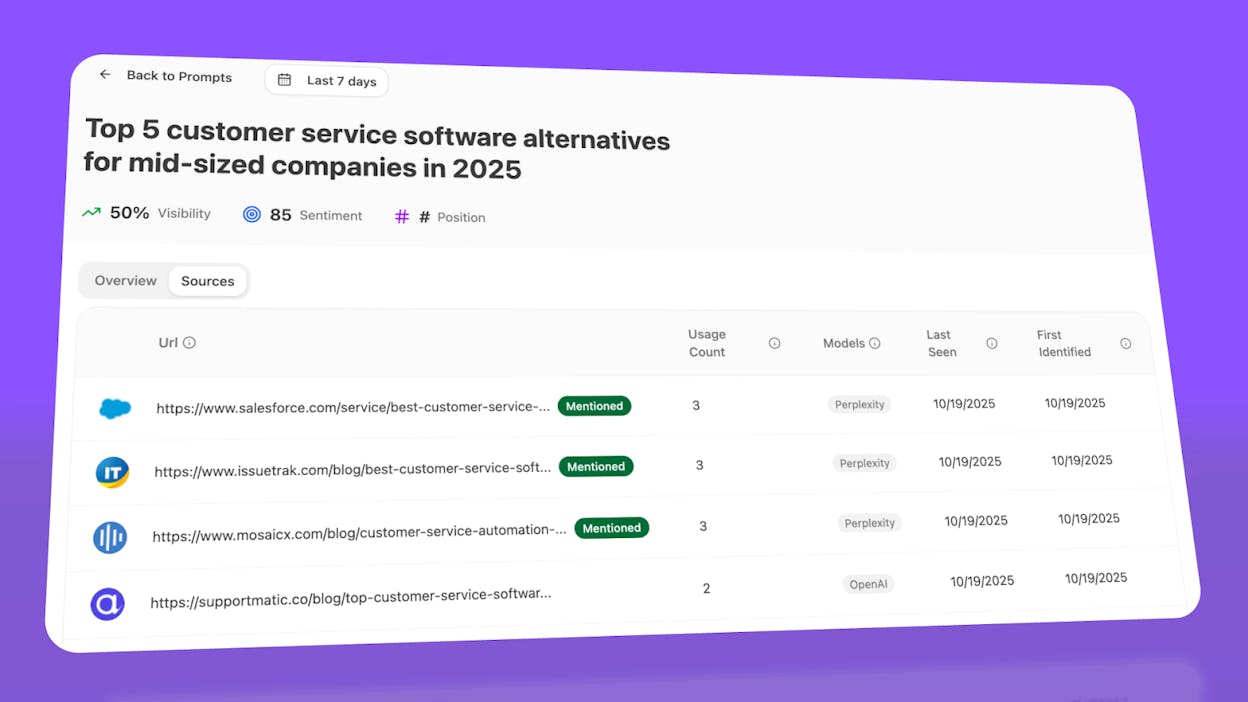
Citation visibility matters because it shows you where to invest. Instead of generic link building, you target the specific sources that shape AI answers in your category. You strengthen relationships with domains that models already trust, create content that fills gaps in their coverage, and track whether your citation frequency increases after each initiative.
Prioritize opportunities and close competitive gaps
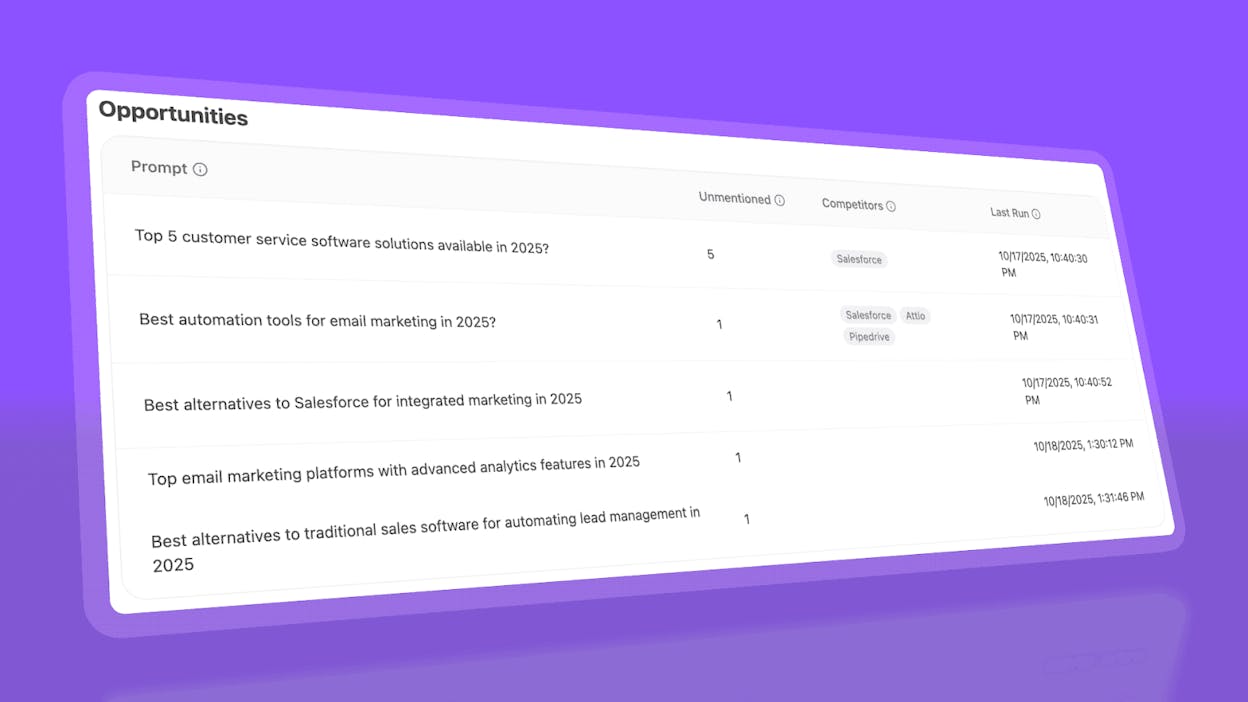
Analyze AI surfaces opportunities based on omissions, weak coverage, rising prompts, and unfavorable sentiment, then pairs each with recommended actions that reflect likely impact and required effort.
For instance, you can run a weekly triage that selects a small set of moves—reinforce a page that nearly wins an important prompt, publish a focused explainer to address a negative narrative, or execute a targeted citation plan for a stubborn head term.

Ernest

Ibrahim


