
Getting started
Setting up your prompts
Prompts are the questions buyers ask AI assistants. Choosing the right ones is the highest-leverage setup step in Analyze AI — here's how to do it well.
How prompts work
When someone asks ChatGPT "what's the best AI visibility tool for an agency?", that question is a prompt — and the answer decides which brands get discovered. Analyze AI runs your prompts on a recurring schedule across six AI engines — ChatGPT, Claude, Gemini, Perplexity, Grok, and Microsoft Copilot — and measures what comes back:
- Visibility — is your brand mentioned, and where does it rank in the answer?
- Sentiment — how positively does the AI talk about you when it does?
- Citations — which pages and domains the AI used as sources.
- Competitors — who else appears in the same answers, and how you compare.
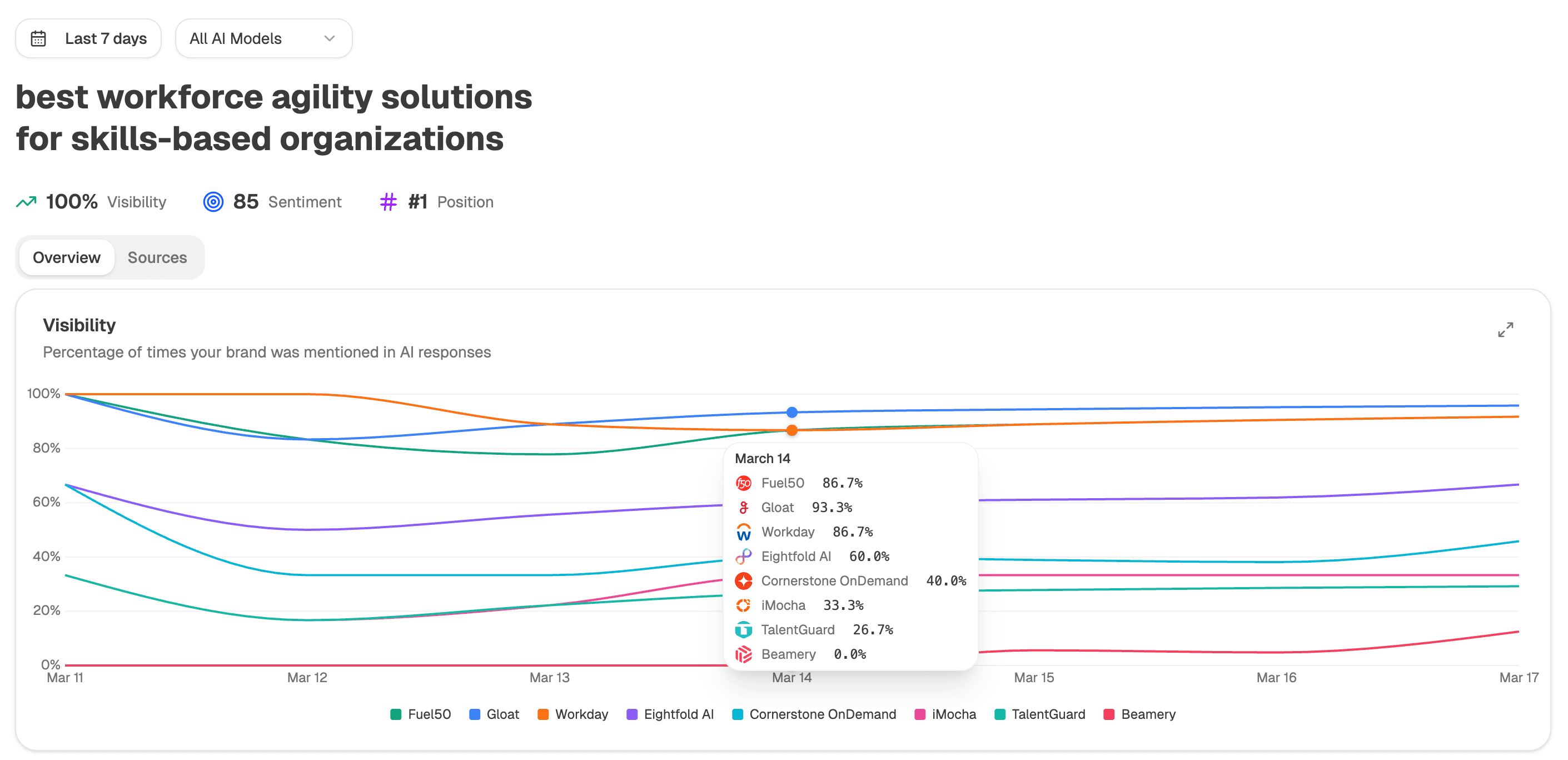
Think like a buyer, not like an SEO. AI assistants answer natural questions, so "best AI visibility platform for B2B SaaS" will teach you far more than a bare keyword like "AI visibility tool". Exact wording matters less than intent — the engines interpret meaning, not keywords.
Start from the suggestions
During onboarding, Analyze AI proposes starter prompts automatically. These aren't generic templates: they're built from real search demand for your category and from your Brand Vault — the structured profile of your product, audience, and competitors that Analyze AI builds from your website.
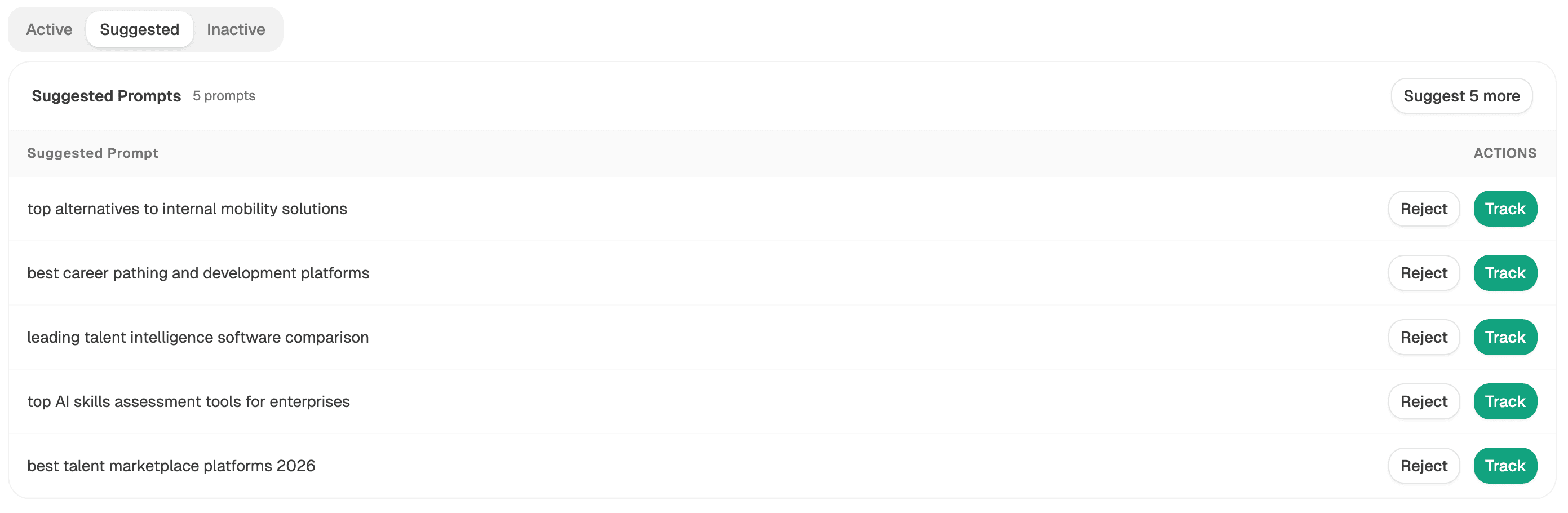
The better your Brand Vault, the better your suggestions. If the proposed prompts feel off-target, review your Vault in the dashboard first — it's the source the suggestion engine reasons from.
Add and manage your own
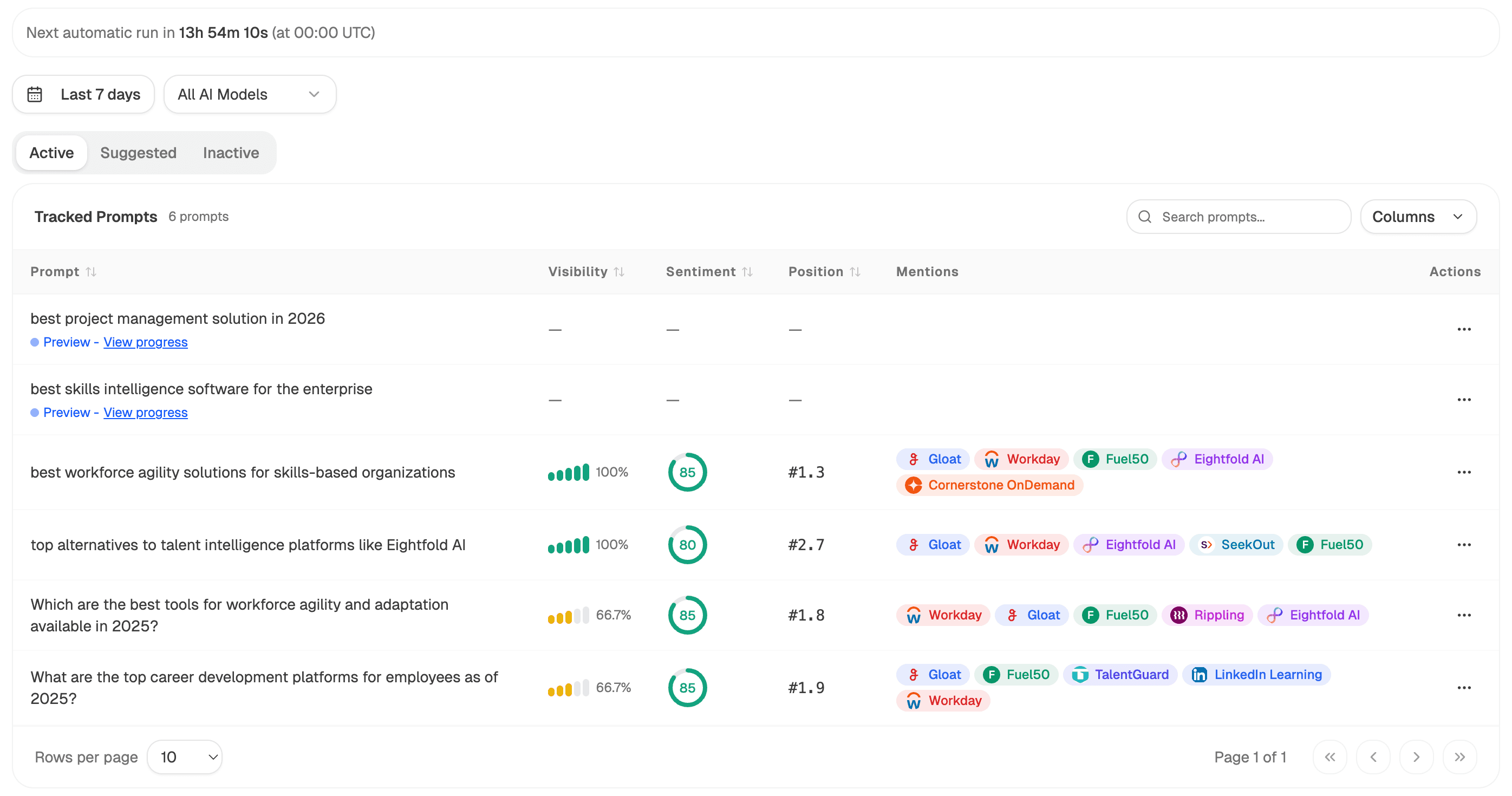
You can edit, add, and remove prompts at any time from the Prompts page.
Open Prompts in your dashboard
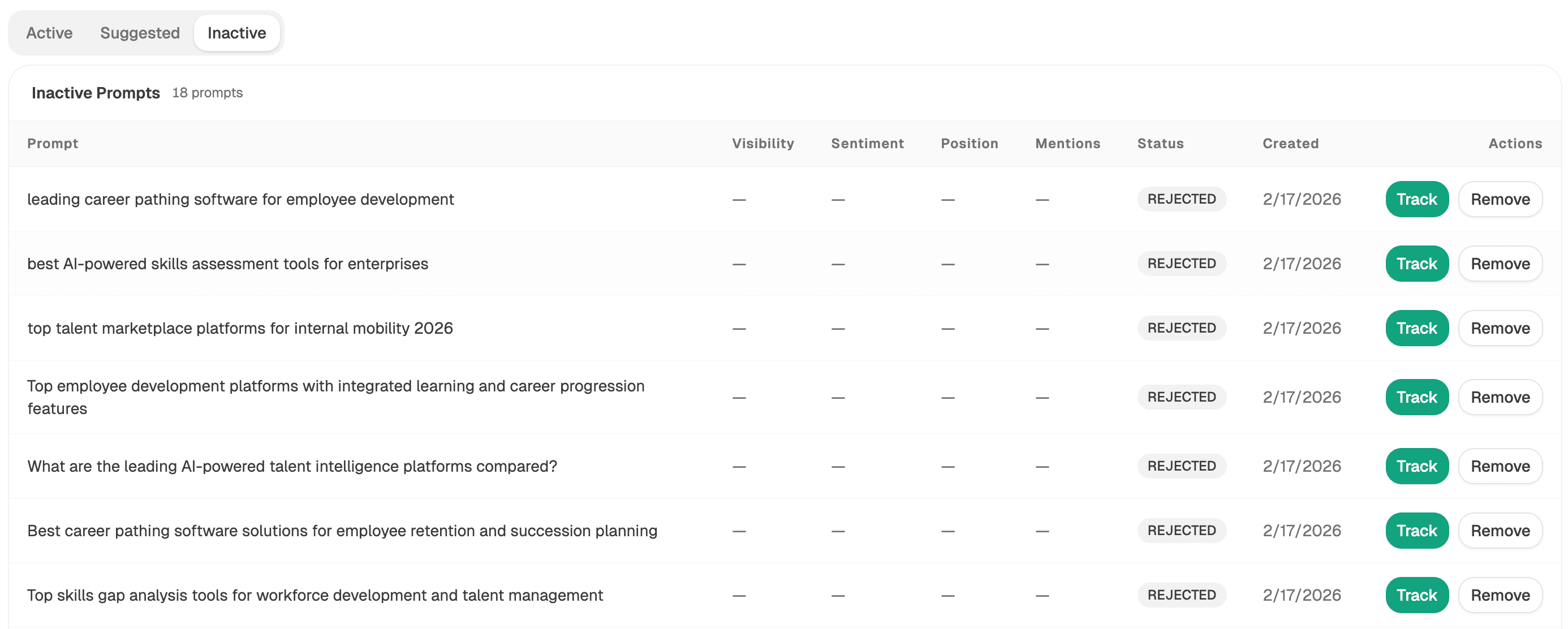
You'll see every prompt with its status: Tracked prompts run on your recurring schedule, Suggested ones are proposals you haven't accepted yet, and Inactive ones are retired but keep their history.
Write prompts in buyer language
Good prompts sound like a real person with a real need: "how do I know if ChatGPT recommends my brand", "Peec AI alternatives for mid-market teams", "best GEO tools 2026". Cover your category, your comparisons, and your use cases.
Set a country when location matters
Each prompt can target a specific country, so a French brand can track what French buyers are told, separately from US answers.
Track it
Tracking a prompt starts its first analysis run immediately and adds it to your recurring schedule. New results typically arrive within a few minutes.
Think in clusters
A single prompt is an anecdote; a cluster is a signal. Structure your portfolio around the moments that decide deals:
| Cluster | Example prompt | What it tells you |
|---|---|---|
| Category | "best AI visibility platforms" | Are you in the consideration set at all? |
| Comparison | "Analyze AI vs Peec AI" | How AI frames you against named rivals |
| Use case | "how to track brand mentions in ChatGPT" | Whether you own your core jobs-to-be-done |
| Buying objection | "is AI visibility tracking worth it" | The narrative around your category's value |
Spread your quota across clusters rather than spending it all on one. Ten prompts covering four intents beat twenty variations of the same question.
Plan limits and prompt hygiene
Your plan includes a set number of tracked prompts. When you hit the limit, retire prompts instead of deleting them — Inactive prompts stop consuming quota but keep their history, so you can re-track them later without losing the trend line.
Resist the urge to rewrite prompts frequently. Editing a prompt's text changes what's being measured, which resets the meaning of its trend. Refine early, then let prompts run untouched so week-over-week movement is real signal.